🚀 Elevate Your Connectivity Game!
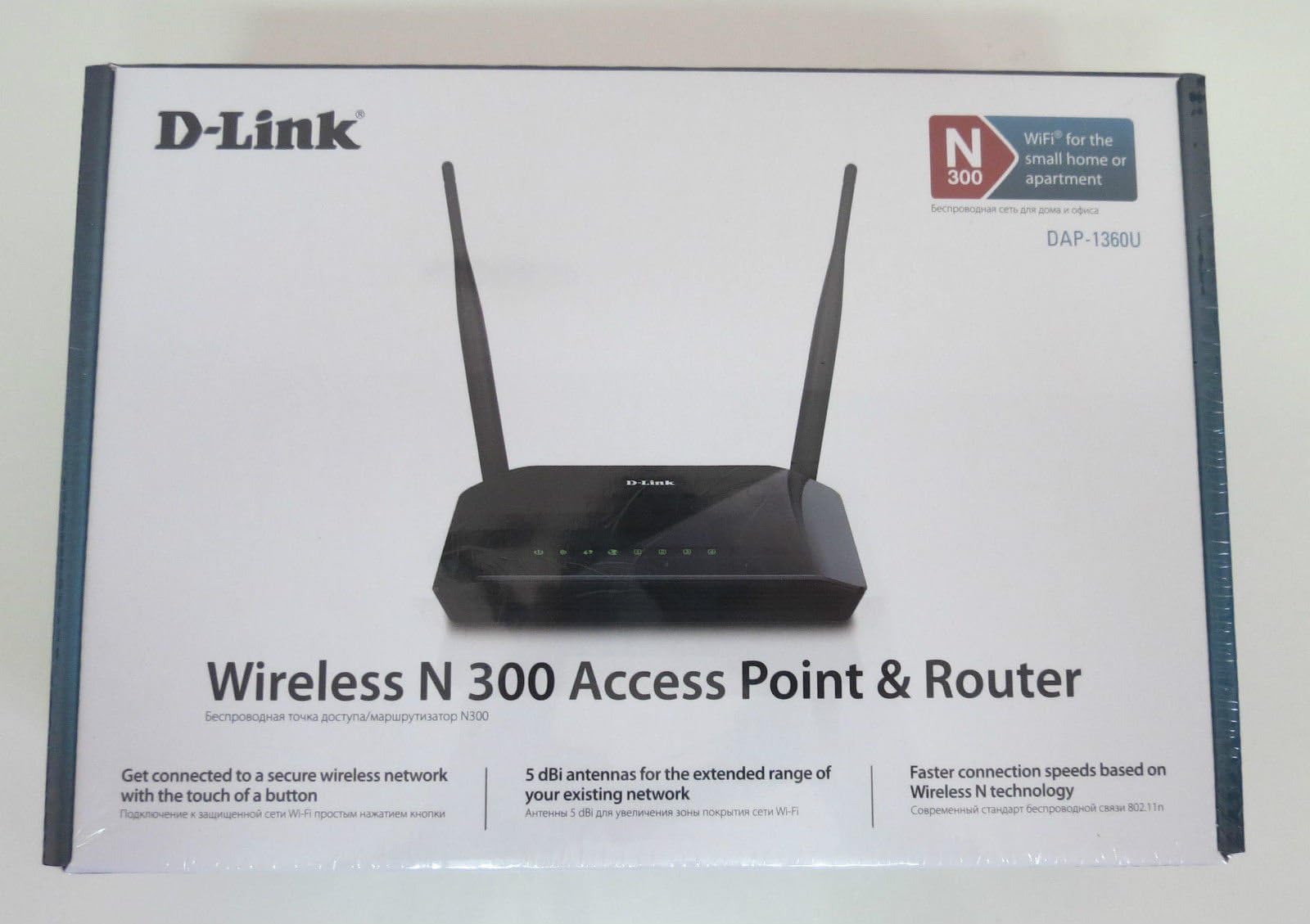
The D-Link DIR-632 Wireless Router offers robust wireless connectivity with speeds up to 300 Mbps, featuring 8 LAN ports and compliant with IEEE 802.11n standards. Although discontinued by the manufacturer, it remains a reliable choice for enhancing your home or office network.
A**R
It's been a month, and it works fine!
(03/04/12) I saw a few bad reviews and a few good ones so I decided to try my luck as I really needed a couple of extra ethernet ports. I have 2 telephone lines, 2 tvs, a network drive, and a pc connected via cat5 cable and I have had not problems in 24 hours. The "easy setup" requires installation of the software first. I was too lazy to get my laptop (disk drive) from upstairs and decided to try a manual setup using my netbook. It was quick and easy. Besides the 6 devices I listed above I have a netbook, two smart phones, and a laptop that I have connected successfully to the router wirelessly. So far, so good. I will only update this review if I run into trouble. I hope this helps those that are hesitant about getting this device.(04/03/12) It has been 1 month, no major trouble, not sure why this device keeps getting such bad reviews. I live in a double and my mother lives next door and I could not get a signal before I switched from my not so old, not so cheap Belkin. I never bought it to boost the signal but I did a signal boost. I am happy, it all works fine. I did experience lost signal a couple of times on one of my android phones, but it was resolved by turning the wireless off and then back ON on the phone. Here is a suggestion for those still having trouble with theirs... if you live in an appartment building or an area where many signals overlap, your wireless signal may get "jammed" this can be solved by changing the channel on the router admin page. I had to do this with my Belkin wireless router and yes... it does make a difference. Hope that helps.
A**R
No FTP
This router worked fine for regular internet access. But I could never get it to work properly for FTP file transfers using FileZilla.The file would upload but the return signal verifying the upload was blocked, so FileZilla would just try to start the upload over again. I'm a medium-proficient IT/networking guy, and spent several hours on FileZilla and D-Link forums trying to figure it out, and tried dozens of likely-sounding configuration changes - to no avail.Ease of use - 3 stars - it runs, but doesn't perform needed function which SHOULD have been easy & automaticReliability - 4 stars - only 1 day of experience, but it seems reliable enoughEase of setup - 1 star - initial setup was a little convoluted, but not horrible; there may be a way to get it running with FTP, but it sure isn't easyOverall - 2 stars - a well-engineered product it is NOT; would not purchase or recommend it to anyone elseBTW, the Linksys router being replaced (which still works beautifully, just gave it to a family member) performed FTP transfers flawlessly with no need for setup tweaks whatsoever.I'm returning this router. I've ordered another Linksys router instead.Purchased at Amazon, return policy is second-to-none.Windows 7 - 64bitEDIT TO ORIGINAL REVIEW:It turns out the FTP timeout problem occurs with newer Linksys routers, too. As described in the excellent article at this link:[...]FTP and routers are having a harder and harder time getting along as router security advances. I tried out 2 late-generation Linksys routers and got the same error.So I'll upgrade the D-Link product to 3 stars, but not higher, because additional use before finally returning it revealed (a) coverage was marginal - I expected better with dual external antennas, and (b) wireless coverage locked up altogether and the unit had to be rebooted 3 times in a 24-hour period.Ease of use - 3 stars: coverageReliability - 2 stars: lockupsEase of setup - 3 stars: ftp (a ding for Linksys as well)Overall - 3 stars
L**E
The setup is confusing, but otherwise it works swell.
Yep the setup is all sorts of confusing. Mostly because the day I got this my ISP went down for maintenance (D'OH!) so the entire time I was trying to set it up I thought the router was the problem.That being said, they should have some automated thing that picks out the subnet mask and IP addresses and stuff for you. That was a HUGE pain in the ass to set up. Mostly because I am NOT a techy. I am what you'd call an "average consumer with slightly better computer skills than a newbie".As well, the little antennas are garbage. They are flimsy and come loose ALL the time. If you need to use wifi it's not too noticeable, but I am always causing them to move all over the place and I'm afraid they might just break off one day.Overall, it's worth the money as it seems solidly built and provides constant and reliable internet so long as your ISP can as well. As well as some nice advanced features. But it is lacking in many areas that would turn this from a "nice router" to a "pretty freakin' awesome piece of technology".-----------------------------------------Edit as of 6/10/2013I just wanted to update to say that a little over a half a year later it's still going strong. The wifi is actually pretty awesome despite the flimsy antenna.There have been a few mishaps when my internet would go down, but 9 times out of 10 it was hughesnet, and the rest it was some connecting error or another, as a refresh of the terminal fixed it. Which I BELIEVE was hughesnet's fault.
Trustpilot
2 days ago
1 week ago