Some deliveries may take a little longer than usual due to regional shipping conditions.

DOWNLOAD THE APP


Customer Services
Copyright © 2025 Desertcart Holdings Limited
DOWNLOAD THE APP
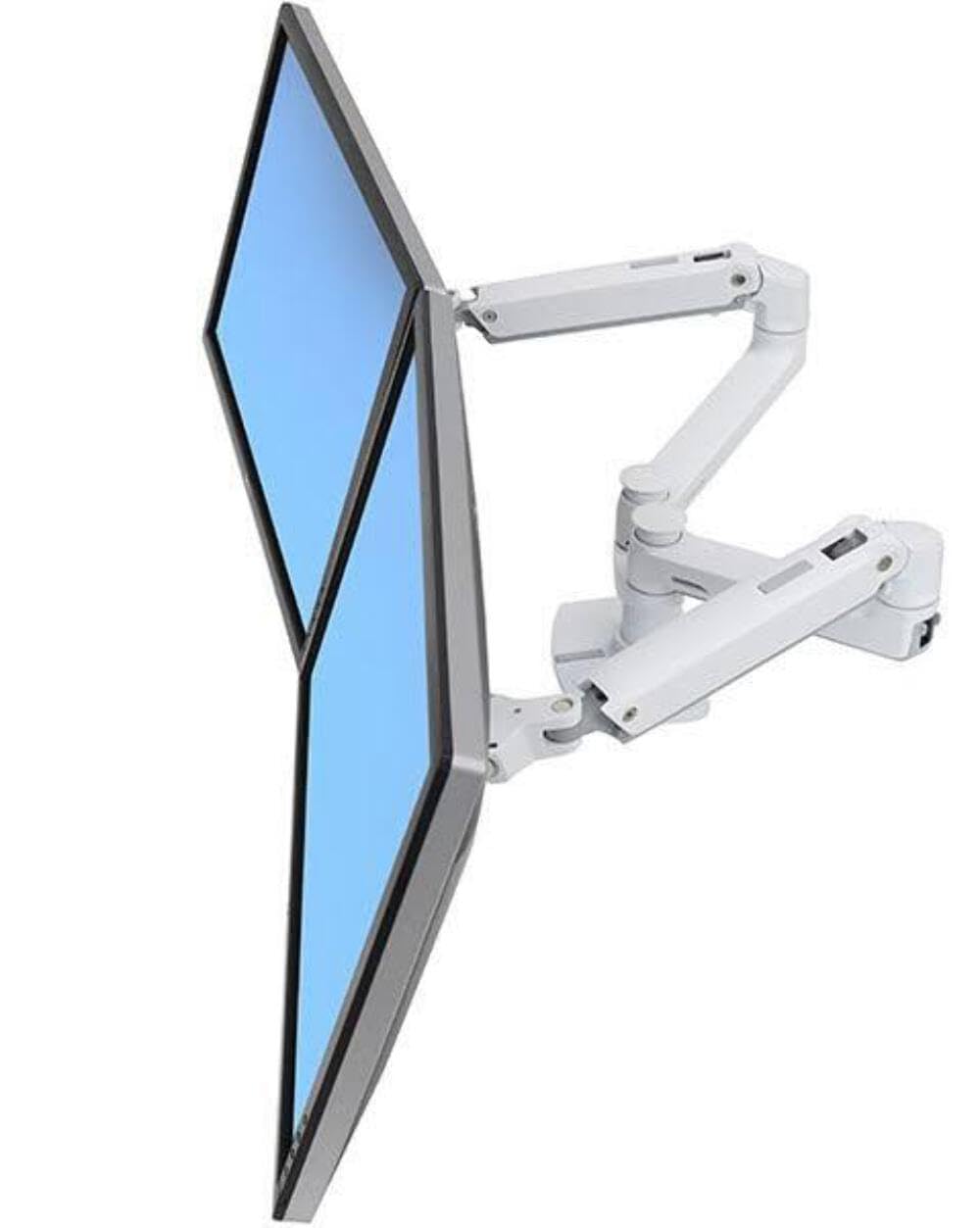
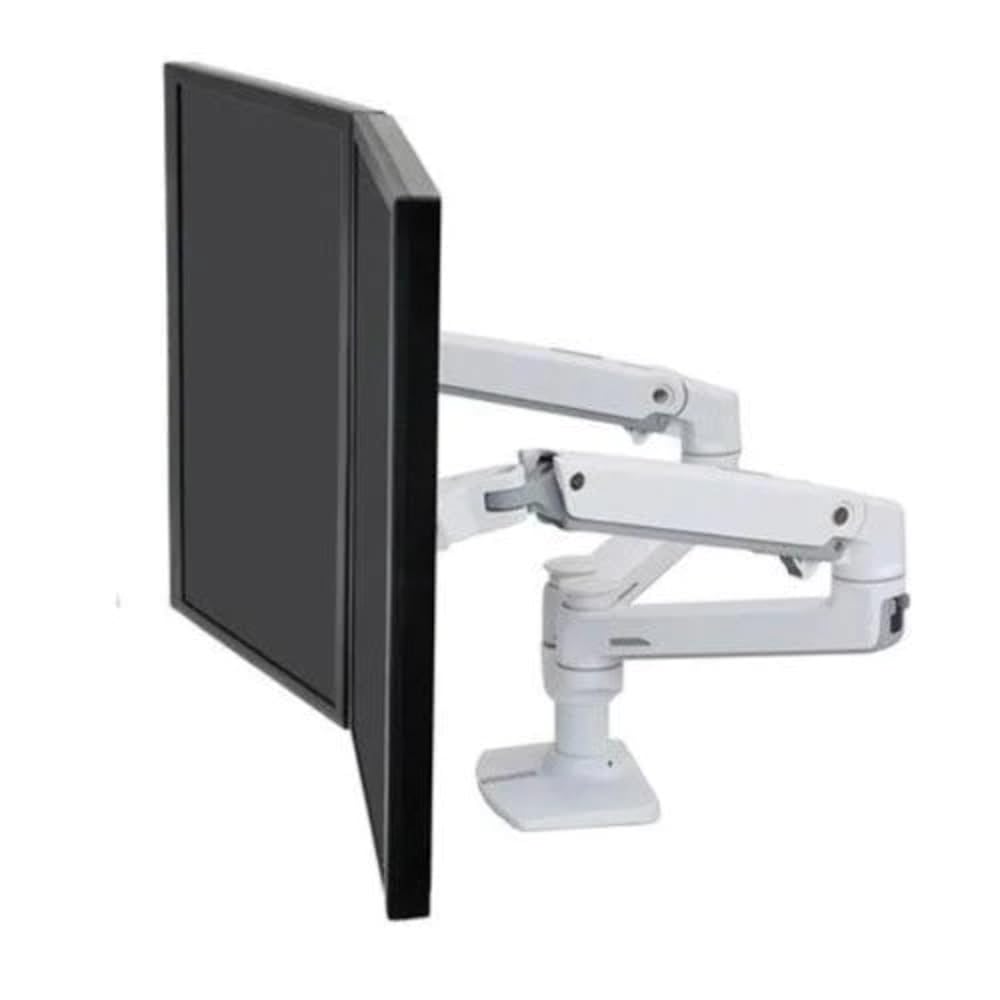

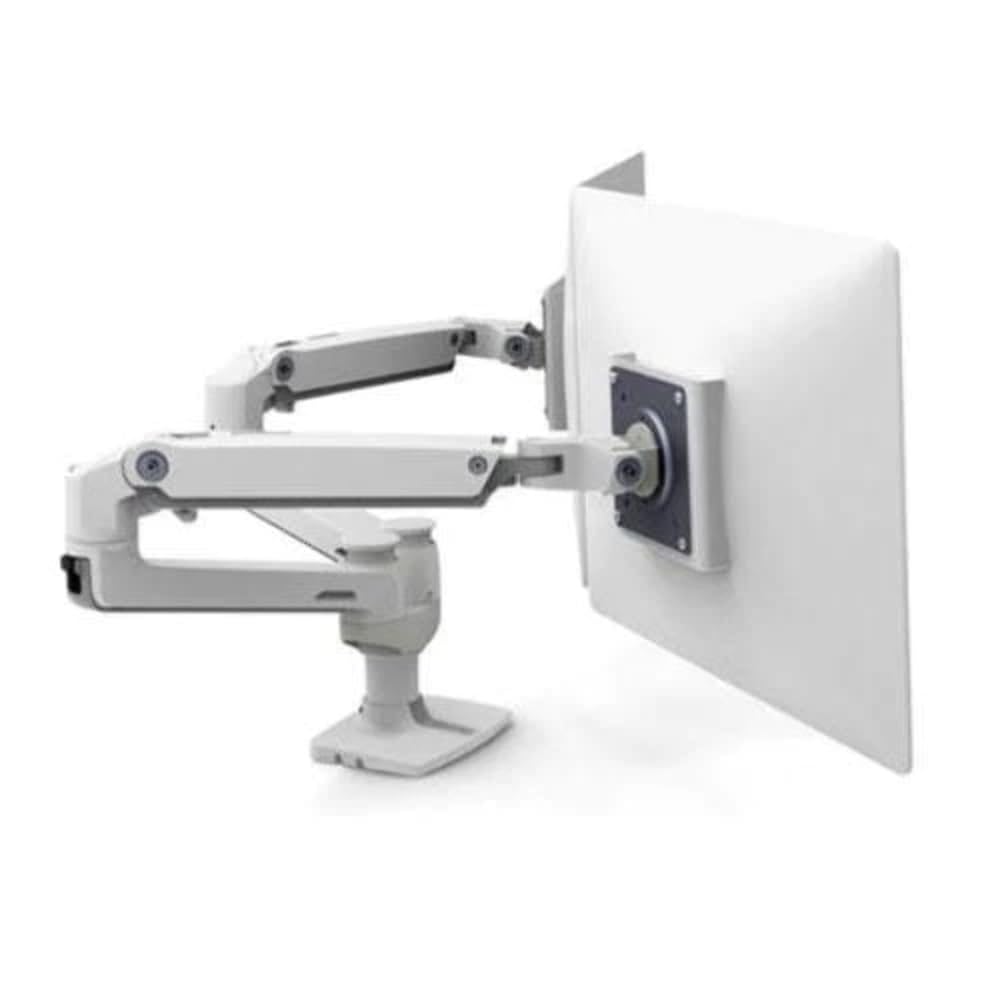
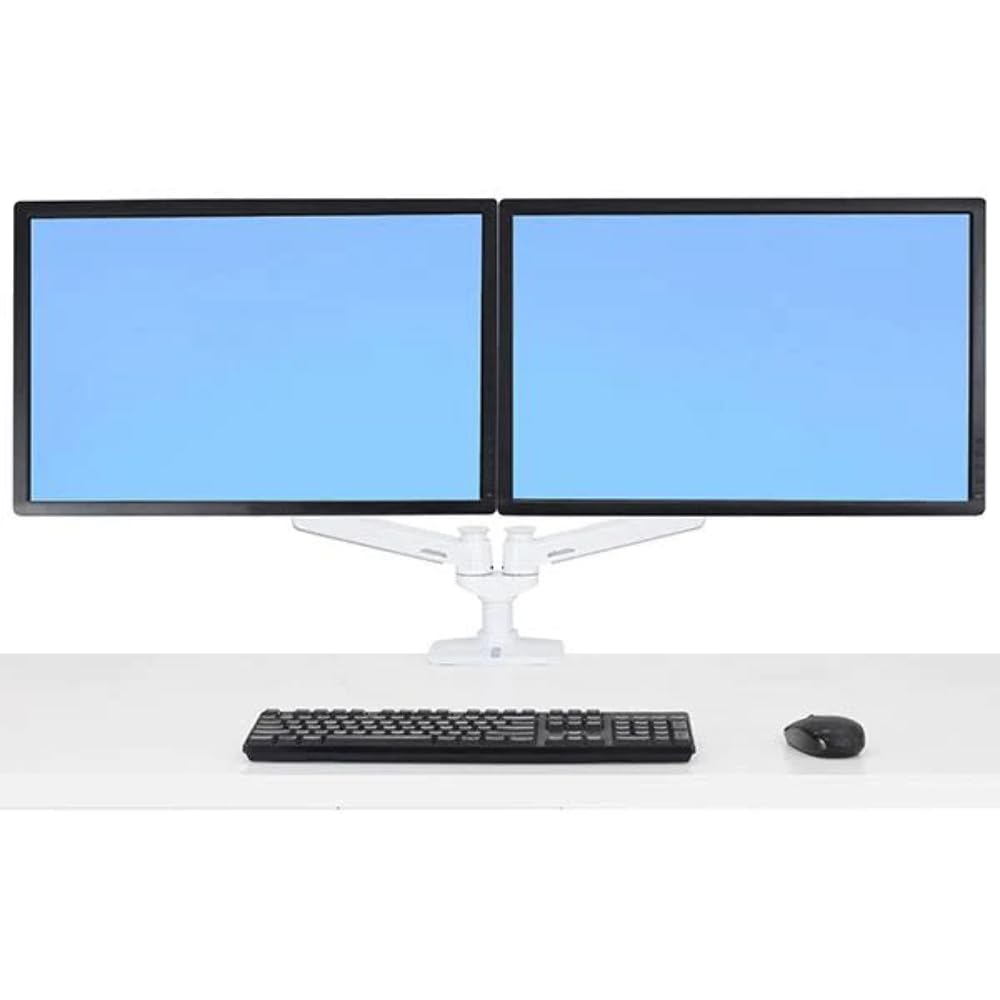
🚀 Elevate Your View, Elevate Your Game!
The LX Dual Side-By-Side Arm is a premium desk mount designed for monitors up to 27 inches, featuring a maximum tilt angle of 70 degrees. Made from durable aluminum, it combines functionality with a sleek aesthetic, making it the perfect addition to any modern workspace.
| Minimum-Supported Screen Size | 27 Inches |
| Maximum Compatible Size | 27 Inches |
| Compatible Devices | Monitor |
| Maximum Tilt Angle | 70 Degrees |
| Mount Motion | Tilt |
| Mount Type | Desk Mount,Desktop |
| Color | Aluminum |
| Material Type | Metal |
R**E
Ergotron LX Dual Monitor articulating arm support stand
About a year ago my office was notified we would be moving to a different floor in our office building and would be getting new Steelcase office furniture (cubicles and a chair). At the time I was using two monitors sitting on desk stands that didn't have any adjustment range. One monitor stand was so short I had it sitting on a empty portable camera box to get the the monitor heights about even. The monitors took up a lot of desk space and I had to lean in to read the screens with my computer reading glasses. Our building services and IT folks had no suggestions so I did the reasearch on monitor stands and whether they would fit the new cubical desktops. Fortunately the new furniture had a cable route space gap at the back that would allow the C-Clamp mount to work fine.After researching all kinds of monitor stands online I found the Ergotron LX dual monitor stand fit my needs just right. The MSRP price was good and the Amazon price was excellent. Free shipping on top of that and we had a deal.The dual monitor "kit" shipped with excellent packing and instructions and I had no difficulty in assembling it and mounting it to the back of the cubicle desk top.Since my PC operating position is in one corner of the cube I initially installed the base mount on the left but later moved it to the right side to get a little more left/right angle adjustment to avoid sun glare on my monitors coming in my office windows.Routing the cables along the articulating arms was easy and I am happy with the installation. At our floors open house where we had visitors looking at how our offices/cubes were layed out, folks were asking what brand and model monitor stand I was using to see about getting their own.One thing I might have done differently was to order two single Ergotron LX articulating arms with bases so I could mount one on the left and one one right of my corner desktop to be able to move the monitors closer to the operater (me).I'm still satisfied with the additional desk space provided and the range of movement the Ergotron provides, I will keep it for a long time. If there's another office move it will be the first thing I pack to go with me.7/15/2013 Well, I've had to move my office to another floor and I'm still using the same Ergotron listed above. The monitor arms are still working great and moving the stand was easy. I even got the chance to upgrade my monitors to (2) two new ViewSonic VP2365-LED 23" widescreen monitors (also purchased on Amazon). They're great too. Please note when shopping for monitors or mounts, that the monitor can mount to the stand you're considering and vise versa. Mine uses the "VESA" standard (4) screw mount. To use, just unscrew the monitor from the fixed base it comes with and attach it to the compatable monitor arm mount. If only the hundred cardboard moving boxes I had to assemble, pack, and unpack were as easy to work with, I would be a happy camper.12/14/2016 This dual monitor stand is still going and I'm still happy with it. So much so that I have recommended one for my boss who has finally decided she should upgrade to a dual display to keep up with the mounds of PC information she deals with every day. I had forgot this review but recently discovered it again while looking for the model number of the one I purchased in 2010. This is the one I will order for her based on my experience with my Ergotron LX. I wish my PC's were as reliable as this dual monitor stand have been.
K**S
Pluses and minuses of side-by-side vs. stacking models
( I have a similar review for the LX Dual Stacking Arm) I use three monitors side by side attached to one or two laptops. I was going to put a Notebook arm tray on one arm and the monitors on the other three arms of this and the other stand. I bought both the Dual Stacking Arm and the Dual Side-by-Side Arm to give me some flexibility. I'd read in other reviews that the stacking works quite well for side-by-side too. The Dual Stacking Arm includes a Notebook Arm, the Side-by-Side does not. You can buy a separate Notebook Arm to use on the Side-by-Side, and an extension arm. Installation was a breeze. The lip of my desk doesn't allow for edge clamping so for both of these stands I used predrilled grommet holes in my desk and the grommet attachment for the base. It took five minutes to remove the edge clamp from the base and install the grommet hole hardware in its place. One of my laptops is always at the desk, so I wanted to be able to use the laptop's screen. The Notebook Arm Tray allows me to position it so much better than on stationary notebook stands. I love how these Ergotron arms open up desktop space underneath. The side-by-side is excellent, and is a little cheaper than the Dual Stacking Arm model. Even if you don't think you need the stacking capability, the Dual Stacking Arm gives you more versatility than the side by side version, plus it already includes the Notebook Arm. In most cases if you only need one Dual stand, the Side-by-Side will do everything you need. But I would recommend the stacking over the side-by-side. Given what I know now about the differences, if I had to buy over again I would still get one side-by-side and one stacking.The both allow easy movement up, down, sideways, back, forward and full rotation from portrait to landscape. Once the tension is adjusted and all of the joints are secure, they hold their position without sneaking back up or sagging down. Installation of the stand in the desk was a breeze. I got lucky that my existing grommet holes were in just the right place so that I could line all of these up on my desk top without them getting in the way of each other. My desk is L-shaped (the big IKEA one) so it is quite deep front to back. If could have used the edge clamp, I might have needed more extension arms.IMPORTANT: Follow the order of assembly shown in the diagrams. This is important because you must have the monitors already attached before you can adjust the tension springs. If you don't, then turning the tension screws will not appear to have any effect.I haven't fully utilized all of the cord management pieces provided, because I needed to get everything up and running to do my work. But with the cord organizers and attachments you can route the cords very neatly so that they don't dangle all over the place.
J**Z
10/10 super buena y resistente, soporta mis 2 zowi benq RL2755
Excelente producto muchas gracias a :Servicios Comerciales Amazon México S. de R.L. de C.V. de lo mejor que he comprado, me ayuda para capturar cosas de gaming o programar con 2 pantallas muy buenos una inversion que valio la pena
A**A
Excellent mobility and full motion
This mount is a beast. High quality with stainless steal. Excellent mobility and full motion. Easy installation. Was really worried that it would not fit my two 27" curved monitors, but I could with great ease. If you have large monitors and you are looking for a high quality mount, look no further. This is the one!
C**S
Buen equipamiento
Ha cumplido con creces mis espectativas, muy necesario cuando se necesita espacio en el escritorio y fenomenal para cambiar de posiciónlos monitores. La verdad que vale la pena cada € gastado, buen acabado y las explicaciones de montaje así como la documentación adjuntapara el mismo sin problemas.Su robustez da mucha confianza a los equipos montados en el y su manejo es muy sencillo.Por mi parte lo recomiendo.
R**A
Five Stars
very good!!!
A**R
C'est vrai ce support est génial
Je suis malvoyant et ce support, de très, très bonne qualité, me permet d'avoir une meilleur position et me permet, aussi, de voir l'écran dans sa totalité de la même façon. Le réglage en hauteur est formidable. Le produit paraît cher mais il est complet pour les réglages : hauteur, extension, inclinaison, rotation. Les bras peuvent être étendus jusqu'à un peu plus de 60 cm sur ce modèle. Les passe câbles sont pratiques, avec un bémol, le rilsan ne peut s'utiliser qu'une seule fois. La fixation, avec sa pince, de ce support sur le bureau est très bien, pas besoin de percer des trous dans le mur. De plus, la plupart de ces supports fixés au mur n'ont pas de réglages en hauteur !!! J'ai un ami qui me l'a installé facilement. C'est un bon investissement. J'allais oublier, on peut aussi régler la résistance des articulations en plus ou moins dure. Pour ceux qui n'ont qu'un seul écran il y a des modèles à un bras, moins onéreux dans la même gamme et la même marque. Vérifier, quand même, que la norme vesa du moniteur est compatible avec ce support.
Trustpilot
1 month ago
2 weeks ago