Some deliveries may take a little longer than usual due to regional shipping conditions.

DOWNLOAD THE APP


Customer Services
Copyright © 2025 Desertcart Holdings Limited
DOWNLOAD THE APP

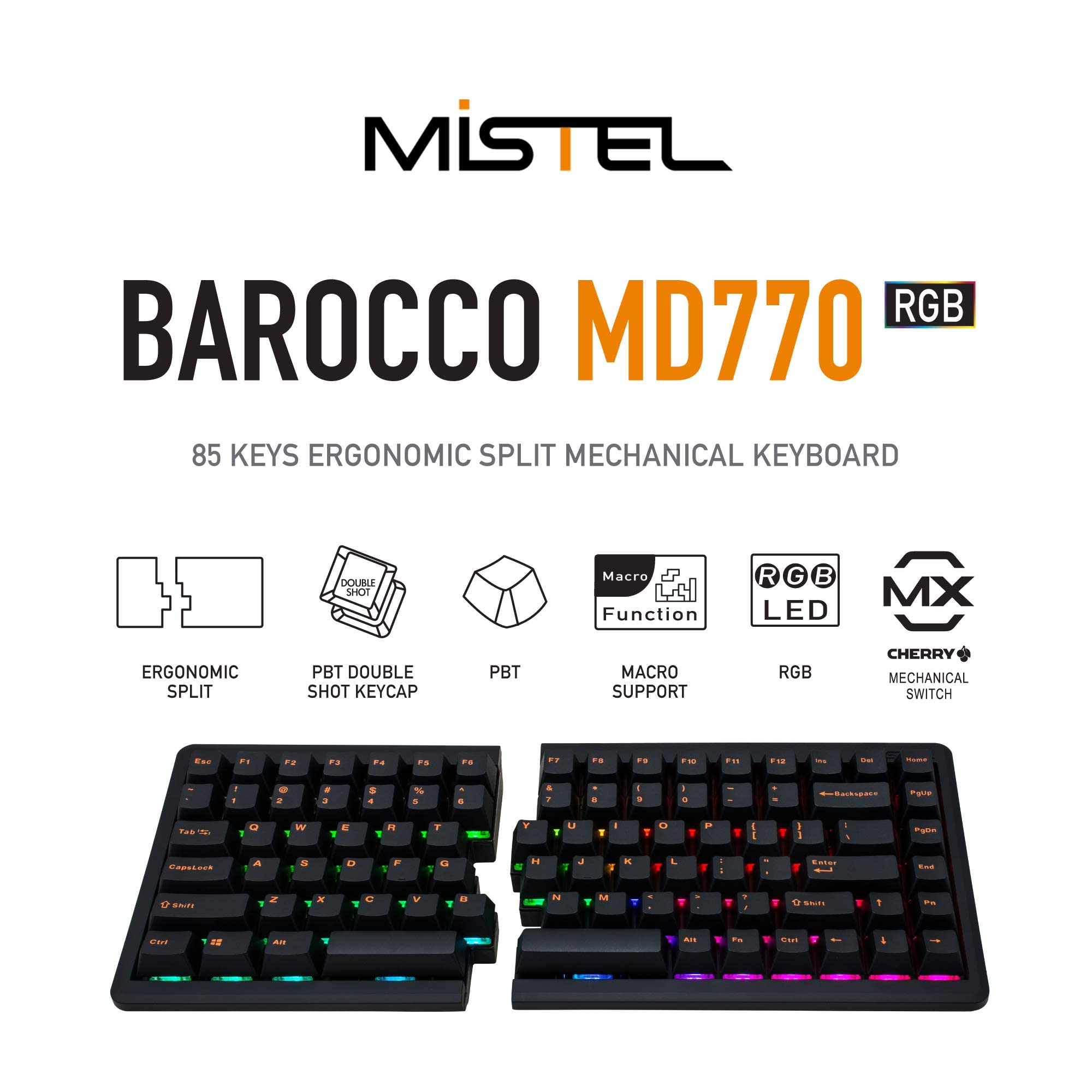


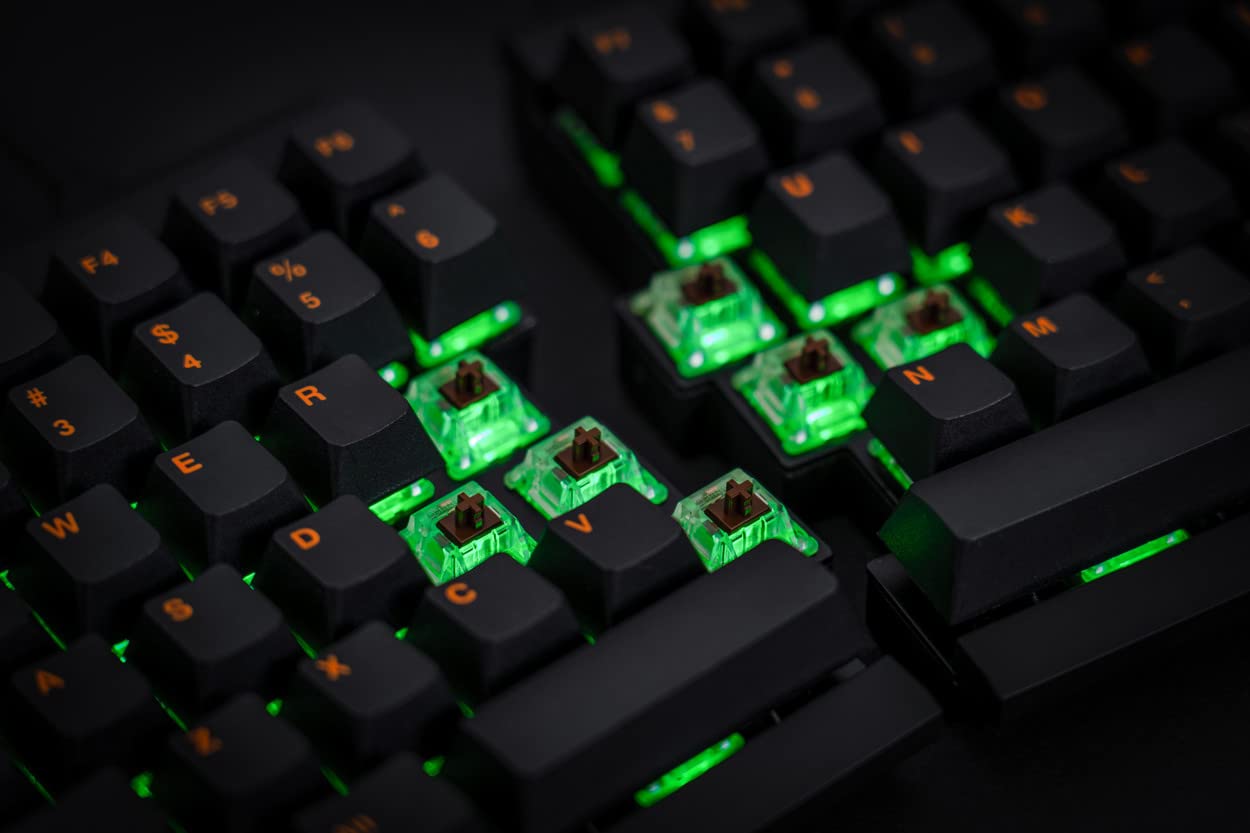
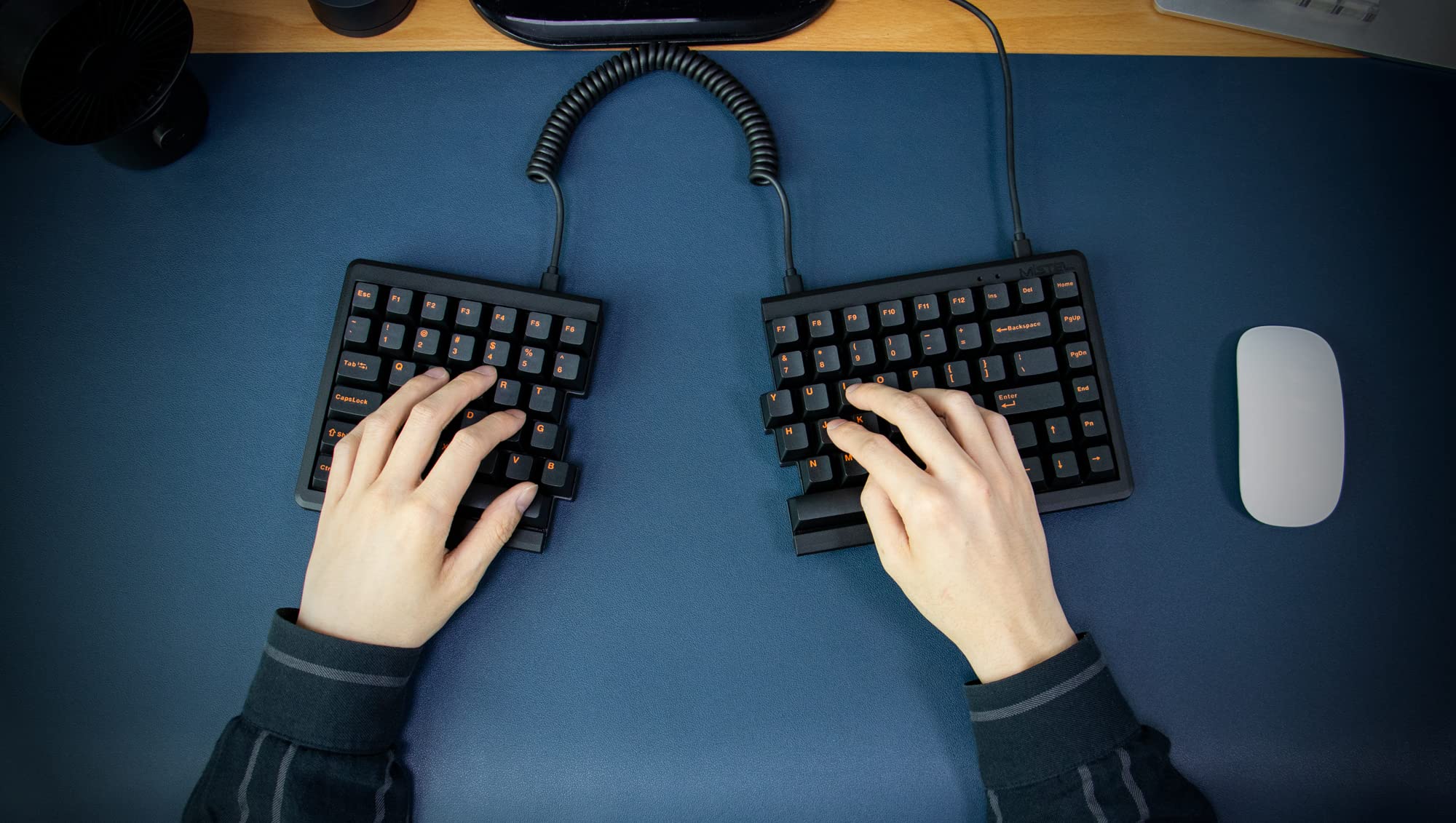
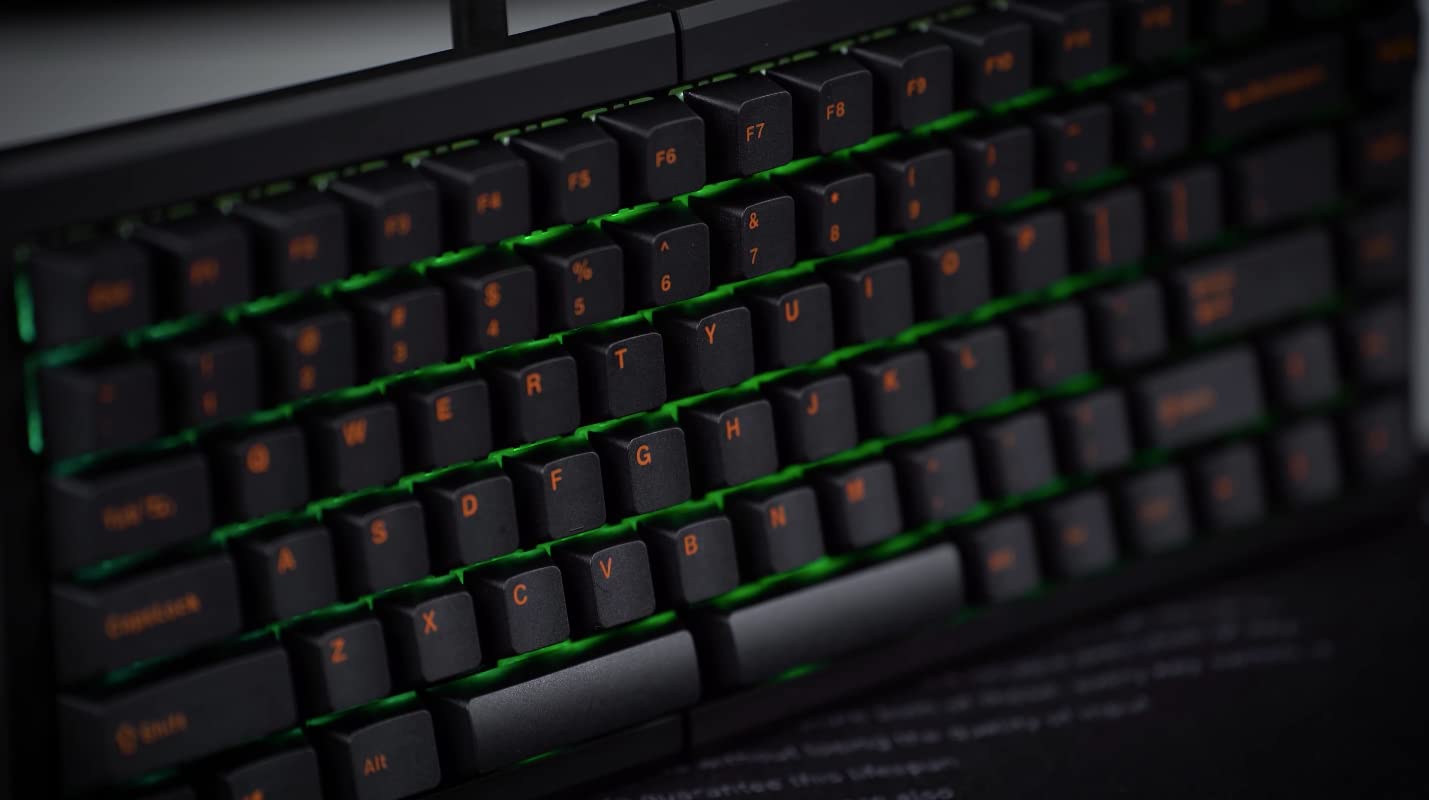
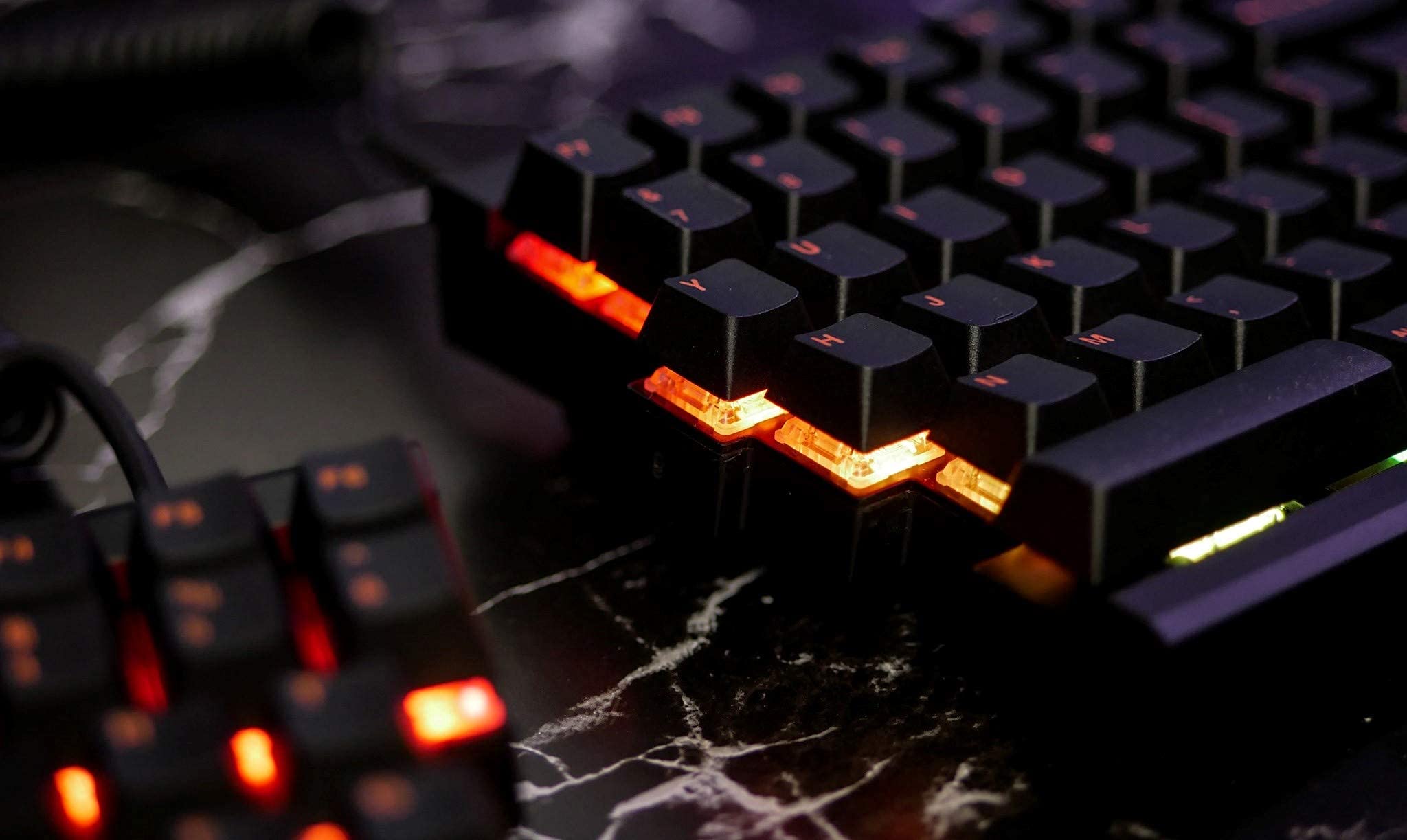
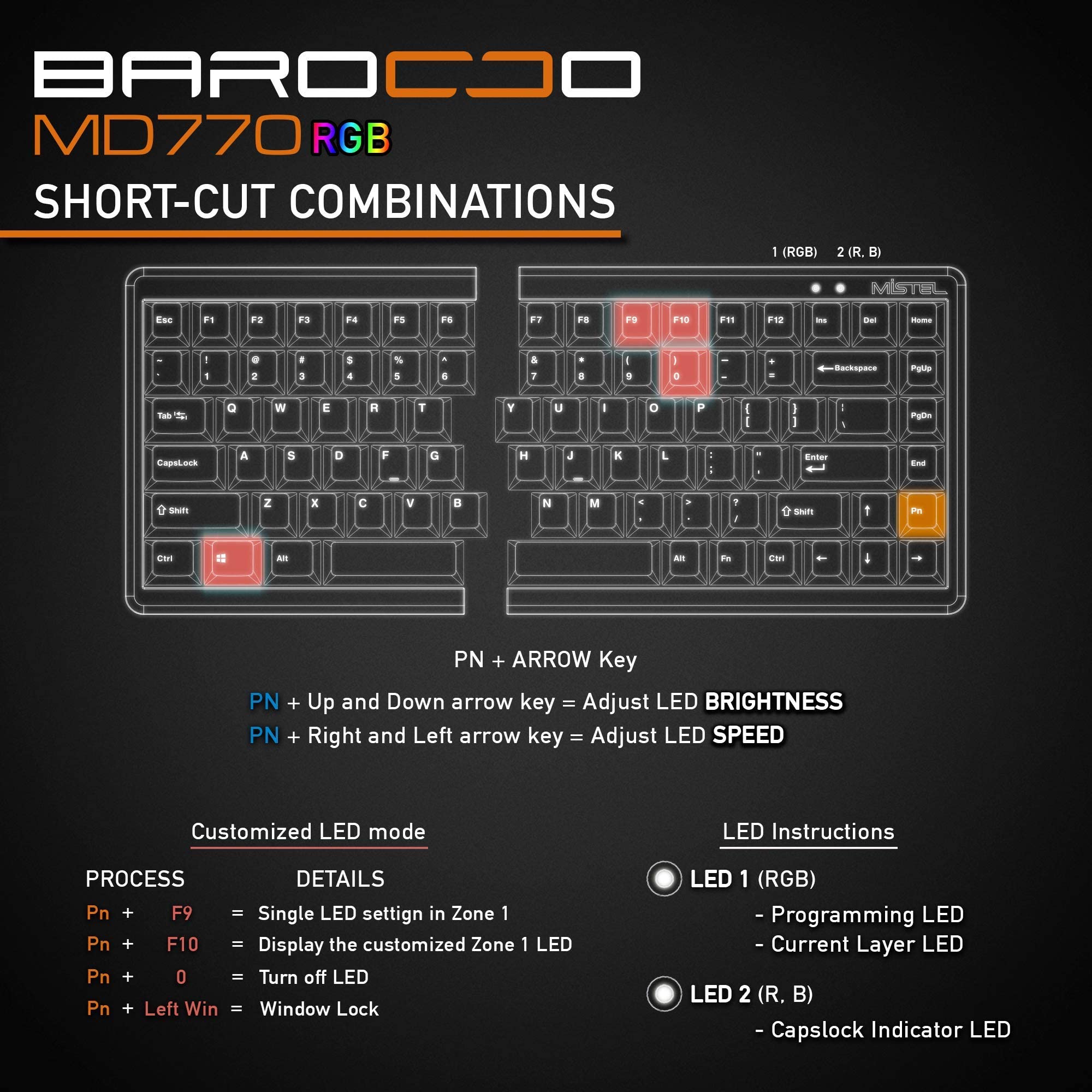
Full description not available


J**H
Best keyboard so far
I really enjoyed this keyboard! Split it dor gaming, combine it for work. Adds lot of room for the mouse and can be easily adjusted!
D**S
After 10 Months Of Use - It's...Okay.
TL;DR: The MD770 RGB Wired + Wireless is an okay split mechanical keyboard with a few corner-cutting measures and performance issues that mar its long-term impression. If you're in the market for a sub-$200 split mechanical keyboard, don't need a wireless solution, and don't care about RGB, skip this model and look to the standard MD770. Otherwise, consider boosting your budget if at all possible and review other options on the market._____I spend roughly nine hours a day Mon-Fri in front of a computer, and a significant chunk of that time involves typing. Most of this was done on an Anne Pro 2, a beefy brick of a 60% keyboard, until my horrible posture caught up to me and my wrists were paying for being kept at a 25-30° angle all the time. I figured an ergonomic option like a split keyboard would help (read: I did no medical research on split keyboards and CTS/RSI, just thought they looked comfy to type on), but available offerings were either north of my budget, were out of stock with 2+ months wait time for delivery, or had unknown switches. This model of MD770 was under budget, in stock, and had Cherry MX Blacks. I put it in the cart, and here we are now.For the price, I thought the keyboard and everything included was an excellent value. USB-C-to-C cable to join the two halves, USB-C-to-A to connect to a computer, some different colored spare keycaps if you wanted to switch them out, a decent keycap puller…not bad. While setting it up and a few weeks into using it however, both some cost-saving methods to keep this keyboard and its features at its price point, and some plain ol’ oversights by Mistel during production, started stealing the show:• Four rubber lifter feet were included so you can add some tilt to your keyboard if you’d like, but they’re all the same size, and it’s disturbingly easy to over-torque the screws you’ll be using to mount them to the plastic chassis while installing• The keys have some wiggle to them, with the right space bar getting noticeably worse over time• My keyboard came with two Less Than keys installed instead of a Less Than and a Greater Than (not included in the spares either, I checked)• All four USB-C ports have significant play, which puts overall durability in questionAside from the loose-feeling connectors, all considerably minor issues in the grand scheme of things. Don’t overtighten screws, get used to some wiggle, don’t worry about the duplicate key, and don’t plug-unplug any more than necessary. Then, performance-related issues started taking focus:• There is noticeable latency from all keys on the left half of the keyboard when the two halves are joined, and it will affect your overall keystroke accuracy and WPMo I now use two USB cables and connect both halves independently, which takes up two USB-A ports on a PC and introduces other problems, like…• You cannot have RGB turned on while the two halves of the keyboard are connected independently to a PC• You can have RGB turned on while the two halves are joined with the USB-C-to-C cable and are connected independently to a PC, but the PC interprets inputs like it’s all coming only from the right half of the keyboardo If you then disconnect the joint cable from either half, RGB turns off only on the left half of the keyboard, and you then have to completely unplug the right half to completely turn off RGB• The LED under the left curly bracket key has a red-pink hue to it at odd points while cycling through RGB options• The LEDs under the F6, F7, and F8 keys being Red, Green, and Blue are a nice touch to help remember what keys to press to adjust hue, but tend to get washed out while adjusting• Bluetooth on this unit has been fine for the most part, but other buyers have been reporting consistent issues with theirs, which is worth pointing out since the upgrade to wireless is one of the two things you get with the $40 price jump between models• Battery life when using wireless is flat out and unapologetically bad (don’t even consider using RGB while wireless; your battery will be dead in less than two hours)Any of the above that would be fixed via firmware updates has to be considered while assuming Mistel still plans on supporting the devices with firmware updates. Not too confident there, but Mistel is still taking orders and shipping units, so that may just be my pessimism weighing in.To wrap it up, it’s questionable if I would still buy an MD770 today. If I had to buy one, I’d stick with the base model and nothing more. That’s essentially what this RGB Wired + Wireless model is now since the wireless rarely gets used and the RGB can’t be active while the two halves aren’t joined in the middle. If I could set a higher budget and time wasn’t a factor though, I’d very likely go with another make and model.
Trustpilot
2 days ago
2 months ago