
DOWNLOAD THE APP


Customer Support

Desert Online General Trading LLC
Warehouse # 7, 4th Street, Umm Ramool, Dubai, 30183, Dubai
DOWNLOAD THE APP
Customer Support
Desert Online General Trading LLC
Warehouse # 7, 4th Street, Umm Ramool, Dubai, 30183, Dubai

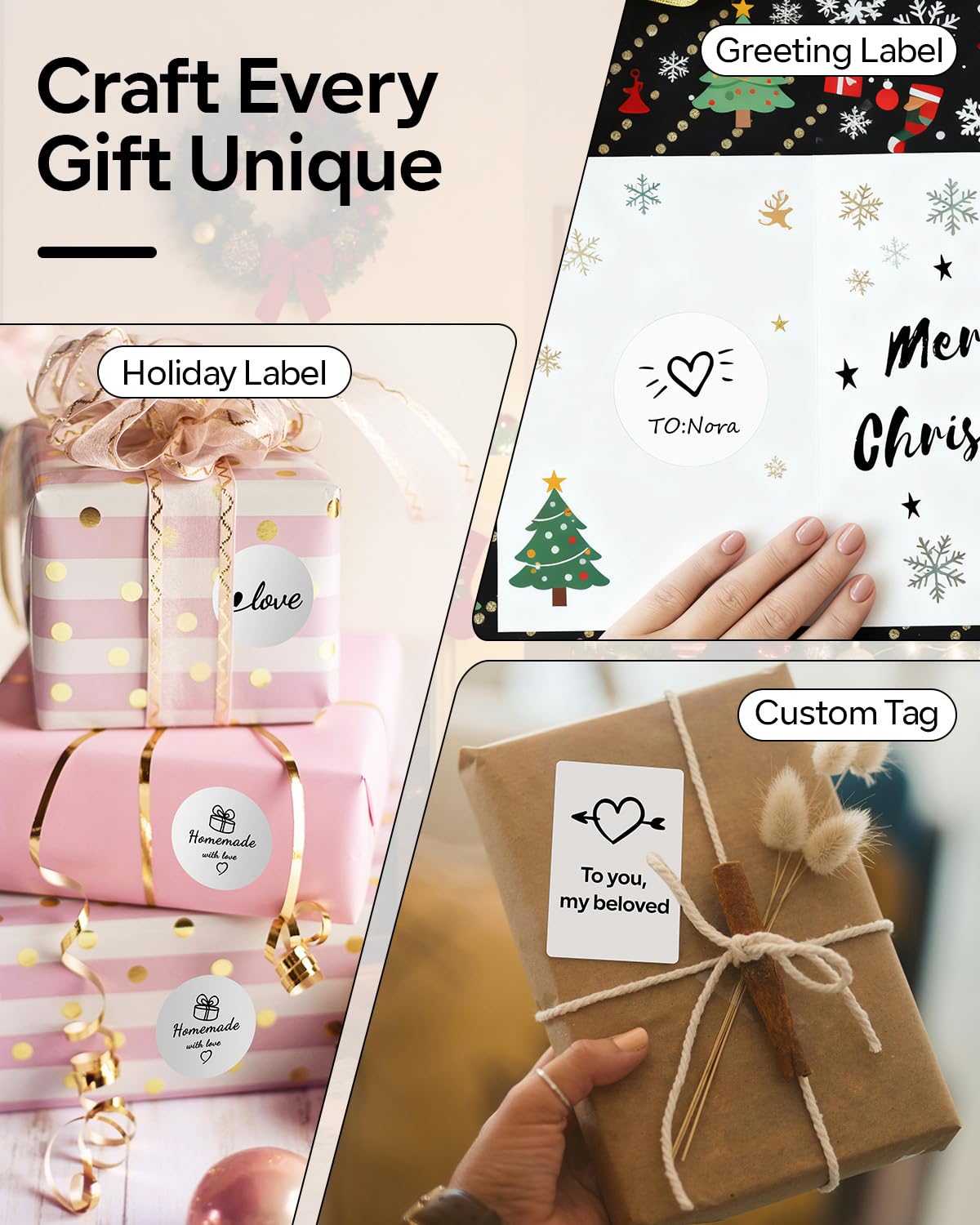
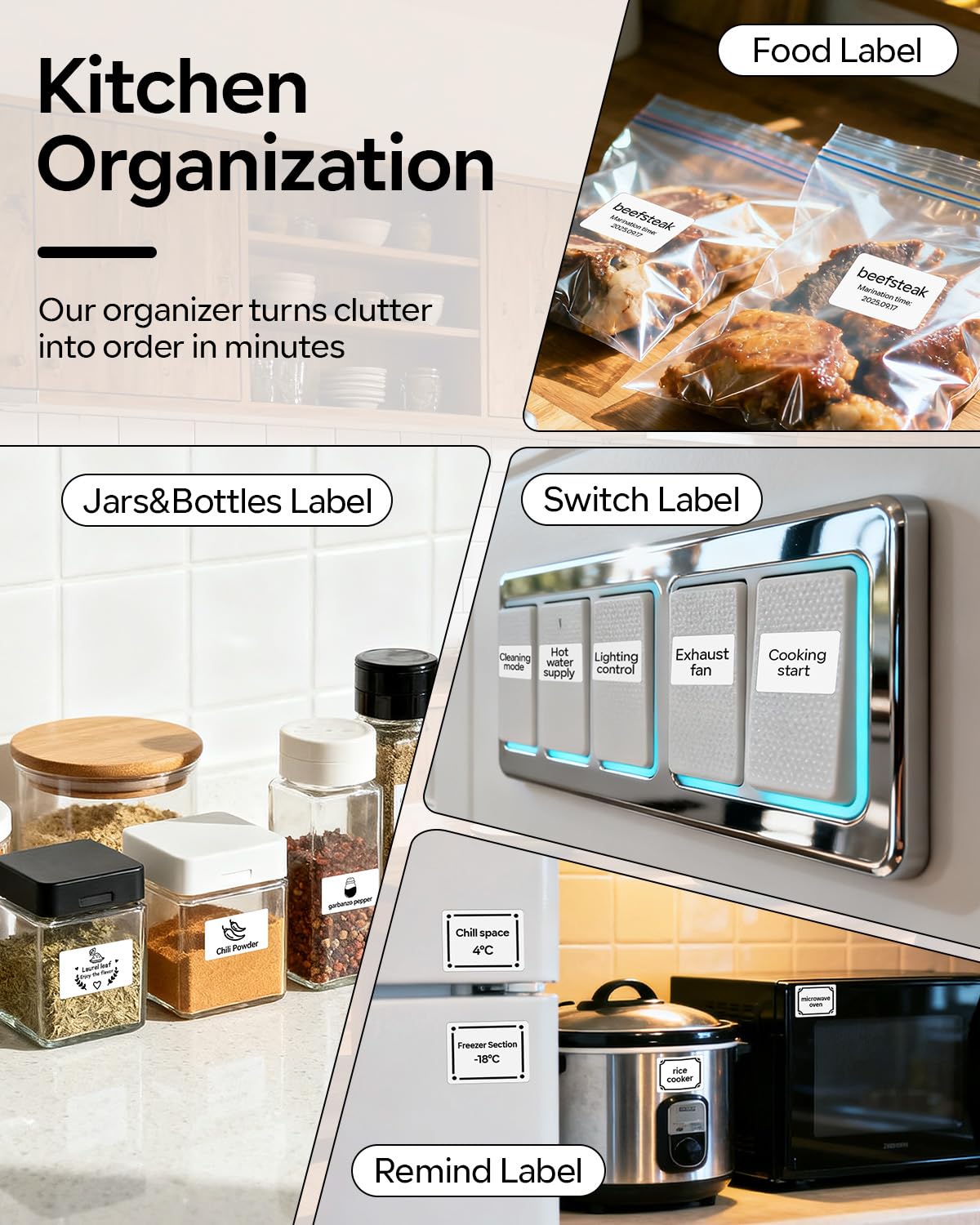
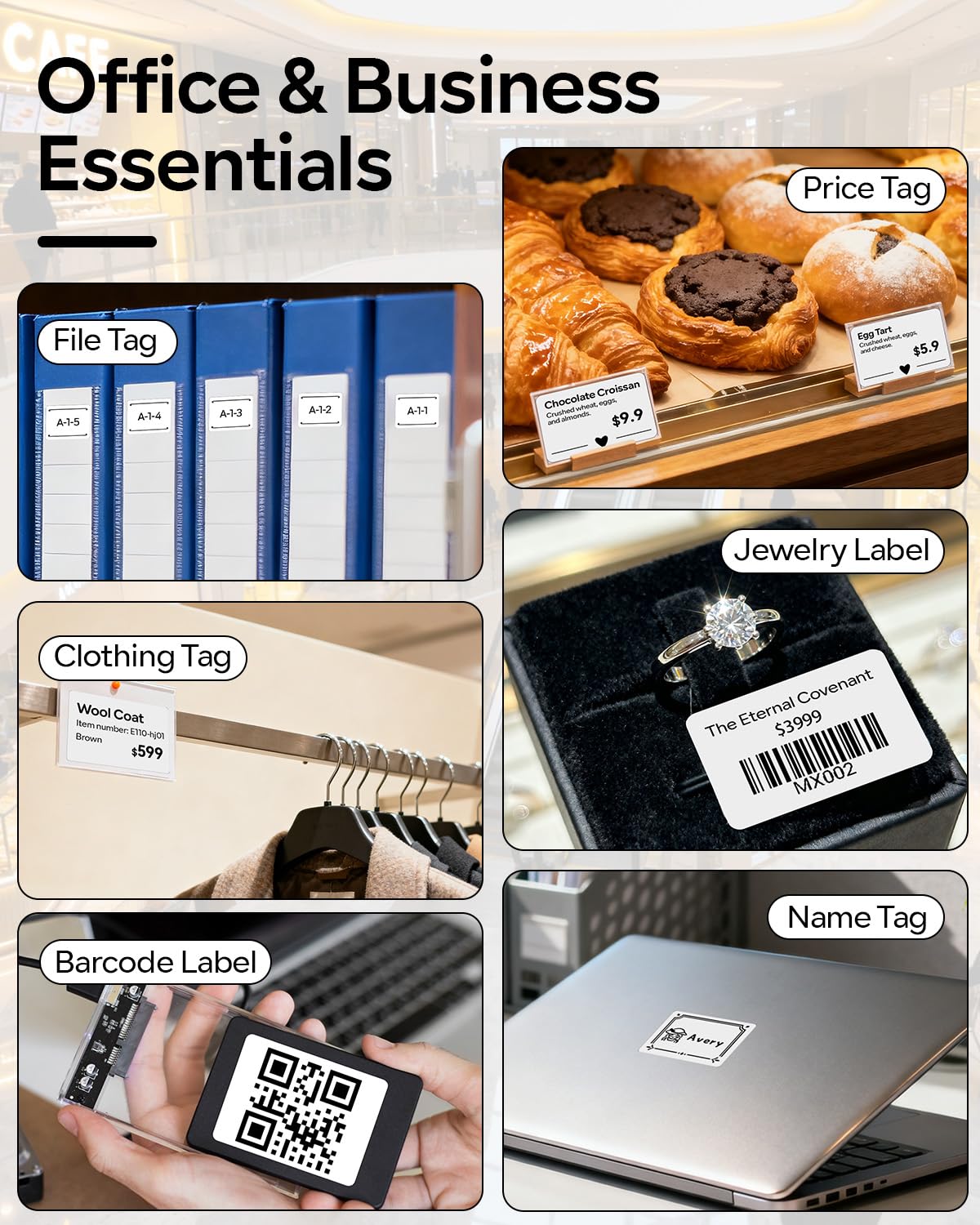

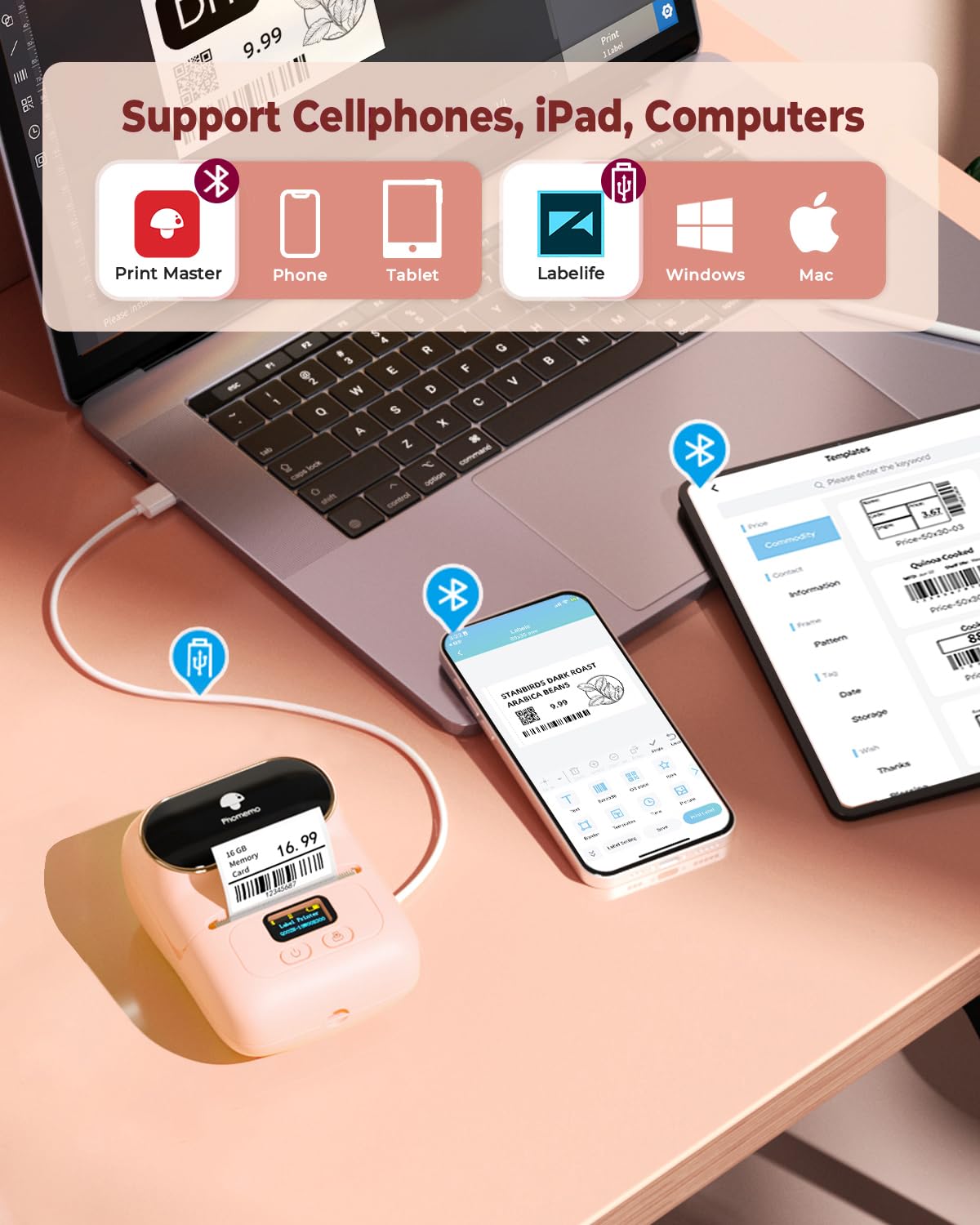


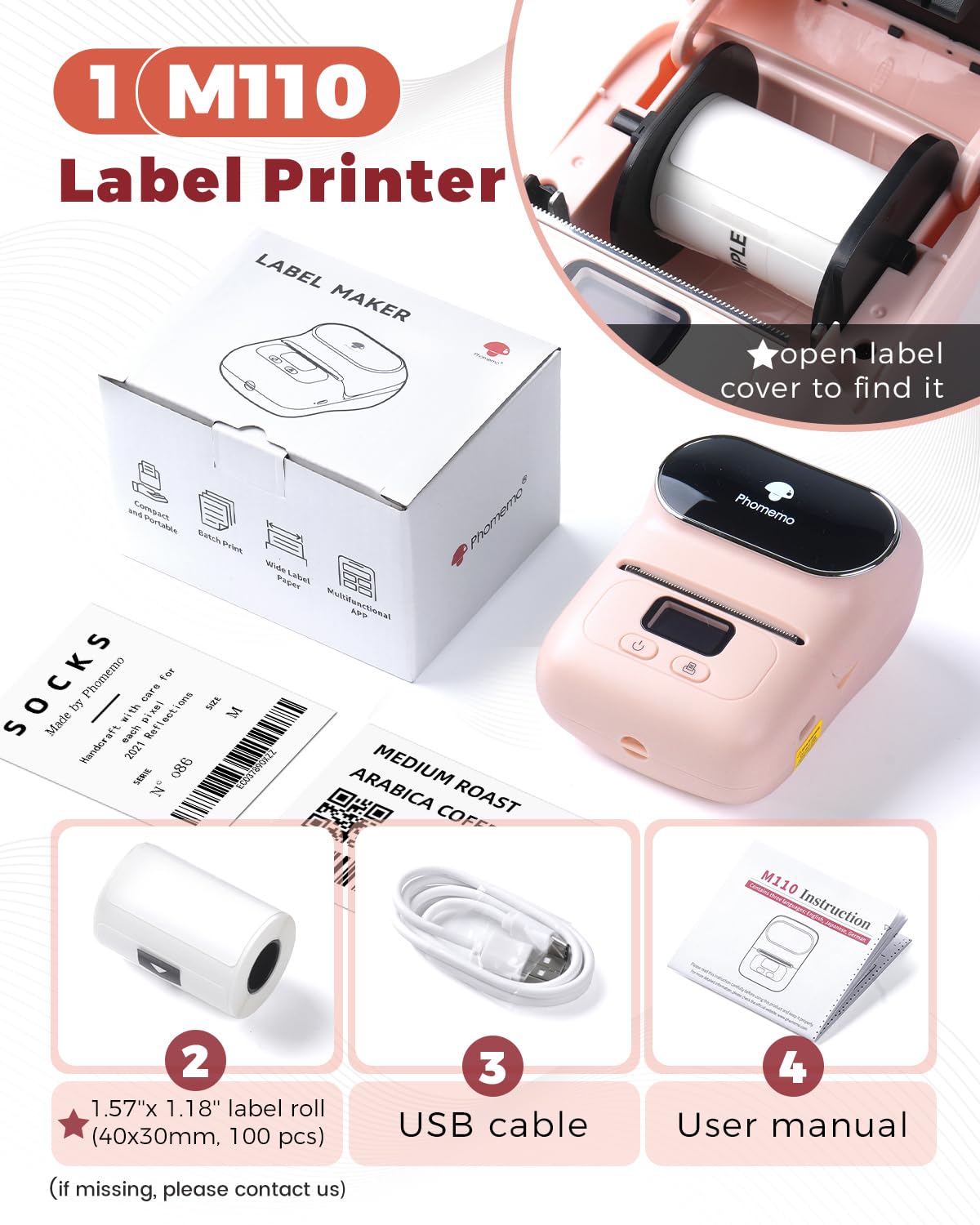
🎨 Print Perfect Labels Anywhere, Anytime—Because Your Brand Deserves the Best!
The Phomemo M110 is a portable, ink-free thermal label printer with seamless Bluetooth connectivity to iOS and Android devices. It offers fast 1.2"/s printing speed, a 4-hour battery life, and supports batch printing of 100+ labels. With 130+ fonts and 300 templates, it’s ideal for small businesses, home offices, and creative projects, delivering professional-quality, smudge-free labels on the go.


J**E
It does work with your laptop
I don't know why people are saying it doesn't work with your laptop. I have windows and downloaded the driver's and it works perfectly.I had one of the Niimbot printers and their app started restricting imported excel files to 300kb which basically made it unusable. I started looking for a replacement and decided on this one. I've got it hooked up now and have printed about 20 tags so here's what I think so far:Cons:1. print is a little light, but still readable. This may correct itself with different labels. I used some of my old Niimbot labels.2. The mobile app for Android kept closing on me so I wasn't able to use it to create any tags. This might possibly be an issue with my phone because I've had other apps act up as well.3. Printing is a little slow, but no slower than my old Niimbot.Pros:1. The desktop program Lablelife is light-years ahead of any tag making mobile app I've used. It's pretty powerful considering the price and I didn't see any import restrictions. Literally just save a temple and import in a new spreadsheet when you need to print a batch and everything updates automatically. Very user friendly interface.2. Seems to be compatible with any brand of label within its size capacity.3. LCD display is pretty nice.4. Loads pretty easily.5. Size is just right for my needs.Overall, I'm very happy considering the price. Seems to be fairly well made, but time will tell on longevity. But I'm very happy with my purchase. I feel like I got a good bit of value for my money. A zebra is obviously a better printer, but it's 5 times the price too. If you're like me and you have a small business and you use excel to track inventory, this is a perfect tag printer. I considered giving it 4 stars because of the light print, but given the software package included with the price, it deserves 5 stars. That Lablelife software really is great.
C**H
Easy to set up and nice print
Delivered in one day. Easy to setup following the included instructions. Does not come with a charger but has a USB-A to USB-C cable that connects to a common cell phone charger. Battery had a 75% charge when delivered so the printer was ready to use after pulling out the installed label roll. Charged quickly to 100% using a 2 Amp cell phone charger.Came with three different label rolls. It is easy to open the paper compartment.I was concerned the screen would be difficult to read since it is small but the text is very easy to read, light blue on a black background.This printer will be used to create labels for technician training aids, training panels, and for labeling equipment components.The app installed problem free, just scan the QR code on the instructions and install the app. Due to the app requirements Bluetooth and Location must be on so the phone can connect to the printer. The app asks for permission when attaching photos, etc.Tested the label immediately after printing - it did not smear. Tears off easily.Good image quality when using the app to copy, paste, and enlarge a photo from my phone (see image). The photo is a screenshot from a Word document that I created.I needed a travelling printer and I believe this will work very well. Very compact and easy to use.Thanks for taking the time to read this review.-Curtis
O**O
Bought more than 1
I’m really impressed with this product! From the moment I received it, the packaging was neat and secure. The item works exactly as described and exceeded my expectations in terms of quality and performance. It feels durable and well-made, and I’ve found it very easy to use. Customer service was also responsive and helpful when I had a quick question. Overall, this is a fantastic purchase that I would highly recommend to others. Definitely worth every penny!
M**E
Quality
Good quality and friendly user.
H**R
Its good to have!!
Works good !!!
A**A
Disappointing Print Quality
Title: Disappointing Print QualityI recently purchased the Phomemo Label Printer - M110, hoping for a reliable and high-quality printing experience. However, I must express my disappointment with the print quality of this device.One of the major issues I encountered is the appearance of lines on the labels. Despite the promises of being an upgraded thermal label printer, the prints consistently show unwanted lines, affecting the overall clarity and professionalism of the labels.The device's Bluetooth connectivity and portability are convenient features, and it comes with 100 labels, which is a nice inclusion. However, the primary function of a label printer is to deliver clear and crisp prints, and unfortunately, the M110 falls short in this aspect.I've tried troubleshooting and adjusting settings, but the persistent presence of lines on the labels has been a frustrating experience. As a consumer, I expected better print quality from a product in this price range.In conclusion, if you prioritize print quality for your labels, I would recommend exploring other options before settling on the Phomemo Label Printer - M110. The aesthetic appeal of the Baby Pink color is overshadowed by the subpar printing performance, making it challenging to justify its purchase for those seeking professional-looking labels.
J**
Label The Tapes!!
I watched several videos about this and it seemed to be very easy to use. But then when I got it some of the labels came and they didn't have any kind of SKU number. So it was hard to try to figure figure out which label to choose in the drop down menu when you didn't have a label number. So I highly recommend that when they package the tape to make sure every piece of tape has the correct number on it so that the user knows how to go in and pick the right label. After while, I got the hang of what I had to do, but it was very frustrating when it could have easily been avoided if they had labeled all of the tape.
Trustpilot
1 day ago
1 month ago