⚡ Scan smarter, faster, anywhere—because your workflow deserves the best.
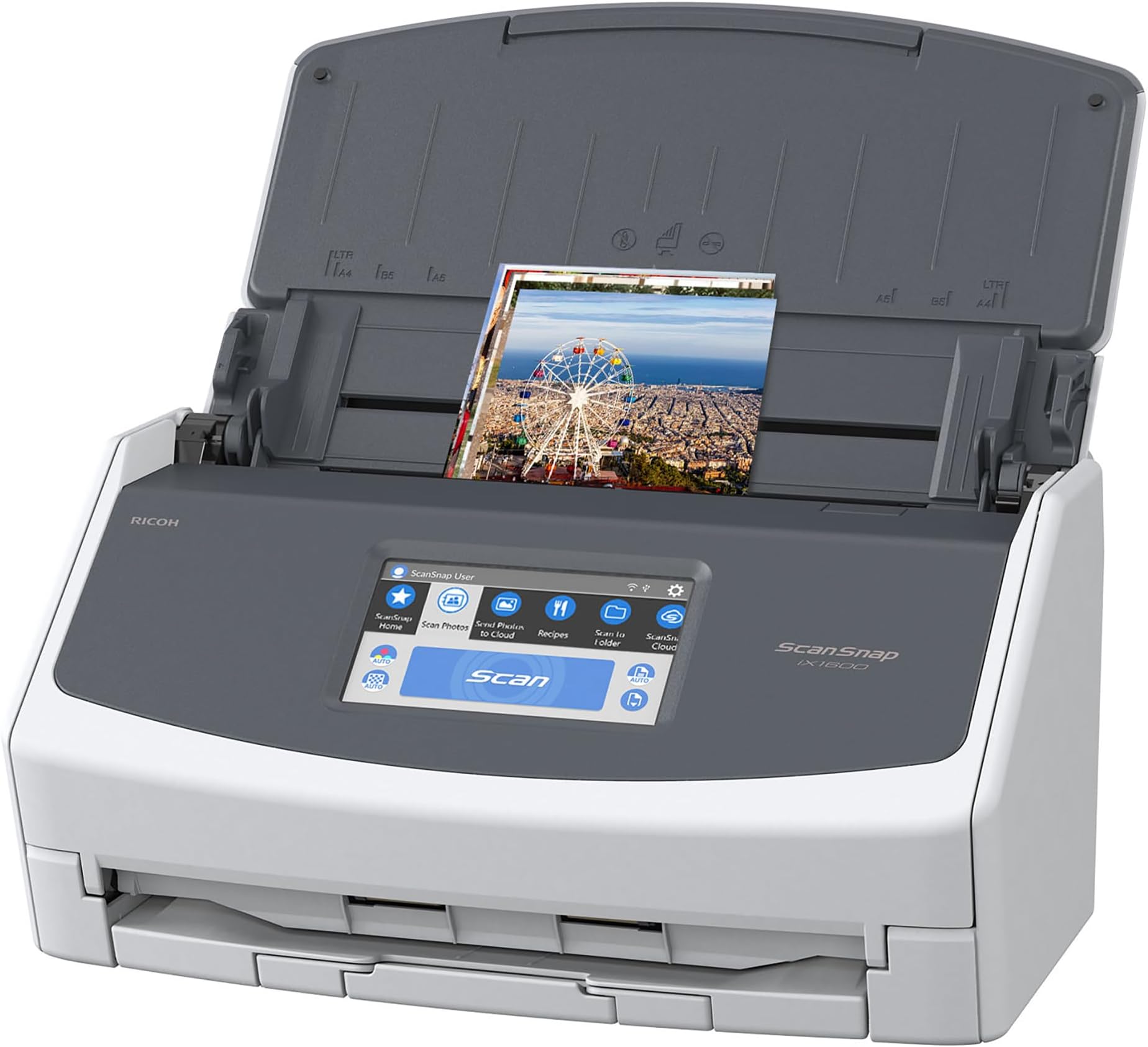
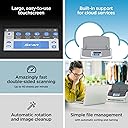
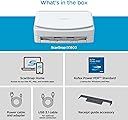
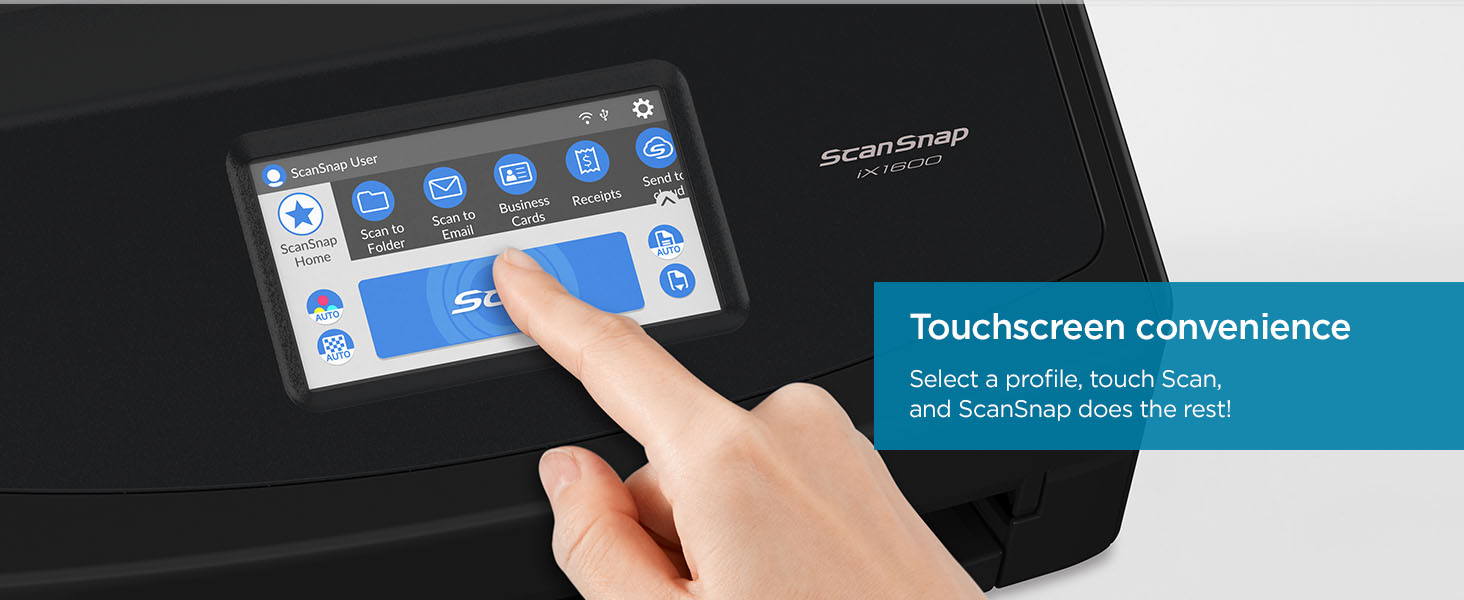
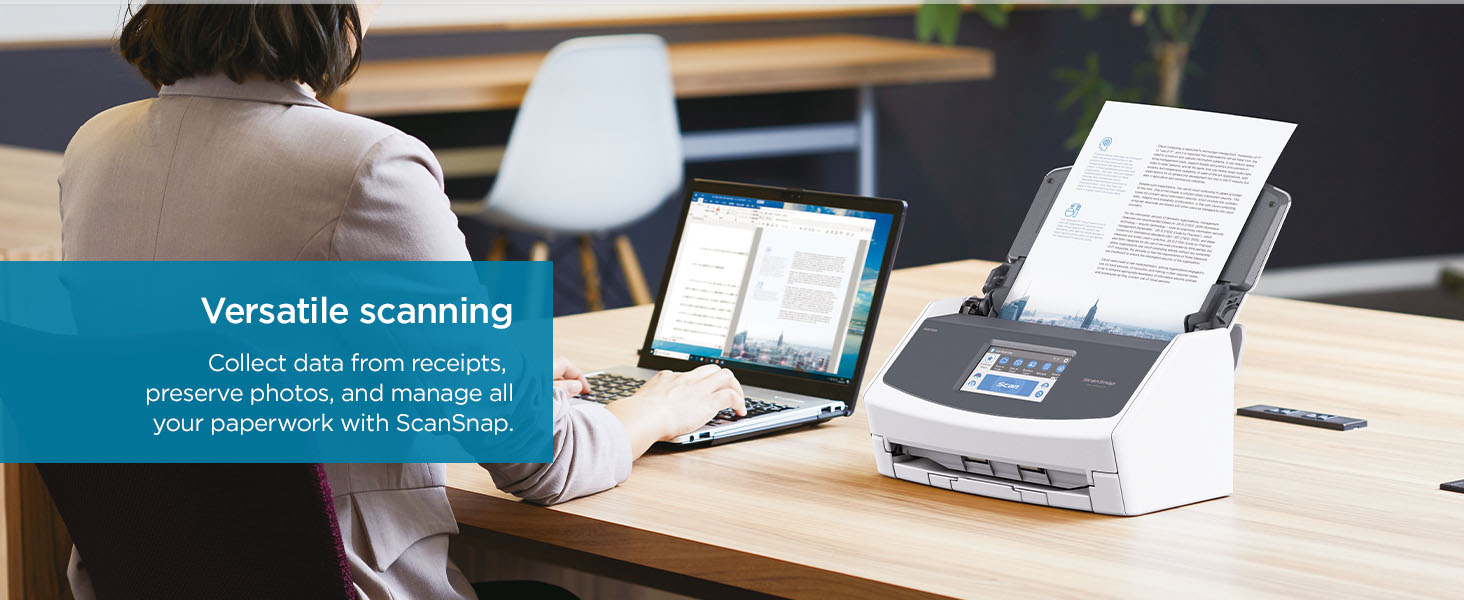
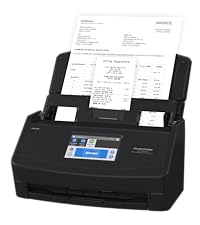
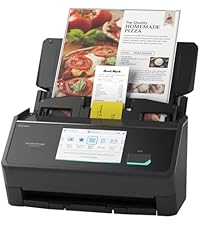
The ScanSnap Fujitsu iX1600 is a high-speed, cloud-enabled document scanner featuring dual Wi-Fi and USB connectivity, a large 4.3-inch touchscreen for intuitive control, and customizable profiles to optimize your scanning workflow. With 33% faster duplex scanning and seamless integration with Mac and PC, it’s designed to digitize, organize, and save documents, photos, and receipts effortlessly—perfect for busy professionals seeking efficiency and flexibility.


| ASIN | B08PMQQZ8H |
| Are Batteries Included | No |
| Best Sellers Rank | #17,303 in Computers ( See Top 100 in Computers ) #30 in Document Scanners |
| Brand | ScanSnap |
| Color | White |
| Customer Reviews | 4.6 4.6 out of 5 stars (2,396) |
| Date First Available | 19 January 2021 |
| Hardware Platform | Laptop, PC, Smartphone |
| Item Weight | 3.4 Kilograms |
| Item model number | PA03770-B615 |
| Manufacturer | PFU Limited |
| Operating System | Mac, Windows |
| Product Dimensions | 16 x 29.21 x 15.24 cm; 3.4 kg |
| Series | ScanSnap iX1600 |
| Standing screen display size | 4.3 Inches |
| Wattage | 17 watts |
K**T
Product as described
W**L
Excellent, fast scanner
This scanner is really excellent, especially the speed helps a lot! I scanned several thousands of pages within a really short time, it would have been a nightmare had it not been that fast. The document feeder is really reliable and usually way better at separating the pages to scan them individually than I can normally separate them with my fingers. For those few times that it doesn't work it sends an error message soon and stops the scan, getting them out of the feeder and re-scanning them is no issue at all. I scanned a few hundred photos as well and it was pure joy to see how well it handled those too. The scan results are excellent too. The variety in settings regarding the quality leaves very little to be desired. The little screen helps a lot, you don't have to initiate the scan from the computer all the time, it helps tremendously to save time and effort. The only downside that I have yet discovered is that I wasn't able to find out how scan multiple pages in one go and save them as separate files. I could only do that by splitting the scanned pdf file using a pdf software. The scanner comes with a serial number for the PDF software "Kofax Power PDF Standard" but I haven't tried that since I use Adobe Acrobat professional for business reasons, but it's good to know that the scanner does have an alternative to Adobe. I can't recommend that scanner enough, am really glad I bought it!
S**A
Very fast and useful
Very very useful. Save time . Very fast and accurate
J**R
Very good
Very good
A**I
Best scanner for office
Each office should have one of these amazing machine
I**E
We went on an extended holiday so I bought this for our sun too scan mail to cloud storage. While on our vacation I could read and forward tax slips to our accountant. Now I use it to scan bills, documents, instructions so I can find them and reduce my paper filles. I have done photos and the feeder is great. Quality is good even on very fine instructions of set to highest quality scan. Software is OK, could use an update with a drag and drop feature.
D**H
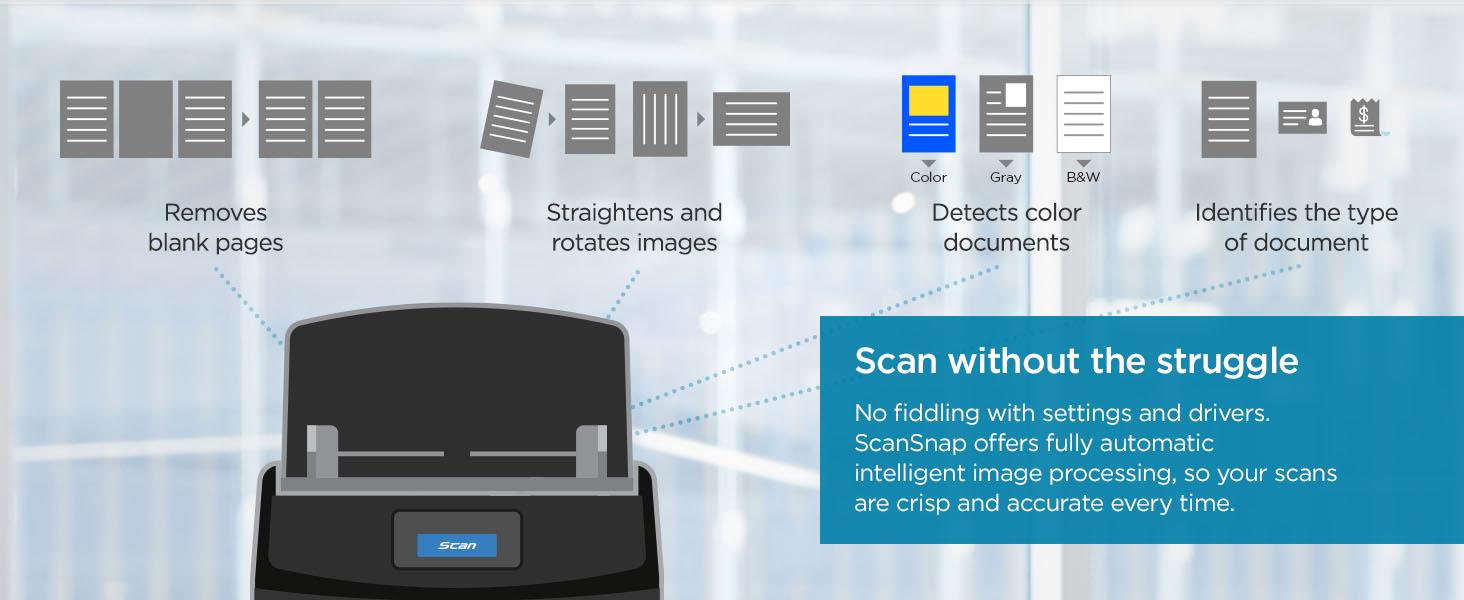
Wow, this is a definite three steps up from the prior scanners I've had which were functions of an "all-in-one" printer/scanner: slow, clunky, page jams, babysitting the scanner. All those problems are in the past now that I have my new ScanSnap. Scanner installation was easy: simply download the appropriate installation package from the Fujitsu (now Ricoh) web site, install the software and plug in the USB 3 cable to the scanner when instructed. The entire installation process including downloading the software took under 10 minutes. Open the lid, the scanner connects and powers on in about 2 seconds and is ready for use. Put your documents in face down and facing the rear, click the one big bright blue button (!) and zip zip zap your pages are ingested at a rate of about 40 pages per minute, EVEN double sided! Yep, scan a double-sided 40-page (80 impressions) document in 60 seconds! Natively saves to PDF so multi-page single files are no problem. Software is a little clunky---it's kind of one of those "does it all" interfaces with a thousand options, but seems to miss some of the more obvious advanced settings that would be conducive to advanced users, like the ability to simply pop up a standard Windows system "Save As" box on completion (bypassing the ScanSnap Home interface), rather than the clunky software where I go in to type the new file name and then have to save it in there. It just adds a few unnecessary clicks, but isn't all that aggravating. [EDIT: I've figured out how to scan to a folder with no pop-up interaction, which is great. Simply go into ScanSnap Home, and use the "Show with File Explorer" send-to option.] This is NOT a TWAIN or WIA scanner so you can't just go into your existing generic scanner app and "pull" in a page--you must use ScanSnap BUT it provides all the basics (almost as defaults) for any document scanning any small office or business user would need and you can always edit the resultant PDF in Adobe or Word or whatever. It's been an hour since I connected it. I've just scanned 15 years of personal and business tax returns, over 500 pages in total. I've literally digitized and removed a 3 inch thick stack of paper from a file drawer IN AN HOUR. And the ix1400 is just one of the more basic units in the ScanSnap line. They have units capable of scanning much faster and in larger volumes, but for the price this basic unit is likely all anyone but the most demanding users would need. The only misfeeds are where the page was iffy to begin with--a curled lip, a tear, or the occasional staple I missed (gasp!). When those misfeeds happen, the software pauses, tells you what happened, allows you to remove the errant page and then KEEP SCANNING as if nothing happened! Amazing. I used to have to trash and restart the entire scan. All this in compact desk unit that folds up to fit in what's barely 6x12" of desk space. Staring at my 3-foot tall stack of papers, contracts, receipts, and photos to scan, I have realized that I should have bought a ScanSnap YEARS ago. Where have you been all my life, my precious scanner?!?! The only reason I gave "accuracy" 4* instead of 5* was that on occasion, I've noticed the resulting scan is slightly skewed--the originals are fine, but a tax return scanned about 3-degrees off. Internal software de-skewing functionality would have resolved the issue but that's not a thing on the ix1400. So you may get an occasional skew, which is not significant for just scanning and storing old documents.
M**S
Llegó rapído, en excelentes condiciones, facil de instalar.
R**B
I have a boutique law firm that is pretty much paperless but we still get a lot of mail and have needs to scan! Before buying this amazing machine, I was struggling with so much incoming mail and constant issues with scanning multiple or duplex pages. I have two great copiers but the scanning was causing so many problems and jams etc. and I was thinking of getting another printer! So happy someone told me about this machine. I’ve had it for almost a year snd I have zero complaints! It is outstanding. Very Easy to use. Small footprint. Software is easy to use. You can set up how you want the documents are titled - it isn’t perfect but it will Pick up the date and the top header. Knows and recognizes to scan in duplex. Scans Color. OCR. And it is Super fast. Maybe jams once in a blue moon and that is usually due to the type of paper or sticking to another paper. My only complaint is now everyone around me wants to use it hahaha and I am tempted to have one at home for receipts. In sum, I highly recommend. Worth the money! Will relieve your scanning agonies and stress. Keep you organized. And give you time to focus on other things than fighting with your scanner!
P**A
Hi thnere is a problem with software and doeesnt work
Trustpilot
5 days ago
2 weeks ago