

Desert Online General Trading LLC
Dubai, United Arab Emirates
Desert Online General Trading LLC
Dubai, United Arab Emirates





🎬 Elevate Your Editing Game with Pinnacle Studio 25!
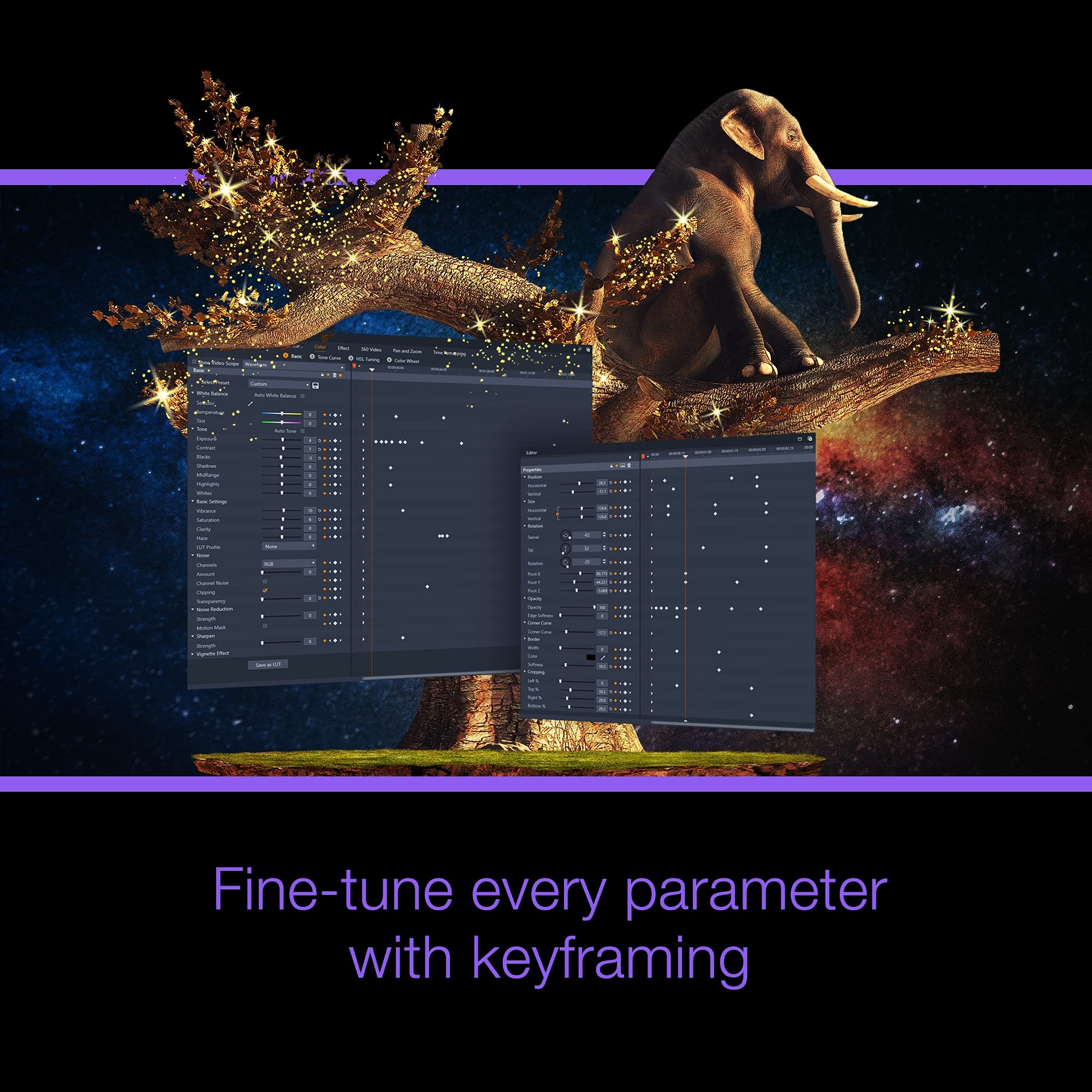
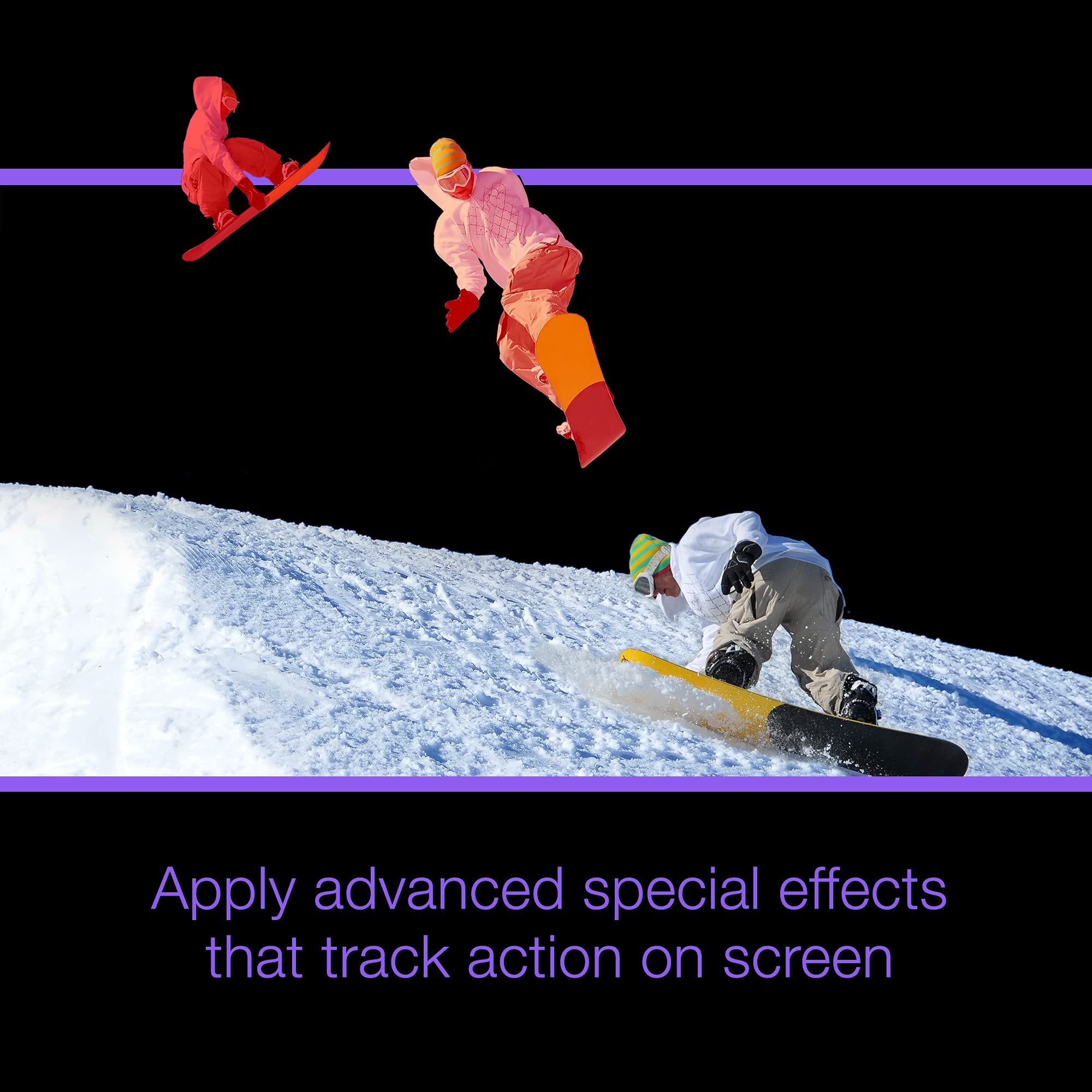
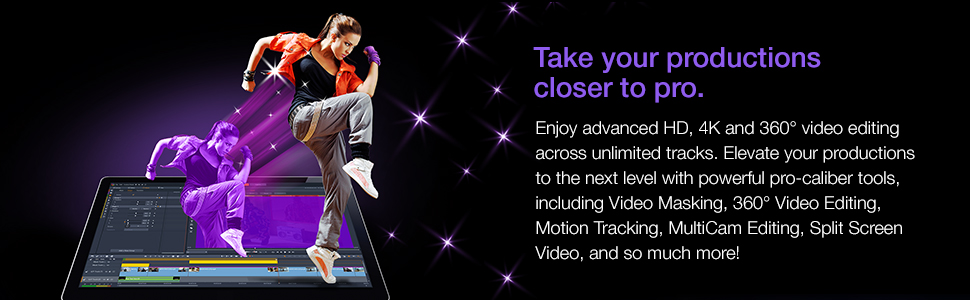
Pinnacle Studio 25 Ultimate is a powerful video editing software designed for professionals, offering advanced tools for timeline editing, keyframe customizability, and a fully customizable workspace. With features like color grading, motion tracking, and support for 360 video editing, it empowers users to create stunning video projects with ease.


D**N
I used Studio and Pinnicle for a long time
I like the system
A**A
Good, but one drawback.
My Pinnacle 17 had stopped allowing me to insert titles while using Windows 10. I could find no other similar software at a reasonable price, so bought Pinnacle 25. I was disappointed that it no longer allowed me to have more than the top menu when authoring a disc DVD, and I wanted to have 13 chapters on a holiday tour. I had to re-export it to my old Pinnacle 17 in order to insert two further menus and link them to the top menu. The alternative was to pay for an upgrade, which I thought was a cynical money-making ploy. Otherwise, it worked adequately.
B**Y
Had to return this product
I simply could not get this product to work smoothly without it eventually crashing. Gave up on it completely after a few wasted days and to return it for refund.
R**K
A warning
From what I can see quite an advance on version 23. Make sure that you don't think that you can use it on your desktop and laptop. Unusually these days one computer. There is a lot on the internet about deactivating and then activating on another computer as if this can be done with a couple of keystrokes. You have to contact Corel customer services who don't answer the phone or go onto the chat where they don't know what you are talking about. I finally got through on the rest of Europe phone number which is a UK number and spoke to somebody in Canada who knew what I was talking about but had to refer the case to another person. Judging by their email response probably about five day. If you think I am exaggerating look at their TrustPilot reviews.
R**G
Tried and wanting
I have been a Pinnacle software user right from the earliest version. It was taken over by Avid and completely changed. I was on the beta testing panel for this new version. After about 3 years or so Avid (who normally do high end video editing software|) decided to dump it and Corel came to the rescue. Since then it has gone through several versions. I also use the other Corel (formerly U-Lead) Video Studio.Pinnacle has some good features overlays and changing scene properties work well (I often have to mix 2 or more scenes. It has a lot of built in and 3rd party effects esp in the top version. The editing process is a bit easier that Video Studio in some respects.However Video|Studio has an easy to use logical way to assemble assets prior to editing. Pinnacle has a fussy fiddly way of doing it and anything brought in from different sources is pout into different folders in the asset area. (VS stores them all in the designated place)I had been having some issues with many current vers 24. It occasionally crashes (but does at least normally continuously safe the current project. It has any annoying way of having to re-render a saved project everytime you re-load it wasting a lot of time. Vres 25 had the promised to improve stabilty and improve rending and work flow. I upgraded but it was a total disaster. Rather than rending better it ended up being far worse than 24. It often got stuck (even though I use a high end laptop ) I tried deleting render files and re-started. It appeared to finish but when the project was output to my horror large chunks were just blank screens in the output file. I tried every setting I knew or find (which in past versions worked) Nothing worked. It did also crash a couple of times. The upgrade info also mentioned several new features but try as I might I count find them They are well hidden. My other gripe is that it promised a better titler. Again this was a disappointment. If there was one it was impossible to find. Its got some fancy titles that are used on occasions BUT normal type ones are just not there. For example I needed a lower third static one (i.e. a banner at the bottom of the screen to show words for a song being played. They dont exist. They only one they did have covered the whole screen with its background colour making it totally useless (I did find out later you have to trip the top down.In the end I found V25 just didn't match the hype and it wasted a lot of time. Fortunately I was able to get a full refund and go back to V24 - which did manage to load the saved project AND output without blank screens the video project. It seems right now V25 has a lot of bugs. They might in time get it sorted but I am going to wait for V26 probably next year. In the meantime I had to create my needed titles in VideoStudio where it has the title template I needed and is easily customised. I then imported that into Pinnacle. So my verdict. If you are fairly new to video editing give Corel VideoStudio a try (its alos got a really good DVD editor) For now avoid Pinnacle 25 until they get its problems sorted with rendering etc
I**S
This is good and works well.
just like version 20 works well as dose 20
J**T
PC software
Excellent software.
Trustpilot
3 weeks ago
3 weeks ago