
🎨 Elevate Your Art Game with Wacom!
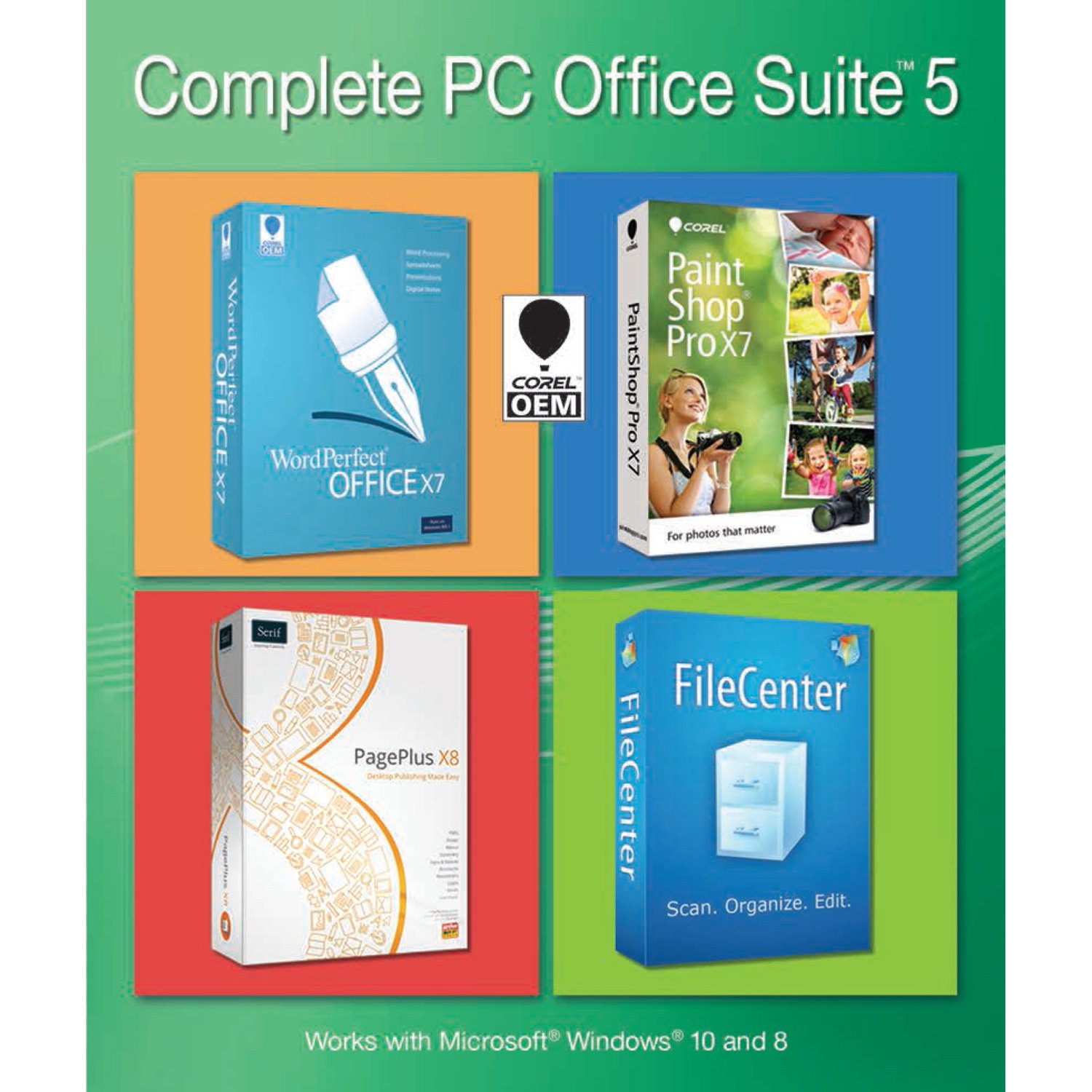
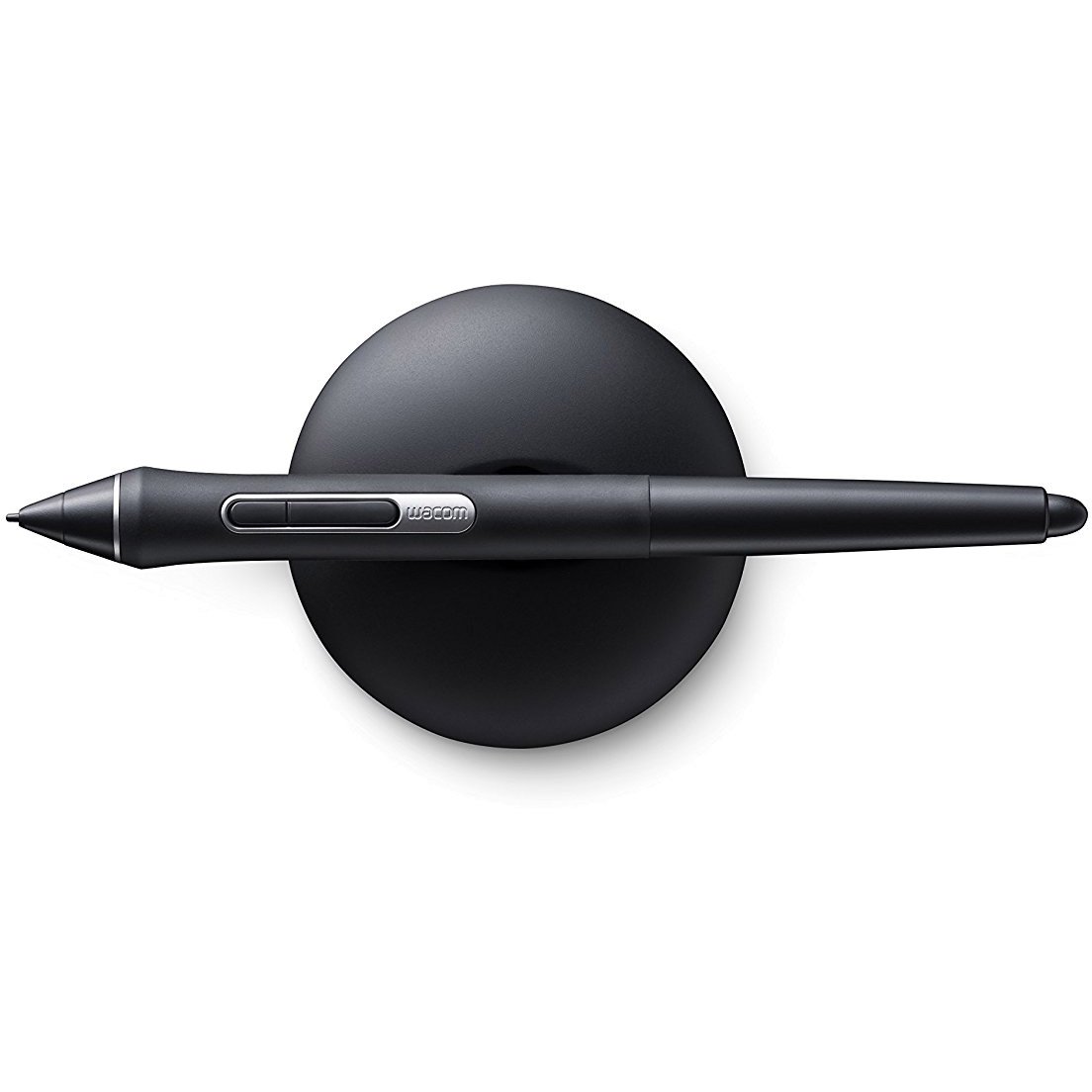
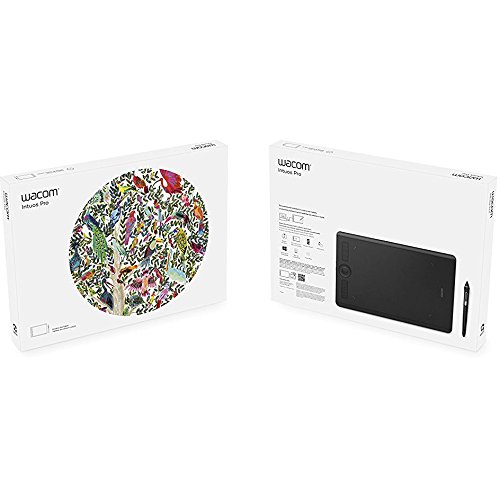
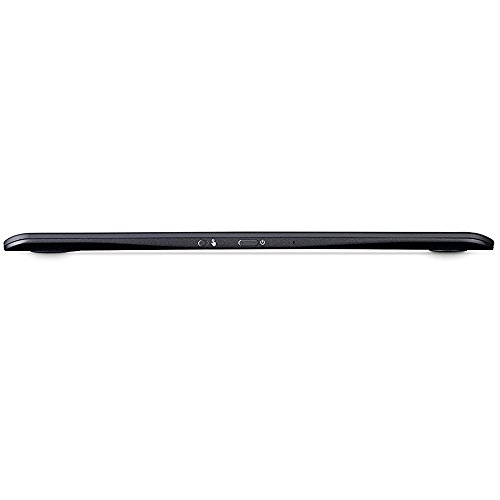
The Wacom PTH660 Intuos Pro Medium Creative Pen Tablet is designed for professionals and enthusiasts alike, featuring advanced pen technology with 8192 levels of pressure sensitivity and tilt-response. Its sleek design and customizable features enhance your creative workflow, while the included Corel Paintshop Pro 2018 ensures you have the tools to bring your visions to life.
| Standing screen display size | 15.8 Inches |
| Screen Resolution | 5080 lpi |
| Graphics Coprocessor | Wacom |
| Wireless Type | Bluetooth |
| Average Battery Life (in hours) | 1 seconds |
| Brand | Wacom |
| Series | WCPTH660 |
| Item model number | WCPTH660 |
| Hardware Platform | Windows, Mac |
| Operating System | WIndows 7 |
| Item Weight | 1.6 pounds |
| Product Dimensions | 13.2 x 8.5 x 0.3 inches |
| Item Dimensions LxWxH | 13.2 x 8.5 x 0.3 inches |
| Color | Black |
| Rear Webcam Resolution | 0.01 MP |
| Power Source | Battery |
| Manufacturer | Wacom |
| ASIN | B01MS6UMOU |
| Is Discontinued By Manufacturer | No |
| Date First Available | November 2, 2017 |
M**N
Superb quality, worth every penny.
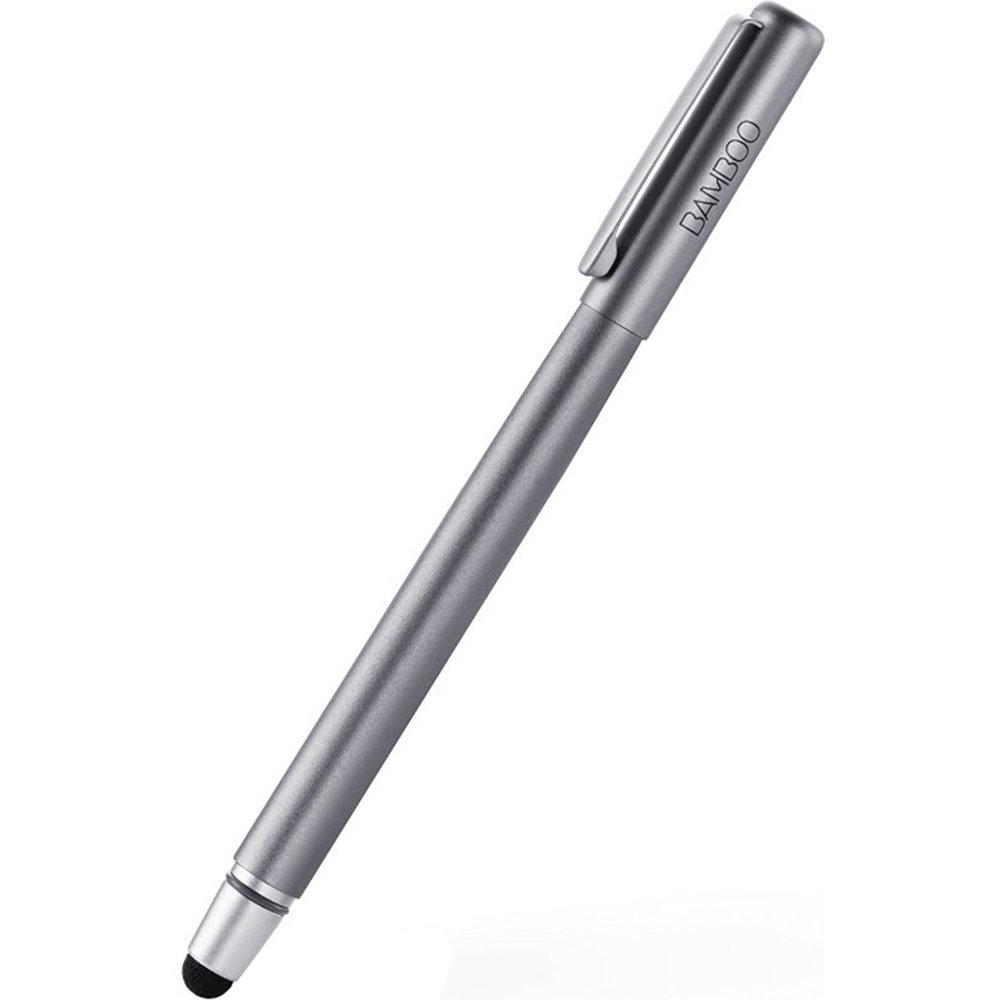
Excellent drawing tablet! I really like the feel of it, the responsiveness and simplicity. I thought I might like a larger one but no. The medium is just right. Pen's grip, and nib sensitivity is great to. I did need to buy a glove but that depends a lot on how you draw. Second pen doubles as a pen to draw on my smartphone.
I**D
Moving to the Pro from an Intuos 4
While the Intuos 4 still remains to be my favorite tablet, the Intuos Pro is a nice runner up. I'm a professional that's been doing my artwork and concept sketches on tablets for a very long time and so I always get a little nervous when it's time to update from what was working idealistically for me, to something new. The Pro responds to my hand movements with no problems, there's no skipping or lagging in pen response. I also like the feel of the tablet as to me it feels a little sturdier than my Intuos 4 and sits well in my stand when I need it to.Unfortunately the Pro eats the pen nibs like I used to eat popcorn. I was working on one very detailed art piece and my nib was almost gone by the time I finished. I'm comparing this to my Intuos 4 where I had it nearly for 11 years (give or take) and I only had to change my nib out like 3-4 times. So the Pro's nib-diet concerns me because they're not exactly cheap. If you're able to find nibs that are compatible and affordable, this tablet shouldn't be an issue as it is a good one, I do like it.The hotkeys on the side are customizable and you can lightly hover over a button to know which one it is as a panel shows up on your screen to show you. However I would prefer the lit-up labels on the actual hotkeys to shoot a quick glance at what I'm doing if I need to, and not have to wait for it to come up on screen to show me. I know with the Pro, it'll take time to memorize the feel of the hotkeys, since you're relying more of a type of braille to know what hotkey you're touching. It seems to be more tactile. This isn't a negative mind you, my opinion is just coming from preference is all.Overall it's a good tablet so far in comparison to the experience I have with other tablets I've used. If you have an Intuos 4 and nothing is wrong with it, I don't think you're missing anything if you stay with it. Your nib-budget might be more generous with it compared to the Pro.
V**S
This was a gift to my daughter who has been ...
This was a gift to my daughter who has been using an older model I gave her some years ago. I asked her and she loves it. The tablet has the right sensitivity on the pen so she doesn't need to press hard and less hand fatigue compared to other manufacturers. She won't use any other brand.
J**Y
Purchased for Digital Painting
Good price. Easy to hook up to my Mac. Easy to use. Cord is a good length. A little bigger than anticipated … good for studio use, but may be difficult to use while traveling.
K**G
... follow the instructions but it didn't work out too bad and not happy with it
The WiFi features doesn't work I have tried and follow the instructions but it didn't work out too bad and not happy with it.
R**R
Go small and work your way up.
I found that this pad is way to big event for a medium. This cost way to much to find out a small would have been the best for me. I am still trying to learn to use it it's very difficult to start out with.
A**R
Nibs will cost you a lot of money
I had the Intuos 4 and upgraded to this. It works just fine, but the nibs grind down FAST. My last tablet I only used an extra nib or 2 in three years. It's been 2 weeks and I need to replace this already. You can go buy a smoother surface..one more way for Wacom to nickel and dime you to death. I wish it had been an option when I bought it. I don't think this is worth the upgrade. If your 4 works, keep it as long as you can.
H**E
Love love love
I totally LOVE this.
Trustpilot
3 weeks ago
1 day ago