Buy anything from 5,000+ international stores. One checkout price. No surprise fees. Join 2M+ shoppers on Desertcart.
Desertcart purchases this item on your behalf and handles shipping, customs, and support to Sri Lanka.
💼 Unleash Your Productivity in Style!
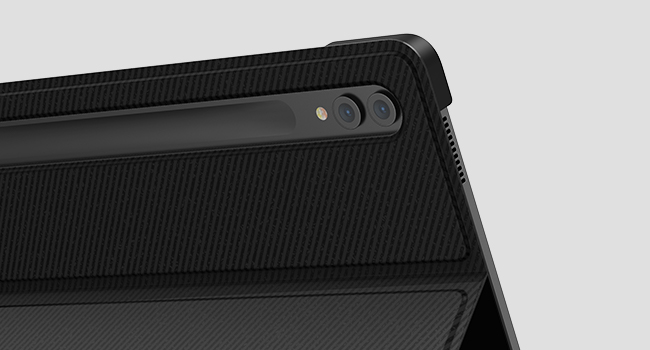
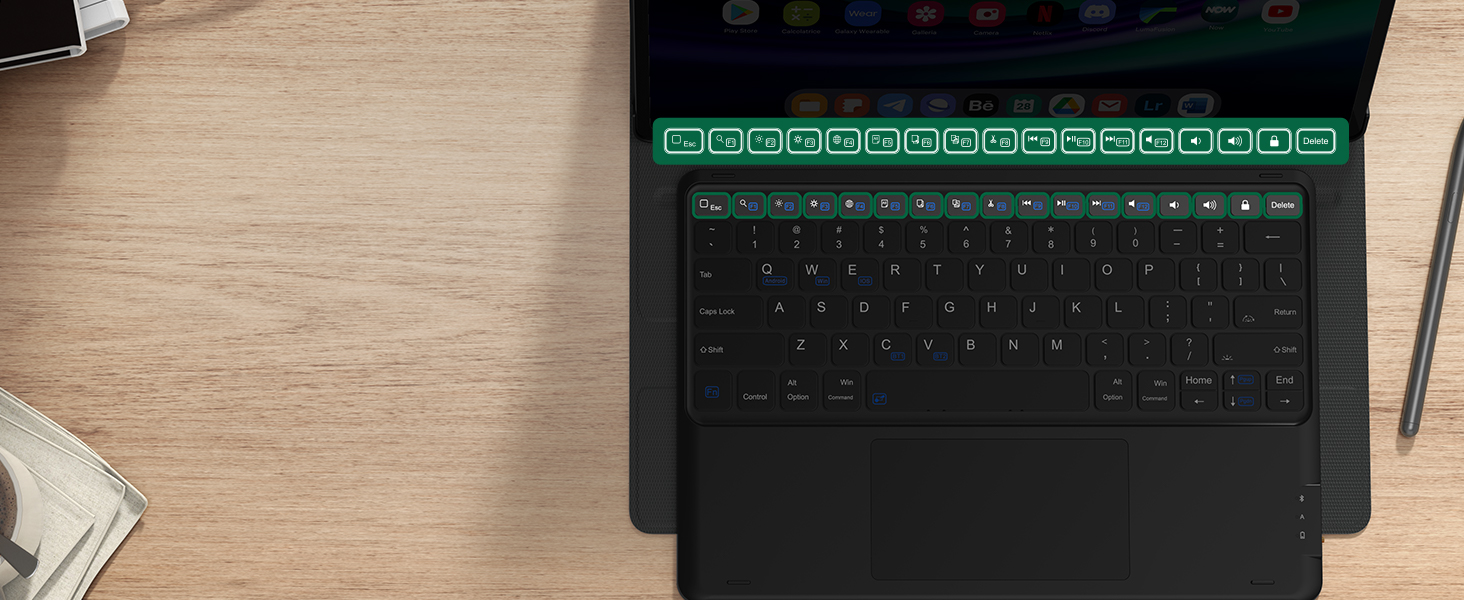
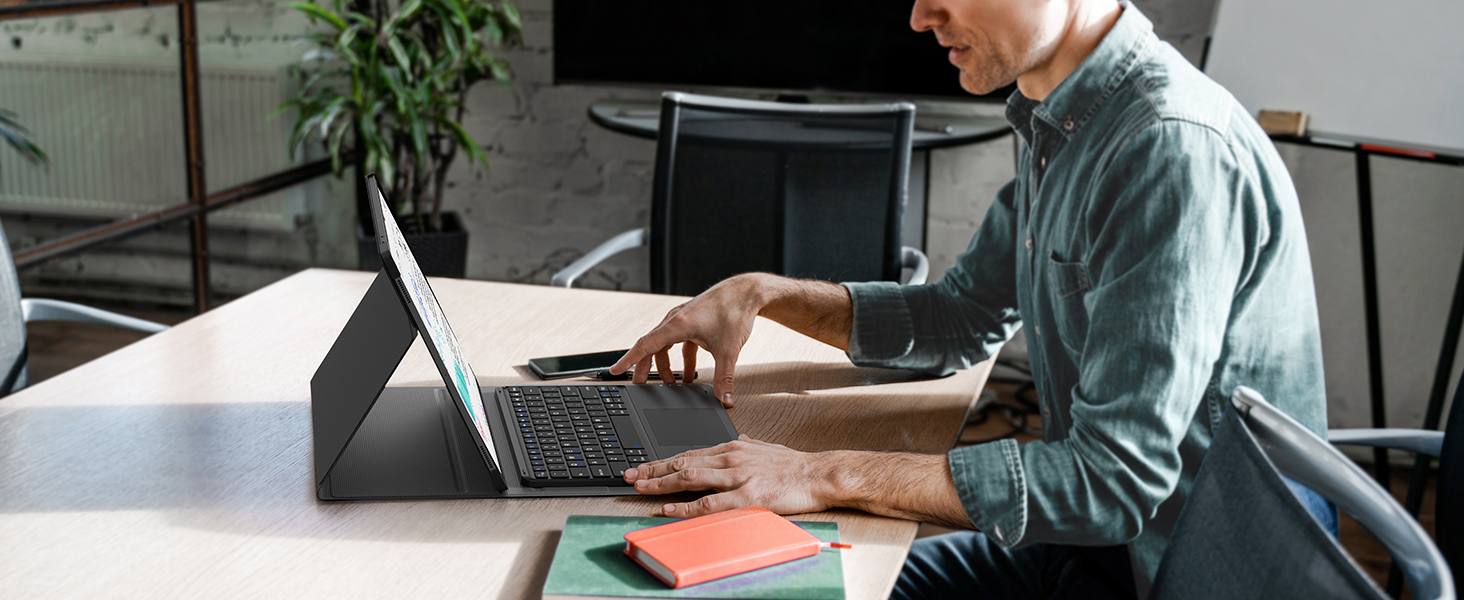
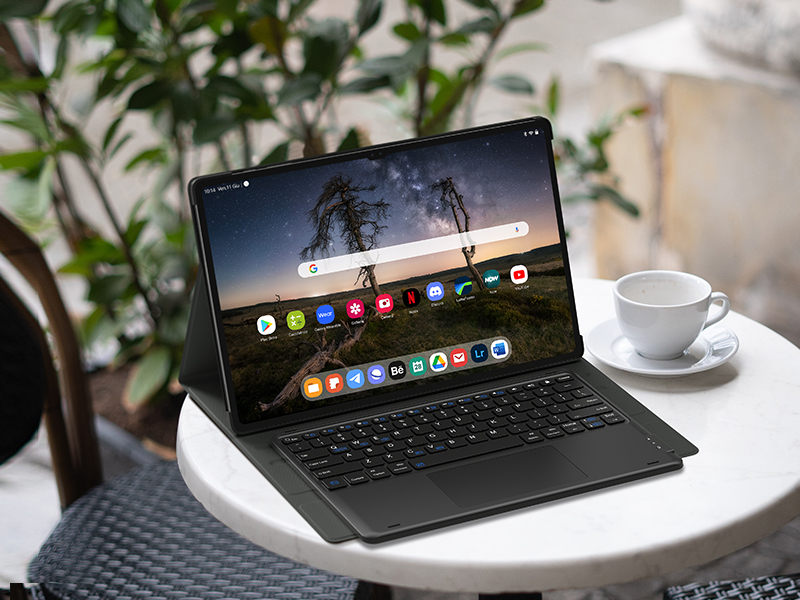
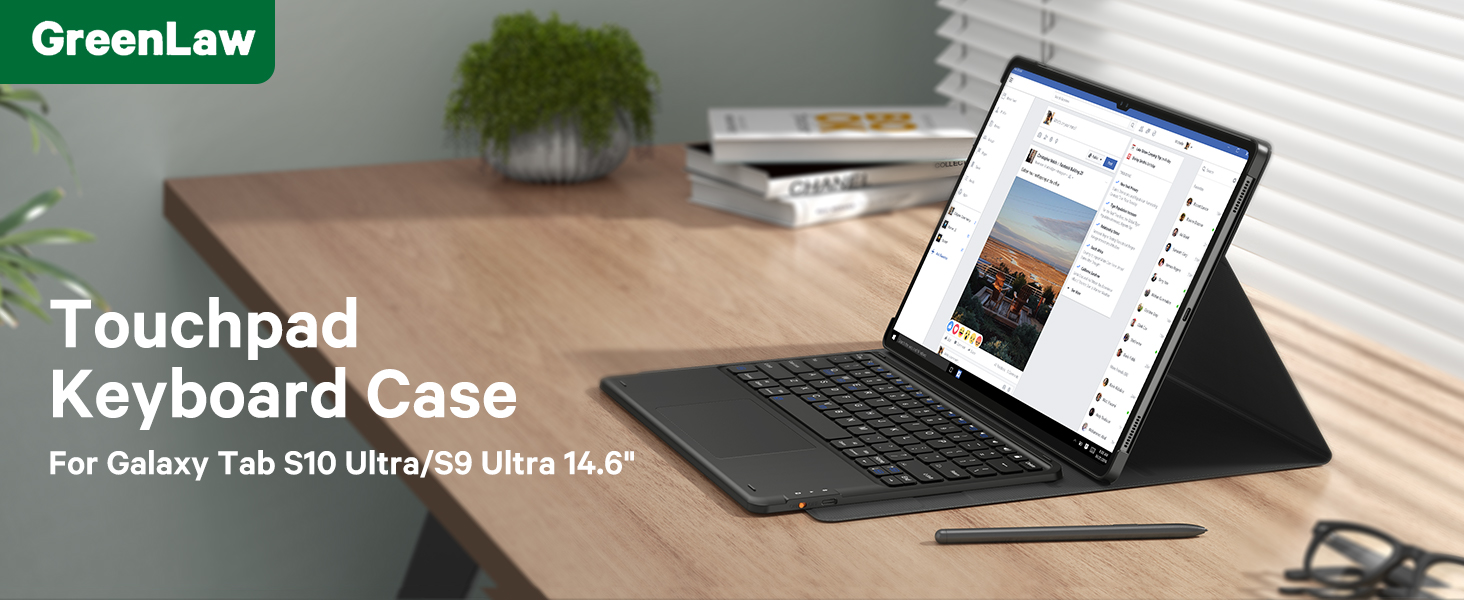
The GreenLaw Samsung Galaxy Tab S7 FE (5G) Case with Keyboard is a versatile accessory designed specifically for Galaxy Tab S8 Plus, S7 FE, and S7 Plus models. It features a detachable magnetic keyboard with a customizable 7-color backlight, a smart touchpad for enhanced navigation, and the ability to connect to two devices simultaneously. With a long-lasting battery life and precise cutouts for easy access, this case combines style and functionality for the modern professional.


H**C
If not a Must-Have, then a Must-Try
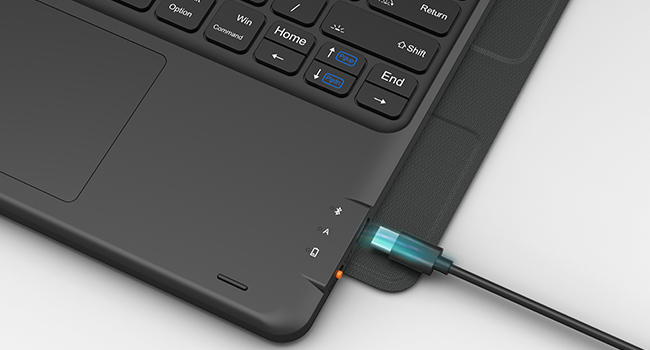
5 Stars on this product, but with an asterisk. While I think it’s a great buy and maybe even a must-buy as a full-on keyboard accompaniment plus cover to the S7+ (which is what I have), I think that this review would have been more complete if I could’ve also tinkered with the official Samsung-sold keyboard (which I didn’t) and then have written this review comparing one to the other.That said, this is an incredible value at $60 and worth purchasing if only to try it out. You’ll have a month (per Amazon’s return policy) to decide whether or not to return it if not satisfied. But, I’m sure that you’ll be happy with this purchase. Not only does it perform the way you would expect, but the official Samsung-sold keyboard is running about $150+ (as of this writing) at places like Amazon and Best Buy and Samsung’s own website.What I do like:o It does everything that a keyboard should do.o Love the backlit keyboard. And this is an extra feature that the official Samsung-sold keyboard does not have. BTW, thank goodness, though, for the video review on how to turn on the backlit keyboard. That had me stumped because I was just pressing Fn + A/S/D per the enclosed instructions. BUT, you need to press the light bulb key (to the left of the HOME key near the bottom right) first to turn on the lights. *facepalm* There are three illumination levels and the colors do pop.o I like how the keyboard is secured by magnets to the cover. In fact, if you hold up the tablet cover with the keyboard magnetically attached and have the keyboard dangle perpendicular to the ground, the keyboard does not fall to the ground.o Keyboard feels sturdy enough. It doesn’t flex nor does it seem like you can just break it in half.o Bluetooth connection is very strong. I could still operate the keyboard when standing 10’ away from the S7+ (although I’m not sure why you would do that).o I like that this comes with a USB-C charging cord, although I’m not sure how much juice it churns out. I posed this question on the Q&A forum but did not get a response. In any case, one can never have too many of these charging cords nowadays.o My S7+ does indeed fit snuggly into the cover case, so no issues with fitment.o When you close up the cover by closing the flap over the S-Pen, there are magnets to keep the flap in its closed position.Some things to note (and this is where the asterisk comes to play):o Keyboard came out of the box warped ever-so-slightly. It doesn’t affect my ability to type and to be productive. But, to my naked eye, you can oh-so-subtly make out a teensy-tiny curvature along the plane of the keyboard. It’s not a deal-breaker for me, and I just chalk this up to this being a $60, made-in-China device.o I wished that there was some kind of shortcut (like a Fn+F12) that allows you to enter/exit DeX mode (or maybe there is and I just hadn’t found it when writing this review…). There is a shortcut key on the official Samsung-sold keyboard. But, I don’t think this has that. So, I have to enter DeX the slow way – by swiping down the notifications bar in the upper right of the tablet and then pressing DeX. I did also pose this question on the Q&A forum, but there weren’t any responses received.o I wished that, as with so many other Bluetooth devices, there was some kind of meter that could provide a sense of how much internal battery life was left before the keyboard “dies”. I did see in the Q&A section someone asking about battery life and that a respondent said that it provided 60 hours of typing time. But, it would be nice to have a meter of some kind show up somewhere. There is a small light that comes on when you plug in the USB-C charging cord though. But that just shows green when fully charged and red when it’s less than 100%. Maybe it would’ve been nice if there were four colors to help the user gauge how much battery power was left (red/orange/yellow/green) or if remaining battery life info could be included within the Bluetooth info page (when entering the notifications bar by swiping the top of the tablet down) like how the Jabra products do it.o Regarding the magnetized flap, I do wish that the magnets were a little bit stronger.Now, admittedly, I’ve only had the keyboard for a few days and have only used it for a short period of time. Also, my S7+ is not my primary productivity tool. I do have a laptop, but I purchased the S7+ so that I could take it with me when on overnight trips (it’s smaller and lighter than the laptop). So, I am not a heavy user of the keyboard – I primarily return emails or draft some basic correspondence. But in my short time with it, I can say: If you have an S7+, if this is not a must-have item, this is then a must-try item … For me, I find it to be as critical as having a protective phone cover for your smartphone in addition to being an indispensable productivity tool. Time will tell whether this will continue to perform as well as it has out of the box. But there’s no reason not to purchase this $60 product and to give it a go for the duration of the warranty period.
S**I
Good product
Good quality, working well
O**E
Works great, my one complaint is folding the tablet into writing mode is a challenge
The keyboard works great and I have had no problems setting this up. The magnets are fairly strong, though I wouldn't treat it like the keyboard can't fall out because it has fallen out for me when I try to flip it around. My biggest issue with it is it doesn't do a great job of turning into a regular tablet on a desk, the case and keyboard lays at an awkward angle under the tablet and getting it into that position is kinda awkward. I usually just keep the keyboard in my bag until I need to use it. If you're looking for a tablet case that you're also going to be using for extensive handwriting or drawing on a desk, I'd consider a different option. otherwise there are no issues and I would recommend!
C**N
Very professional and Convenient
Great for office use or in your vehicle.But not for protection against falls.
G**@
Nice, but fragile
Chips on the edges. Handled with care. A good case that holds it up for viewing movies and videos. I wish it were made of something stronger or had edge protectors. Be careful but expect the edges to not last.
S**
S9 case
This case is great! Easy to set the keyboard up.
C**
I LOVE IT!
it's working great! I'm typing on it now. Would not trade it for anything.
W**E
So far pretty good, but a couple of questions
This one had the features I required: Backlit keys, sturdy case that protects s-pen when closed, and multi-touch touchpad. It seems good for the price. However, I wish (as is so often the case with inexpensive electronics) a better manual. I am left with many questions, which I am now trying to resolve via trial and error. The desktop keys (move around desktop and switch between desktops) are intuitive. Many other things are notExample, how do you emulate the "navigate" functions (usually on-screen or near-on-screen touches to screen. Is there a key board means to emulate the three "navigation" buttons of android? The idea behind the touchpad keyboard was to be able to do things without touching the screen. The back or escape function is frequently used, but not intuitive on this keyboard. (e.g. the top left corner button would be intuitive as would a combo key like "FN" or command with the ).What are the "option" keys supposed to do?What are the "command" keys supposed to do?How about a warning about the delete key when you ae on a desktop. {Advice - lock the desktop since delete quickly removes apps and widgets from the desktop without confirmation.Link to instructions on product page: good idea - but you used iPad instead of the appropriate Android instructions.Hey- dealer or product manager - how about hosting a little web presence for users to help each other on these items?
U**A
Bueno, pero no necesario
Fuera de la calidad del producto:- La entrega fue más rápida del tiempo estimado.- El producto venía bien empaquetado.Calidad del producto en una Galaxy Tab S7 FE:Pros:- El material de la funda internamente se siente resistente.- Los imanes sostienen bien el teclado.- Se puede guardar el teclado junto con el dispositivo dentro de la funda.- El recubrimiento de las esquinas del dispositivo es sólido por lo que protege contra golpes y rayaduras.- Los bordes exteriores de la funda dejan espacio para poder colocar el S Pen.- Al cerrarla junto con el teclado y el dispositivo, cierra perfectamente.- A pesar de no tener un compartimento inferior a la pantalla para el S Pen, cuenta con un espacio en la parte trasera para que esté seguro.- La iluminación de las luces es buena, cuenta con varios colores, 3 zonas de iluminción (Izquierda, Centro y Derecha) y tiene 3 intensidades.- El teclado en caso de que se necesite puede ser compatible con Android, Windows y IOS solo conpresionar Fn + Q/W/E.- La configurción de las luces es sencilla ya que es con los botones del teclado y el botón especial para encender las luces o ajustar la intensidad.- Cuenta con atajos y el touchpad tiene sus propias funciones para IOS, Android y Windows.- Al ser un teclado magnético se puede mover de lugar para más comodidad.- El touchpad puede ser activado o desactivado.- La luz se apaga cuando no se teclea nada para ahorrar bateria.- Si el teclado y el dispositivo entran en modo reposo, solo es necesario encender la pantalla y presionar alguna tecla para que se vuelva a conectar solo.- No se siente tan pesada en general.Contras:- El teclado es QWERTY pero ya que es de un país anglosajón no cuenta con teclas para la letra ñ o acento, debido a esto algunas de las teclas contienen carácteres que no son los que se escriben (La solución es cambiar el idioma el teclado en los ajustes o escribir sabiendo donde está cada caracter).- Las teclas son un poco pequeñas y tienen un poco de retraso (casi imperceptible).- Al mover el cursor en el touchpad tarda un poco en aparecer el cursor si se ha dejado de utilizar. (Casi Imperceptible)- Las luces se apagarán después de no teclear nada aunque se esté utilizando el touchpad.- El material que recubre la parte exterior de la funda es bueno pero en relación a lo que cuesta podría ser mejor.Conclusión:Reomendable en caso de que se busque un teclado con luces que no sea tan complejo pero muy funcional, es una opción segura en caso de no poder decidir entre otras.Si solo se busca el teclado sin el touchpad o solo la funda, hay muchas otras otras opciones que este producto.
T**R
Feel is good
Very good productPlease purchase
P**S
Good and perfect fit for s8 plus
The fit is perfect for s8 plus which I had purchased by June and using it for more than 3 months. Good and nice and worth to buy.
G**H
Nice product
Good product
S**E
Duplicate
The media could not be loaded. Bakwas product! China made duplicate item selling to deceive people, by simply covering codes, no brand name on product, manual or anywhere. No return accepted also! Waste of money 😡
Trustpilot
1 day ago
2 months ago