
DOWNLOAD THE APP


Customer Services
Copyright © 2025 Desertcart Holdings Limited
DOWNLOAD THE APP

📺 Transform any screen into your personal cinema—smart, sleek, unstoppable!
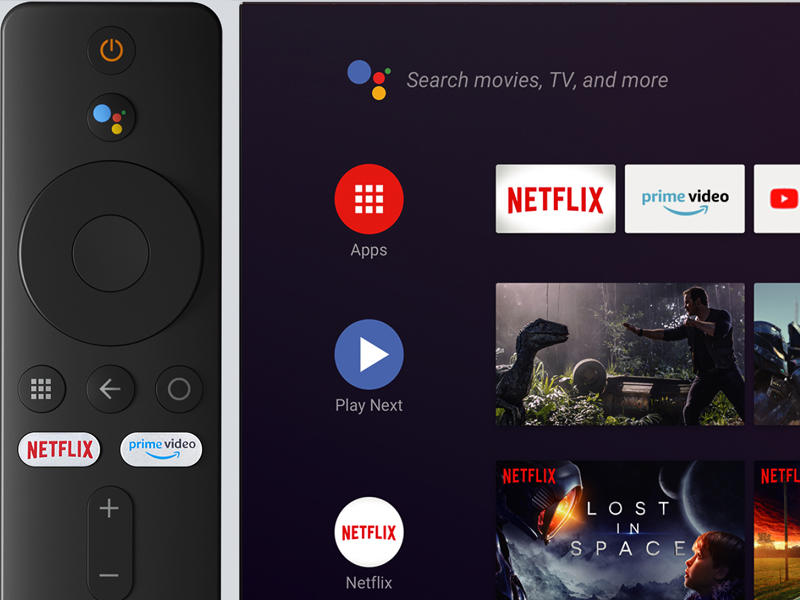
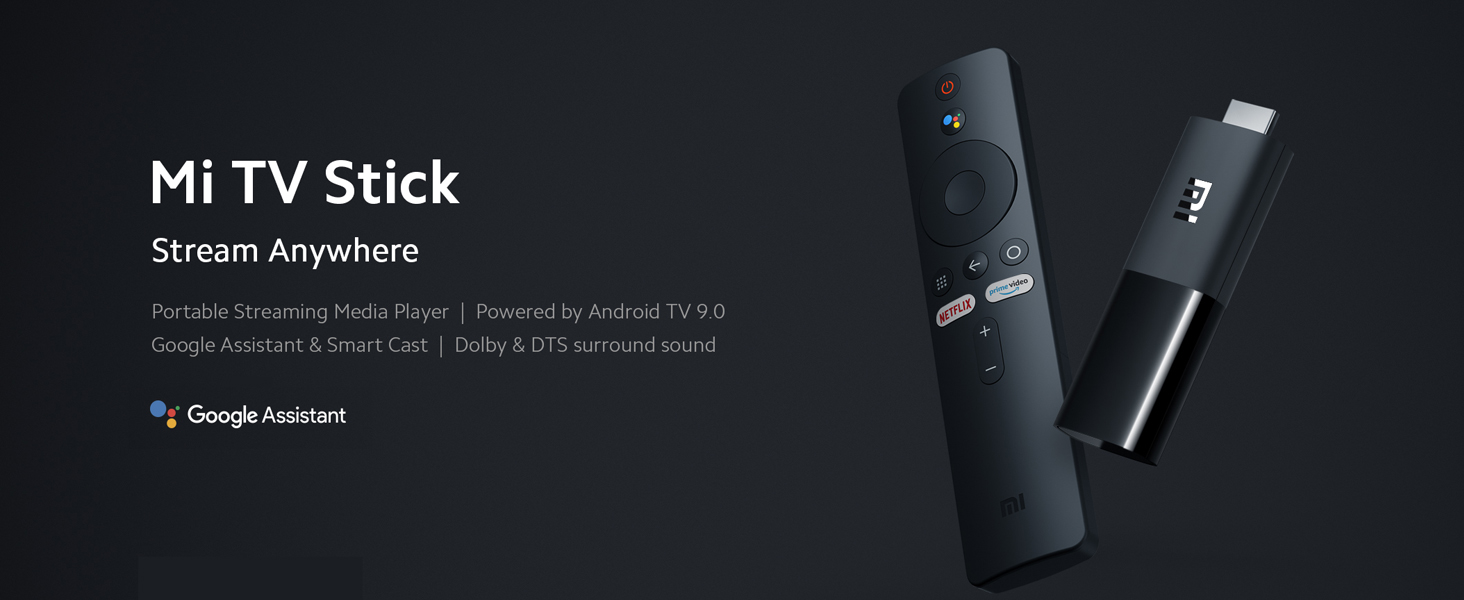
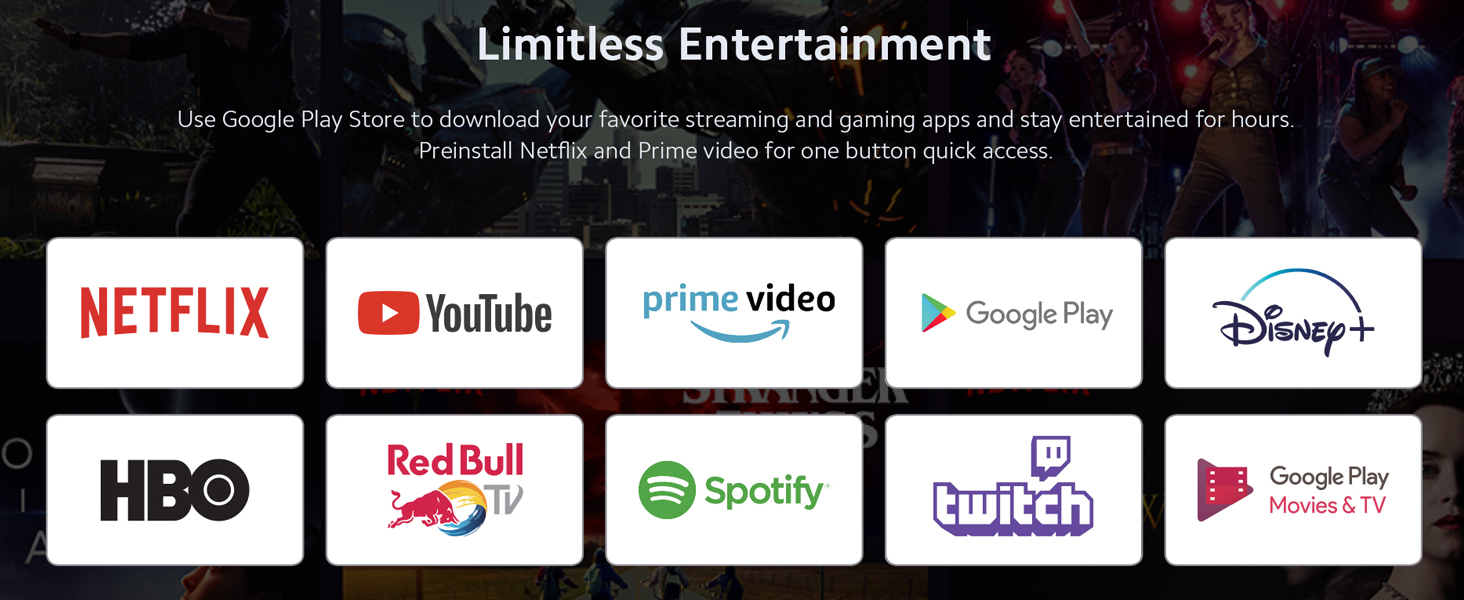
The Xiaomi Mi TV Stick is a compact, lightweight streaming device featuring 1GB RAM, 8GB storage, and 1080P HDR resolution powered by a Quad Core 64-bit processor running Android TV 9.0. It offers effortless setup, voice search via Bluetooth remote, and personalized content recommendations, turning any HDMI-enabled display into a smart entertainment hub.


| ASIN | B09B9BPXF2 |
| Best Sellers Rank | #4,726 in Electronics ( See Top 100 in Electronics ) #37 in Streaming Media Players |
| Item model number | MW50230 |
| Manufacturer | Xiaomi |
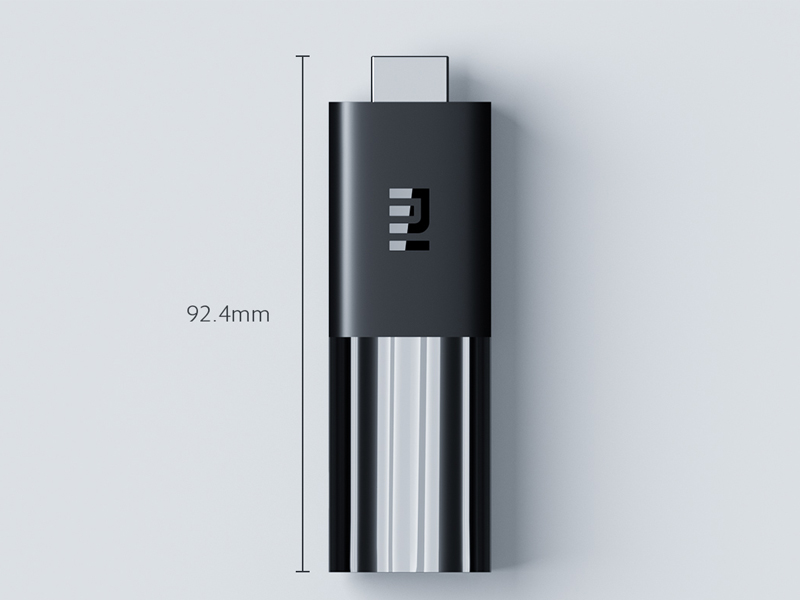
| Product Dimensions | 9.24 x 3.02 x 1.52 cm; 191 g |
P**R
Works just great
Simple installation, simple operation, great quality and features. Highly good purchase. To a good price
M**I
Good
Good
M**K
Not working
There is a problem with internet connection. Tried with different networks and still having the same problem. Tried to reachout to the seller to get invoice and check the warranty as it is under the warranty and was never used but no replies on the messages. I previously had another one and was working fine, so not sure if the newer version is not good or its a problem with the seller.
H**E
...
I like the mi stick tv but there is something factory defect
M**H
REMOTE CONTROL
The remote control does not work very well. When I press scroll up & down just once, sometime it continues scrolling none-stop.
H**Z
one of the greatest purchase
With this it's so easy to use and it can be used on anything which has an HDMI port in it and if I'm going somewhere I could just unplug and take it with me and I could install movies and other things on the 16GB storage that it has and I could later use that to play that movie in my friends house or other places One of the greatest thing that I used/bought
S**R
less than 2 months, and the device stopped working.
The device stopped working all of a sudden. Only a white light appears and it is not recognized by the TV. Edit: I reset by remote by the below method 1. Removed the stick from the TV and remove the power source. 2. Removed the batteries from the remote, pressed and held the power button for about 2 minutes and put the batteries back in. 3. Connected the stick back to power source and to TV. 4. Pressed both the menu button and circle button (in the middle of the remote you find 3 buttons in a row- the first and the third) simultaneously, until the start pairing display appeared on screen.
M**L
Bad experiences
After 2 months of use its not working
N**M
Bought this to use it my projector, and helped me install all the applications i want to use with my projector. And its user friendly interface
د**ف
تم شرائها اكثر من مره ممتازه
S**I
I bought 3 of these, they are very convenient and easy to use, the whole family uses them
U**1
لم احب انه أحينا تتكرر حدث خطا ما الرجاء محاولة الاتصال مجددا واكون مندمجة في مسلسل 🥺
M**O
Good purchase.
Trustpilot
1 month ago
3 days ago