
DOWNLOAD THE APP


Customer Services
Copyright © 2025 Desertcart Holdings Limited
DOWNLOAD THE APP
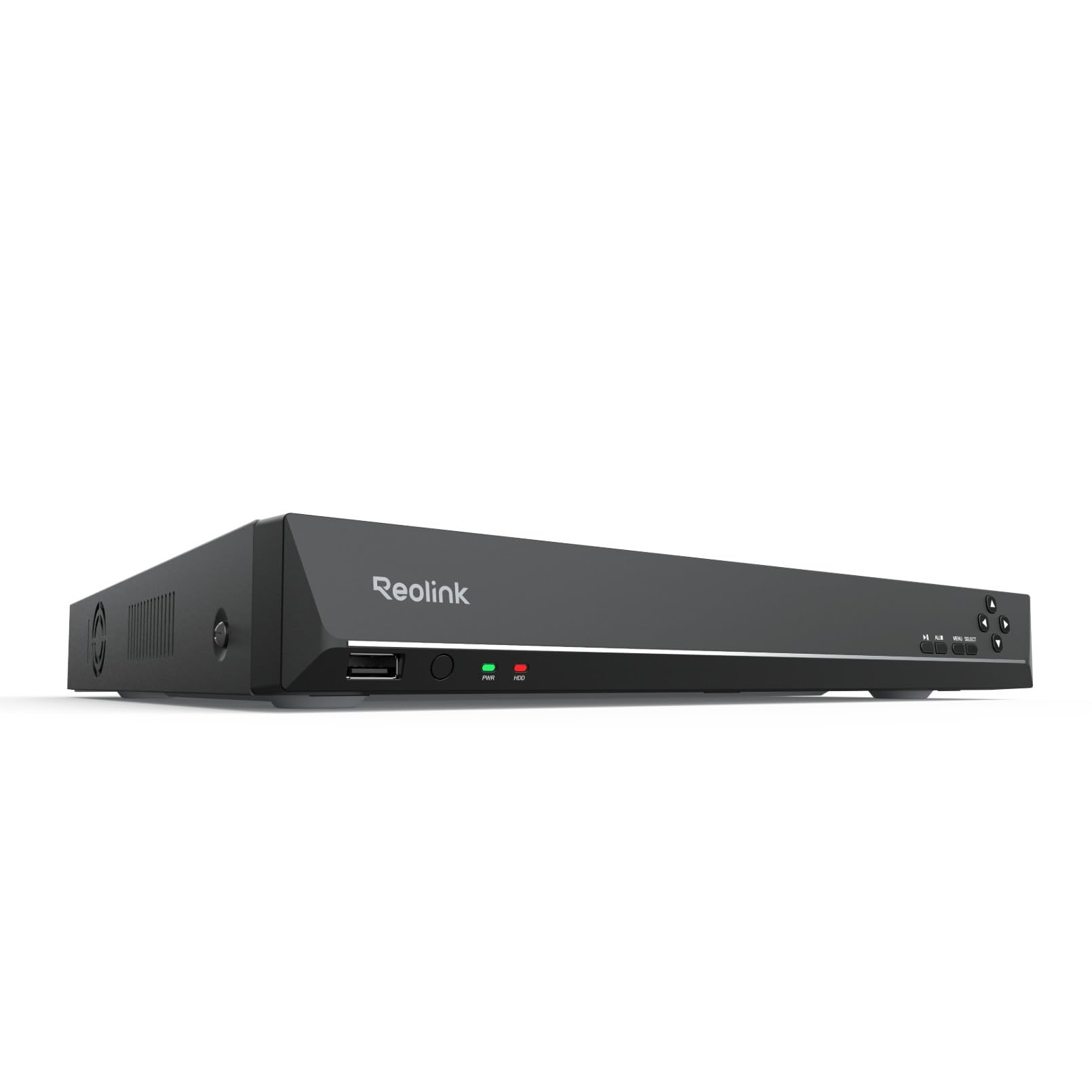


🔒 Elevate Your Security Game with the Ultimate 36-Channel Powerhouse
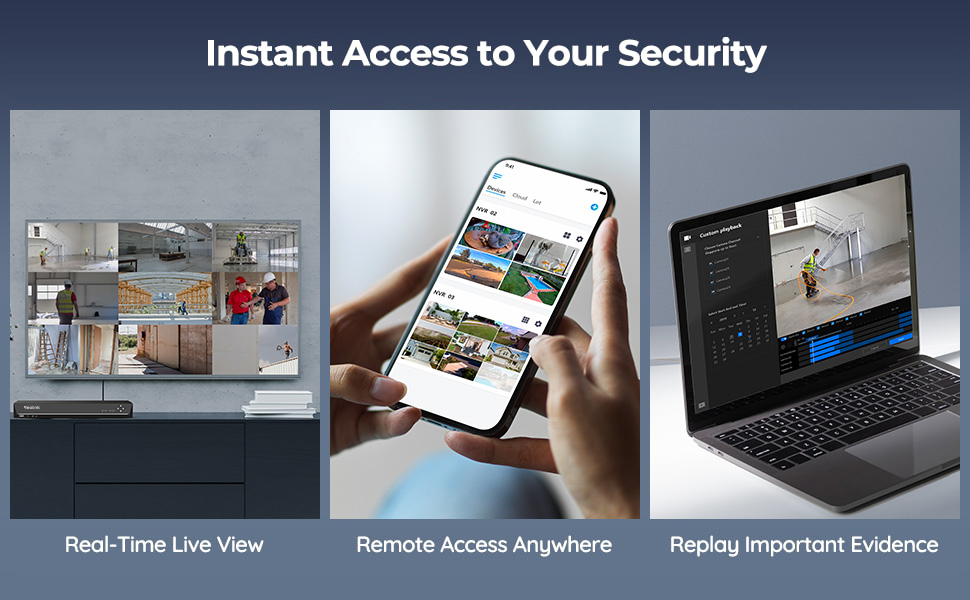
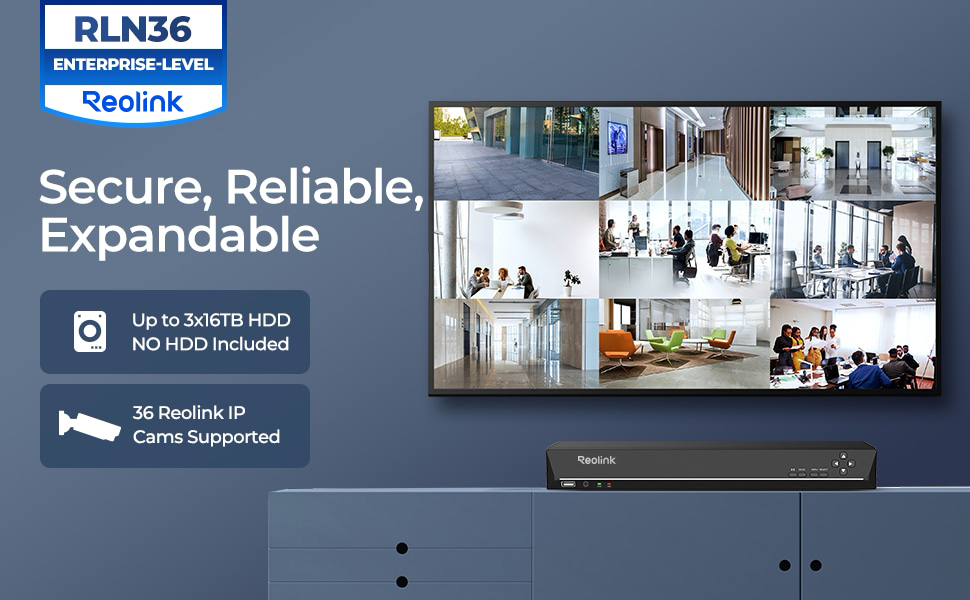
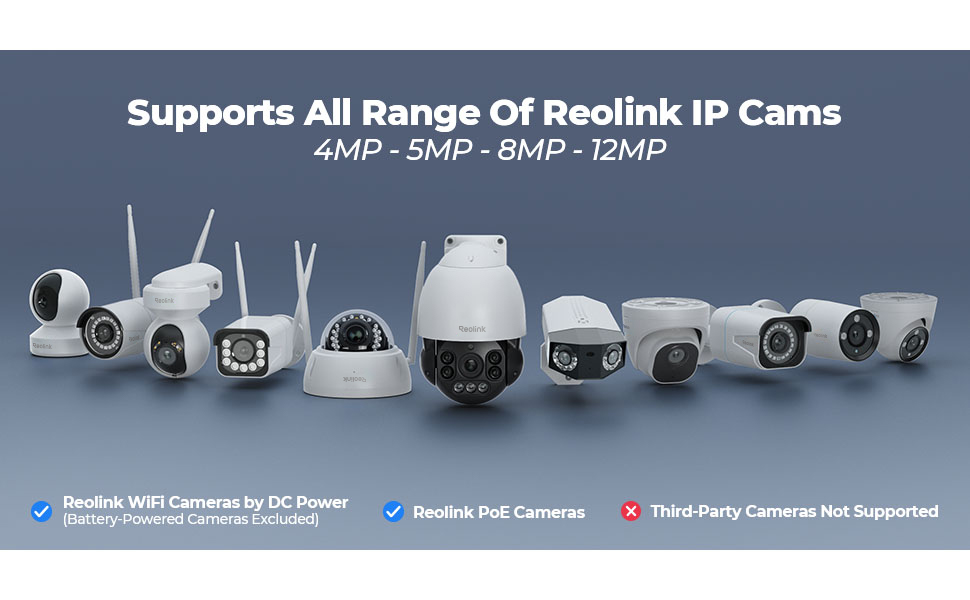
The RLN36 36 Channels NVR is a professional-grade network video recorder designed exclusively for Reolink IP cameras. It supports up to 36 cameras with seamless PoE expansion, offers massive 48TB storage across three HDD bays, and features ultra-fast 1Gbps LAN ports for smooth 4K video streaming. Integrated AI-powered human and vehicle detection, two-way audio, and USB 3.0 backup capabilities make it a cutting-edge solution for comprehensive, intelligent surveillance systems.





| ASIN | B09YDCCMYD |
| Batteries Required? | No |
| Batteries included? | No |
| Best Sellers Rank | 66,806 in DIY & Tools ( See Top 100 in DIY & Tools ) 3 in Video Transmission Surveillance Systems |
| Colour | Black |
| Customer Reviews | 4.4 4.4 out of 5 stars (232) |
| Date First Available | 20 April 2022 |
| Included Components | 1 x RLN36 NVR (without HDD pre-installed); 1 x NVR Power Adapter; 1 x HDMI Cable; 1 x USB Mouse; 1 x 1m Network Cable; 1 x Quick Start Guide; 3 x Pack of Screws |
| Item Package Quantity | 1 |
| Item Weight | 3.84 kg |
| Item model number | RLN36 |
| Manufacturer | Reolink |
| Material | Metal |
| Part Number | RLN36 |
| Power Source | Electrical Cable |
| Product Dimensions | 33 x 31 x 4.8 cm; 3.84 kg |
| Special Features | Human Detection, Night Vision, Two Way Audio |
| Style | 36CH PoE NVR |
B**R
Easy setup works like a dream
Bought this to work with my 2 new cameras, once I’d installed the hard drive it setup and connected to my cameras very fast. There’s no deviation from what the camera sees quality wise and the image recorded and that’s the same with the sound. It’s very easy to use and is the perfect nvr for my Poe cameras! It’s worth noting that it’s compatible other camera makes, but if your using it for Poe cameras you will need a Poe injector as this doesn’t provide power over Ethernet directly
J**E
Good value for money
It's been a solid device and is good price to performance compared to some of the range.
G**T
Good quality equipment that does what I wish very well. And now good technical support.
I am happy with the equipment and its performance. The NVR software works well, and a technical glitch I had was neatly solved by the Reolink support team, and promptly. Good service.
M**K
Great upgrade
Great upgrade from my 16 channel, some nice features on it too, worth the upgrade.
T**R
Does the job
Needed to make Additions to my current cctv set up. Was easy to set and good value for money. Connecting was straight forward. I find reolink is a good quality system. With 36 channels it's got great functionality.
T**G
Good NVR for Reolink cameras
This is a really nice NVR, really easy to setup and use, playback function can be set to only show motion events, which helps to locate interesting events. Only works with Reolink cameras I believe. No HD supplied with this unit, but has capacity to fit 3 3.5" Drives
C**S
Ok, but the UI has a little bit of an identity crisis
Good if you’re already invested in the Reolink system. Especially ok if you’ve got nothing to compare it to. But missing some essential functionality IMHO. I bought this to replace a dedicated (Linux / home brew) based solution, which was built to spec. So an ‘off the shelf’ system was never going to tick all my boxes. But it did make my life much easier to get 9x new Reolink cameras recording quickly, with all the motion event flags, etc. Reolink cameras will attach and record ok. Motion events are highlighted on the playback bar and it’ll attach to the Reolink phone app 👍 BUT… For me, the network playback & administration functionality has a bit of an identity crisis. i.e. The local (hdmi) interface of the NVR is a much richer experience than the app/web based playback. If you want to stick this under your tv in the living room, that’s fine. But in that case, I’d be wanting a remote and a couch control experience too (who wants to use a mouse, 3ft away from their tv)? So to me, this is better suited in a secure, remote location. Like a rack in a locked server room. But then, because you can’t remotely access much of the administrative functions, you’ll need to stick a monitor and mouse in there too. And go there manually to administer it 🤬 I am seriously considering attaching it to a CometPro KVM (or similar) for proper remote access. But that’s basically doubling the cost of the NVR. … and without a network KVM, you really do have to go and attend to it manually. You can’t add new cameras to the NVR via the app or web-if. You have to do it on the device itself. For me, that goes against the spirit of the “N” in “NVR”. Backup is also a bit tedious. I expected to be able to easily pull recorded files over the network when required. But the primary export method involves sticking a USB stick into the physical NVR. Downloading recordings over the network is slow, painful, limited & feels like an afterthought. To me, the playback is a bit odd too. I expected to see a native grid view (all cameras at once, playing back in sync) with the ability to seamlessly toggle between them. But that’s not how it works. It assumes you just want to see one at a time. With a bit of faff, you can ‘pin’ 4 cameras to the same view. But if you want to have more playback views in sync (to see activity across the whole site), you’re out of luck. Full grid view was available on all the DVRs I’ve used in the past worked. But maybe I’ve been spoiled. Last but not least, a minor word of caution to anybody who fits multiple HDDs, of large capacity… the load balancing logic is really basic. It will fill up one disk, then go to the next, and eventually loop. The real world effect of that, is you’ll have a disk spinning for a whole month, with no usage. It won’t spin a disk down, when it’s not being used. Of course, you wouldn’t want it spinning down frequently, but when we’re talking a month or more between access times, then I’d like to have the option.
D**.
NVR 36
just the job less cables to run, and a sharp pic
S**H
Rien a dire pour le prix. J'avais un similaire en 16ch. Ben la c'est pareil sauf que j'ai acheté des switchs poe pour pouvoir alimenter les caméra avec l'enregistreur. Il est très simple à configurer, malgré le manque de notice. En ce qui concerne le bruit , ben pour moi il fait le bruit de tout enregistreur, autrefois je posséder un Samsung, le bruit était pire Le seul point noir et le lecture en multiecran. Impossible de lire les vidéos en multiecran quand les caméras sont en 8mp. Par contre sur les 5mp aucun problème la lecture est possible en multiecran. Je contacte cependant avec ce mode une lecture avec un décalage comme mon ancien enregistreur. Point fort la capacité de stockage. Mon ancien c'était 12To. ( Réel on pouvait mettre 16) . La j'ai mis 3 12to sans aucun soucis . J'ai pas tenter les 16to car encore trop chère. La résolution de l'enregistreur au moment de la configuration est importante. Votre écran est également un élément important pour profiter au maximum d'une vidéo de qualité
J**Y
Ich bin seit längerem in dem Thema und muss sagen es hat meine survilence Station von synology abgelöst. Ich hatte ein recht performantes System keine ds... Egal das Teil hier ist sehr angenehm in der benutzung, sehr schnell bei der Wiedergabe und Spulen sind ebenfalls gefühlt in echtzeit möglich. Simultan aller Kameras, einzeln, mit ki Erkennung von Personen, Autos und Tiere. Keine fehl Alarme. H265 Hardware on Board. Hdmi am Gerät, Gehäuse lüfter ist leider etwas laut. Mit einem 40mm noctura war das aber auch gelöst. Hdd Lautstärke natürlich muss separat betrachtet werden, ich hab eine 4tb nas hdd drin. Leise und effektiv. Stromverbrauch so 12w mit 4tb ohne Monitor. 15w mit einem hdmi Gerät, ich denke wegen der videoausgabe. Ich betreibe momentan 9x 4k Kameras reolink duo2 poe Tendenz steigend Bis zu 3x sata Geräte, maximal 3x4GB =12GB Leider kein raid möglich, stört mich aber jetzt nicht so. Backup ist eine bessere Lösung. RAID ist für mich eine ausfallsicherheit kein Backup. Die Aufnahmen laufen auf der anderen Festplatte weiter wenn eine kaputt ist. Sofern eine zweite oder dritte Platte verbaut ist. Liveansicht auf dem hdmi Ausgang komplett alle 9 Kameras läuft auf hoher Auflösung. 4k 30fps kann der hdmi port nativ. Handy app ist sehr gut, die webconsole ist leider sehr schlecht und vernachlässigt, schade weil die Einbindung in smarthome so umständlicher ist. Aber es gibt für jedes Betriebssystem ein Tool, also Android, Apple, Linux, Windows,... Also das Teil ist geil und reolink gibt langsam Gas was nvr Komponenten betrifft. Unterschied noch erwähnt zu den neuen Reolink home hub pro 2TB. Ich kann onvif Kameras einbinden was der hub nicht kann. Und es sieht leider nicht so cool aus wie der hub. Ich denke die hdmi GUi ist beim hub auch moderner, muss ja, ist ja neu🤣. Aber können fast das gleiche. Ach und keine poe am Gerät. Muss also im Idealfall sowieso über einen poe switch laufen. Aber einen 4 port switch mit eigenem DHCP und Netzwerk Einstellungen.
U**P
Bra produkt om man redan har PoE switchar. Dessutom bra att man kan själv välja vilka HDD man vill montera in. Fläktarna låter något högt, men inget som stör då jag har denna i en serverrack. Något som går att förbättra är mjukvarans användarvänlighet, dessutom ta fram en utförlig manual. Saknar möjligheten att kunna konfigurera de 4 LAN ingångarna (VLAN, IP mm).
G**U
Non è un poe ma il suo lavoro lo fa benissimo, se avete telecamere in giro per casa o azienda in rete e non potete portare tutti i cavi singolarmente, questo è per voi. ha le 4 porte in cui portare da 1 a 4 cavi, io ne uso solo una, sotto ho 1 switch primario e sotto ancora altre due switch in cascata di cui uno collegato in fibra tramite un media converter. Colleghi la telecamera allo switch poe o tramite poe injector e il dvr la vede subito, user, password e ip e il gioco è fatto. unica pecca secondo me, l'aggiunta delle telecamere può essere fatta solo tramite monitor collegato in hdmi o vga, diventata molto più comodo via rete secondo me. per ora ho un disco da 1 tb, non configurato, è tutto automatico in realtà, ventola non si sente. Altra figata è la gestione delle registrazioni, si possono programmare un pò a piacimento, sia sempre registra con indicatori di passaggio auto persone animali, oppure registra solo al passaggio, oppure ancora in alcuni giorni oppure in alcuni orari. Con l'aiuto del supporto reolink che risponde via mail sempre e subito, vi divertirete a configurarlo, davvero un ottimo nvr ed un ottimo supporto.
B**Z
toutes mes anciennes camera on les vois presque tous mais pas de détection
Trustpilot
1 week ago
5 days ago