Desertcart purchases this item on your behalf and handles shipping, customs, and support to Sri Lanka.
🚀 Boost Your WiFi, Boost Your Life — Stay Connected, Stay Ahead!
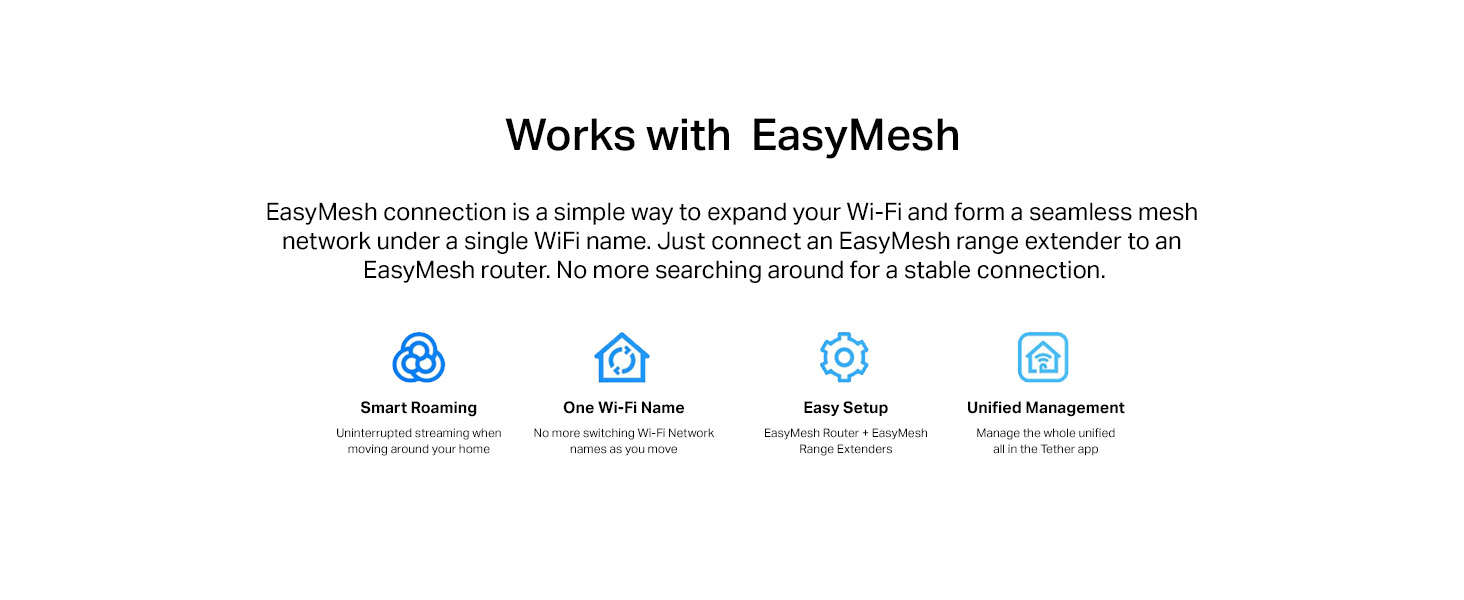
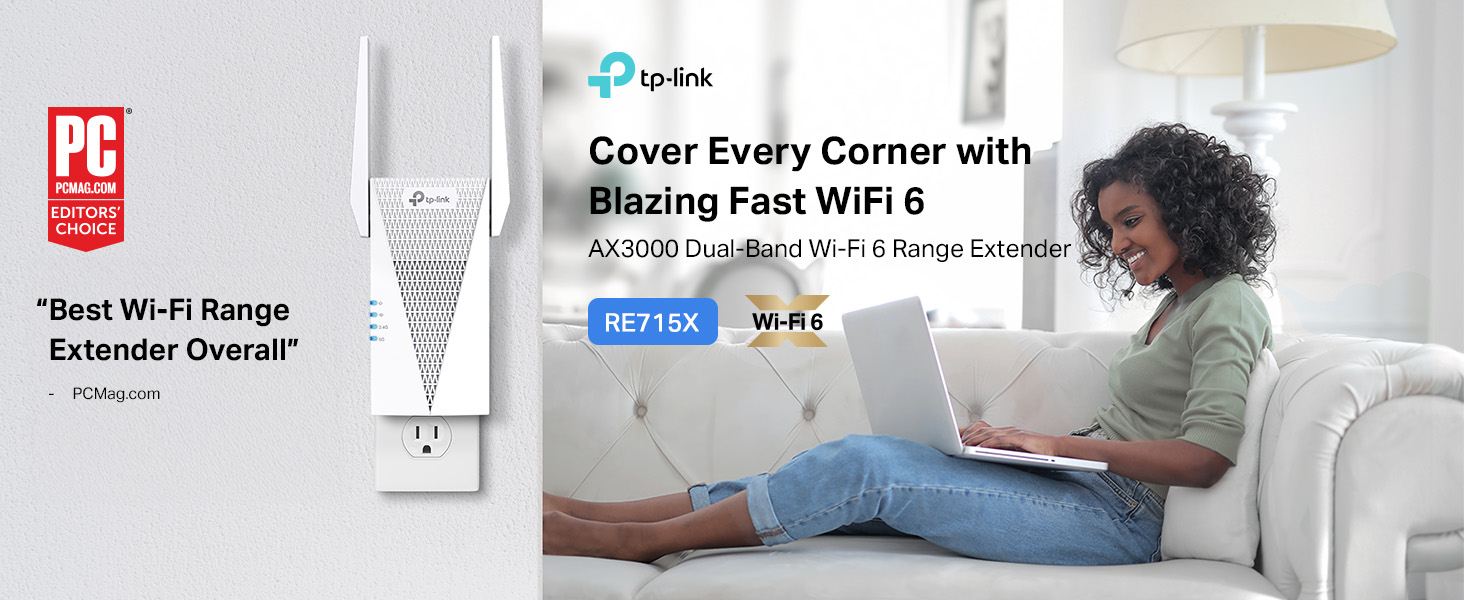
The TP-Link AX3000 WiFi 6 Range Extender (RE715X) delivers up to 3 Gbps dual-band speeds and extends coverage up to 2400 sq. ft., supporting 64 devices simultaneously. Featuring beamforming antennas, EasyMesh compatibility, and a gigabit Ethernet port, it ensures seamless, secure, and reliable whole-home WiFi. Setup is effortless via the TP-Link Tether app, making it the perfect upgrade for modern homes craving lag-free streaming, gaming, and smart device connectivity.


| ASIN | B0B8BVY12V |
| Best Sellers Rank | #3 in Repeaters |
| Brand | TP-Link |
| Built-In Media | Quick Installation Guide, Wi-Fi Range Extender RE715X |
| Color | White |
| Compatible Devices | Gaming Console, Personal Computer, Router, Smartphone, Tablet |
| Connector Type | RJ45 |
| Customer Reviews | 4.2 out of 5 stars 4,140 Reviews |
| Data Transfer Rate | 3000 megabits_per_second |
| Frequency | 5 GHz |
| Frequency Band Class | Dual-Band |
| Frequency Bands Supported | 2.4GHz, 5GHz |
| Item Dimensions D x W x H | 1.57"D x 4.21"W x 6.3"H |
| Item Type Name | WiFi Extender |
| Item Weight | 13.44 ounces |
| Manufacturer | TP-Link |
| Mfr Part Number | RE715X |
| Model Number | RE715X |
| Range | 2400 Square Feet |
| Special Feature | Access Point Mode |
| Special Features | Access Point Mode |
| UPC | 840030703362 |
| Warranty Description | 2 year manufacturer |
| Wireless Communication Standard | 802.11ac, 802.11ax, 802.11b, 802.11g, 802.11n |
| Wireless Compability | 802.11ac, 802.11ax, 802.11b, 802.11g, 802.11n |
B**R
works perfectly, no more drop-outs.
Like most homes, my home has a bad spot toward the back, right where my man-cave is. I placed this where the signal was still good, it boosted coverage, and the coverage is seamless. No ".ext", my devices stay connected to my network without needing to jump to a subnetwork. Setup was a snap, and it works so well I often forget its there (which is how it should be).
O**T
Easy setup, great wifi extender
Easy setup, Nighthawk app works great. Enhanced coverage, solved my problem with coverage.
J**G
Solved all my WiFi issues!!!!
This is my first time purchasing this booster or brand BUT this is my 3rd WiFi booster ever. This thing is AMAZING. Setup was a breeze. The instructions are actually written coherently and make sense. The app, minus one very big glitch (see below), made setup foolproof. This thing really works wonders. I am FLOORED by how well it works. None of the other boosters I had worked even close to as well. All our dead and slow WiFi issues are resolved. Trust me, I could write a full manifesto on what we have dealt with with our WiFi connection in our house. Not anymore though! The only two drawbacks I have found are: 1.) The size: this thing is quite large. The ideal location for my booster is in my upstairs hallway which gets A LOT of traffic between my high energy dog and young kids. I do worry that someone is going to collide with it and tear it out of the wall and break it. 2) The app had a glitch. First of all, the setup app is awesome because it does the work for you if you follow the instructions. It made it super easy and not as cumbersome and confusing as every other booster I’ve used. The only issue is that they need to update it for iOS 18, because anytime I tapped on a field that needed to be filled in, the keyboard would not open so I couldn’t type what was needed. The work around for this is to open your notes app, type what you want, then copy and paste it. Not ideal, but I’m assuming it’s temporary and now that the booster is setup I don’t even need to go into the app. After dealing with the junk boosters I’ve had in the past, I’ll take these two drawbacks without any complaint. This is a great booster. Worth the money.
K**A
Works great, Amazon used like new but no tp-link warranty on used items
Purchased a "used - like new" range extender from Amazon. PROS: Packaging and all contents were undamaged, and the range extended, when plugged in, quickly joined the tp-link "one mesh" network. All works well technically - we have excellent signal throughout our two story 2100 +/- sf home. CONS: Two troubling issues, one larger than the other: (1) The tp-link product warranty specifically says that it only applies to the original purchaser, and if purchased used (as in what we did via Amazon), there is no warranty. That should have been disclosed by Amazon on their website. We saved about $34 ($56 vs $90) buying used instead of new, and I'm not sure we'd have done anything different had we known it would not be warranted, but we should have been made aware of that issue. (2) tp-link had issued a firmware update in 2024. Here it is 2026, and the range extender must have been manufactured a bit ago to have the old firmware. Also, it's not as easy as it should be to access the update process. Basically, you have to plug the range extender into an outlet near enough to your laptop/desktop that you can run an ethernet cable from the range extender into the laptop/desktop, ensure you turn off any wifi on your laptop/desktop, and then access a tp-link website to log into the range extender, check for firmware updates, download, and let it install and reboot. Once you figure that all out, it works well enough. Also, tp-link is VERY sporadic with their firmware updates. With all that considered, we took one star off our rating for the product.
V**R
Quite The Improvement
So, I was searching around for a Wi-Fi extender since the model that's currently in use at my house is...well serviceable but not great by any standards. Eventually an article led me to this device as its most recommended one. I got it while it was on sale and finally last night had a chance to sit down and set it all up. Setting it up wasn't too hard the instructions have three different methods you can use depending on your setup. I tried the WPS connection method to no luck sadly maybe the router is just that old. The second has you install an app to manage it which I didn't try but will probably do so in the future after I replace my old phone. So finally, I had to go for the final method and that was to go through the website. Which was quite painless and easy it'll have you create a password and then pick which Wi-Fi you'll be extending it'll ask twice if your Wi-Fi has two options 2.4GHz and 5GHz. After a short bit it was up and running and HOLY MOLY what a difference. So, I speed tested both the older extender and this one to really get a difference. First my room is down the hall so my connection can be spotty sometimes and the older extender was having a connection fit at the time. And so, at the time of the test the old extender had me at about barely 12Mbps for download and barely a single Mbp for upload. Now after I connected to this model the results spoke volumes as it was still during that same moment of spotty connection I went from 12mbps to pretty much 40mbps for download and 12mbps for upload. So, it defiantly improved and truly extended the Wi-Fi. Also, both connection tests were done using the Wi-Fi only as I had to plug it in on the other side of my room, so I didn't want to connect a cord and possibly trip. Anyway, if you're looking for something decent to help patch up the Wi-Fi in your house, I'd recommend this product.
S**B
Amazing Wi-Fi 6 Extender – Solved My Dead Zone Problem!
I bought the TP-Link AX3000 Wi-Fi 6 Range Extender to fix a major issue: one of my rooms had no Ethernet connection and terrible Wi-Fi, and I almost called a handyman to install an Ethernet port in the room. A search online pointed me to the TP-Link AX3000 Wi-Fi 6 Range Extender. This extender solved the problem perfectly! Setting up with the TP-Link Tether app was quick and painless, and within minutes, I had strong, reliable Wi-Fi and a usable Ethernet port in that room. I tested it with my switch and "voila", it works! The performance has been excellent—fast speeds, smooth streaming, and stable connections with no more dropouts. Even devices that struggled before now work flawlessly. The extender blends right into my Spectrum Wi-Fi 7 network and provides seamless coverage across my home. I also love that it supports Wi-Fi 6 features like 160 MHz channels, which really boost performance, and the Gigabit Ethernet port for my wired devices I needed in my office, is the best thing I have now. Overall, this was exactly what I needed—easy setup, strong signal, and the perfect solution for a room without Ethernet access. Highly recommended!
D**E
Just a breeze to install
Just an outstanding WiFi extender. Have a Tp-link router. Powered up the extender, pushed the WEPs button. Loaded and ready to go in about 3 minutes. Working extremely well.
J**R
Seems To Work After An Initial Hassle
I have fiber from the local electrical co-op. I have the lowest speed which is plenty. The problem is the router supplied. It's a Calix which is a brand that apparently you can't go out and just buy and is kind of unique. It's kind of locked down and proprietary in some way. I do not particularly like the router but it mostly works well. I say mostly because we put a new 85" Sony Bravia HDTV about 50 ft. away and through several walls one of which is partially brick. The new Sony has comments about being both picky and more range challenged than most newer Samsungs. This immediately became a problem as I would be watching and the wi-fi connection would frequently drop. Reading about this device I felt like it would be my least expensive possible solution that would allow me to keep the Calix. My first hassle was getting this unit to connect to my Calix router wirelessly. The first attempt was by using my M3 Apple laptop. This was never really an option which I found out after wasting my time looking and trying for any way to avoid using my 2021 Motorola Edge phone. So, I knew it was down to the Android App for this TP-Link product. BTW, I had this repeater close to the TV and still a ways from the Calix router. The Android App could never find my Wi-Fi Calix radios. If I'd read more carefully I would have realized it's recommended to setup to place the repeater next to my wireless Calix router. I did this and still no joy. I then read that it's recommended to do a hard reset if the software doesn't identify the existing home network. Finally, after a reset and having the repeater close to my Wi-Fi network router the network was observed. Like mentioned previously, it saw the two radio (2.4 and 5Ghz) signals and the app allowed me to keep their respective names. Now I thought I was set. Not so, however. The repeater was still too far for the Sony TV's internal Wi-Fi receiver. At this time there was one thing, it seemed, left to do. I took the repeater out of the AC socket closest to my Calix wireless router and took it to the end of the house closest to actual TV set. Bingo, this worked! So far it seems robust enough this way. Time will tell at this point I think. The first weekend of watching college football on Fubo was almost a complete success with just one or two interruptions regarding the Wi-Fi signal. It quickly reconnected and seemed to get better. I'm giving it three-stars because I feel there should be no interruptions and it should be somewhat less finicky to install. Hopefully now it is going to be what I had hopped for.
M**L
ممتاز
بعد أسبوع من التجربة ، المنتج ممتاز وغطى الغرف الأخيرة التي تبعد عن الراوتر 10 أمتار ، وبسرعة 5G
E**A
*
*
E**O
Great for basement.
Good repeater at 5G. Improved basement signal.
S**N
Expensive But It Really Works.
I bought this tp-link AX3000 Wi-Fi 6, Model RE715X Range Extender off Amazon U.K. Despite the fact it is for the U.K. Market, it came fitted with an American plug. I was going to return it, as another U.K. Reviewer did, I decided however to buy a U.S. to U.K. Plug Adapter from MyTravelPal and I am really glad I did. The Range Extender is very top heavy, the plug adapter is a lovely tight fit and once everything is plugged in, rock solid. The reason I bought the range extender was that, in what I call my “entertainment room”, I have a lovely pair of Sonos Speakers as well as a pair of Apple HomePods which are even better, however at regular intervals one of the speakers, usually the right one on both systems kept cutting out and if I was running Apple Music from my Mac using the Home Pods every now and then, the music would jump to the Mac instead of staying with the Home Pods, really frustrating, I have a ZZOOMM Dual Band Router and wondered whether it may be caused by a poor Wi-Fi signal in this particular room, this is the reason I bought the Wi-Fi Extender. It was very easy to set up using the WPS connection, I had already downloaded the Tether app from the Apple App Store, once set up it started working perfectly immediately, no more dead spots and listening to music is a delight once more, if you want a really good extender, you won’t go wrong with this, yes it is more expensive than a lot of others, but as they say “you get what you pay for”. Top Marks.
A**N
The best extender this is perfect
Its the best extender i used before the internet was not stable at all sometimes connects sometimes disconnect unstable this was a life saver and also connected my gaming pc on it using ethernet its just perfect.
Trustpilot
1 month ago
1 day ago