Some deliveries may take a little longer than usual due to regional shipping conditions.

DOWNLOAD THE APP


Customer Services
Copyright © 2025 Desertcart Holdings Limited
DOWNLOAD THE APP

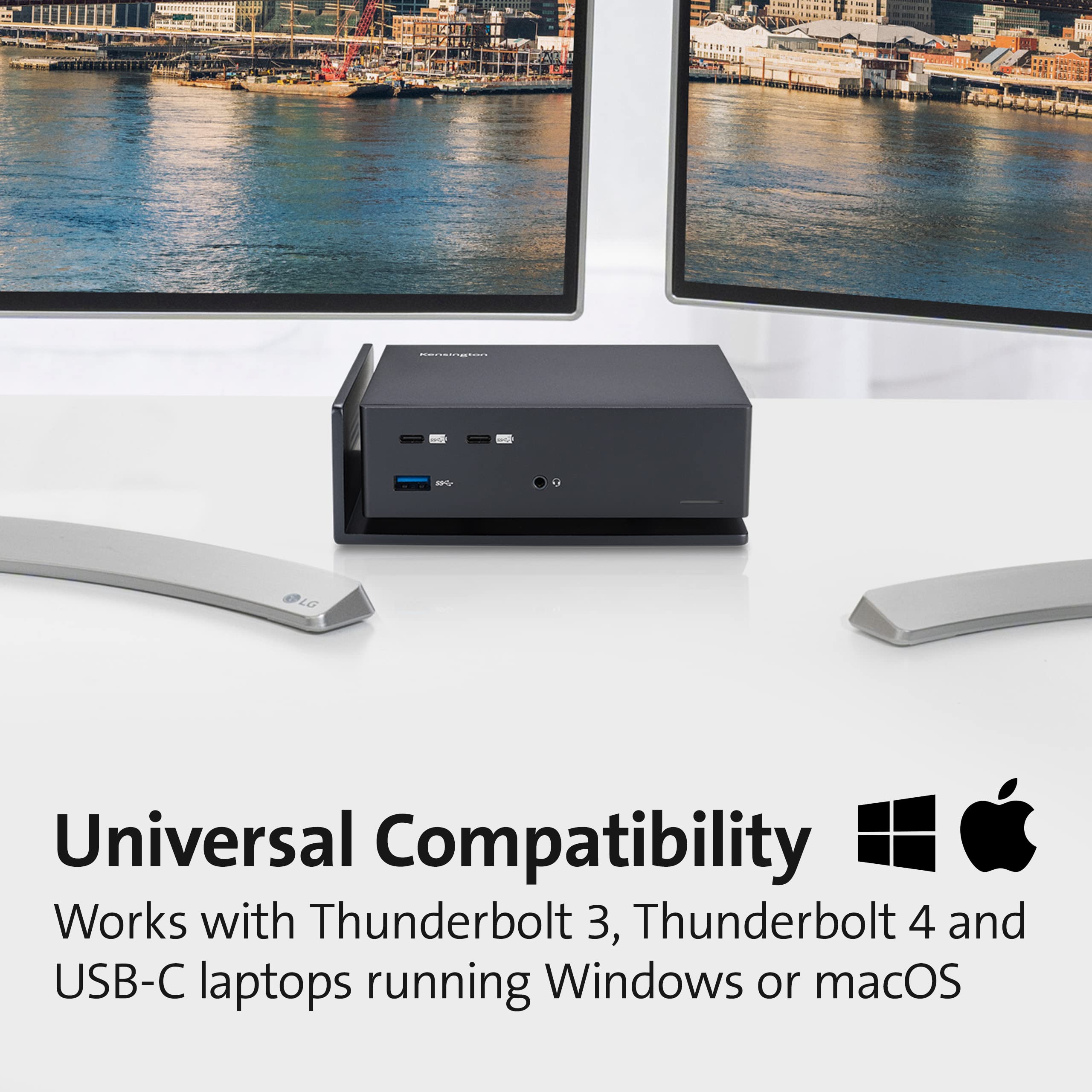
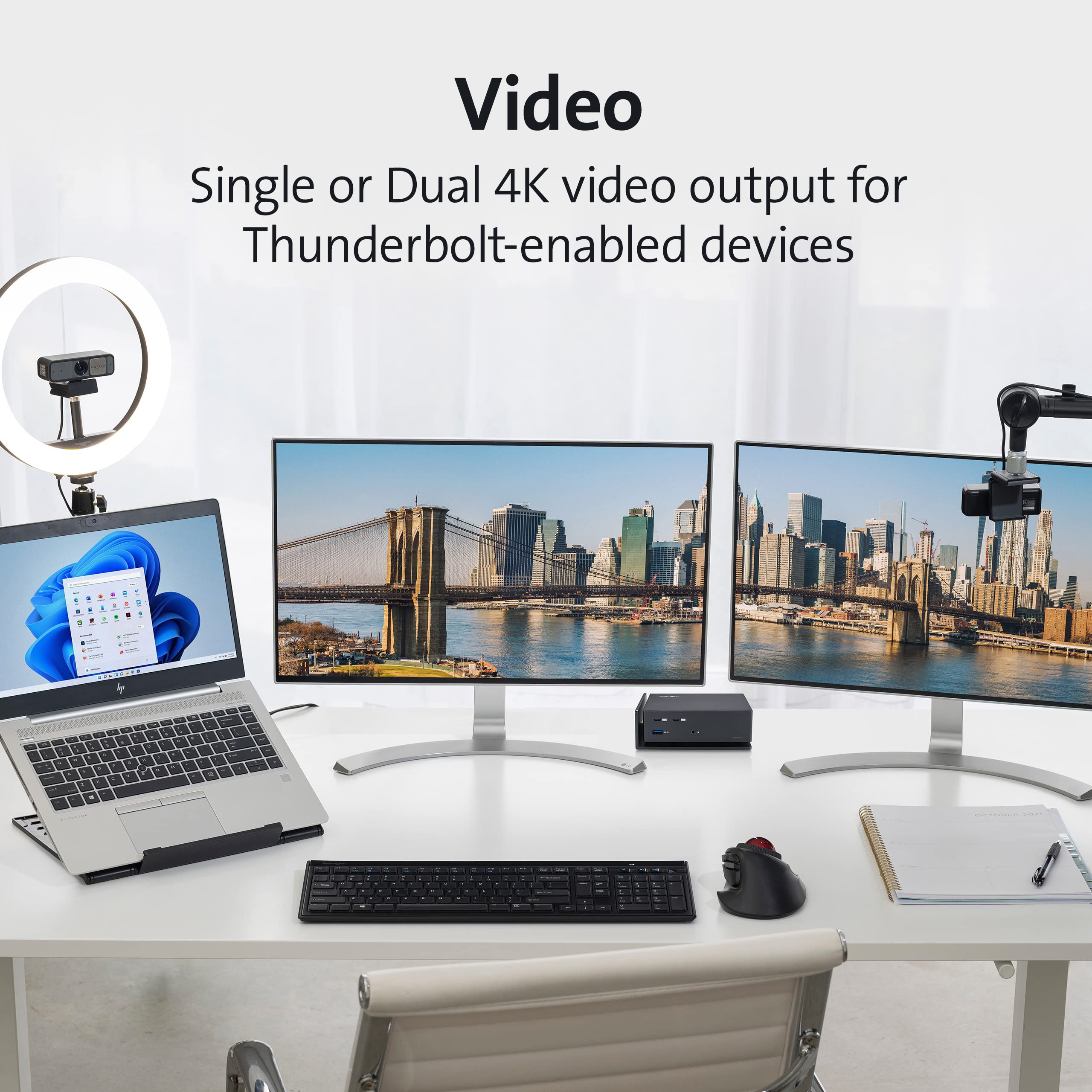


⚡ Power your productivity with dual 4K brilliance — dock like a pro!
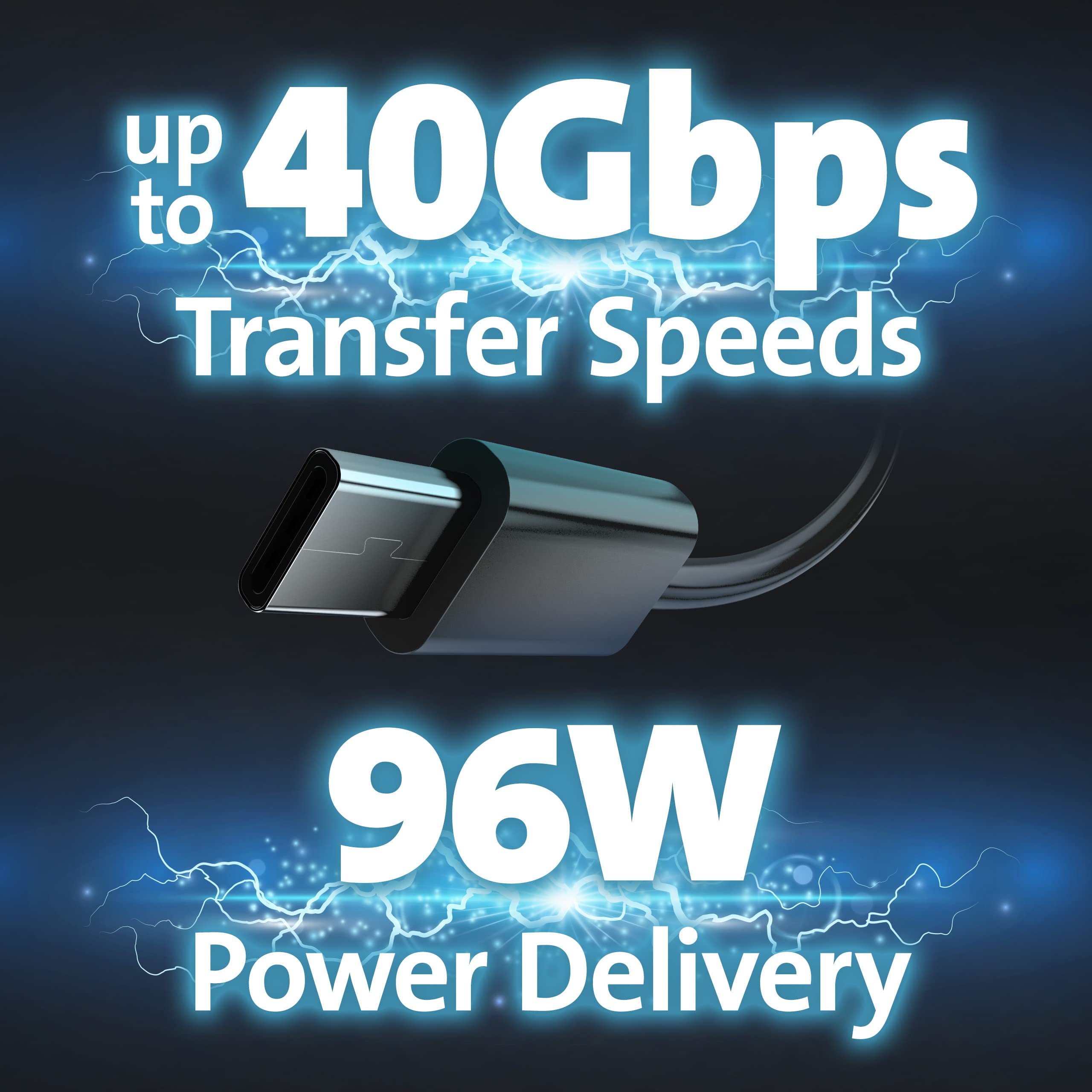
The Kensington SD5560T is a versatile Thunderbolt 3 and USB-C docking station designed for professionals who demand high performance. Supporting dual 4K displays at 60Hz, it offers universal compatibility with Windows and macOS devices, delivering up to 40Gbps data transfer speeds and 96W power delivery. Its plug-and-play design and multiple ports make it the perfect hub for a sleek, efficient workspace.


| ASIN | B0BFRDG5N2 |
| Are Batteries Included | No |
| Best Sellers Rank | 77,935 in Computers & Accessories ( See Top 100 in Computers & Accessories ) 615 in Docking Stations 12,260 in Tablet Accessories |
| Brand | Kensington |
| Colour | Black |
| Customer Reviews | 4.2 4.2 out of 5 stars (38) |
| Date First Available | 19 Sept. 2022 |
| Guaranteed software updates until | unknown |
| Item Weight | 1.69 kg |
| Item model number | K37010UK |
| Manufacturer | Kensington |
| Number of HDMI Ports | 2 |
| Product Dimensions | 13.4 x 11.6 x 20.8 cm; 1.69 kg |
| Wattage | 96 watts |
G**E
Astonishing value for money
I'm using this with a 2023 M3 Max MacBook Pro. It works perfectly. I have two identical 4K monitors (one on USB-C to Displayport, one on HDMI) both running at 60 Hz. When I first got the dock the displayport monitor only had good colour at 30 Hz, or washed out HDR at 60 Hz. That seems to have fixed itself and I'm not sure why, but it now works perfectly whether the laptop lid is open or closed. Other than that the dock is fast, reliable, charges the laptop without problems, and has many ports. I don't understand why it is so vastly cheaper than the other Thunderbolt options (it's only TB3 not 4, but for my needs that didn't matter), but it really doesn't seem to have much of a downside for my use.
A**H
Unbelievable value for money
Purchased 10x of these for use in an office with a variety of laptops. The majority of devices we have work well. All the MacBook Pros we have tested work and charge flawlessly and display both monitors. Newer HP devices (with Thunderbolt) also work and display both monitors. Some slightly older HP laptops (3-4 years old) display one monitor but all other functions work. Some of the oldest devices we have in use (HP Omens 5-6 years old) only display one monitor and the USB hub doesn't work. For the bulk of devices we used though, they function very well and are considerably cheaper than any alternative.
B**N
Almost perfect, but there is a slight quirk with my particular monitor
My previous Thunderbolt 3 dock developed a fault and needed replacing ASAP so I bought this Kensington for same day delivery. It's the only dock I could find that had a high number of ports, high power delivery, wasn't proprietary (IE Lenovo or Dell docks) and stamped with a known brand that wasn't priced comically high. On the back of the device I have my Logitech Brio connected to the Type-C Thunderbolt port, and my TIE MIDI 4i4o, Mackie DL32S and JDS Atom DAC all connected to the three available Type-A USB ports simultaneously, with the 2.4GHz receiver for my Huion KD100 in the USB-A port on the front leaving two front Type-C USB ports free for whatever I want to connect with no detriment to performance from anything. That's almost the same level of connectivity as my long-retired gaming tower. The front audio jack has a decent amount of force behind it, being able to power my 250Ω DT770 Pro headphones at a comfortable listening level just above half volume! Sound quality is a little compromised, but for 99% of people I'm sure you wont notice, as I'm being entirely unfair by connecting professional studio headphones to an interface that's not really designed to drive them properly. For any non-nerdy set of headphones it sounds great. Sadly it does that annoying thing that many smartphones do of sending a media control signal to the host computer when you plug in a set of headphones, meaning it immediately opened Apple Music and started playing; the volume defaulted to maximum and I nearly blew my eardrums out! The only real issue I have is with my external monitor. It's a Huawei MateView, the weird one with the 3:2 aspect ratio and 4K+ resolution. I thought it'd connect to the Thunderbolt port on the dock and work but it doesn't receive a signal, and System Information in MacOS shows the port kicked down into USB 2.0 mode. I assume that, unlike other products I've seen, if presented with a monitor at a higher resolution than listed (in this case, 4K), instead of merely adjusting the refresh rate the dock simply refuses to anything with it, though that doesn't really make sense given it's a thunderbolt port, which is basically an exposed PCI lane. However, my 4K tablet monitor, a Huion Kamvas Pro 16 Plus, connects to the same Thunderbolt port and works immediately without issues. I don't know if it's the firmware in the monitor or the dock, but given this monitor works with the Thunderbolt ports on a MacBook Pro 16 and the USB C port on a HP Omen 16 without any drivers, I'm going to have to assume it's the dock's firmware not playing ball with the multiple combo USB devices the monitor reports itself as. If you've got a normal 4K monitor, or if I owned an actual Apple Studio Display and not what is essentially a knock off of it, I'm sure this problem wouldn't exist at all. Still, it's a weird issue to have plus the annoying auto-start feature when connecting headphones. Even so, it's highly recommended.
M**.
item arrived not as advertized
The item arrived on the day as quoted. however it didnt work, as the PSU was not delivering power. I tried it with a known to be working 240v suply side cable and still no joy. The very least that is expected of a refurbished item is this it actulally powers on.
A**E
Just works, no hassle, fantastic value
This is my second docking station. The previous one (from a well known brand) was over double the price and was obviously struggling to cope with the load I was putting through it. Having read previous reviews, I thought I'd just give the Kensington a go. I'm running this thing with my M1 Macbook Air and it just works - and almost inaudibly, whatever I put through it. I have no idea why it's so much cheaper than the competition, but don't be put off by the low price. It's a rare thing out there - a real bargain.
M**E
Game-Changing Docking Power
As a MacBook Pro 16-inch user, I have been thoroughly impressed at how this docking station has expanded my productivity. It has all the ports and connections I need, allowing me to hook up multiple monitors, wired internet, external drives, and various accessories without having to disconnect other things. The ability to support dual 4K external displays has been a game-changer for my graphics work. And thanks to the 96W Power Delivery support, I can charge my power-hungry MacBook Pro quickly through the dock rather than being stuck connected directly to the wall charger whenever I need some extra juice. I love that it delivers such fast 40Gbps transfer speeds and works flawlessly across operating systems and with any Thunderbolt 3, Thunderbolt 4, or USB-C device. The universal compatibility and hybrid functionality make it an extremely future-proof purchase. Whether at my desk or hot-desking around the office, this docking station makes connecting and powering all my peripherals a breeze. It helps turn my MacBook Pro into a real workhorse of a desktop setup whenever I need it. For Mac power users like myself, it's an incredibly versatile tool that unlocks new levels of productivity. Big recommend!
A**R
Wow... so impressed, I had to leave a review
I have bought a couple of similar products in the past (2020 ish), and have been dissapointed. Not only does this work great, it has a good selection of usb ports, and looks and feels VERY premium. Surprised that this costs so little compared to other products. Very sleek and minimalistic.
M**L
Op zich heel tevreden van. Al krijg ik wel soms in Windows de melding dat een USB apparaat niet goed werkt en dan werkt mijn Logitech toestenbord inderdaad ook niet meer. Dongle er uit en er opnieuw in en opgelost. Geen ramp maar toch niet zo fijn. Wel goed dat er op de voorkant ook veel USB poorten zitten. Lekker makkelijk om je smartphone op te laden.
Trustpilot
2 months ago
2 months ago