
DOWNLOAD THE APP


Customer Services
Copyright © 2025 Desertcart Holdings Limited
DOWNLOAD THE APP


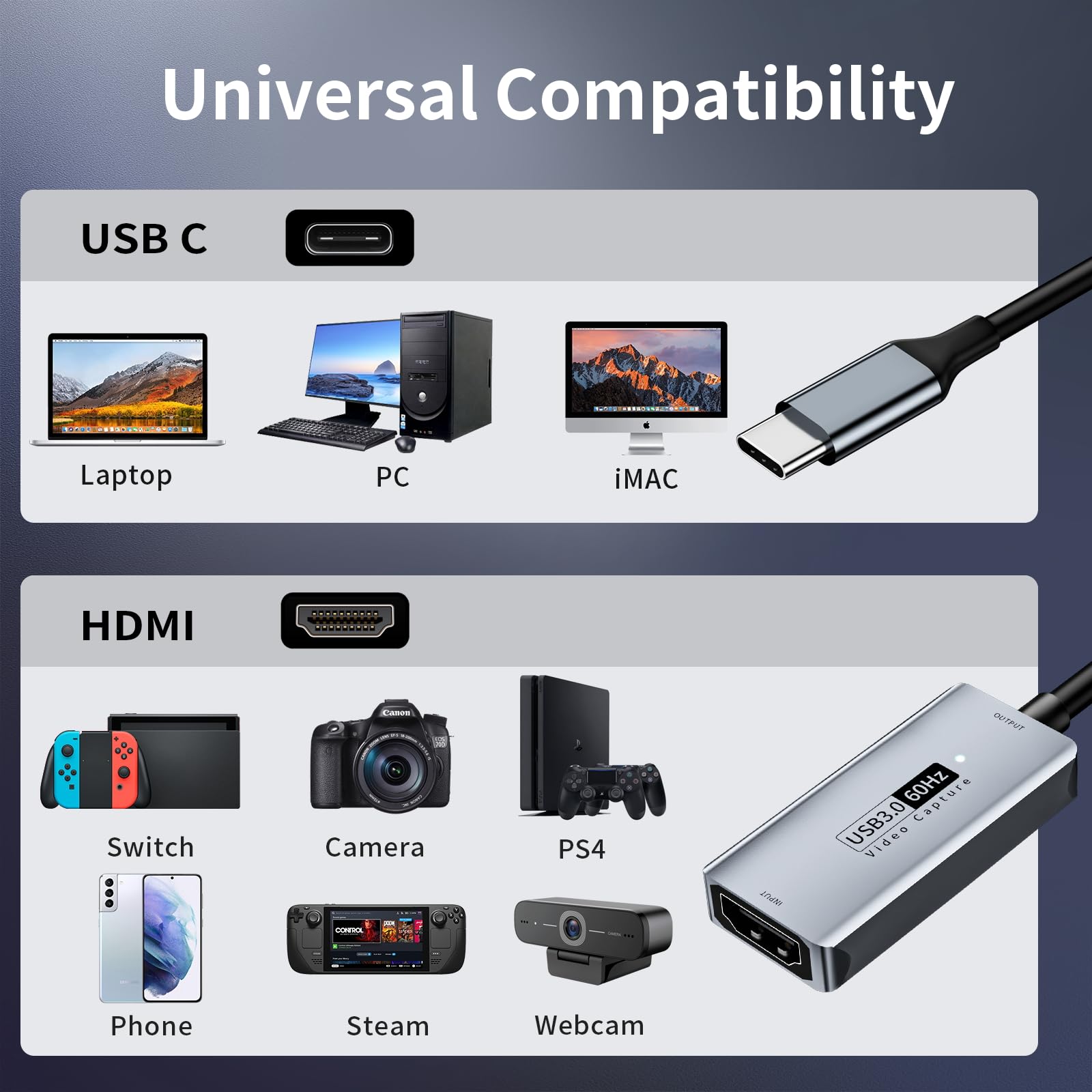
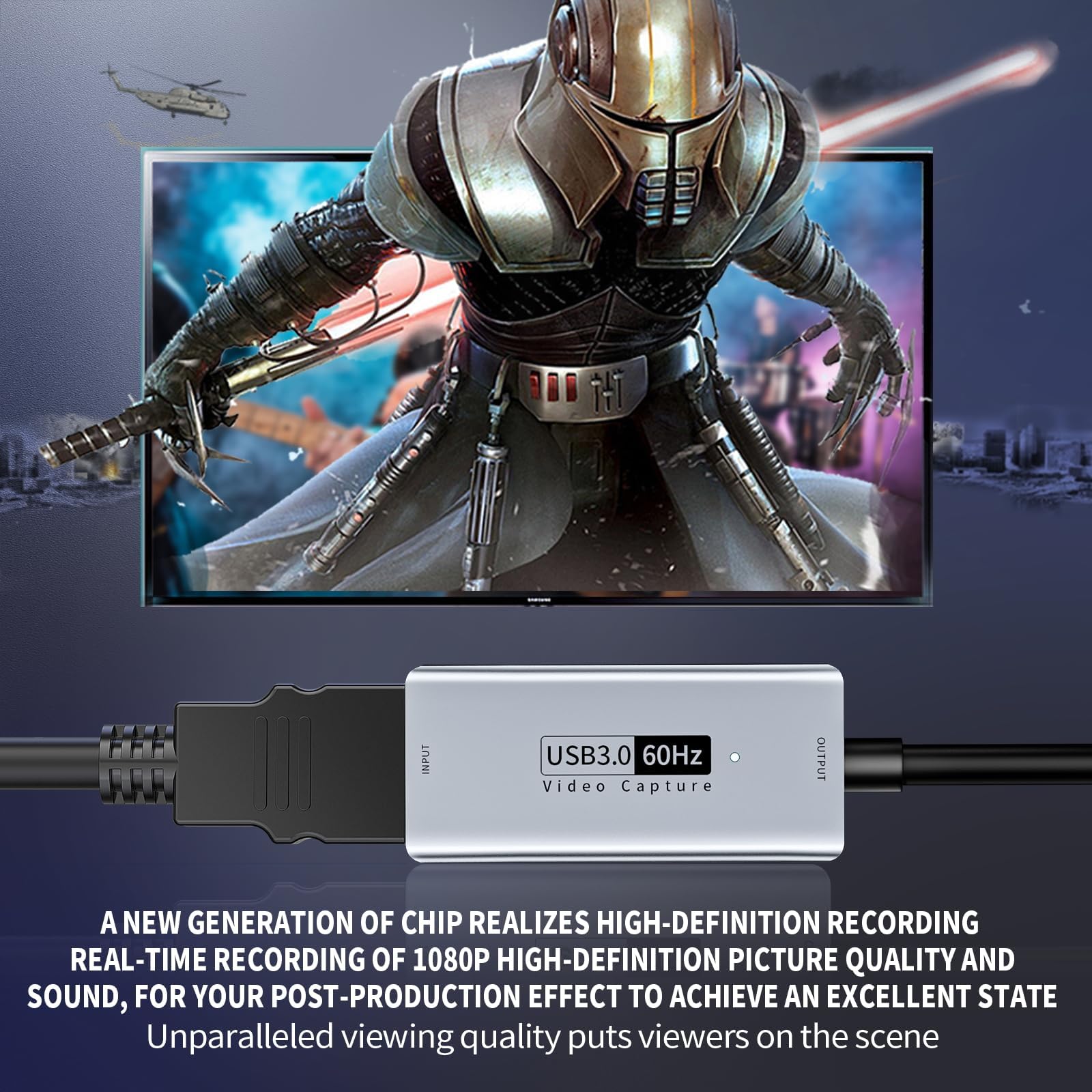
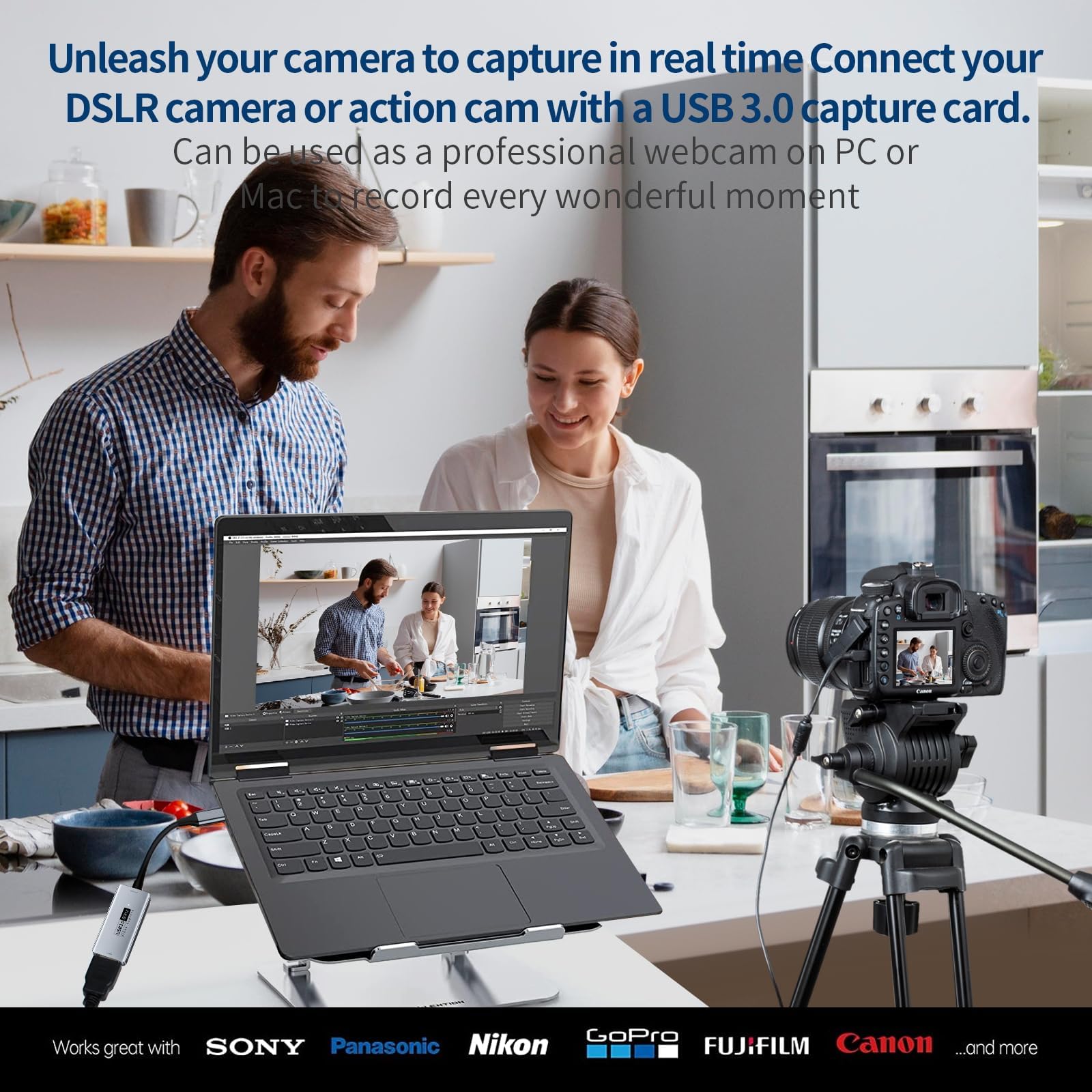

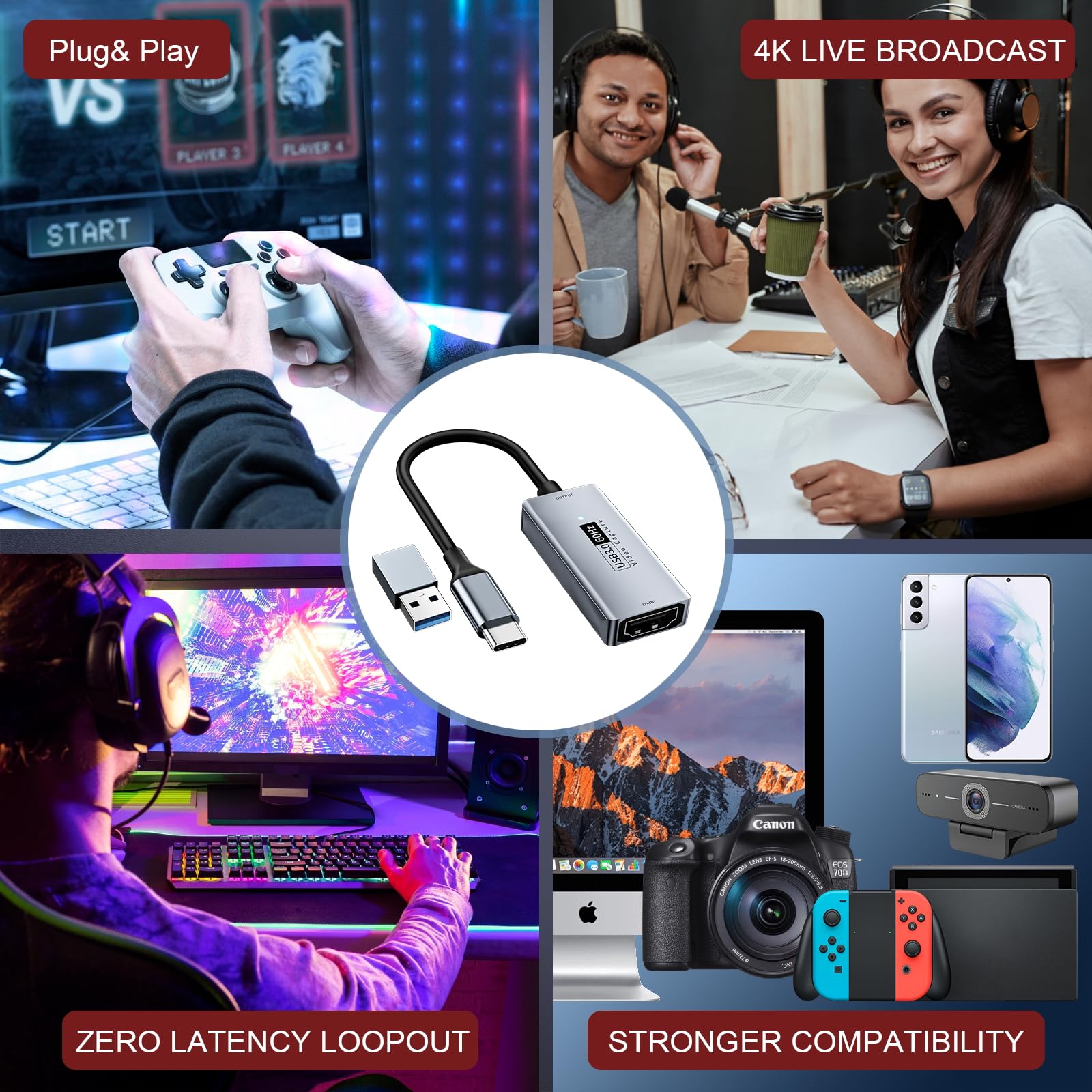
🎥 Capture Every Moment in Ultra HD, No FOMO Allowed!
The NEWHOPE video capture card delivers professional-grade 4K@30Hz HDMI to USB C 3.0 video capture with ultra-low latency, enabling flawless 1080P@60fps live streaming and recording. Compatible with a wide range of devices including DSLRs, gaming consoles, and smartphones, it’s the ultimate tool for gamers, educators, and content creators seeking seamless, high-quality video capture and real-time preview on PC or Mac.


| ASIN | B0C2CJPV8D |
| Best Sellers Rank | 12,370 in Computers & Accessories ( See Top 100 in Computers & Accessories ) 11 in Internal TV Tuner & Video Capture Cards |
| Guaranteed software updates until | unknown |
| Item model number | 34fc11af-3ce1-4b82-993b-81b9d3f0ea5b |
| Manufacturer | Newhope |
| Package Dimensions | 11.7 x 8 x 1.9 cm; 28 g |
R**A
Amazing! One of the best value for money tool for your camera
Amazing device and excellent value for money! My goal was to record some videos straight from my Nikon z8 camera view finder with a Samsung s24 phone. After searching a bit a wanted to give a try to this little device and works amazingly well. The quality of the video is super and there are no lags. You can use as well if you want to preview the images in real time on a bigger display however you won't have accurate color so you may need a professional monitor if you are serious about photography and video. You need an app to view and record. I am using the USB Camera Viewer on android. I strongly recommend it!
J**N
works fine.
As expected. As described.
J**E
Meta Quest HDMI Link compatible
It’s quite decent - outputs at 1080p max, but it’s not a constant 60fps - mine is roughly 52fps output which has been good enough for me. If you want to use it with your meta quest, make sure to buy a small hub that has PD in, connect this to the hub, power the hub, and connect the output to the quest and you’ll be able to connect to the xbox or whatever and still be able to charge the quest as well. I use it in conjunction with the “ Acasis USB C Hub Long Cable, USB C to HDMI Multiport Adapter, 4K HDMI, 100 W Power Delivery, 3 USB A 3.0 Port, 1 USB C Hub 3.0, USB C Dongle for MacBook Pro/Air, Laptop and USB C Devices(4FT)”
W**L
Very good and can’t at all tell it’s not expensive based on the graphic quality
I have a YouTube channel showing daily generic life with disabilities, my children decided I needed to start uploading gaming videos so I started a second channel just for gaming. I’m on a tight budget right now and as I don’t make money from YouTube I didn’t want to spend lots of money especially on a single hobby channel. I didn’t expect much from this but wasn’t too fussed but it really exceeded my expectations, it’s really good! At first it was good but then I accidentally changed some settings in OBS (I’d never used it before) and it became blurry and a bit slow but once I set it back to its standard settings it was great again! I now have 10 subscribers and 0 complaints of my graphics. I think only an expert or someone super obsessed with graphics would know it’s not state of the art or at least mid level graphics card. Definitely worth the money and now my kids don’t nag at me to start a gaming channel anymore- win win for all of us.
A**K
Ideal
Works great, good value
J**I
scale-9
very good product
J**O
Fantastic
AMAZING!!!! I found this product on a youtube channel and am so happy it works. Don't need a tv anymore.
M**)
Leap of faith rewarded - use MacOS and iPad displays for consoles
I want to use my MacOS displays for my consoles - not streaming or recording - just for times I don’t have a TV to use. the only apparent option is an Elgato device but they are expensive. Reviews indicated this device would work and I assumed fake reviews.. I was wrong. A little tinkering with OBS studio to get the audio working (set output capture from usb to mic, set mic to monitor + output and I can play my switch / ps4 / Xbox through my iMac / MacBook Pro with no noticeable lag. Lose the expensive HD60 (s) and 60+ - this is all you need. Video included - short as can’t play and hold a phone. UPDATE : Just to confirm this works with my iPad Pro (IOS17) using a piece of software called VidZik and also on my iMac 27" (Intel 2017) using OBS Studio. Essentiall I can now use all my Apple devices as a screen for anything with a HDMI output.
J**U
This came well shipped, and well packaged. Plugging in my PlayStation VitaTV worked like a charm in OBS, bypassing the HDCP block (PSTV won't work on a regular capture card or splitter). Setup was clear and very easy to follow (plug and play). I have not noticed any sort of image delay/frame skipping. Settings left as default on OBS. Might actually be a good 8+yr old Razer Ripsaw v1 replacement.
A**.
I bought this product to connect a Nikon Z30 to my computer and use it as a high-quality video input. It works as described, allows for 1080p 60fps video sharing by simply plugging the micro-hdmi output of the Z30 to the HDMI input of the capture card and connecting the USB output of the capture card to the computer. No driver to install, it immediately worked out of the box, displaying the video input in OBS. Image quality is great to what I can notice now and no interruption noticed after running the video during more than a hour consecutively. For the price, I am highly surprised with respect to other capture cards.
J**O
Quand est évoqué le concept 'carte d'acquisition vidéo', nous pensons sans doute tous immédiatement à des bonnes vieilles cassettes VHS ou 8mm qu'il nous faut numériser, pour ne pas risquer de perdre des souvenirs précieux et/ou pour réduire drastiquement l'encombrement requis par ces supports volumineux. Mais la présente carte d'acquisition va beaucoup plus loin que ça, car elle accepte en entrée tout type de signal pouvant être transmis par HDMI. Ainsi nous pouvons potentiellement enregistrer sur ordinateur les images animées ou fixes d'un très grand nombre d'appareils, parmi lesquels bien sûr des magnétoscopes (moyennant chaînage avec un enregistreur de DVD, ou bien un adaptateur Scart - HDMI) ou autres équipements de salon avec sortie HDMI native, mais aussi des ordinateurs portables voire fixes (veiller à adapter la résolution d'écran au besoin, si les polices d'écriture sont hideuses), des tablettes, des consoles de jeux, certains téléphones et appareils photos (avec le cas échéant le câble adaptateur micro/mini HDMI - HDMI), etc. Les possibilités sont légion. Dans cette review, je souhaiterais mettre l'accent sur la partie logicielle qui va de paire avec le dispositif de capture. En effet, afin de pouvoir effectuer une quelconque capture, un logiciel pour interagir avec le dispositif est bien évidemment nécessaire. Le constructeur a fait en l'occurrence le choix de guider l'utilisateur vers la solution "OBS Studio" (à télécharger), un logiciel qui est gratuit et permet tout aussi bien de générer des fichiers vidéos que de streamer le flux qui entre dans la carte d'acquisition. Si toutefois et quelles qu'en soient les raisons vous préférez utiliser un autre logiciel, sachez que cela est tout à fait possible. En effet, lors du branchement de la carte d'acquisition, un nouveau périphérique "USB3.0 Capture" apparaît immédiatement (plug and play - pas de pilote requis) dans le Gestionnaire de Périphériques de Windows, sous l'entrée... "Appareils photo" ! Dès lors ce périphérique devient disponible en source 'analogique' à tout logiciel de montage, d'acquisition simple (sans montage donc), de webcam (par exemple "Camera" de Microsoft), ou assimilés. Si on utilise un logiciel de montage vidéo conjointement avec la carte d'acquisition, et selon le degré de sophistication de ce logiciel, on pourra espérer jouer sur de nombreux paramètres, parmi lesquels les ratios d'image (4/3 ou 16/9 en fonction de la source), la définition de l'image en sortie, et le choix d'un format de fichier en cohérence avec la source et les réglages retenus. Dans les illustrations jointes, je présente la succession des écrans et réglages me permettant, dans mon logiciel de montage habituel, de générer un fichier *.mpg au format 16/9 en résolution DVD 25 images par seconde. Les vidéogrammes ainsi obtenus avoisinent généralement les 2,75 Go pour une heure de vidéo, ce qui est plutôt bien en termes d'encombrement du stockage. La qualité d'image du fichier de sortie dépend notamment et bien évidemment de la source présentée à la carte d'acquisition. Ainsi avec un signal source de bonne qualité, on peut obtenir des vidéogrammes finaux d'une qualité très proche de ce qu'on pourrait regarder directement à la sortie d'une box internet sur l'écran de télévision (hors flux 4K ou supérieurs, bien évidemment !). Dans un second logiciel de montage (que j'utilise plutôt pour traiter les vidéos mp4 issues de certains smartphones), je n'ai par contre pas ici d'autre choix que le *.mkv pour le format du fichier de sortie. En utilisant le logiciel OBS Studio, on pourra avoir encore d'autres choix de formats de fichiers, notamment flv, mp4, mov, mk, tv,... Pas de souci particulier pour l'enregistrement du son, à l'inverse de la mauvaise expérience qu'ont visiblement pu rencontrer certains utilisateurs sur ce point. J'utilise la carte d'acquisition sur un switch USB3 7 ports alimenté, où sont reliés par ailleurs 6 autres périphériques dont 5 disques durs et/ou SSD portables, l'ensemble étant raccordé à un port USB 3.2 Gen 2. Pas de souci particulier dans cette configuration. Si toutefois la carte devait déplorer quelques instabilités, il faut avoir idée auquel cas de laisser au repos ou débrancher / mettre off-line un ou plusieurs des disques se partageant le même port. Je n'ai pas éprouvé ce besoin jusqu'à maintenant. La carte ne chauffe pas du tout, même après plusieurs heures d'utilisation, ce qui est un très bon point. Pour le prix très modéré, cette carte est un excellent choix, aussi longtemps qu'on numérise des flux vidéo source d'une qualité allant de la vidéo VHS au DVD voire BD. Elle ne sera par contre pas appropriée si l'on souhaite gérer des définitions supérieures. Elle répond ceci étant déjà à une large palette de besoins.
A**Z
Die Newhope Video Capture Card macht genau das, was sie soll. Ich nutze sie am iPad um es als zweiten Bildschirm zu nutzen – funktioniert problemlos und stabil. Die Bild- und Signalqualität ist sehr gut. Im direkten Vergleich zur deutlich teureren Elgato merke ich kaum Unterschiede. Ein Vorteil hier: Durch das feste Kabel ist die Gefahr viel geringer, dass die Karte versehentlich in der USB-Buchse abknickt oder abreißt. Fazit: Zuverlässige, solide Capture Card mit sehr gutem Preis-Leistungs-Verhältnis. Klare Empfehlung für alle, die eine günstige und funktionale Alternative suchen.
L**O
Questa scheda di acquisizione Newhope USB 3.0 meriterebbe un intero manuale dalle dimensioni di un romanzo per poter rendere giustizia alla sua adattabilità. Le sue qualità e funzionalità sono talmente numerose che risulta difficile riassumerle in poche righe. Non solo offre un'elevata versatilità nell'acquisizione e nell'elaborazione dei contenuti, ma si distingue anche per la sua straordinaria compatibilità con una vasta gamma di software professionali e amatoriali. A tutto ciò si aggiunge una grande adattabilità alle più svariate configurazioni hardware presenti sul mercato, rendendola una scelta ideale tanto per gli utenti esperti quanto per coloro che cercano una soluzione affidabile e performante. Tra le sue proprietà: • efficacissima per digitalizzare vecchie videocassette sia VHS o Betamax; • altrettanta efficienza per la registrazione in tempo reale; • in collegamento con iPad trasmette immagini ed in contemporanea lo alimenta • registra immagini da tutte le moderne console di giochi ps4/PS5/Xbox serie X/Nintendo Switch • dimensioni tascabili • compatibilità con software per svariate piattaforme: OBS per Windows, USB Camera Pro per iPad, CamX, Moni con, Potplayer, ecc... COM’È FATTA La scheda di acquisizione si distingue per la qualità eccellente dei materiali, con un robusto telaio in alluminio spazzolato, incisioni ben leggibili e LED di stato che segnalano il corretto funzionamento. Cavetto corto, robusto, liscio e tenace. Terminale USB-C anch’esso in alluminio spazzolato, ben sagomato. AL LAVORO: Per testarla, ho utilizzato un iPad di decima generazione con ingresso USB-C, collegando la scheda di acquisizione Newhope tramite la sua porta HDMI a una sorgente video proveniente da una vecchia Apple TV, mentre l’alimentazione è stata fornita tramite l’ingresso USB-C. L’app di acquisizione, CamX, scaricabile gratuitamente da Apple Store, ha gestito il flusso video in modo impeccabile: la riproduzione è risultata fluida, priva di disturbi e con un’alimentazione continua dell’iPad in simultanea. Un frammento del video è allegato a questa recensione. Dall’esperienza personale diretta, posso affermare in tutta tranquillità che si tratta di una scheda di acquisizione davvero universale, capace di adattarsi perfettamente a diversi sistemi operativi come Windows 11, macOS e iPadOS. Considerando l’esito positivo con questi ambienti, ritengo plausibile quanto dichiarato nella scheda prodotto su Amazon, che ne indica il supporto anche per Linux, Android e console di ultima generazione come PS4, PS5 e Xbox. CARATTERISTICHE PRINCIPALI: • Digitalizzazione di VHS e formati analogici: Perfetta per preservare vecchie videocassette e altri formati analogici in formato digitale. • Streaming e registrazione di giochi: Ideale per gli streamer che vogliono catturare e trasmettere in diretta i loro giochi su piattaforme come Twitch o YouTube. • Registrazione di eventi video: Utile per acquisire video da sorgenti HDMI come fotocamere, TV box o altri dispositivi multimediali. • Modifica e editing video: Facilita l'acquisizione di video per successivi passaggi di editing con software come OBS Studio, iMovie o Movavi Video Editor. • Conservazione di contenuti multimediali: Versatile per archiviare video provenienti da diverse sorgenti in un formato digitale compatibile con vari dispositivi. IN SINTESI PRO: • Facilità d'uso e installazione (5/5) • Ampia compatibilità con sistemi operativi e software (incluso OBS Studio, QuickTime Player, TikTok, Twitch e YouTube) (5/5) • Ottima qualità di acquisizione (5/5) • Versatilità grazie al supporto di diverse sorgenti HDMI (5/5) • Certificazione di sicurezza (5/5) • Eccellente rapporto qualità/prezzo (5/5) CONTRO: • È una scheda di acquisizione video unidirezionale (da HDMI a USB-C) (4/5) In conclusione, per chi è alla ricerca di un dispositivo affidabile e versatile per digitalizzare VHS o acquisire video da altre sorgenti, questa scheda è una scelta eccellente. La consiglio vivamente a chiunque voglia preservare i propri ricordi in formato digitale o necessiti di uno strumento stabile per lo streaming e la registrazione video. Valutazione personale: ⭐⭐⭐⭐⭐ 5 stelle su 5 – Acquisto eccellente. Consigliatissimo!
Trustpilot
3 weeks ago
1 month ago