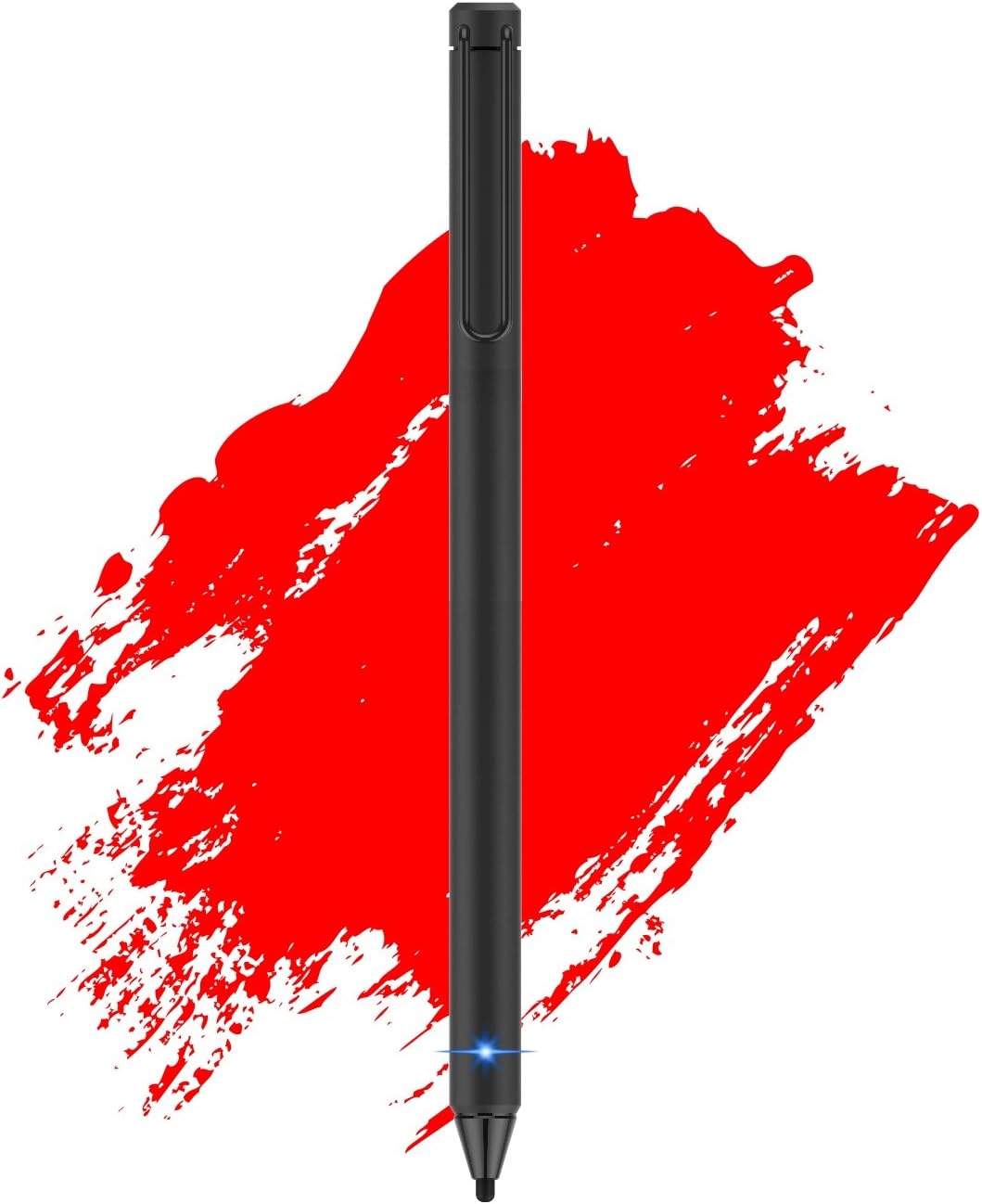



Active Stylus Pen 2.4 mm Fine Point Fiber Tip for Touch Screen Devices(Black)
Product ID: 53771775
Details
- ColorBlack
- BrandFentac
- MaterialMetal
- Compatible DevicesSmartphone
- Item dimensions L x W x H6.12 x 0.43 x
- Are Batteries IncludedNo
Buy Fentac Active Stylus Pen 2.4 mm Fine Point Fiber Tip for Touch Screen Devices(Black): Stylus Pens - desertcart.com ✓ FREE DELIVERY possible on eligible purchases Review: Worked as advertised with an ipad air - This is a nice little early Christmas gift that I got and I like it a lot. The manufacture quality is good and the pen itself has just the right weight for me and is nice to use. I am using it with an ipad Air. While honestly, it isn't really a must have accessory (maybe I just don't have the apps that need it), it certainly is a nice addition and more than just a gimmick. Battery life is acceptable and so is the charge time. Review: Easy to use, easy to carry around. - Great pen! It's slim and portable; it also has a bit of weight to it so it feels like writing with a real pen. It's mostly made of metal, too. The felt tip will definitely not scratch your screen. When I write with it, it does have a small sound when it touches the surface of the screen, but all digital and traditional pens do. It comes with a charger, a pen, and instructions. The pen has a small red light when it is charging, and a blue light when it's turned on. (Press and hold the back of the pen for a few seconds, and the blue light will turn on.) I currently use a OnePlus 3 phone (Android) and an Asus Two-in-One laptop (Windows 10). The pen is compatible to both of these devices. I've used this device for longer than a week now. As an artist, I enjoy the weight of the pen and how portable it is. If you're looking to do some heavy art projects, I suggest the Wacom pens. On the downside, those aren't as portable-friendly as this pen. Attached is a drawing I made in Sketchbook on Windows 10, and a video recording of a drawing done in the Artflow app. If you're looking for something for everyday use, whether it's jotting down notes or a few quick doodles, I recommend this product whole-heartedly.
| ASIN | B077HX6N5V |
| Battery Description | Lithium |
| Brand | Fentac |
| Charging Time | 2 hours |
| Color | Black |
| Compatible Devices | Smartphone |
| Compatible Tablet Computer Models | Apple iPad Air (2nd generation), Apple iPad mini 1, Apple iPad mini 2, Apple iPad mini 3, Apple iPad mini 4 |
| Customer Reviews | 3.7 out of 5 stars 46 Reviews |
| Enclosure Material | Metal |
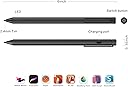
| Item Dimensions | 6.12 x 0.43 x 0.37 inches |
| Item dimensions L x W x H | 6.12 x 0.43 x 0.37 inches |
| Manufacturer | Fentac |
| Material | Metal |
| Mfr Part Number | Fen-stylus |
| Model Number | 17-018 |
| UPC | 747380702758 |
A**E
Worked as advertised with an ipad air
This is a nice little early Christmas gift that I got and I like it a lot. The manufacture quality is good and the pen itself has just the right weight for me and is nice to use. I am using it with an ipad Air. While honestly, it isn't really a must have accessory (maybe I just don't have the apps that need it), it certainly is a nice addition and more than just a gimmick. Battery life is acceptable and so is the charge time.
C**5
Easy to use, easy to carry around.
Great pen! It's slim and portable; it also has a bit of weight to it so it feels like writing with a real pen. It's mostly made of metal, too. The felt tip will definitely not scratch your screen. When I write with it, it does have a small sound when it touches the surface of the screen, but all digital and traditional pens do. It comes with a charger, a pen, and instructions. The pen has a small red light when it is charging, and a blue light when it's turned on. (Press and hold the back of the pen for a few seconds, and the blue light will turn on.) I currently use a OnePlus 3 phone (Android) and an Asus Two-in-One laptop (Windows 10). The pen is compatible to both of these devices. I've used this device for longer than a week now. As an artist, I enjoy the weight of the pen and how portable it is. If you're looking to do some heavy art projects, I suggest the Wacom pens. On the downside, those aren't as portable-friendly as this pen. Attached is a drawing I made in Sketchbook on Windows 10, and a video recording of a drawing done in the Artflow app. If you're looking for something for everyday use, whether it's jotting down notes or a few quick doodles, I recommend this product whole-heartedly.
Y**T
Could not charged, Manual paper is terrible.
I have bought these stylus in the recent time and tried them on both my ipad mini 4 (with glass screen protector) and iphoneX (with glass screen protector). This is what I found. FENTAC Active Stylus Pen 2.4 mm Fine Point Fiber Tip for Touch Screen Devices(Black)>>> I reterned this one. It provide the ok screen sensitivity on glass protector (Abida is a bit better). I like that it has the pen clip. However, mine could not be charged. The charging port was not perfectly fit with the micro usb connector. Acually I am not sure if mine could not be charged or the LED charging indicated light was broken. Manual paper is useless for this issue. Abida Stylus Compatible for iPad, Touchscreen Pen with Fiber Fine Tip, Rechargeable, No Need App or Bluetooth for iOS Devices, Especially for Apple Devices Such as iPad, iPhone, iPad Pro - Brown>>>> I kept this one.It provide the perfect screen sensitivity on glass protector amoung others. The diameter of body is a bit bigger that usual pencil. It seem a bit sturdier that other brands I brought. The fiber tip gave the feeling of writing with an old dried out marker (but I am positive on this feeling than with the copper tip, rubber tip, or the plastic tip). Make no sound when writing. What I dont like is the tip is biger than I thought. It did not state the tip size anywhere on amazon website plus the commercialize pictures was make up so tip seem small. Manual (in the box) say the tip is 2.4 mm. I measured mine is 3.2 mm. Anyway, it did its job ok. Adjustable Active Stylus Pen with 1.9mm Fine Tip for Precise Writing/Drawing on Most iOS/Android/Windows Touchscreen Smart Phones,Tablets & Notebooks>>>> I kept this one.It provide the ok screen sensitivity on glass protector (Abida is a bit better). Most of the time it will miss the dot on letter "i" and sometime have to click something twice (I tried on Notes App, Evernote App, and Notepad+ App). The highest adjustable signal is actually the comparable sensitivity to other brand. The diameter of tip is comparable to an usual ball point pen. I am not sure the material of the tip but it gave the feeling of writing with plastic tip. Make sound a little when you tap on screen but don't feel like scratching the screen. Two things I dont like with this stylus. First the round shape make to easy to roll off the table. Second, it is not good for small size hand-writing due to it sensitivity. Digital Pens, Zspeed Active Stylus Pens for Capacitive Touch Screens, Fine Tip Stylus for iPad, Galaxy Tablet and Cellphones, White>>>> I reterned this one. It provide too much screen sensitivity on glass protector. I could even draw a line hovering the tip over without touching the screen. The tip is made of copper and the feeling when writing is scratching the screen. Heiyo Stylus Pen,Active Capacitive Digital Pens Supporting 40-Hour Playing Time 30-Day Stand 120-second Auto Power Off 3 Replaceable Fine Point Rubber Tips Touchscreen Styli compatible with iPad>>>> I returned this one. When I first used it, I almost think that it came broken. But actually it did work when you use such a heavy force to press the tip on the screen. I bought a lot of stylus, this stylus was the worst using on glass screen protector. I have changed to the tip they gave but no improvement. I am surprised that the user could not turn off the stylus by yourself (say in manual paper). Have to wait for it to automatically shutdown itself. That is weird.
K**R
Perfect for digital drawing
This stylus is actually awesome. Ive had several that required installing a software app, needed to make an account then it only worked with certain apps...not this one. You get it. Charge it. Turn it on. Boom, ready to use. I have an old iPad 2, works perfectly on it. I use medibang and sketchbook pro for design classes and this stylus is extremely helpful. I highly recommend it for someone who does digital art.
C**H
Very good option for tablets - iPad included.
Bought it by mistake but it ended up as a better option than the X1 that I intentionally bought. Single-bodied, no “appendixes” like the charger tip that came with X1. Cons: tip could be thinner - point to X1. Overall, it’s well built though the clip is a bit noisy. I’m using it with my old iPad2 and my Galaxy S8+ without a single issue, though it lacks the pressure sensor the X1 has... Also Tested it with my Surface Book too. It worked more like you’d do with you finger meaning it’s not a good replacement for the Microsoft Pen.
L**H
It is really good Digital pen
It is really good Digital pen, the only flaw is the on off switch. The rear button action wore out rather quickly and would fail to turn on the pan with repeated presses. During the time it worked it is in excellent pen...
R**A
Great touch pen for regular use
I like this comfortable touch pen. I have been used it for a week, and works great. The battery is long enough to last a whole day of work. Since I am not a artist or require a high-performance work, this pen can satisfy all my regular office work needed.
J**G
It's not an Apple Pencil, but it isn't supposed to be.
Works with the iPad Pro 10.5 albeit not amazing, but better than the plethora of other styluses I've used. With notability I normally use the Apple Pencil, but sometimes I just need something to quickly bounce between my iPhone and iPad. Since the Pencil is Pro only this is great! Hard for me to get used to no palm rejection, but if you're used to that and don't write microscopic like me this will certainly save you some money.
Trustpilot
2 weeks ago
1 week ago