
DOWNLOAD THE APP


Customer Services
Copyright © 2025 Desertcart Holdings Limited
DOWNLOAD THE APP
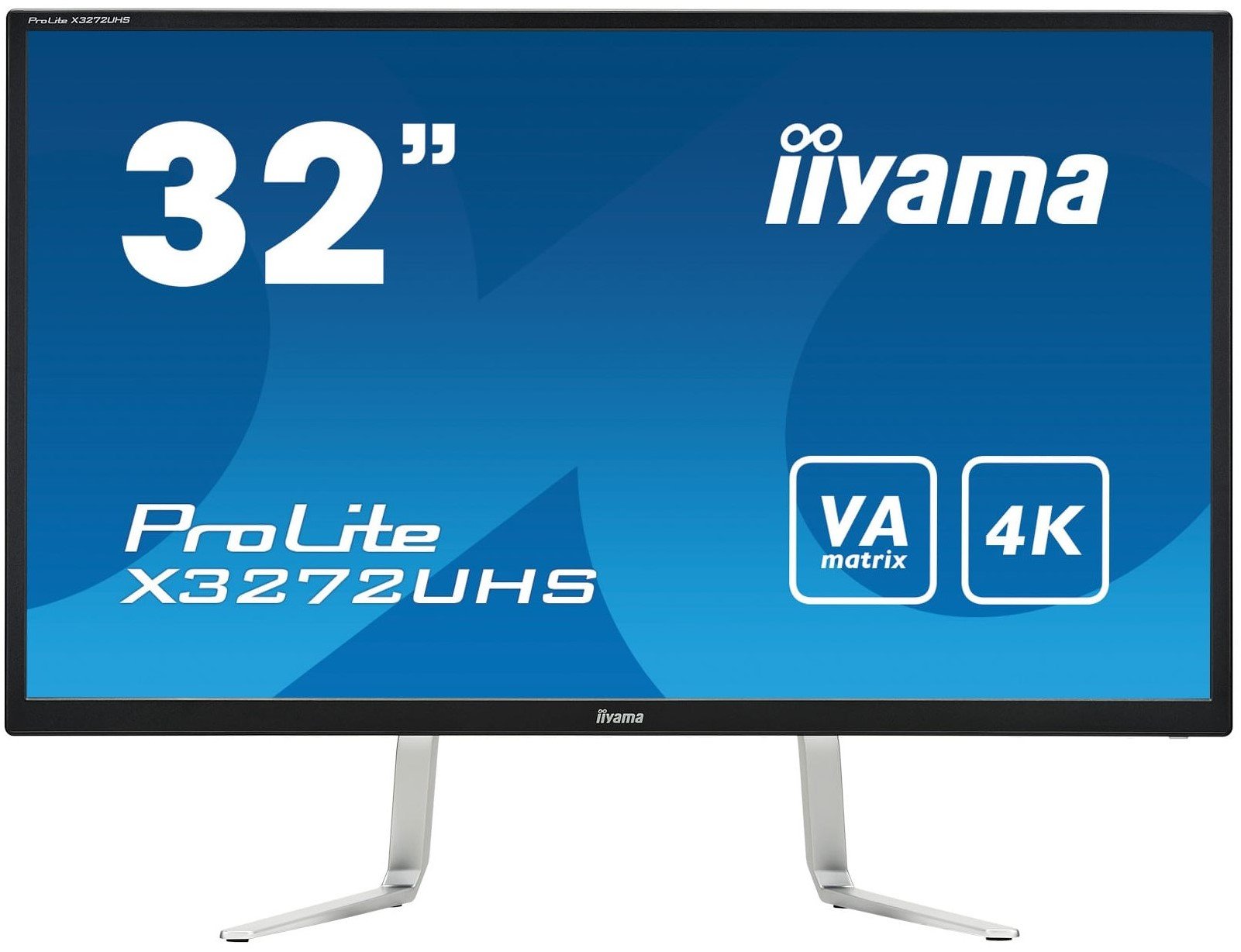
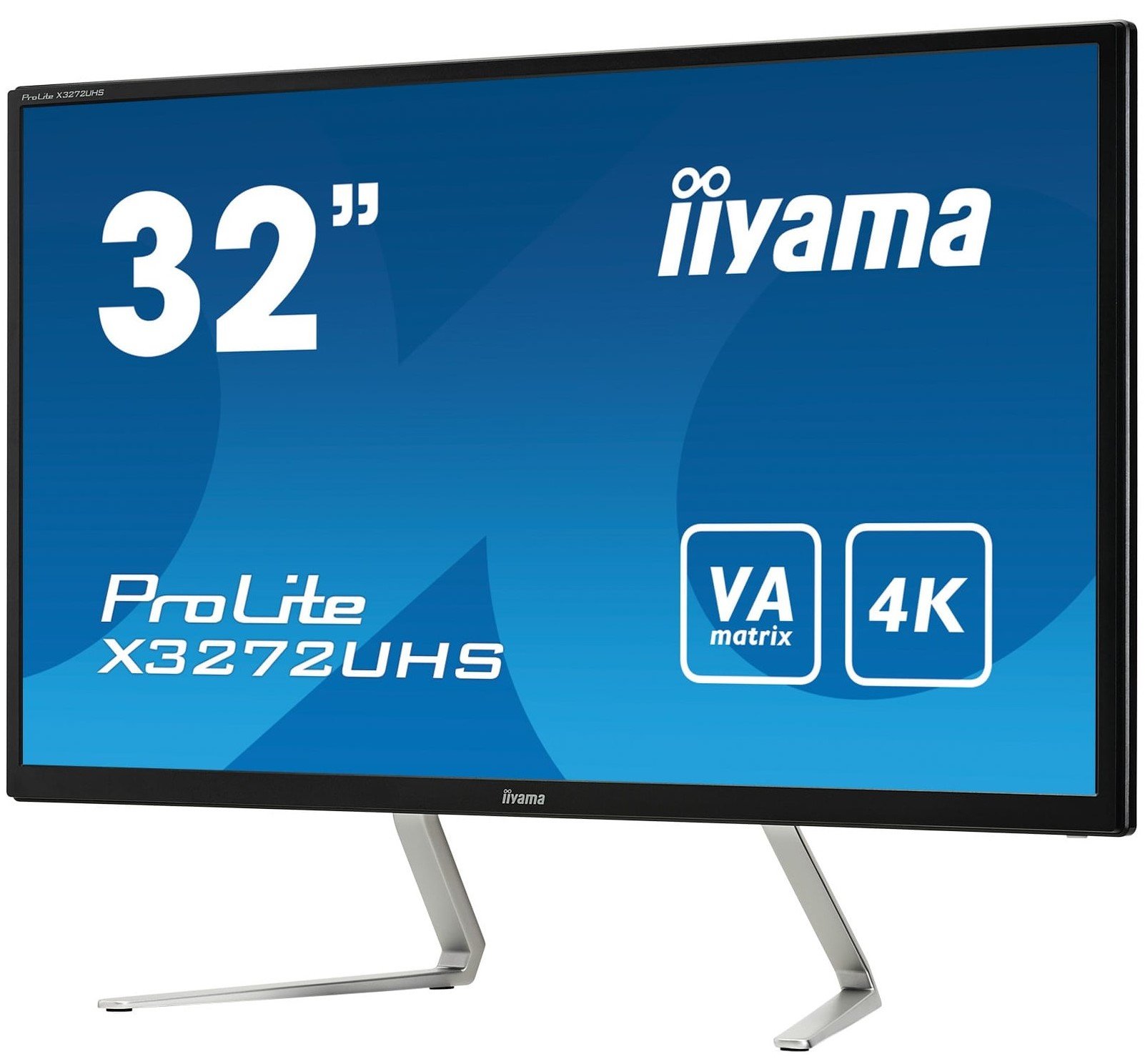
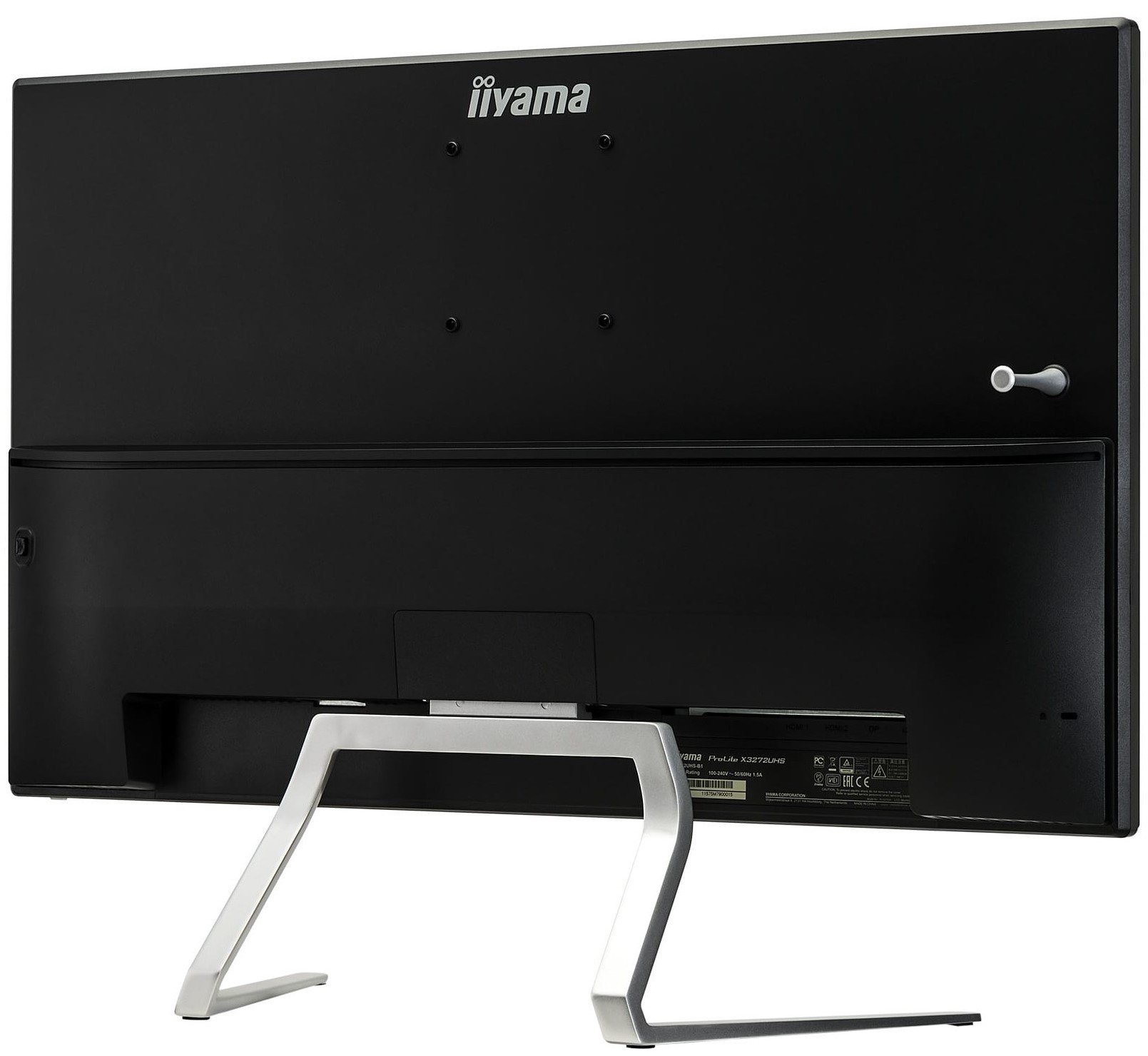
🚀 Elevate your productivity with stunning 4K clarity and immersive visuals!
The iiyama X3272UHS-B1 Pro Lite is a 31.5-inch 4K UHD VA LED monitor offering four times the workspace of Full HD screens. It features superior contrast and wide viewing angles thanks to VA panel technology, integrated speakers with a headphone jack, and multiple connectivity options including HDMI and DisplayPort. Designed for professionals in design, CAD, and data visualization, it also includes an Overdrive mode to reduce motion blur, making it a versatile powerhouse for demanding workflows.
| Brand | iiyama |
| Product Dimensions | 83.5 x 65.8 x 33 cm; 8.9 kg |
| Item model number | X3272UHS-B1 |
| Manufacturer | Iiyama |
| Series | Pro Lite |
| Colour | Black |
| Standing screen display size | 31.5 Inches |
| Screen Resolution | 3840x2160 |
| Resolution | 3840 x 2160 |
| Processor Count | 1 |
| Number of HDMI Ports | 2 |
| Wattage | 52 watts |
| Are Batteries Included | No |
| Item Weight | 8.9 kg |
| Guaranteed software updates until | unknown |
D**S
Gorgeous Monitor - Nothing Negative !!!
Wow, I have been eyeing this monitor since Dec 2018 and finally decided an upgrade from my 3 monitor setup to a 2 4k monitor set-up.The quality of this monitor is immense. I cannot compare to a more expensive 4k but I have been through a fair few monitors in my time and these are simply gorgeous !Firstly the resolution is AMAZING. I have to confess for the first 2 days I was puzzled as although the screens were showing a quality image, the size of text looked the same size as my 2k screen. It took me two days of wondering and then searching on Google to realise it was a simple scaling setting in WIndows 10. 150% scaling was the recommended and default. I changed this to 100% and - Wow incredible how much I could fit on one screen !! In fact I have currently upped it to 125% as it enables the text to be slightly larger but still workable with 5 or 6 active windows on one screen.To make the placement of windows work well I highly recommend the free download of "WinSplit Revolution 11.04" Although this has been discontinued for support and updates it is a marvellous software that so simply and quickly enables you to set up your windows in the corners, left, right, top, bottom of screen with 3 optional sizes. So cool, so easy, so efficient !Yes I am all about efficiency. This is for office use and I have not played any games yet and not sure I will - spreadsheets look cool enough on these monitors, haha !The reviews I read during research had a few negatives, although small.1) large bezels for side by side monitor play. I honestly have no idea what they are talking about. They are about 13mm, where as my old monitors were 20mm and 17mm and so for me the Bezels are super-thin in comparison to what I'm used to !!2) 10% loss of brightness at edges. I'm looking around the sides of both monitors now and I honestly cannot see any noticeable difference. You must need to use a brightness measuring gadget to tell or something !3) Fixed height and lack of adjustable height. True but seems to be about the right height for me. Sheesh if its a problem, go grab a monitor mount for your desk and quit griping.I love these monitors as rather than expensive super wide screens which have a narrowish view, these are fat-view top to bottom, which is my preference, I don't want to see edge, I want to be immersed (in spreadsheets, oh yeh!) Height screen viewing area is over 39cm, width viewing area about 70cm - this is my perfect dimension. Place two side by side and we have awesome.I cannot praise these monitors more except to thank Iiyama for keeping a low price in place. Not sure how more expensive monitors could really beat these.It might sound like I'm an employee of Iiyama but I am honestly not - I have just found a great piece of new IT which will literally add £'000s to my pocket through extra efficiency over the years - and add great pleasure in working with spreadsheets !!Thanks Iiyama and Amazon ;)
S**O
Not the best for the Xbox one x but does a good job for the money.
Brought this for my Xbox one X (actually brought two, one for my daughter) and it does the job to a degree. First thing first don't even try to calibrate this monitor in the Xbox calibrate tv option because it just don't set up right. The reason is because you can't get the blacks and white's to work.I've messed around with settings on the monitor and found to me the best setting, heres my setting.Standard, Contrast 90, Brightness 48, overdrive +1 and Normal colour depth.Xbox one x, 10 bit colour, Standard colour depth and 4k on. There's no HDR on this monitor but there is a advanced contrast option that automatically adjusts the blacks and white's in dark areas, I do use this mode on some games and with good results. There's a game mode as well but I find it to dull. Once in these modes there's no adjustment to brightness, contrast and colour they are set, standard mode is the only way to adjust these settings to your preferred look. There's no v sync or free sync on this monitor but there is a overide option that gives you smoother framerate if games seem a bit stuttered/jerky but I haven't really noticed any, I just keep this option on +1 and all looks fine.These settings are not for everyone so try yourself for the best look for you.The monitor its self is very nice and looks the part, well built as well but the hdmi and the earphone ESPECIALLY the earphone input are a pain to locate if you want to change leads and plug your headphones in. The speakers on the monitor aren't brilliant at all so external speakers are needed for a quality sound. I use headphones and the sound is very good. There's no on/off button but the monitor turns on and off with the Xbox or what ever you connect to it and all control settings are accessed by a little joystick thing on the back of the monitor on the right side. Press it to open menu's, choose item and press to open setting and move the little joystick to adjust. All in all this monitor for the money does the job to give a average 4k experience but not the best but im happy with it so far. Halo MCC, Forza7, Horizon 4 look stunning even though there's no HDR and all that I've played looks beautiful, I'm impressed with the monitor but there are better and more expensive tv/monitors. (These monitors for me and my daughter was in our price range that's why I brought them)This is my experience with this monitor so it's up to your preference of how far you want to go to get into 4k.All the best and do plenty of research before you buy any tv/monitor.
S**D
Superb screen for Macbookpro
This is a superb screen, sharp, brilliant colours, easy on the eye, with a light footprint on the desk, while offering enough screen real estate as to make a second screen superfluous (at least for my workflow), and easy to set up with HDMI direct to my 2014 MacBook Pro (old school, not new dongles...) and delivered promptly and safely by the supplier The only downside is that Apple have yet to fix the problem of their machines when connected to 4kl screens generating very small text. While it is easy to resolve this within text programs with zoom, programs like Apple Mail and Safari there is no easy fix. Since Apple no longer make their own add on screens, one would hope their software will offer a fix for this in the not too distant future,
K**I
Great picture, great sound, infuriating controls
Used from a single source, or multiple sources that are never live at the same time, you will enjoy this product.If you need to regularly swap between live inputs, and cannot leave it to autosense, then it is infuriating.The only control is a single, multi-function, tilt and tap switch. Using the manual source selection menu ought to be easy but in practice means several minutes of frustration and swearing just to get the menu to come up and several more to make a choice.Works well with 4K Fire TV stick (but cannot use the remote volume control).
D**)
Excellent value for money, no frills 4K.
Absolutely chuffed to bits with this monitor! It is fabulous, no dead pixels, clear and vibrant colours, looks great with my Macbook at 4k. No frills, just a great display.
Trustpilot
1 month ago
1 day ago