
DOWNLOAD THE APP


Customer Services
Copyright © 2025 Desertcart Holdings Limited
DOWNLOAD THE APP
![DCOLOR Digital Converter Box for TV [2025 Updated], Mini ATSC Tuner [Hidden Behind TV], Watch & Record Free Over-The-Air Channels, Projectors with HDMI Output, DVR&EPG Ready, 2-in-1 Learning Remote](https://m.media-amazon.com/images/I/61gYwjvYQCL.jpg)


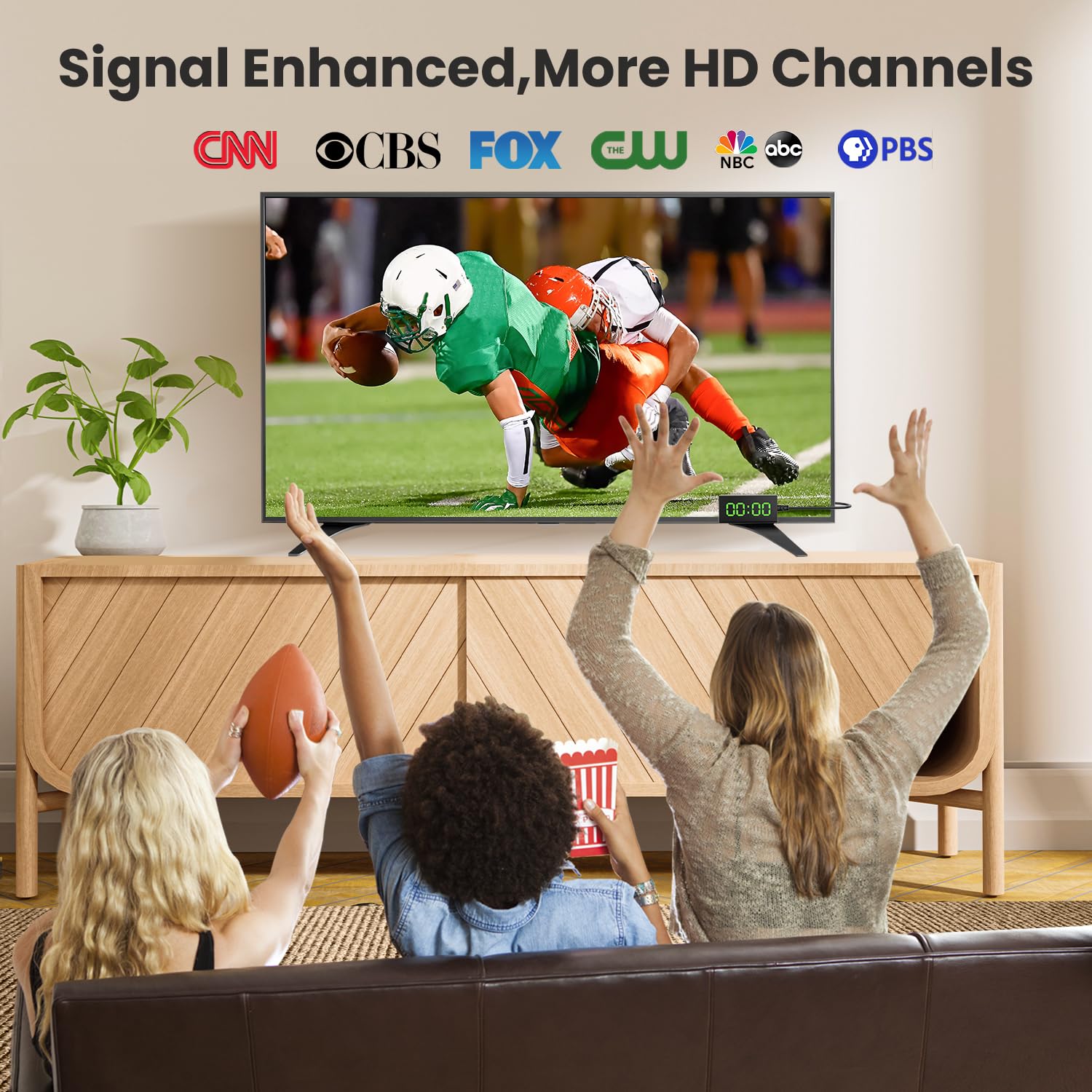

📡 Unlock Free HD TV & Record Like a Pro — Hide It, Stream It, Own It!
The DCOLOR Digital Converter Box (2025 Updated) is a compact, behind-the-TV ATSC tuner that delivers free over-the-air HD channels with 1080P resolution. It supports universal HDMI devices including TVs, monitors, and projectors, and features built-in DVR recording and an electronic program guide for scheduled viewing. The included 2-in-1 learning remote consolidates control, making it a sleek, all-in-one solution for modern cord-cutters seeking high-quality, clutter-free TV access.




| ASIN | B0C13WHDZV |
| Best Sellers Rank | #47,821 in Electronics ( See Top 100 in Electronics ) #16 in Analog-to-Digital (DTV) Converters |
| Brand | DCOLOR |
| Customer Reviews | 3.9 3.9 out of 5 stars (594) |
| Date First Available | March 31, 2023 |
| Interface Type | HDMI, USB |
| Item Weight | 1.92 ounces |
| Item model number | DC-ATSC2024-4T |
| Manufacturer | DCOLOR |
| Material | Plastic |
| Maximum Supply Voltage | 5 Volts |
| Minimum Supply Voltage | 5 Volts (DC) |
| Mounting Type | Hidden Behind TV |
| Number of Channels | 4 |
| Number of Pins | 23 |
| Package Dimensions | 7.52 x 5.39 x 0.94 inches |
B**L
Easy To Install - Works Great
Great product and exactly as described. It arrived quickly and was packaged well. Quality exceeded my expectations for the price. Allows mento draw in the OTA channels. I would definitely order this again and recommend it to others.
T**T
Works great, and as intended
Home mishap (kids) ripped the RF input out of our 65" Sony OLED Bravia. Got this as an external tuner until we can get ours repaired. It came the next day. It works perfectly and the tuner even seems more sensitive that the Sony internal tuner- it picked up and holds more stations in our rural area. I was able to hide the channels in the setup menu that I don't ever watch. The included EPG is adequate, and appreciated. The programmable remote took a few tries but also functions as intended by mapping the television's power, input selection, and volume controls. I am not using the DVR function, so I cannot comment on that aspect, but for me this product is excellent for the price.
C**K
Get broadcast television for free
This worked for my dumb TV to get broadcast television from an antenna. Once you scan the channels you're good to go. The picture and sound quality are clear. The best feature is that you can plug a USB drive in and set a timer to record your favorite shows. It organizes the files by channel, date, and time recorded. I love recording TV and watching it later. You do need your own power block for the usb power cord to do this. You can plug the usb directly into the service port on your screen to power it alternatively.
J**D
No response from seller after submitting my report.
I tried to contact Dcolor but they did not respond so I am posting this report. One star because they did not respond. When I was able to record programs the playback was very good but, for some reason, it became difficult to record onto two different USB external drives; one SSD and one HDD. The product would hang or report some kind of error without recording anything. I was able to record onto a USB memory stick but when starting to set up timed recordings, the channel defaults to the lowest channel in the list instead of being set to the current channel which would be more useful as the EPG for the program times can be quickly checked before setting up the recorder. There is no Real-Time-Clock so the time on the device cannot be set nor maintained manually. I have found that when trying to record programs, the unit often fails to record anything because it sets its clock based upon a TV signal which can be incorrect. Even with the unit set up for Pacific Time, I saw the wrong time being set by the TV signal (depending on the selected station) so the recording never happened. Also, the date is sometimes off by a day. I consider the lack of an RTC to be a serious problem. The documentation on operation is insufficiently detailed to be able to properly use the unit. When the "Info" button is pressed, the information is not displayed long enough. However, the EPG is very good. Many times when I was using the menu and trying to review files from the USB storage drive, the unit would freeze or become unstable until power was cycled. With weaker stations, the tuner is not as sensitive as my regular TV. While playing back recorded files, there is only fast forward/reverse but no time slider/bar which is much more useful on larger videos. When there are two transponders with the same local station number (eg 3.1), only one of them is accessible because only one of them appears in the channel list. The second one is a stronger signal but only the the weaker one is listed. I have tried updating the firmware with V2 but I saw no improvement. The seller did not respond to my request for a later version.
S**E
Learning Experience!
What you need to know about this product. UPDATE! You need a USB adapter because one is not provided. A photo of a USB adapter is included. Many people are not entirely familiar with USB! Use your cell phones adapter to plug the USB cable into. After plugging the USB cable into your cell phones adapter plug into an electrical outlet. The product will work. CAUTION! You can plug the USB cable into a TV with a USB port. However, you must always keep the TV on for the device to work. If the TV is off there's no power. EPG is good. You can use EPG to schedule programs to record. It (the EPG) will show TV listings 12 hours ahead. It's very important to find your time zone for correct recordings. If you notice your scheduled recordings are incorrect it's because of time zone. You might live at an eastern time zone. If your recorded show is not the one you scheduled look for the time zone. It's set to auto. However, that does not always work. You might have to use "manual" to correct the time zone issue! USB thumb drives might be the culprit. FAT32 is required. Maximum file size is 4 GB. Picture quality is very good and that will increase recorded video size. You can't adjust the video size. It goes by what TV station provided receptions (signals) are. TV stations that are HD (1080i and 720p) create large video files or large video sizes. Example: A one hour recorded video can be 4GB's or larger. A two hour recorded video can be 8GB's or larger. TV stations under 1080i and 720p create small video sizes. This device is better for small video files or size 480i TV signal receptions. How to tell what TV stations are HD or not HD. Visit rabbitears.info to find out what your TV stations broadcast in. TV stations are set to have sub-channels now. 8.1 through 8.8. An old VCR can't record such channels. These new stick DVR's can! However, many don't work correctly. That could be because of recorded video sizes. If a scheduled show is HD it leads to conflict. HD recorded files will be large. If you notice your recorded show did not record entirely it's probably because of file size. USB thumb drives will record HD. However, if a scheduled recording is in HD, the USB thumb drive might not record the scheduled recording entirely. Manufacturers of these devises must create a way for these mini stick DVR's to record HD in smaller sizes. Remember it's not the mini stick DVR or USB thumb drive. It's the TV stations. Expect the devise to eventually not work. These new mini stick DVR's will probably last only a short while. I suspect it's because of their inability to not record in small video sizes. VCR's could record in small video sizes. Inspect your USB thumb drive. If it's hot, it's because of recording large video files. Also configure your USB thumb drive to record only or use it only for recording. If your mini stick DVR is not working correctly, record from TV stations that don't broadcast in HD (1080i and 720p). They're broadcast in 480i. You'll notice their picture quality is inferior! You will not like it because you're probably more interested in current TV shows on ABC, CBS, NBC. If your mini stick DVR continues to experience recording problems while set to record only in 480i, purchase a new one. There may be a conspiracy! They know what they're doing! It deals with file sizes!
N**M
I bought this ATSC TV tuner to use to bring in television on the new Sansui monitor with built in speakers I recently bought to replace my 14 year old TV-Monitor. The tuner seemed to have difficulties during the setup but eventually completed the programming. Then every time I tried to turn it on to use it, it would sputter in and out only occasionally settling down to a steady reception. I tried wiggling the wires but gave up after a few days. It also would not accept the external 1TB hard drive for DVR purposes requiring me to use a flash drive. The only good thing was the IR dongle which gave a time readout when turned off. I eventually replaced this tuner with a similar one by a different company that worked perfectly out of the box, was cheaper, has a better remote control and used my external hard drive for recording.
B**O
this is impossible to figure out and the instructions are in Turkish? waste of money
Trustpilot
2 weeks ago
1 month ago