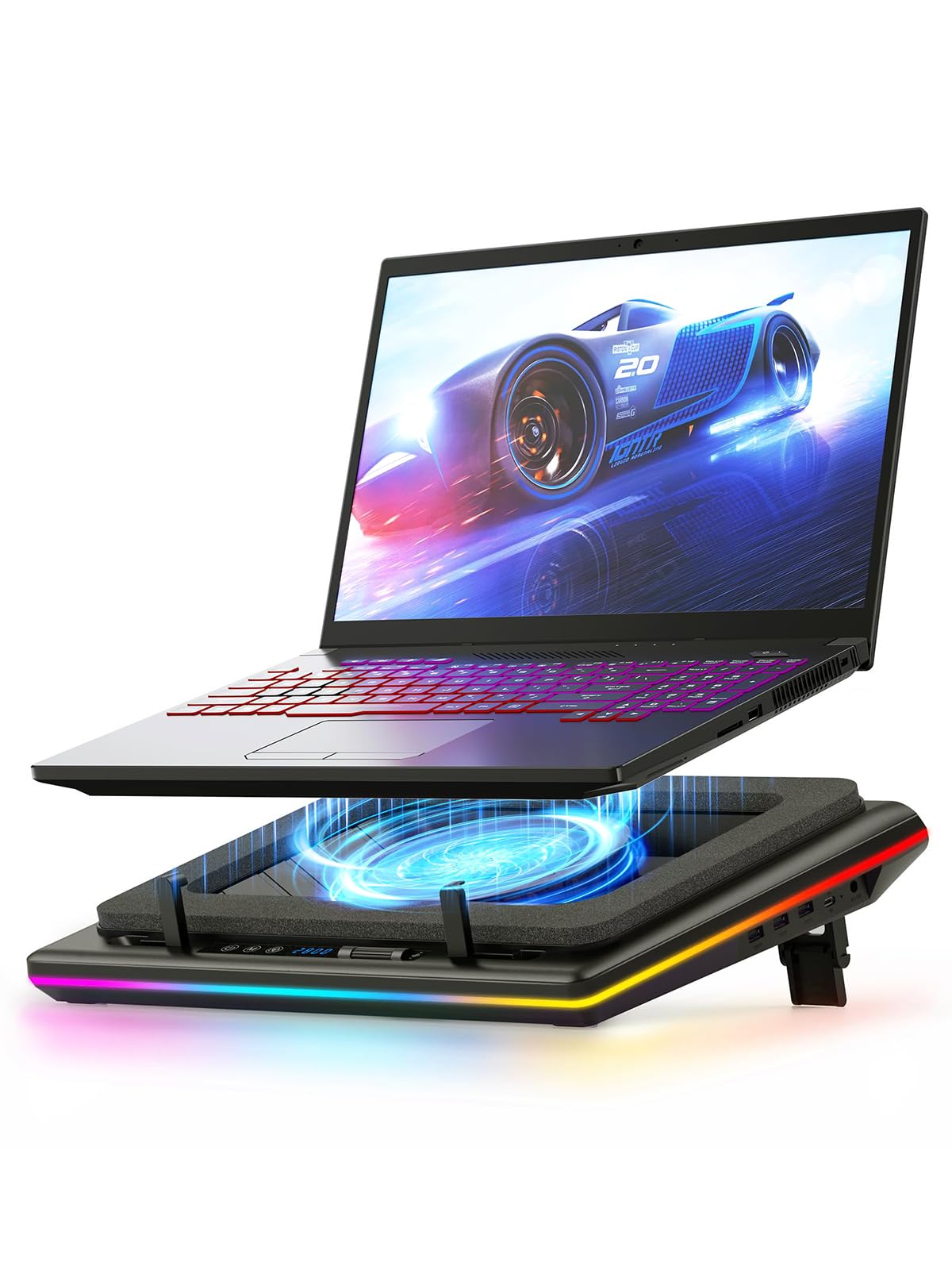
❄️ Stay Cool, Game Hard, Glow Bright — The Ultimate Laptop Chill Zone
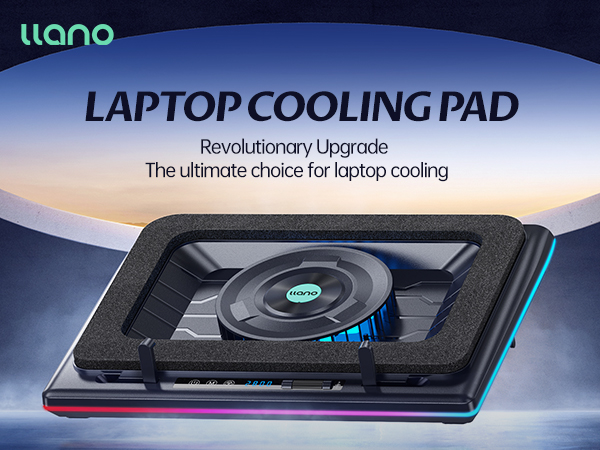
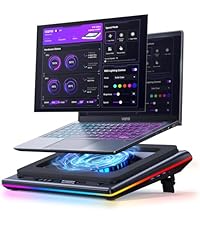
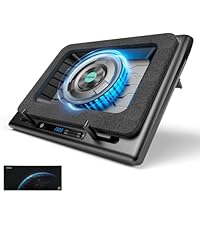
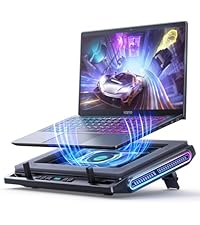
The llano V12 RGB Laptop Cooling Pad features a powerful 14cm turbofan delivering 36W of cooling power, ensuring rapid heat dissipation for laptops sized 15.6 to 21 inches. It boasts customizable RGB lighting with 10 modes and over 4 colors, controlled via an LCD touch panel for seamless adjustments. Designed with ergonomics in mind, it includes adjustable height, non-slip baffles, and a 1-in-3-out USB hub to enhance both comfort and connectivity during high-performance gaming or professional use.











| ASIN | B0C69BVWGB |
| Best Sellers Rank | #1,422 in Electronics ( See Top 100 in Electronics ) #4 in Laptop Cooling Pads |
| Brand | llano |
| Color | Black |
| Cooling Method | Air |
| Customer Reviews | 4.5 out of 5 stars 2,331 Reviews |
| Enclosure Material | Acrylonitrile Butadiene Styrene (ABS) |
| Item Dimensions L x W x H | 16.9"L x 12.9"W x 2.7"H |
| Item Height | 2.7 inches |
| Item Weight | 1.8 Kilograms |
| Manufacturer | llano |
| UPC | 704444171967 |
| Warranty Description | One Year |
A**X
Very impressive
Was skeptical about buying this because of its size and price. I had a small, simple, usb powered 3-fan cooler that I was using which was fine. I don't know how effective it was but it was better than nothing, I suppose. I was worried about the hooks that grasp the laptop near my wrists being an issue. However, thanks to the replies of a number of other users, that is not a concern. I don't even use them as the memory foam gasket is sufficient to hold the laptop in place. This thing can move a ton of air. It can be noisy when you have it wound up, but I usually keep it at 500 rpm. You can hear it, but it's not offensively loud. It keeps the laptop cool during gaming with no concern whatsoever. It requires a DC jack which I didn't think about. It's not a concern for me, just something I did not consider. It's nice to have so many extra USB ports, even if I'm not really using them. It is thick, but the payoff is well worth the extra size. I should have bought this ages ago; it does a fantastic job.
C**R
Definitely Cools!
I was a bit hesitant for the single fan option (and the foam pad that seemed like it would just constrict air flow). But this works great (even on lower settings). I gained well over 1000 points on benchmark performance testing due to cooler GPU during test. As another example, the computer I have gets really hot (like hurt my hands to touch the keyboard) when it sits with the lid closed. In the picture provided, you can see that the insided of the computer when I opened the lid was 120 degrees (ouch)! But just after 60 seconds sitting on the cooler (with the lid closed still) running at just 1/3 power (1000 RPM), you can see a significant drop in temperatures all over the computer. As for the noise level, the higher RPMs are a bit louder, but then again, so is the "cooler boost" option on my laptop, which helps, but does not cause computer to cool as much as it needs to to to efficiently run high resource VR games. With this cooler, I can us it at just 2/3 power (not very noisy), and computer cools much more than with indigineous cooler boost, and my VR games run much smoother.
W**I
Amazing, Worth every penny.
Absolutely fantastic, My alienware X15 R2 likes to sit at 100c running any game and fans will scream when opening a web browser, this pc is tryna cook itself, I also undervolted it and it still hits 100c. Upon using this cooling pad i was able to get an extra 30 fps on rust, and keep my temps around 80-85c, better temps and performance, absolutely amazing. and thats having the fan speed around 80%, its loud at max but its totally doable if your around 70-80%, if you have headphones it wont bother you at all. i was skeptacle about the price, but this thing was totally worth it, its saving my pc and making it perform like new again, with great temps!
J**M
This is the one to get for larger laptops, best buttons compared to IETS
UPDATE -- After having streamed with it, like the IETS 600, it's not a perfect solution my computer still runs pretty hot. I'd say maybe there's a 5-10% reduction in temps, I crank it up to about 1800 rpm for gaming/streaming. I do believe this fan is quieter than the IETS 600, another reason to pick this one up. Per the original review below, the power button is rather unpredictable to operate, it usually doesn't work, I'll live with it. Otherwise the color changing buttons are fun, but I can't turn the LEDs off, no key combo I can find does that. -------------- Original review: I had a "cheap" cooler over the years, but lately I'm trying to stream and play games on my laptop. It's a gaming laptop, and it ran really hot, certainly hot enough to get CPU throttling at times, though I never tested for that. We're talking Core Temp reporting peaks of 100 degrees and average temps in the 80s-90s. At rest, with the Llano fan at 1000 rpm, my Laptop 3060 GPU is reporting 37 degrees, as opposed to 48 degrees on the old cooling stand. (the old one is a Thermaltake you can't get anymore) I haven't gamed/streamed yet with the Llano cooling pad, I'm mostly writing this review to constrast this with the IETS 600 cooler using the same MSI Pulse GL76 laptop. BUTTONS -- the plus The reason I returned the IETS 600 cooler, it was working (not as well as the Llano at idle, though). But the button drove me crazy! They are "solid state buttons" meaning there's no movement in the button. It's just sensing your fingertip. On the IETS 600, all three buttons are like this. You'll read below why my laptop was overhanging these buttons, but it was frustratingly impossible to make the buttons do what I wanted on the IETS600. Much improved design is on the Llano cooler pad here, yes the on off button is a bit tricky and honestly as I write this I can't turn the thing off. But the fan control is a roller button, it's great! I can control the fan speed exactly where I want this running, no fuss, no frustration. Honestly I can live with the power button I'll just turn the fan down to 300 when the laptop is off, if I can't get the power button to work. And I have had issues with iPads in the past where at most angles my finger isn't recognized, so maybe I'm weird and the buttons will be fine for you. FIT - a minus on both cooling pads, but you can make it work Here's the real problem with these coolers and they can't really "fix it" unless they make a new foam piece for different laptops. Before you buy this, check out the bottom of your laptop. Do the cooling vents come to the edge of the base of your laptop? Then let's hope it's only on one edge, otherwise this cooler won't work for you. Basically, you set your laptop on the foam base and it makes an air seal. That means ideally there's at least about a 1/2" edge with no cooling vents around the base of your laptop. In my case, on the left side, the vents come right to the edge. In the back, they are within 3/8" of the laptops "rear edge" (the rear base is not a straight line on these MSIs). So this seems to work, I have the laptop barely sitting on the foam in the back, not at all sitting on the foam on the left side (just butted up against the foam to make a seal) and the bulk of the weight is on the right and front edges of the base. But your mileage may vary and you may find you can't use this type of cooler, depending on how funky your laptop base is. RISK -- don't blow up your built in fans If your laptop is anything like mine, apparently the fans are regular maintenance item, like brakes on your car. You just expect them to go out. Mine did after two years, and I replaced them recently. Now think about what this cooling does, it forces air into your laptop. If you force air into your laptop at a high enough rate, you create positive air pressure (higher than ambient pressure). If you are pushing air into your laptop so fast that there's positive pressure, then you're probably making your laptop's fans race along faster than they want to go. I would assume there's a point where the air being moved through the laptop, at higher rpms, will be too much. Bottom Line... So bottom line I strongly recommend this model even with the issues related to funky laptop bases where the cooling vents come to the edge. It cools my laptop a bunch at idle, I'm sure it will work as well as the the IETS 600 or better, but I'll maybe update this once I stream/game with this setup.
S**N
Effective cooling with strong airflow, but a bit loud
The Llano V12 RGB Cooling Pad does exactly what it promises — it keeps my laptop noticeably cooler during long gaming or work sessions. The 5.5-inch turbofan is powerful and moves a lot of air, which really helps reduce heat and prevent throttling on my laptop. The RGB lighting is a nice bonus for a gaming setup, and the pad itself feels solid and well-built. My only complaint is that the fan is quite loud at full speed, so it can be distracting in quiet environments. Overall, if your main goal is cooling performance and you don’t mind a bit of noise, this cooling pad is a solid choice for gaming laptops.
J**A
Very solid Cooling for my Acer Nitro 5
Most cooling pads don't really do anything, however this cooling pad with the foam sealing the air in and forcing air to go through the bottom vents works extremely well. I usually never go past 1000-1400 rpms while gaming because that's enough cooling. My laptop fans no longer work as hard and this thing is way more quiet at those RPMs. Excellent product!
M**.
Simply works
So, I'm lucky I work a 3rd shift job that allows me to use my Legion 5 gaming laptop for hours a night. As you can see, it is small enough to put into a book bag and take it with me. There are really only two choices if you want proper cooling of a gaming laptop, and thats either the llano or the iets gt500/600. I actually purchased the 500 and 600 but both were too large to bring with me on a regular basis. With the llano it is the perfect size for my 16in gaming laptop, and the cooler is small enough to travel to work as well. I have been using it for a few months now, and I love it. The fan can get a little loud, but I keep the fan around 1100 rpm, and it's quieter then my laptop fans on full blast. The llano keeps also keeps my temps while gaming under 70c on average, on both the cpu and gpu. Without it, the laptop averages around 80c. Which, for a gaming laptop, is still good temperatures. If I crank the fan to max rpms it keeps it around 65/60c while running prime95 which is amazing. While gaming temps never saw above 55c when it is running at max rpms. But, sadly, the fan is too loud at this speed unless I have headphones on. But because of my job, I simply cannot do that. So 1100 is a good sound to performance ratio. The lights are nice, I suppose, plenty of choices, and the build quality is solid. Yes, it's expensive, but if you are like me, and want to make sure your laptop lasts, I consider either the llano or iets coolers a must buy. Or, if your laptop is getting into the 90/100c while gaming because either your fans are dieing or thermal paste is drying up, this will extend the life span even further. I don't know what else needs to be said. Tldr; if you need PROPER cooling for your laptop, and your laptop has bottom ventilation (which is required) this will do it justice.
Q**E
Great for long and intensive gaming sessions
As long as your laptop has intake fans on the bottom. The llano cooler mitigates temps (5-20C depending on your laptop and tasks) and allows you to sustain lower temps for longer periods of time under load. Love the adjustment knob and rgb configurations. The only issue I have with it is (although for me it’s almost negligible) is the noise. If you want the coolest temps then you’re gonna have to crank this to over 1900 (max 2800 which I never use because it is super loud). It doesn’t bother me too much because I only care about lower temps, but that varies from person to person. Overall it was worth the money.
Trustpilot
4 days ago
2 months ago