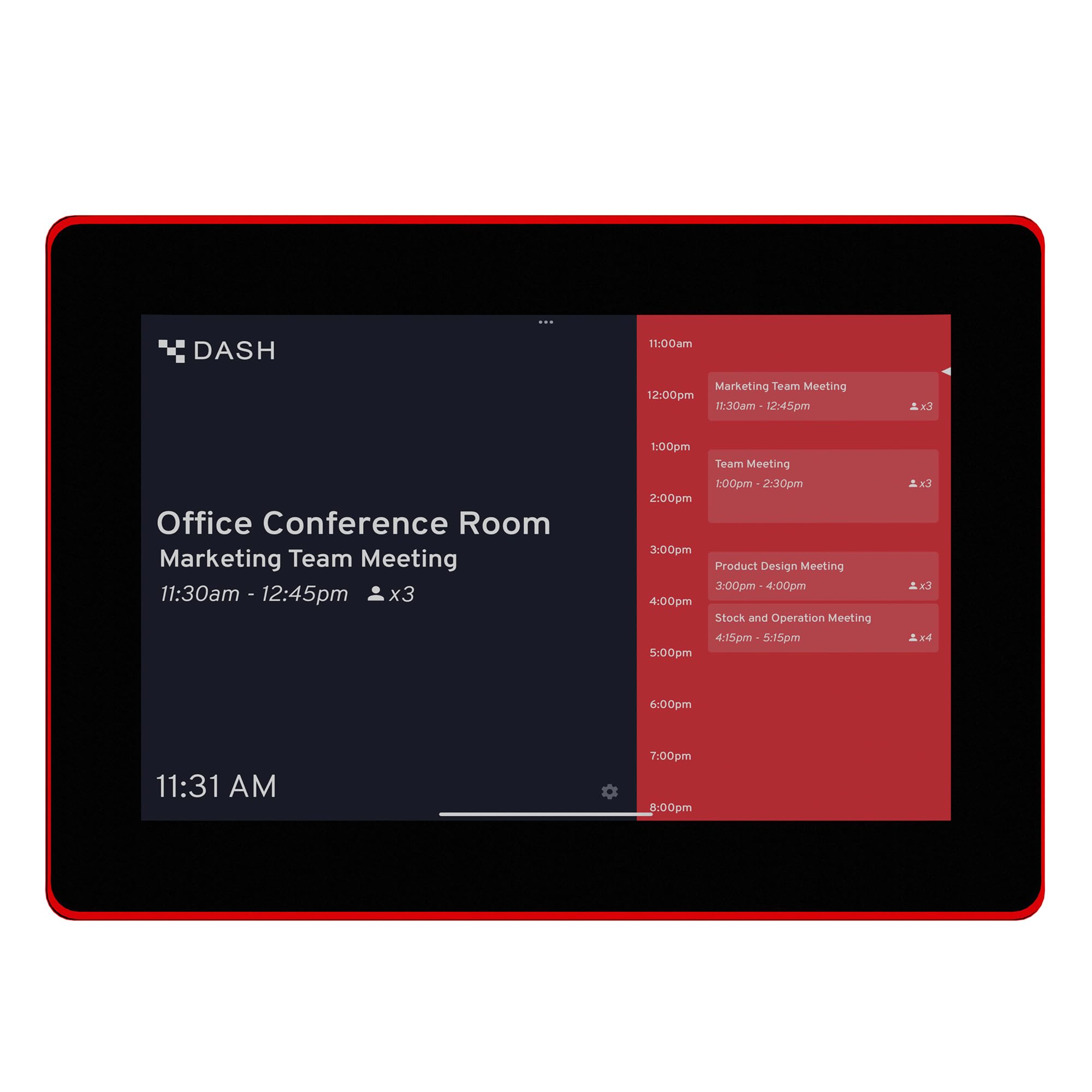
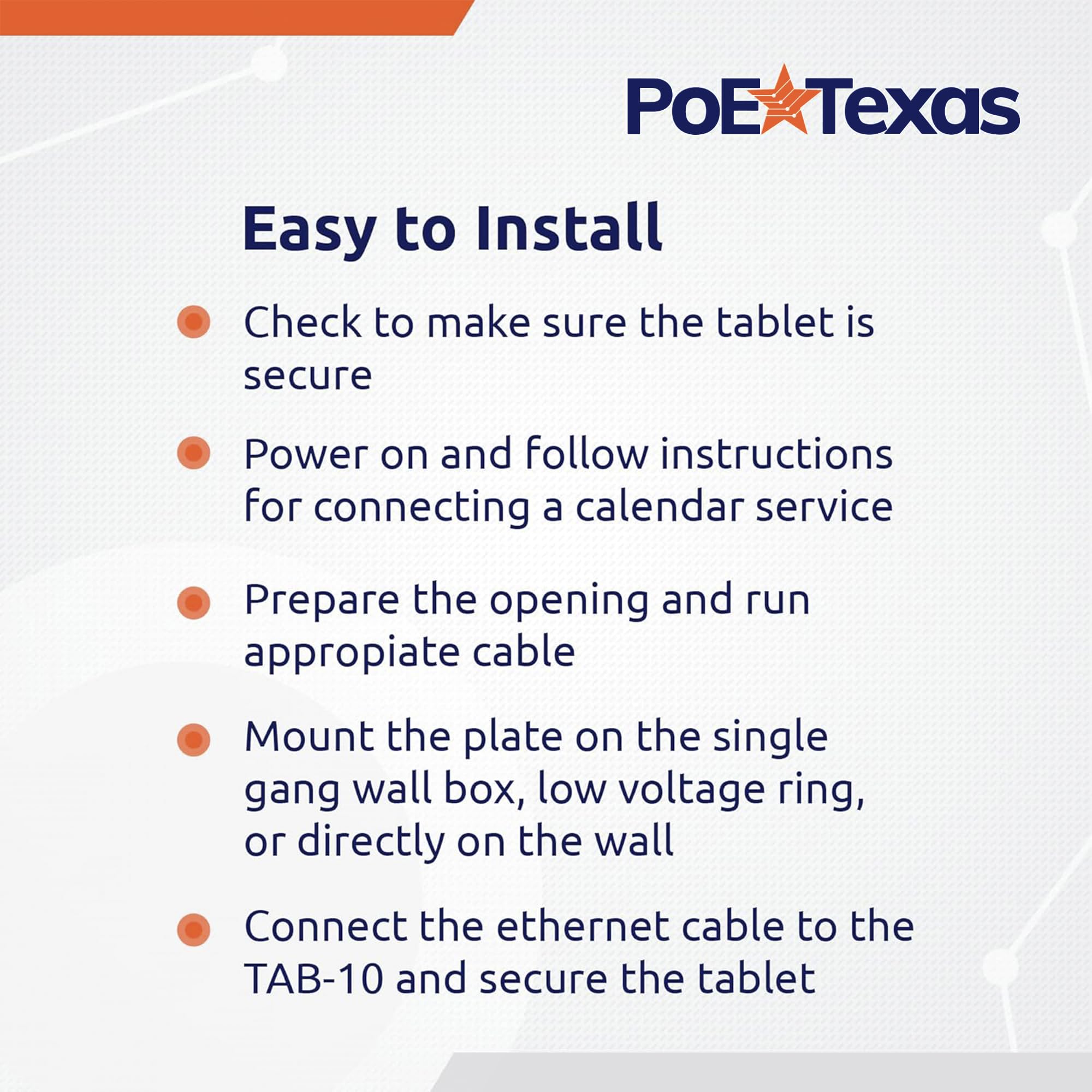
📅 Elevate your meeting game with smart scheduling at your fingertips!
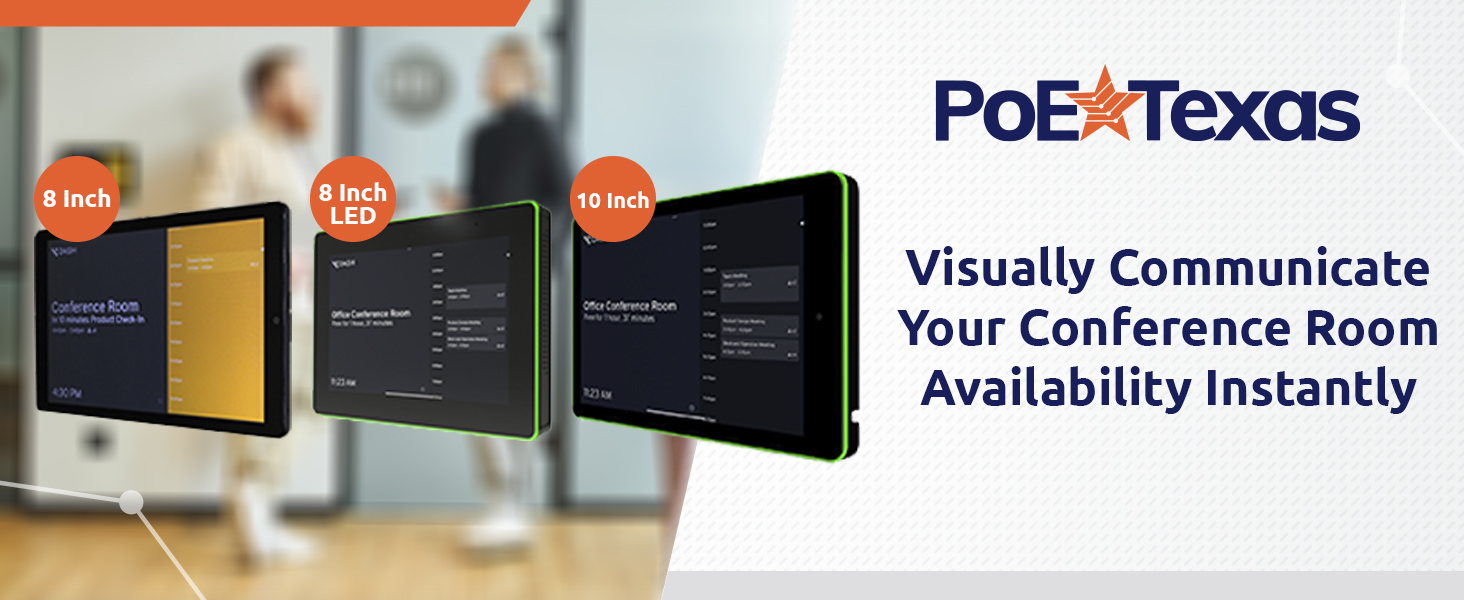
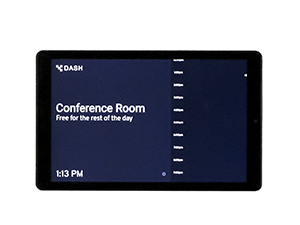
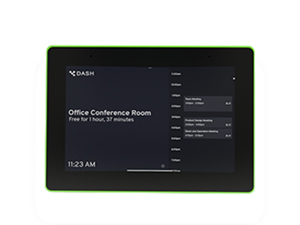
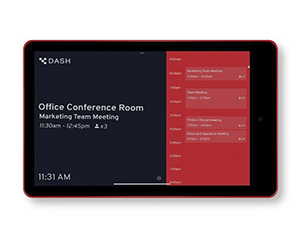
The PoE Texas 10" Touchscreen Meeting Room Scheduler is a sleek, plug-and-play device that uses Power over Ethernet to deliver power and data through a single cable. Featuring a bright 1280x800 LED touchscreen and a highly visible color-changing LED ring, it syncs seamlessly with all major business calendars via the pre-installed DASH app. Designed for effortless installation and zero subscription fees, it transforms conference room management into a streamlined, professional experience.


| Frame Rate | up to 60 FPS |
| Aspect Ratio | 16:9 |
| Maximum Display Brightness | 3.5E+2 Nit |
| Display Type | LED |
| Native Resolution | 1280x800 |
| Screen Size | 10 Inches |
| Additional Features | Lightweight |
| Memory Slots Available | 1 |
| Flash Memory Supported Size Maximum | 8 GB |
| Memory Storage Capacity | 8 GB |
| Processor Brand | ARM |
| CPU Model Speed Maximum | 1.2E+3 MHz |
| Processor Description | ARM Cortex A7 CPU |
| Processor Speed | 1.2 GHz |
| Connectivity Technology | Ethernet |
| Total Usb Ports | 1 |
| Cellular Technology | 2G |
| Hardware Interface | Ethernet |
| Human-Interface Input | Touchscreen |
| Warranty Type | Limited |
| Compatible Devices | Calendar Services |
| Item Dimensions L x W x Thickness | 2.83"L x 2.75"W x 0.39"Th |
| Operating System | Possibly Android or a custom Linux distribution |
N**I
Awesome scheduler.
It looks great and the screen is incredibly responsive, fast and attractive. The interface is easy to use and it really adds a professional touch of elegance and productivity to your events!
M**5
No way
I always hate giving a one or two star rating, it if it’s warranted I will. And unfortunately it is warranted in this case with this tablet. The only good thing about this is it has POE… that’s it. Everything else about this tablet is insanely cheap, yet you’re paying over $400. Heck for me as part of the Vine program I pay about 25%-30% of the retail value in taxes, and I don’t even thing it is worth that much. It’s basically a $100-$150 tablet. And to top it off they are pushing a subscription on top of this ridiculous price. I’m sorry but no, this is in no way, shape, or form, with this price.
S**
Good Quality
The tablet arrived in a simple box with no extra cables. I connected it using POE and it started up smoothly on Android 11 with the DASH app. Unfortunately, setting up my work profile didn't work out due to my work restrictions. It may be because the tablet is on Android 11, but setting up a work profile with a slightly less strict policy might be possible. On the other hand, setting up my personal profile and email went smoothly. I customized it with DASH permissions and my events appeared. The touchscreen works well, though it occasionally lags. While WiFi connectivity isn't very useful, it would have been convenient if it could power on through the USB-C port. Overall, I'm satisfied with connecting it to my personal email, even though I couldn't set it up for my work profile. If your work profile isn't too restrictive, I recommend this tablet.
A**Y
A+++ Meeting Room Scheduler
This is the answer to every busy office everywhere! This is a touchscreen meeting room scheduler. It connects easily to any office calendar to help keep track of meeting reservations for a particular room. The picture is so clear, and the touch screen is super responsive. The screen does not have WiFi and can only used through PoE connection. It has an Android operating system, so it is super easy to use. You can place it anywhere or even mount it for convenience.
I**Y
It’s An Android Tablet
This is simply an Android tablet that has been purposed as a scheduler. I am not a big of the requirement to purchase a subscription to fully use it, as it is expensive to begin with for what it is. The touchscreen is just okay. It does have some lag, so don’t expect this to work like an iPad, it’s more like an older off brand tablet would be. It works but you notice that lag in responsiveness. It’s also subpar as far the picture is concerned. It isn’t bad, but it’s not that nice crisp clear screen that I am used to. I think that how much you like this will depend on its intended use. If you just have a meeting room and want a simple way for people to schedule, then this will be fine. But if you want to do much more than that, this tablet may present you with some barriers.
A**.
Secure wall-mounted tablet, convenient mounting bracket, middling screen and cpu
This is a 10" tablet designed for wall-mounting and use in public places.The processor in this tablet is a Rockchip RK3288, a decade-old processor that's a very common core for cheap tablets. The screen is somewhat of a weak point - it's a 1280x800 screen that's not very clear and crisp; for a public display I would have preferred a 1080P IPS screen with better viewing angles. Neither is a dealbreaker for the intended purpose of showing upcoming meetings, but it means these tablets are a little bit dated even on installation. There are some tinny-but-loud 2W speakers on the back, and a small webcam and microphone on the front. (The microphone isn't very good, so don't depend on it for voice recognition.)The good news is that these are incredibly convenient. The mounting system is a metal bracket with a ton of screw holes - I saw another review complaining about included screws, but I don't think that's fair because this is designed to mount with whatever hardware your contractor or maintenance team prefers. As someone who's had to fix other tablets where someone used wood screws instead of the 'right' hardware, this is a huge pro. You can even mount the tablet in a perpendicular configuration with an included L bracket if needed, and some of the holes are in a VESA pattern if that's useful for you. Once the brackets are in place, the tablet itself screws on with just two screws on the bottom, and all of the cables and ports are concealed within - you could even give your contractor just the mounting plate and do all the electronics work at a later date.Speaking of ports, you get a reasonable number: a full size SD card reader, a headphone output jack, a USB 2.0 port, a micro USB "on the go" port, and an RJ45 Ethernet port. You can power the device using 25W Power-over-Ethernet, or you can use a separate 12V/1.5A DC barrel jack if that's more convenient for your application. There's also a RS232 serial port inexplicably provided with a connector shaped like USB, so I have no clue how that's intended to be used, and the manual doesn't shed any light on the situation other than saying it's an RS232 level port rather than a TTL level port.Kudos for the low power consumption on this device, which may frankly explain some of the middling specs. 1.5A is pretty low and being able to run this whole thing off of a regular PoE port adds a ton of flexibility to installation.Software wise, Android 10 is a bit out of date but still fresh enough to run most apps you'll want to run. Google Play is present and working, which is nice. There's an LED test app that can control the colored ring, and that works great, but no information is included on how you can use it in your own apps (I haven't experimented yet but am hoping it's a stock Android API). I'm pleased to report that it's a full install of Android and you can run any app you want, but there isn't an out of the box solution for launching your favorite app on startup and locking down the system, so you'll need to roll your own MDM solution - kind of a missed opportunity, I think.This may seem a little pricey for what you get, but as someone who's spent way too much time and hassle trying to wall mount consumer tablets, this is actually a great value: you'd pay almost as much by the time you buy a decent tablet, a PoE-to-USB charging adapter and a secure wall mounting box. I just wish the screen was a little better, but my true 4.5* rating probably rounds up to 5* because I'm not aware of anything else remotely equivalent out there right now.
Trustpilot
2 weeks ago
2 weeks ago
3 weeks ago
1 week ago