Desertcart purchases this item on your behalf and handles shipping, customs, and support to Sri Lanka.
๐ Upgrade your print gameโbecause slow printers are so last decade!
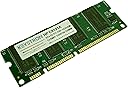
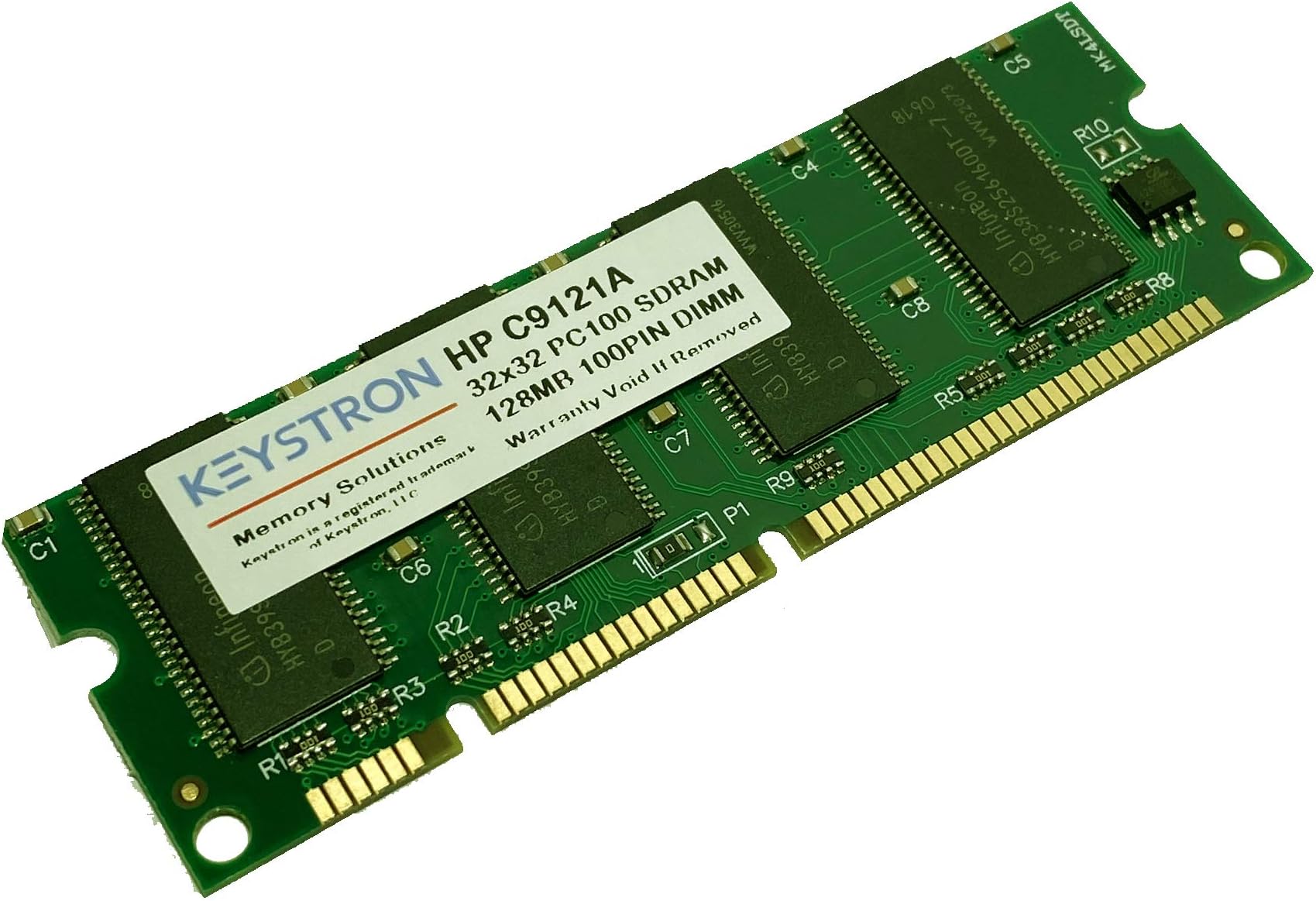
This 128MB SDRAM memory module (100-pin) is a lightweight, cost-effective upgrade for a wide range of HP LaserJet printers, dramatically improving print speed and handling of complex documents. Easy to install and compatible with over 15 HP models, it transforms your printer into a productivity powerhouse without breaking the bank.
| ASIN | B00FAY6SVQ |
| Additional Features | Lightweight |
| Brand | Keystron |
| Computer memory size | 128 MB |
| Customer Reviews | 4.4 out of 5 stars 41 Reviews |
| Item Weight | 1 Ounces |
| Mfr Part Number | 4328385936 |
| Model Number | C9121A, Q9121A, Q7709A |
| Number of Pins | 100 |
| Number of pins | 100 |
| RAM Memory Technology | SDRAM |
| RAM Size | 128 MB |
| Ram memory technology | SDRAM |
| Special features | Lightweight |
| UPC | 609728998219 |
J**O
A no-brainer upgrade for my HP LaserJet - easy and inexpensive
This is great - I wish I'd done it earlier. After my printer was slow on a big job recently I decided to look for a memory upgrade. HP sells one for $143! This one is less than $10 including shipping and works perfectly. My printer is a LaserJet Wireless 1320 NW but the memory is listed for lots of others. Installing was simple. HP has great instructions with pictures on their web site. Step 1) turn it off and disconnect the power and cables. Step 2) open the print cartridge drawer. Step 3) Open the left side - it has clips at the top and bottom on the paper tray end and sort of swivels at the print cartridge end. Step 4) My machine only had its 16MB built in memory (leaving only 5MB for documents) so there was no DIMM to remove. Step 5) Turn the little cams that latch the DIMM in place to their open position. Step 6) Take the new DIMM out of its antistatic bag, holding it by the ends between your thumb and a finger. Touch your other hand to the metal of the printer to discharge, and push the DIMM into its slot making sure it is aligned properly. You can tell which way up it should go because the gold terminals are grouped and the slots are grouped the same way. It may not seem to go in at first because when you push it in it moves the cams into closed position and that takes a tiny shove. Step 7) Close up the printer, plug it in, turn it on and you are all set for fast printing of large or complex documents.
Q**H
Five Stars
Perfect product. Fits right in. Printer is faster. Should have done it long time ago. Fast delivery.
E**R
Brand new printer memory that works well !
Printer memory arrived promptly and was packaged well. Brand new, factory sealed anti-static bag. Within 5 minutes, my HP Laserjet 1320 was back up and running with 144MB of memory which is the maximum. After upgrade, my printer is notably faster in terms of time to print first page and the interval between printing pages.
L**S
Product outdated but happy to find
Good for my 20+ year old laser printer that keeps on chuggin
D**1
Great memory. Works fine.
I haven't had any problems with the memory card. It came packaged well. I installed it with the printer turned off. I turned the printer on and it found the additional memory with no problem. Unfortunately, I don't know if it sped things up. I don't notice a difference so far. But I'm glad I got the product and now the printer memory is fully populated.
Trustpilot
3 days ago
2 weeks ago