Some deliveries may take a little longer than usual due to regional shipping conditions.

DOWNLOAD THE APP


Customer Services
Copyright © 2025 Desertcart Holdings Limited
DOWNLOAD THE APP

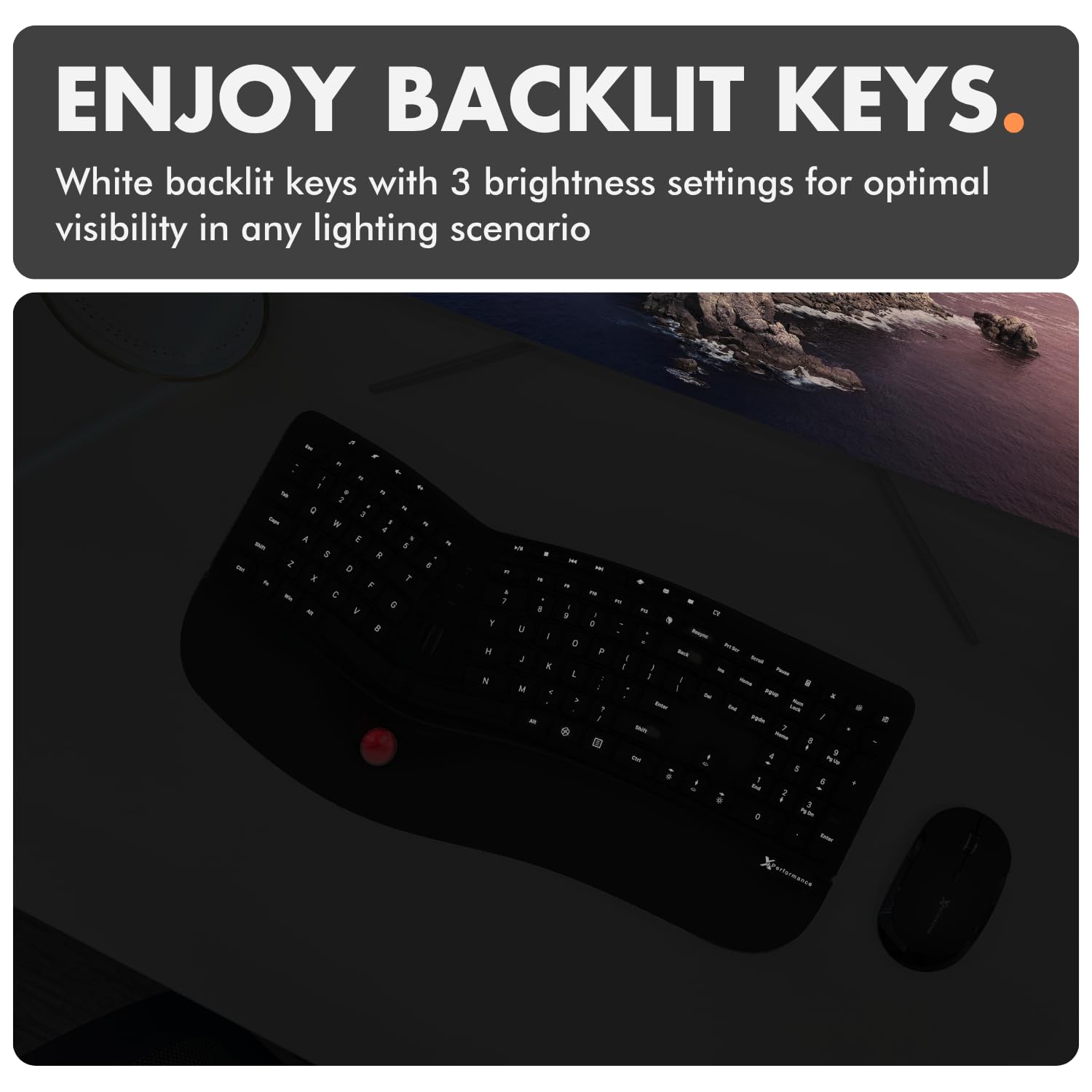

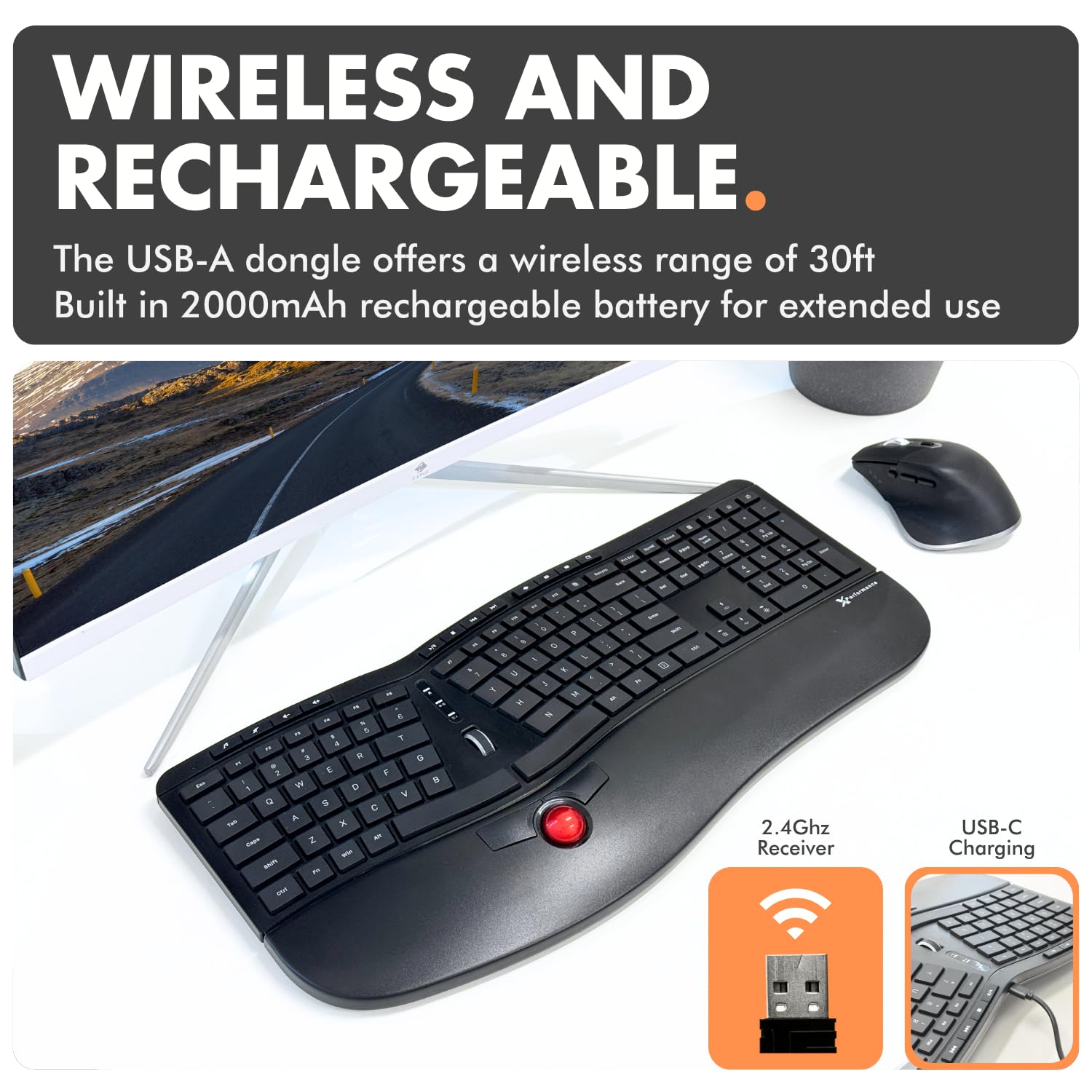
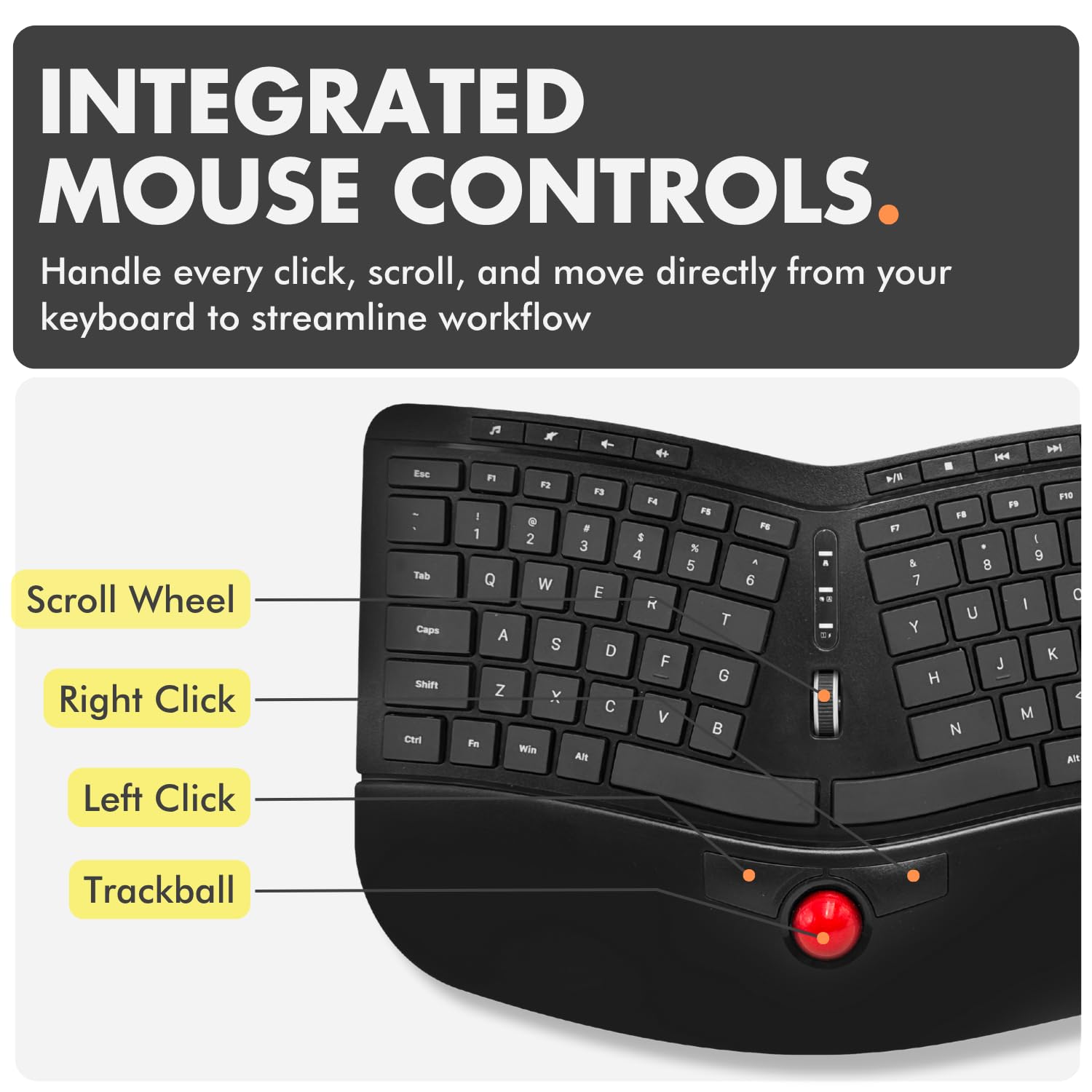
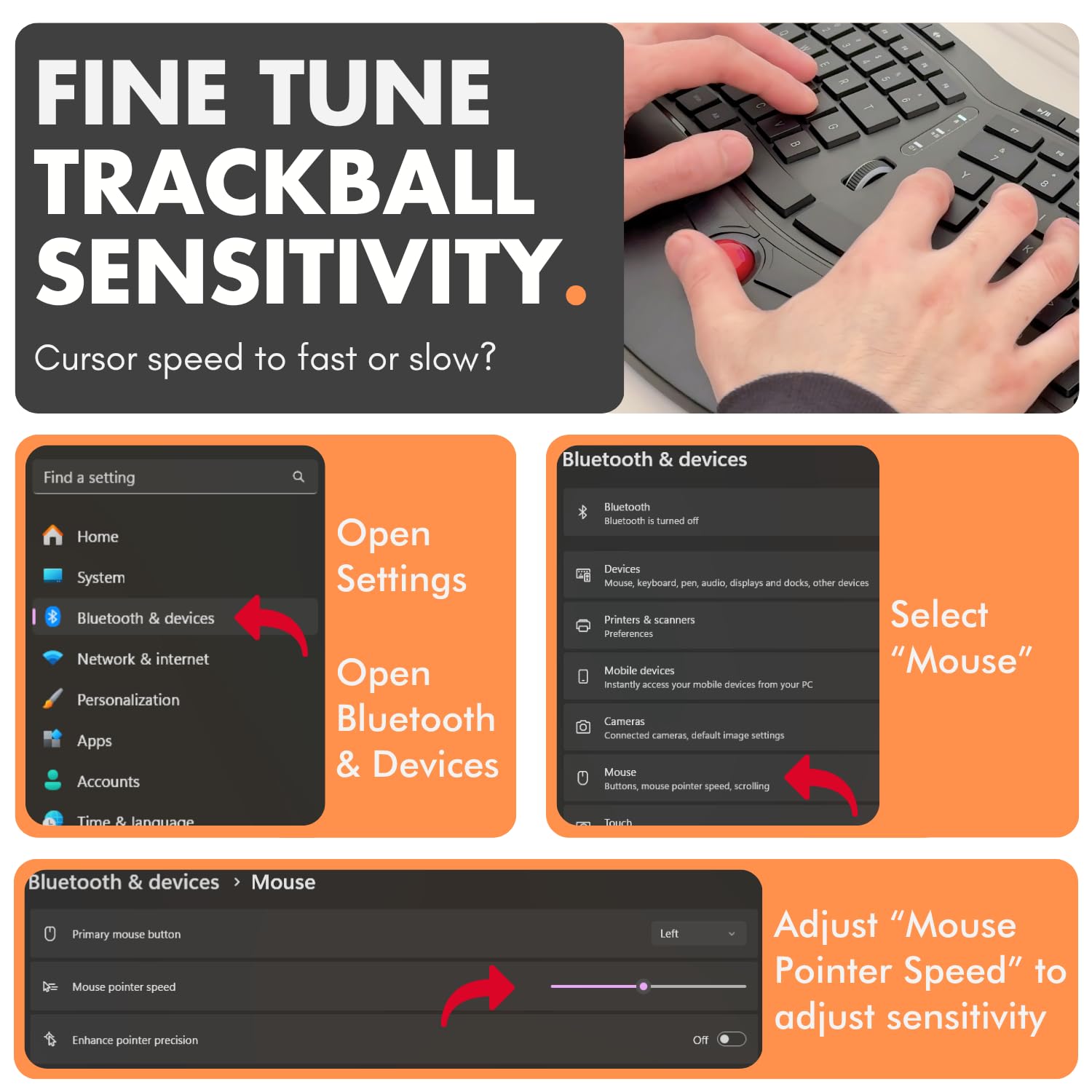
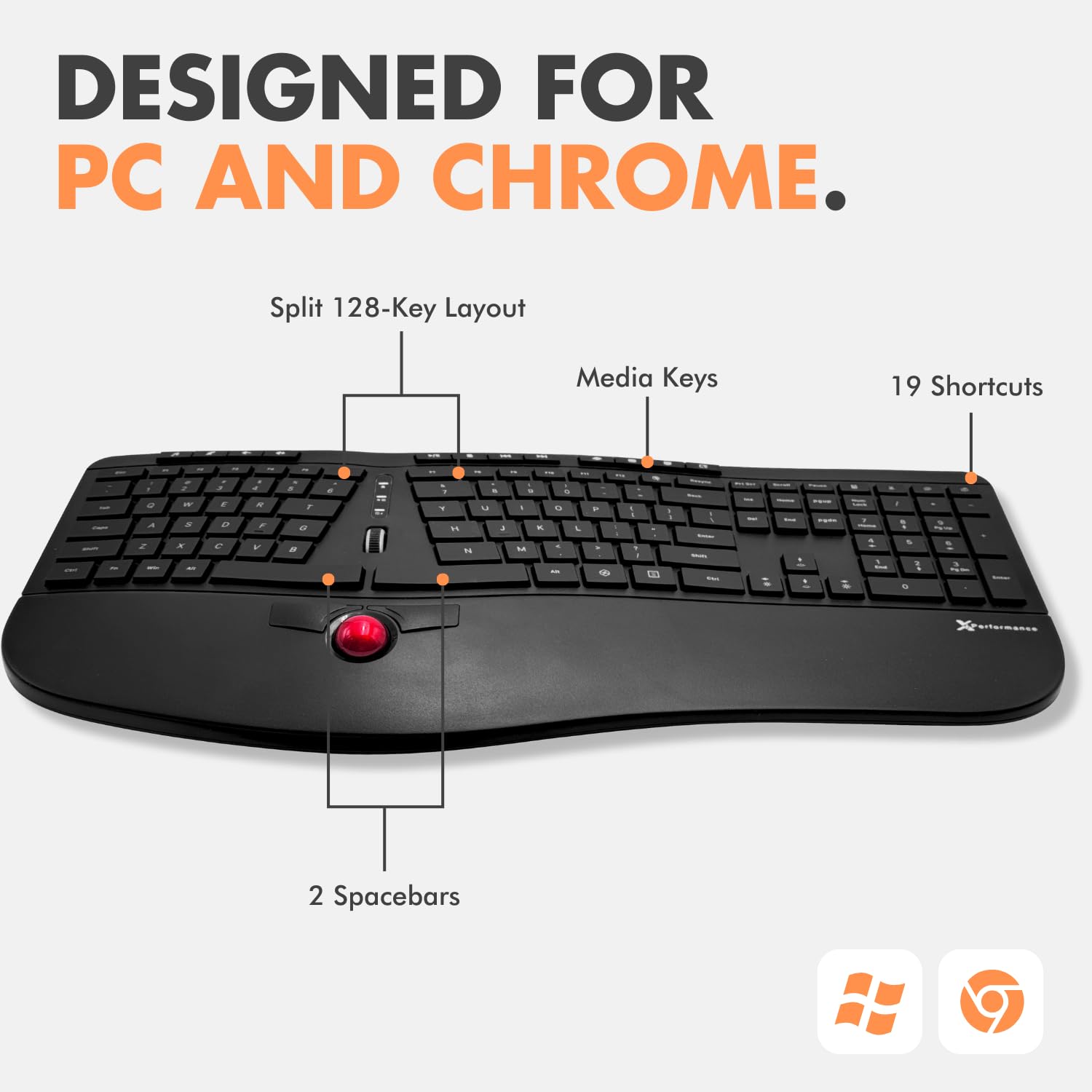
⌨️ Elevate your workspace: comfort, control, and power in one sleek package!
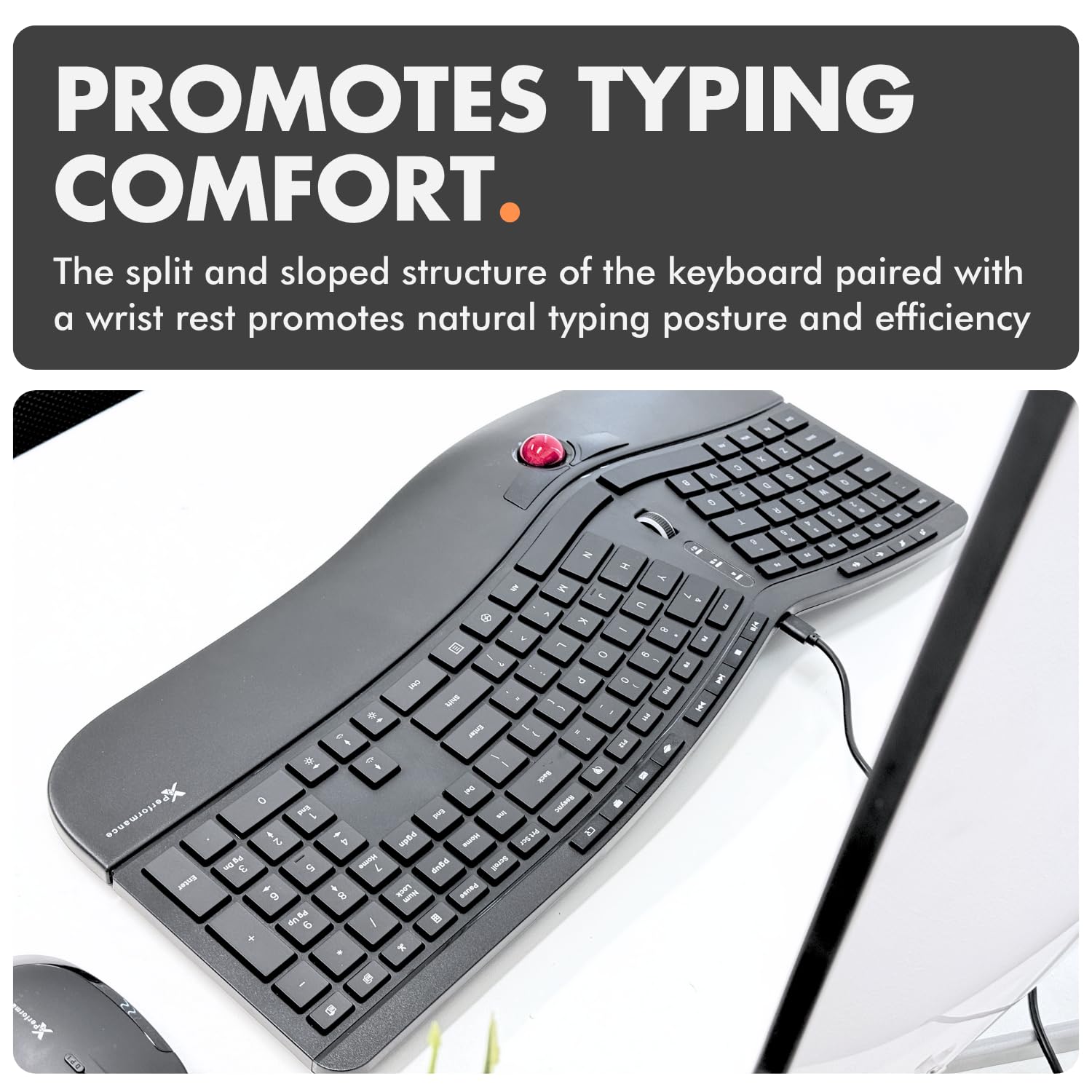
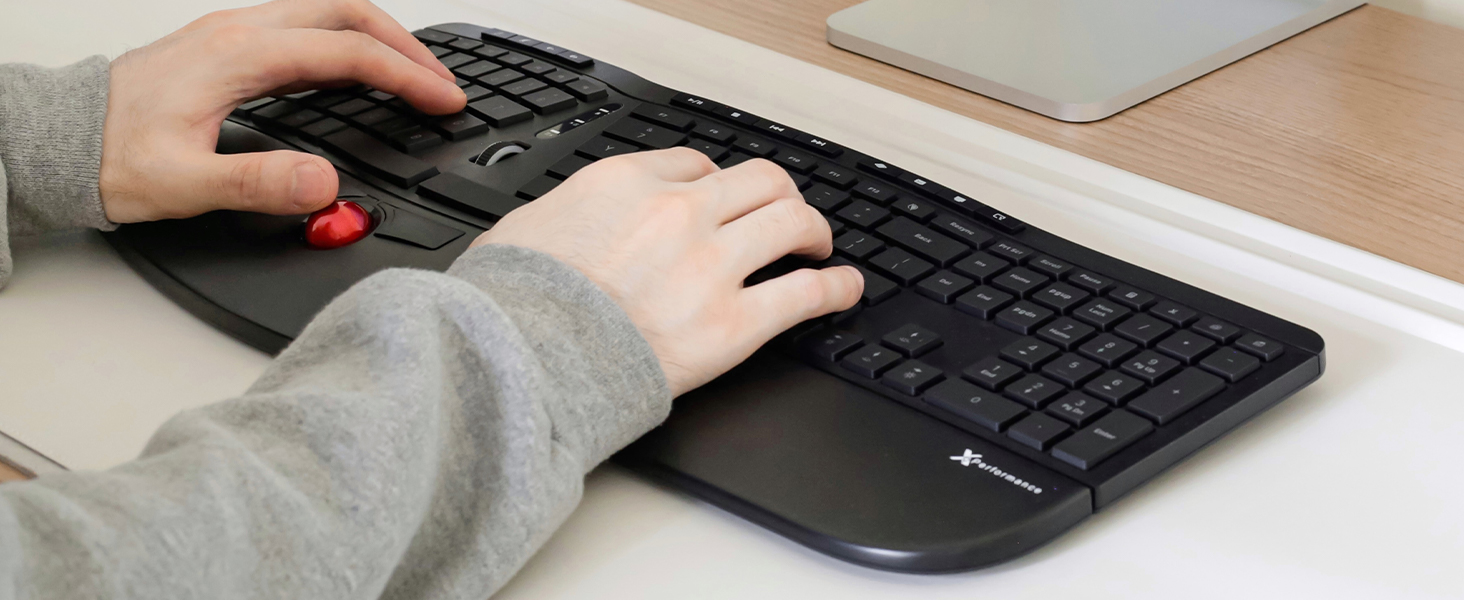
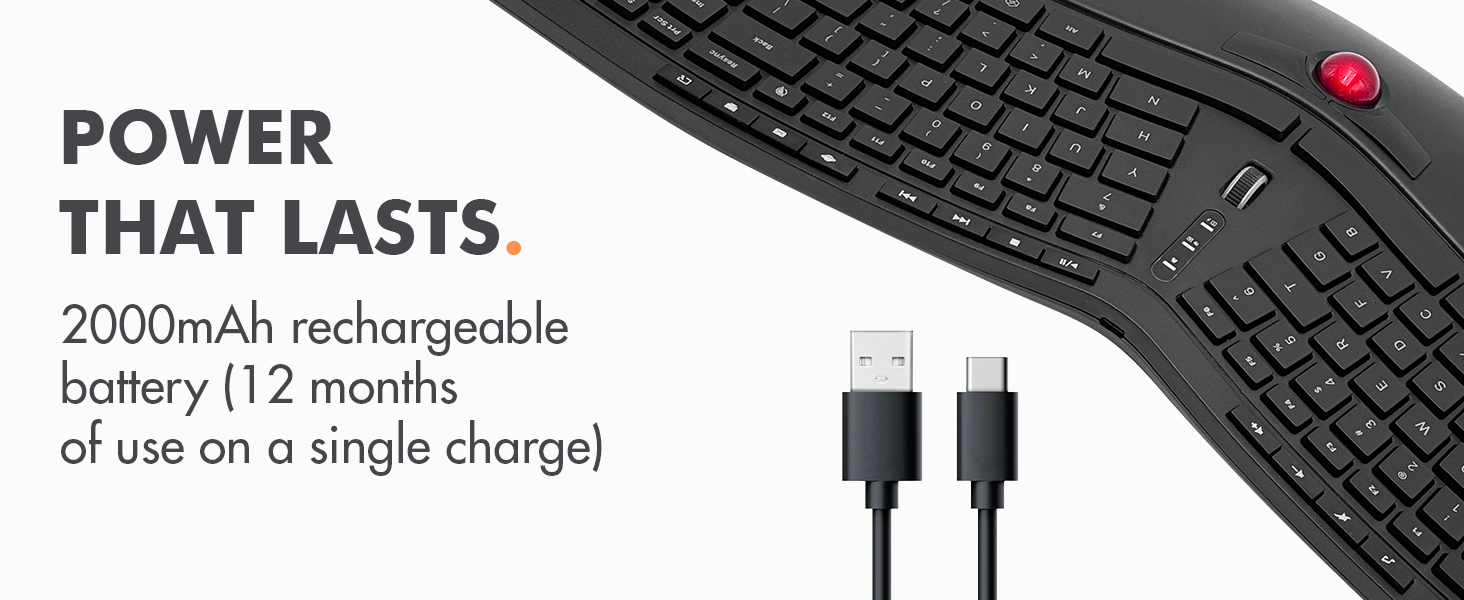
The X9 Performance Ergonomic Wireless Keyboard with Trackball is a cutting-edge, rechargeable split keyboard designed for professionals seeking comfort and efficiency. Featuring a built-in trackball and mouse buttons, 3-level adjustable backlighting, and a powerful 2000mAh battery lasting up to 12 months, it supports Windows and Chrome OS with plug-and-play 2.4G wireless connectivity. Its ergonomic layout and integrated wrist rest reduce strain, while 19 shortcut keys enhance multitasking, making it the ultimate all-in-one typing and navigation solution.








| ASIN | B0D32N174P |
| Are Batteries Included | No |
| Batteries | 1 Nonstandard Battery batteries required. |
| Best Sellers Rank | #76,031 in Computers ( See Top 100 in Computers ) #2,157 in Computer Keyboards |
| Brand | X9 Performance |
| Customer Reviews | 3.9 3.9 out of 5 stars (127) |
| Date First Available | 13 January 2025 |
| Item Weight | 1.1 Kilograms |
| Item model number | X9RFBLERGBAL |
| Lithium Battery Energy Content | 2 Watt Hours |
| Lithium Battery Packaging | Batteries contained in equipment |
| Manufacturer | X9 Performance |
| Number Of Lithium Ion Cells | 3 |
| Power Source | Battery Powered |
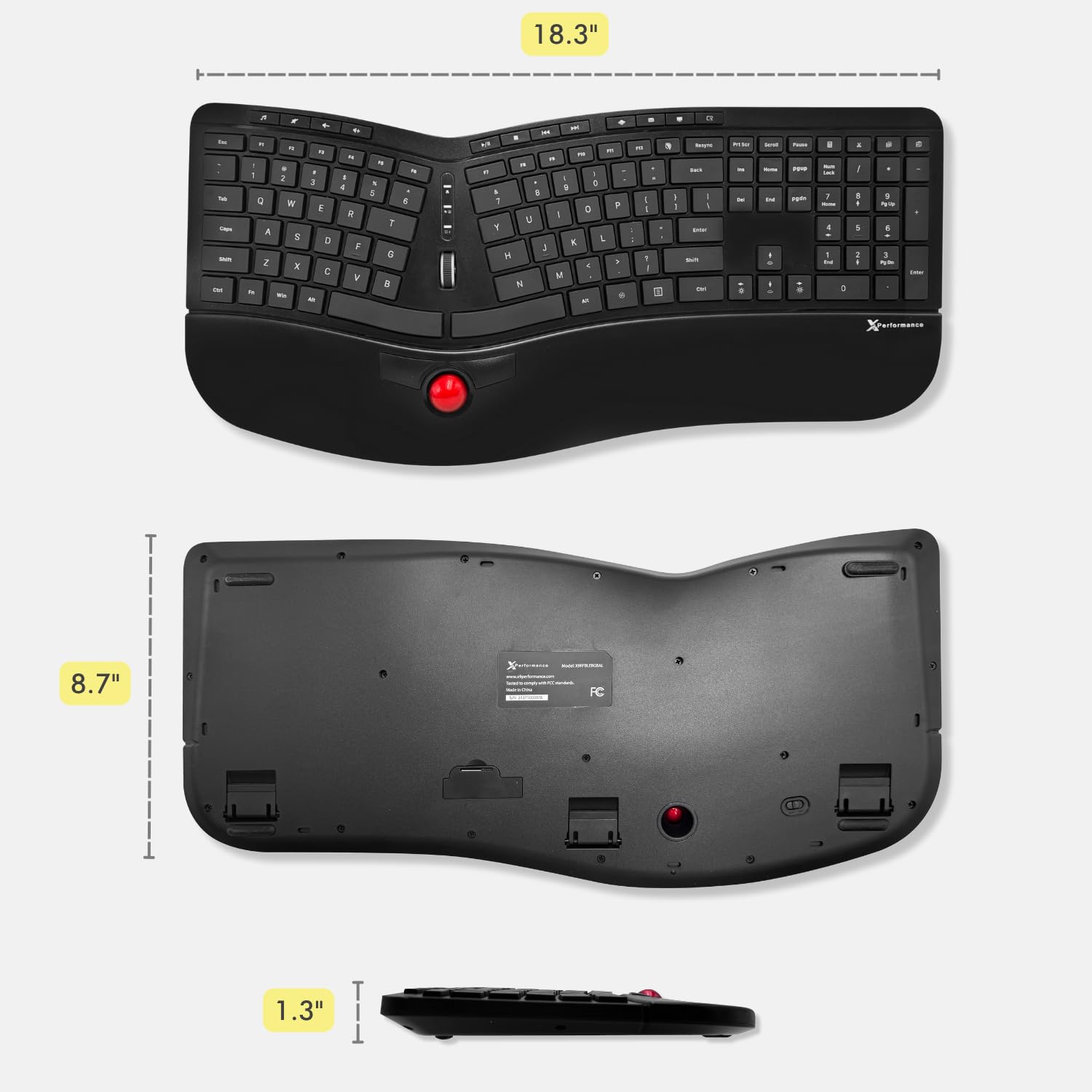
| Product Dimensions | 46.48 x 22.1 x 0.76 cm; 1.1 kg |
S**D
It seems good quality so far. I bought it because I wanted to have an ergonomics keyboard that allows me to code without having to grab a mouse every 2 seconds to move the cursor or scroll the code. At first I couldn't figure out why I was having such a hard time using the trackball and buttons (I find the use of trackpad and buttons on my laptop quite efficient) until I realised the buttons were at the top and the ball below. Seriously a huge design flaw and makes clicking much harder as I have to reach over the ball to click it and end up moving the pointer. Just made the whole experience really awful tbh. And to think I spent so much money on it because I couldn't find a good alternative elsewhere.
L**I
You wont find anything else out there with this many options. I use it for my tv when it is hooke up to my computer and it has a mouse and keyboard all in one. I wanted one that was backlit and this one had it too. I cant think of anything this keyboard doesnt have. It's comfortable to use and never losses connectivity. I've used it with both mac and pc with no issues. It is plug and play and compatible with almost anything. Its a bit costly but well worth it. The mouse part takes some getting use to and you may have to adjust it but it will work flawlessly. Its well made a durable and the battery life lasts.
J**Z
Tiene buena calidad y las teclas se sienten comodas, se apaga en automatico al no usarse por lo que prolonga la bateria el tono de las luces en las teclas es comodo solo que no se puede regular como en una laptop (o yo no vi como) tiene varias teclas de acceso rapido, para navegacion, musica etc, el cable usb que viene solo es para cargar y no sirve como controlador del teclado, en general buena calidad, yo ya vengo de teclados ergonomicos divididos del de miscrosoft sculpt y aunque es parecida la linea la forma en la que esta la distribución no es comoda, adicional que la parte donde se reposan las manos se siente pequeña para el tamaño del teclado y su distribución, al tener el track ball tan pegado a las teclas de la barra terminas con las manos muy incomodas teniendo que utlizar ambas manos para maniobrar y justo es ahi donde al no tener comodo la parte de descana muñecas mas grande terminan tus muñecas muy al filo del teclado y eso cansa, la trackball deberia se rmas grande y tener los botones del mouse arriba y abajo y no tan pegado a las barra espaciadora, abrá quien si se acostumbre pero a mi me generaba estres en hombros al tener las teclas tan juntas y en las muñecas por el reposabrasos.
M**N
Keyboard works well. Still getting used to the keys and trackball mouse. The keys are 'soft' and the spacing is different to my other ergonomic keyboard. The trackball is small, so takes a lot of scrolling to get from one monitor to the next. Have found I still need to use a traditional mouse for a lot of work but it's handy to have an alternative when my back and shoulders need a rest from stretching with the traditional mouse. Am happy with the purchase
D**S
i have been using this thing as my main kb/m setup for almost a year now and it works perfectly for my niche use case! i needed something where keyboard and mouse were both wireless and integrated into a single unit so i didn't have to keep track of them separately. this thing is really sturdy and has a really long battery life (i can't remember the last time i needed to charge it!). it is very comfortable to use. the trackball can feel a bit finicky to use at first but once you get the hang of it, it becomes second nature to using a normal mouse. a hidden feature that surprised me was the inclusion of horizontal scrolling via tilting the scroll wheel. to me it feels like the scroll wheel was repurposed from some high quality gaming mouse rather than just being a cheap generic scroll wheel. one issue i have with this keyboard is because the different sections of keys are really close together, i end up pressing the insert key while pressing backspace which does cause an issue while coding. additionally, i had to use Power Toys to remap the Copilot key (which is actually just win + left shift + f23) to something else so i wouldn't accidentally bring up microslop's useless ai chatbot.
Trustpilot
5 days ago
2 months ago