Desert Online General Trading LLC
Dubai, United Arab Emirates
Desert Online General Trading LLC
Dubai, United Arab Emirates



🚀 Elevate your workspace and play with the ultimate portable OLED powerhouse!
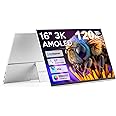
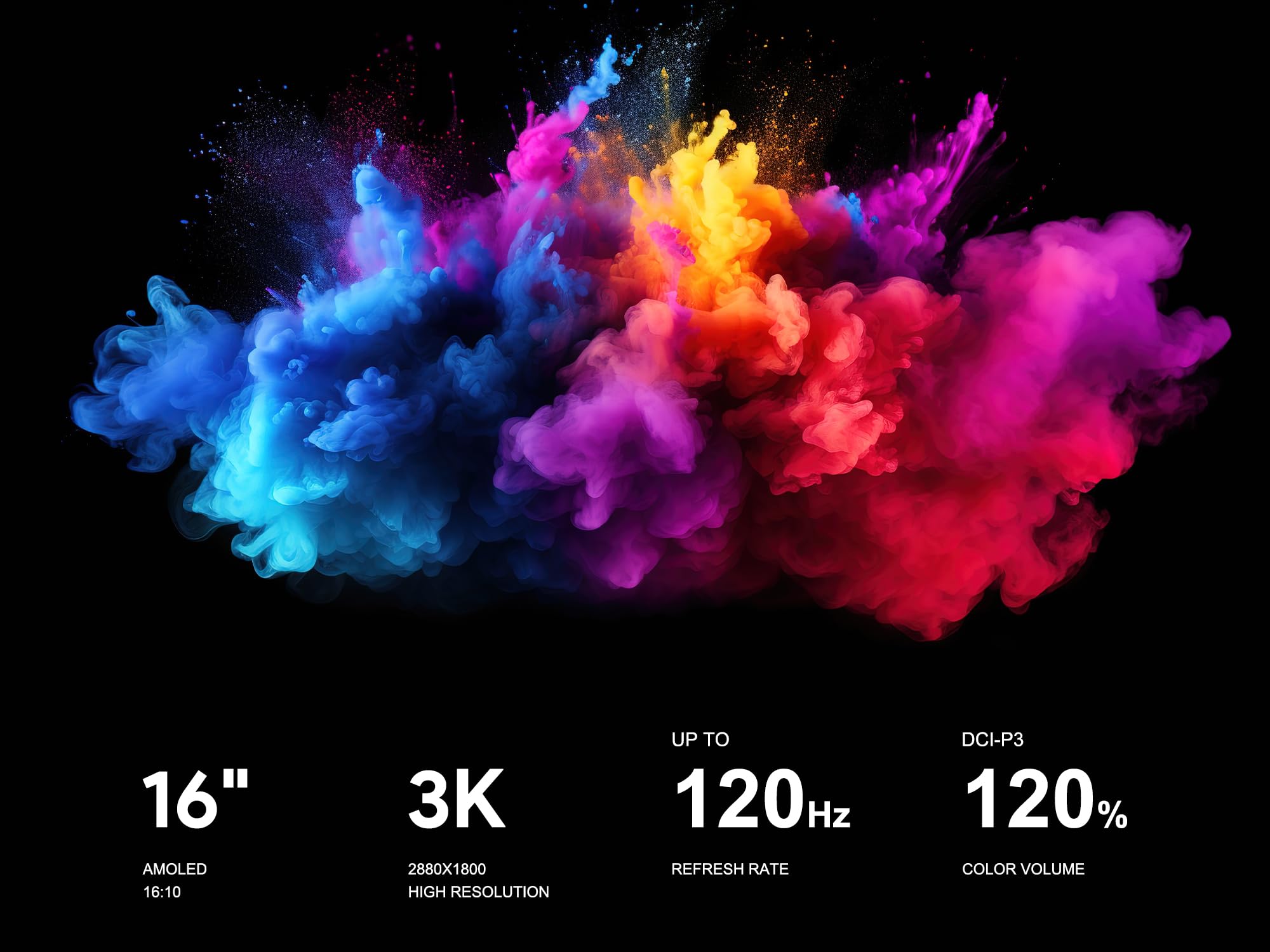
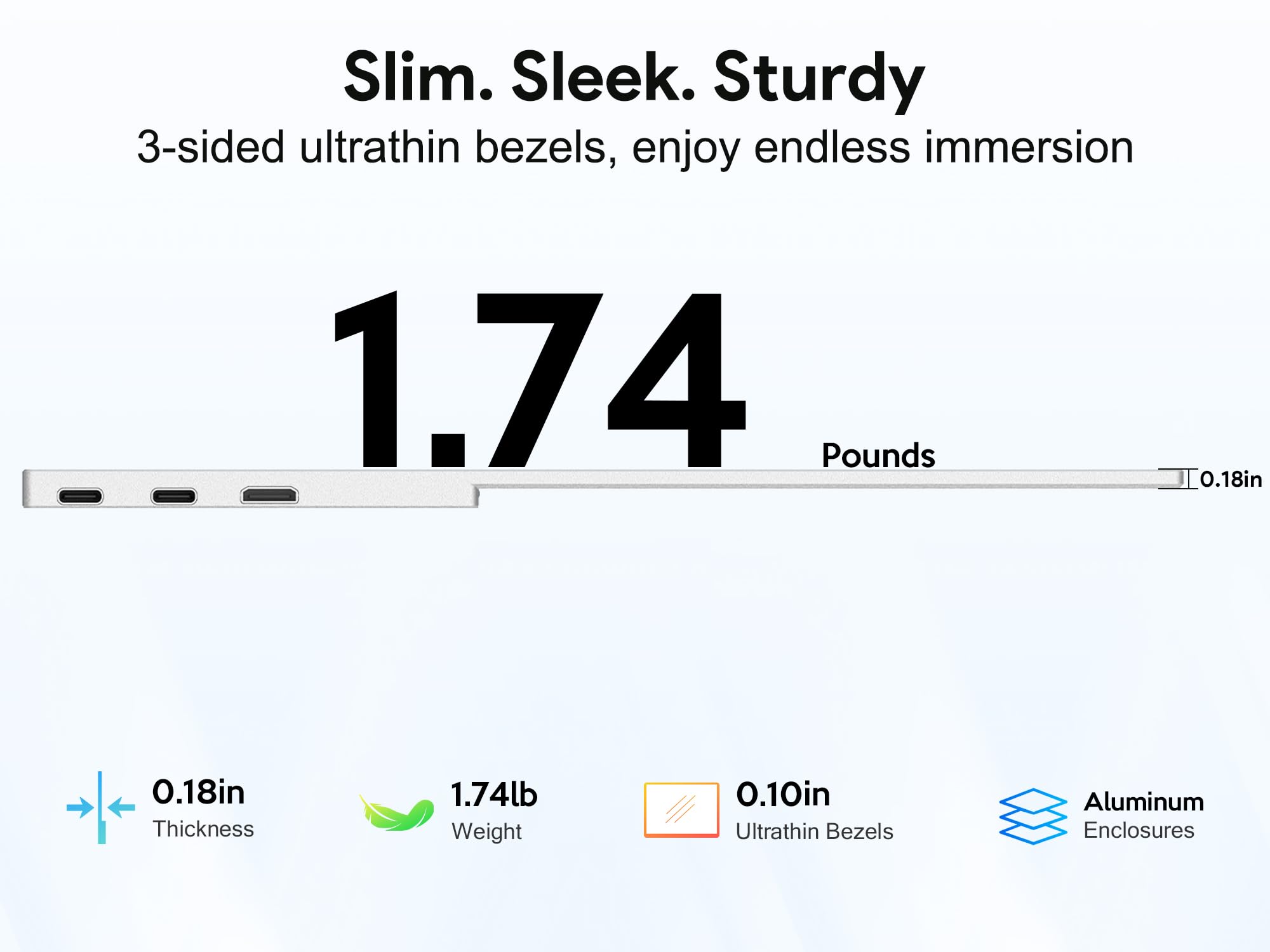
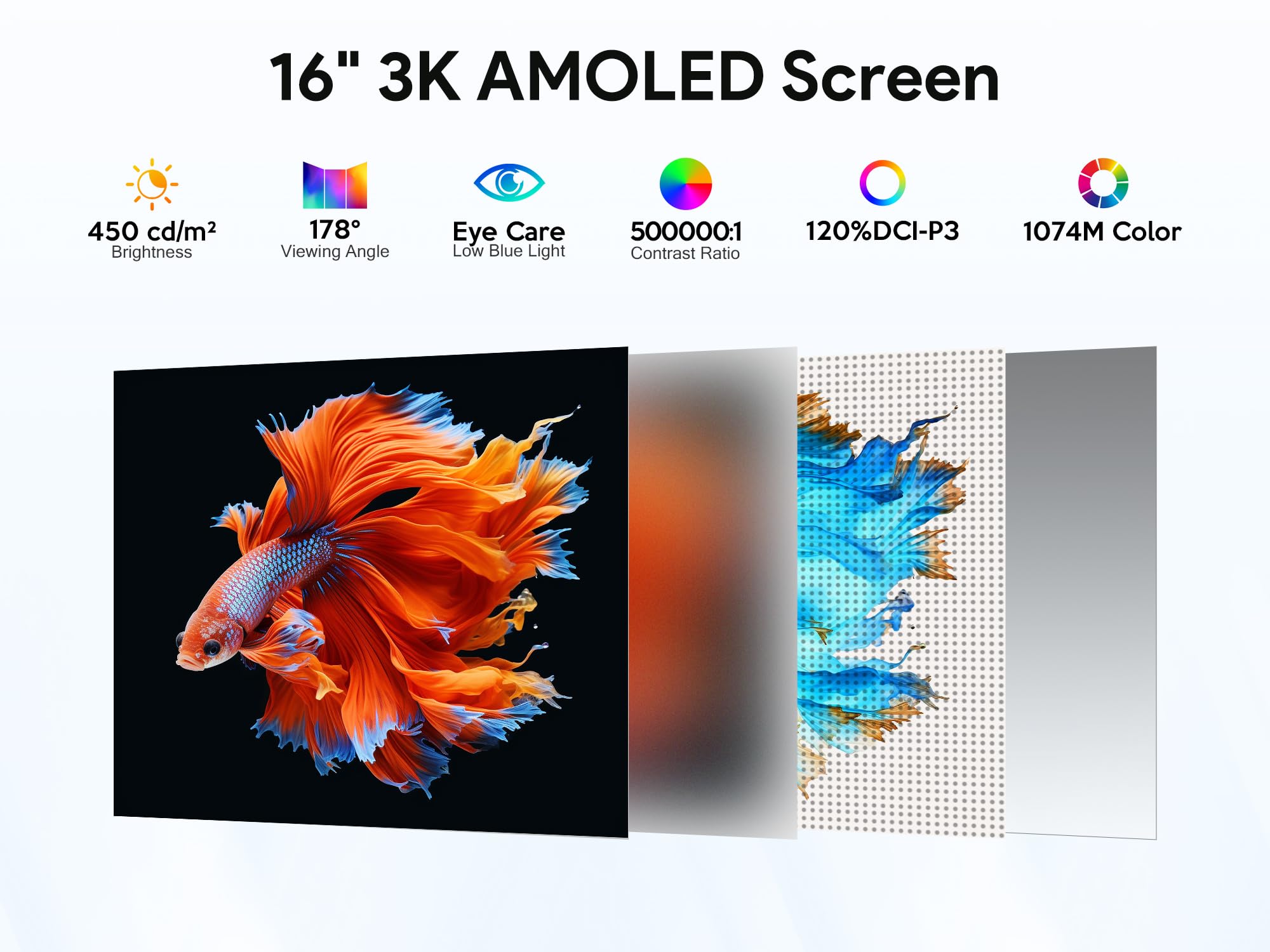
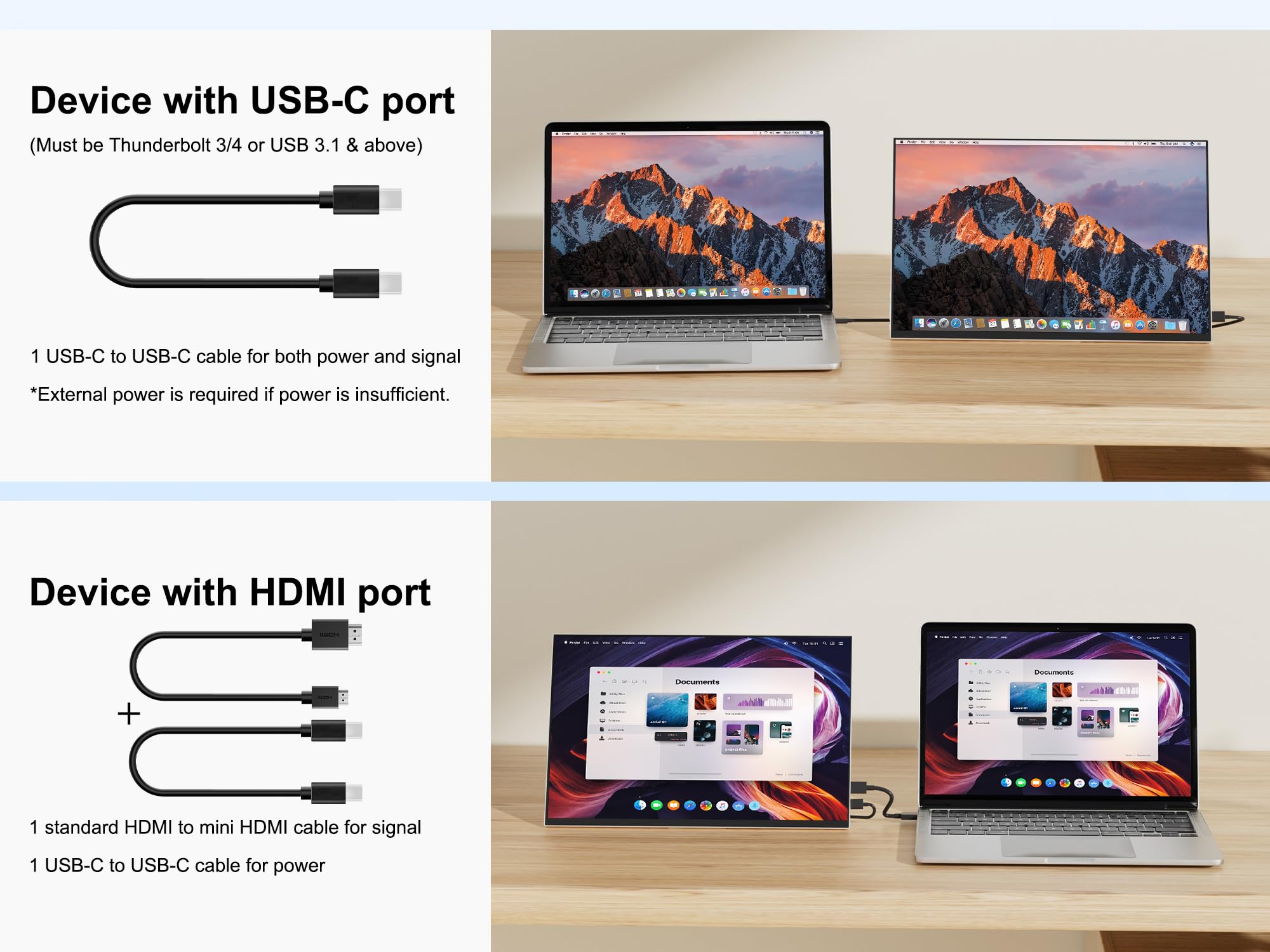
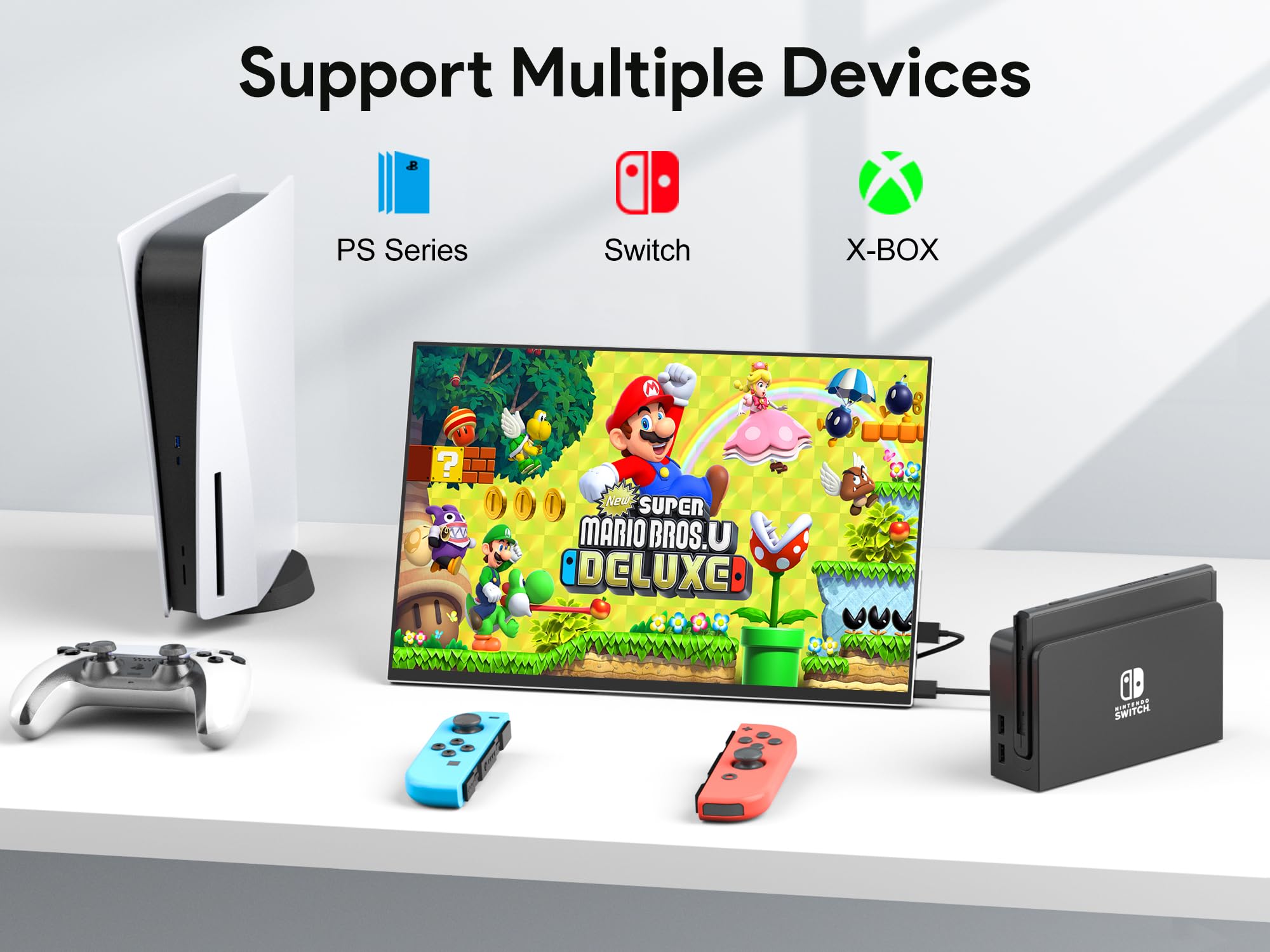
The MAGEX 16" OLED Portable Monitor delivers a stunning 3K AMOLED display with 2880x1800 resolution, 120Hz refresh rate, and ultra-fast 0.1ms response time. Featuring 120% DCI-P3 color accuracy and a durable, ultra-thin aluminum design, it’s engineered for professionals and gamers who demand vibrant visuals and seamless performance on the go. With dual USB-C, mini HDMI, a versatile kickstand, and VESA compatibility, it’s the perfect companion for laptops, consoles, and mobile devices.


S**E
Superb portable USB-C display with excellent colors, 120hz and built-in speakers!
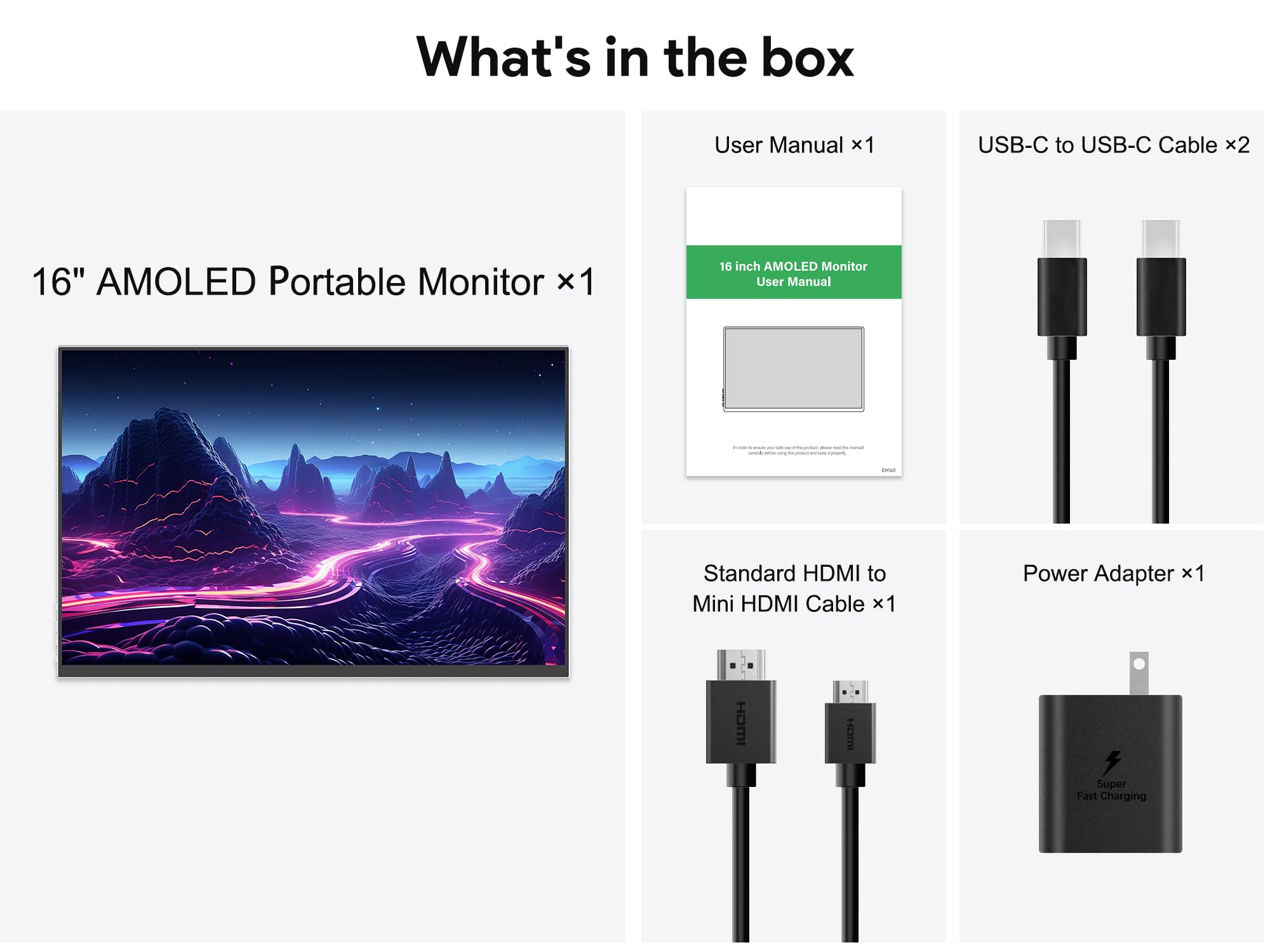
I've been anxiously expecting this portable display and today it finally arrived! I got a little disappointed, not from the item but actually from myself being sometimes unexpected with my movements - I've been sitting on my sofa and got zapped from static electrical discharge when connecting the USB-C cable, and did an unexpected movement with my hand which accidently knocked the monitor off the table and onto the hard floor, causing it to get 2 bumps at its back, one at one of the top corners of the monitor and another at the bottom corner of the kick-stand. The aluminum got squashed on these points, but thankfully the monitor itself remained intact. I attached pictures of the bumps so you could see for yourself the aluminum quality. So that's that with my self clumsiness, but it adds an unintended durability test to this review. I think that since this monitor is light-weighted that it actually helped it to survive the fall. But anyway, to the point of this review:I was looking for a decent portable monitor to go with my Mac mini M2 Pro, which supports 120hz output. I saw a few good ones on sale, but decided to go with this particular one, mainly because its inner corners are NOT rounded, which for me if they were then it was a deal breaker - I just don't find it right in terms of design that round corners hide essential screen content, like your mouse pointer itself when you hover at the very corners of your screen. So I'm very glad that this display has the traditional inner sharp corners, which would let you see the entire image of both PC and Mac, and also other game consoles. I've attached pictures of each corner so you could see that they're not rounded but sharp.You get 1 mini HDMI to HDMI cable, and 2 USB-C thunderbolt cables which can delivery both power and signal. In addition, you get a 100-240v power adapter (with US plug) in case your machine can't provide enough juice to power this monitor up with a single USB-C cable, in which you'd connect to the device one USB-C or HDMI cable for the signal, and the second USB-C cable to the wall outlet with the power adapter. This monitor also has built-in speakers, which are quite nice and sound much better than the built-in speaker on the Mac mini - make sure to turn them all the way up from main menu to fully enjoy them.This monitor has a glossy screen, hence its colors are vibrant and the picture quality looks nice and sharp - couldn't be happier. Though (EDIT), note that when you first hook it up that it comes set in an ECO mode that makes the brightness to only about 50%, and even if you turn it all the way up to 100%, it will get back to 50% once you turn it off and on again or if your machine gets back on from sleep. So if full brightness is essential for you and also to fully enjoy the picture quality that this display provides (especially on a non-laptop setup like mine where battery isn't an issue), make sure to first set the ECO mode to STANDARD (see picture), and then to turn the brightness all the way up to 100%. You'd be amazed by how bright and vibrant the colors get (see 'KEEP IN MIND' section for important details below). I attached another picture of it showing Mac OS Sequoia sunrise (woods) screensaver, taken from below to prevent any reflection interruption. But honestly, this monitor looks much better in person. On Mac OS the default resolution you get when hooking it up is 1440x900, but you can change it to the max of 2880x1800 if you wish; I just find it too small and think that 1440x900 is the best resolution for Mac OS on this monitor.KEEP IN MIND: I found that the monitor didn't get enough power from my Mac mini M2 Pro when I set it to STANDARD ECO mode, and it got disconnected just by opening browser tabs, which required me to disconnect and reconnect the USB-C cable to get a signal again; connecting it to the power outlet with the provided power adapter and the additional USB-C cable solved this issue.Bottom line, I'd definitely recommend this item to anyone who's looking for a portable display for a single-cable-setup. It's light-weight, the picture quality is excellent, and you get 120hz refresh rate which is a standard nowadays. I've ordered another one as a backup and to use it as a second monitor, should the first one fail on me one day due to the fall and be out of stock. The only down side I noticed now, which is a nitpick, is that all of the ports are on one side, and so putting 2 of these side by side will have a gap for the cable connections. There are varies U shaped adapters online that you can use to reduce this gap, and it also makes a cleaner look on the desk.Hope you find this review helpful.
W**.
Initially disappointed, but exceptional customer service!
The media could not be loaded. UPDATE:I may have jumped the gun when writing my original review as I was frustrated after the monitor did not work the way I would have hoped. It is a possibility that I've received a defective monitor or maybe a firmware update may help correct this issue. I reached out to the seller who had provided exceptional customer service and went above and beyond to make things right. They helped me come to a resolution on this monitor and I would definitely give them another chance on a future release.ORIGINAL REVIEW:I really wanted to like this monitor, and for the first few days, I did.I used the Magex portable monitor as a secondary display for productivity with both my M1 Pro MacBook Pro and Lenovo P14 work laptop. Both devices support Thunderbolt 3 & 4. Initially, the monitor performed well—great visual quality and a decent build for a portable display. While the speakers are fairly basic, that’s to be expected in this category.However, after just four days of use, I encountered a serious issue. While using the monitor with my Lenovo laptop via USB-C, a Windows update required a restart. After rebooting, the monitor was no longer detected. The green LED would flash, but the screen remained black and flickered with yellow lines every couple of seconds. I tried multiple cables and devices, including my MacBook, but the issue persisted.After some trial and error, I found that the monitor would only work if it was plugged into an external power source in addition to being connected to a laptop. It no longer functions as a simple plug-and-play Thunderbolt display, which defeats the portability and convenience I was looking for.I was ready to leave a 5-star review based on the initial performance, but unfortunately, I can’t recommend this monitor in its current state.
T**S
High Quality OLED for under $300
This monitor has been absolutely fantastic as a secondary display for entertainment. What I didn't expect was for it to be so fantastic for gaming, too. The resolution and color depth are amazing, especially compared to the 1080p IPS display I was primarily using before. That paired with the plug and play functionality makes it ideal if you're looking for an OLED display under $300. Plus, it only took a few minutes to mlunt it to my VESA mount and position it exactly the way I wanted it.My only complaint is that I needed to get a cable that was either Displayport or HDMi to USB-C, as I wanted video from my GPU and to get the most benefit out of the display, but I was able to find one online easily enough. Easy to move, easy to set up, easy to power, and amazing to look at. For this price, you likely won't find much better in an OLED.
Trustpilot
2 weeks ago
4 days ago