
DOWNLOAD THE APP


Customer Services
Copyright © 2025 Desertcart Holdings Limited
DOWNLOAD THE APP

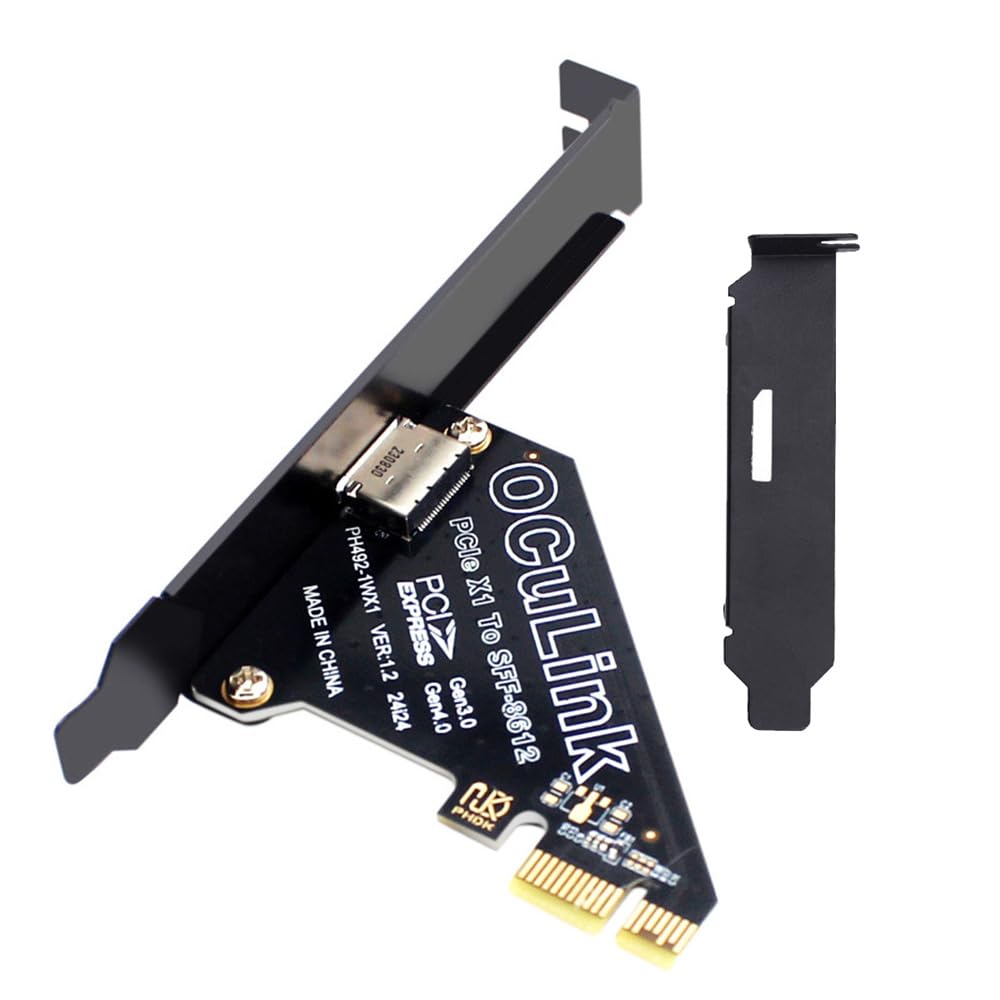

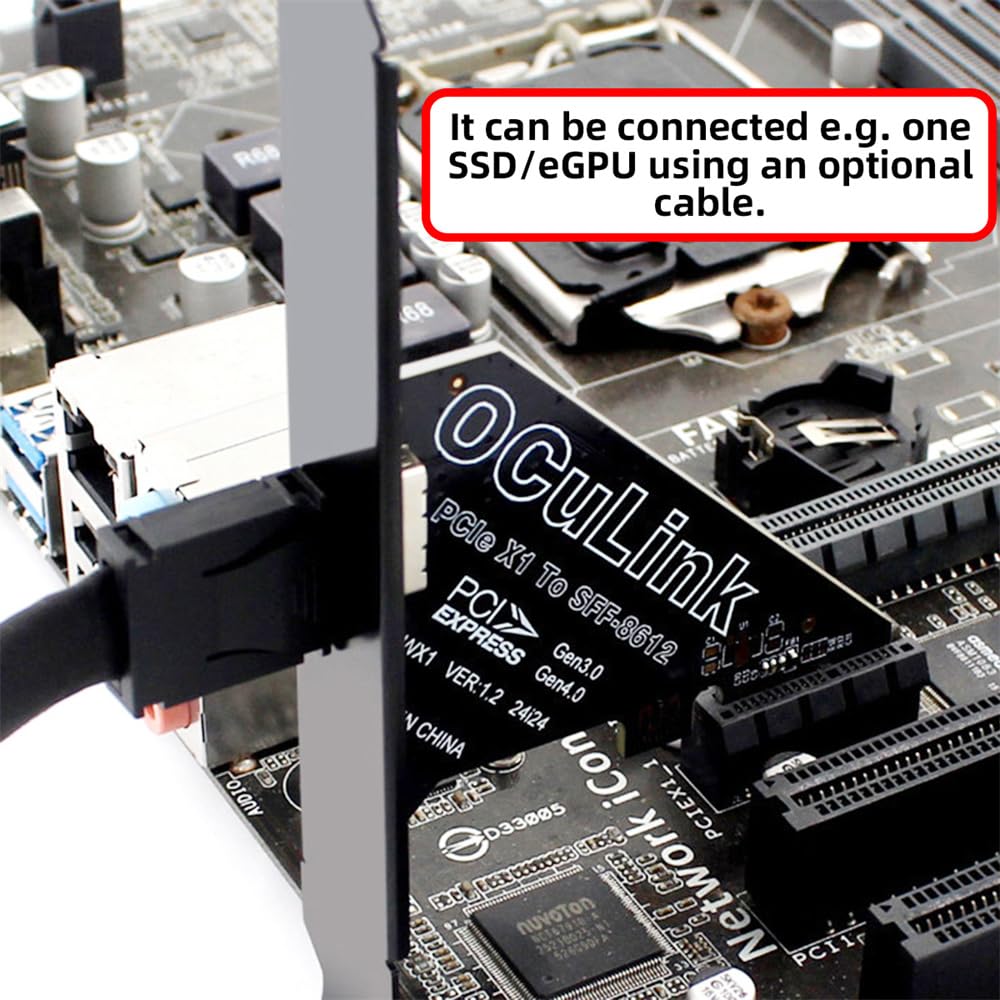
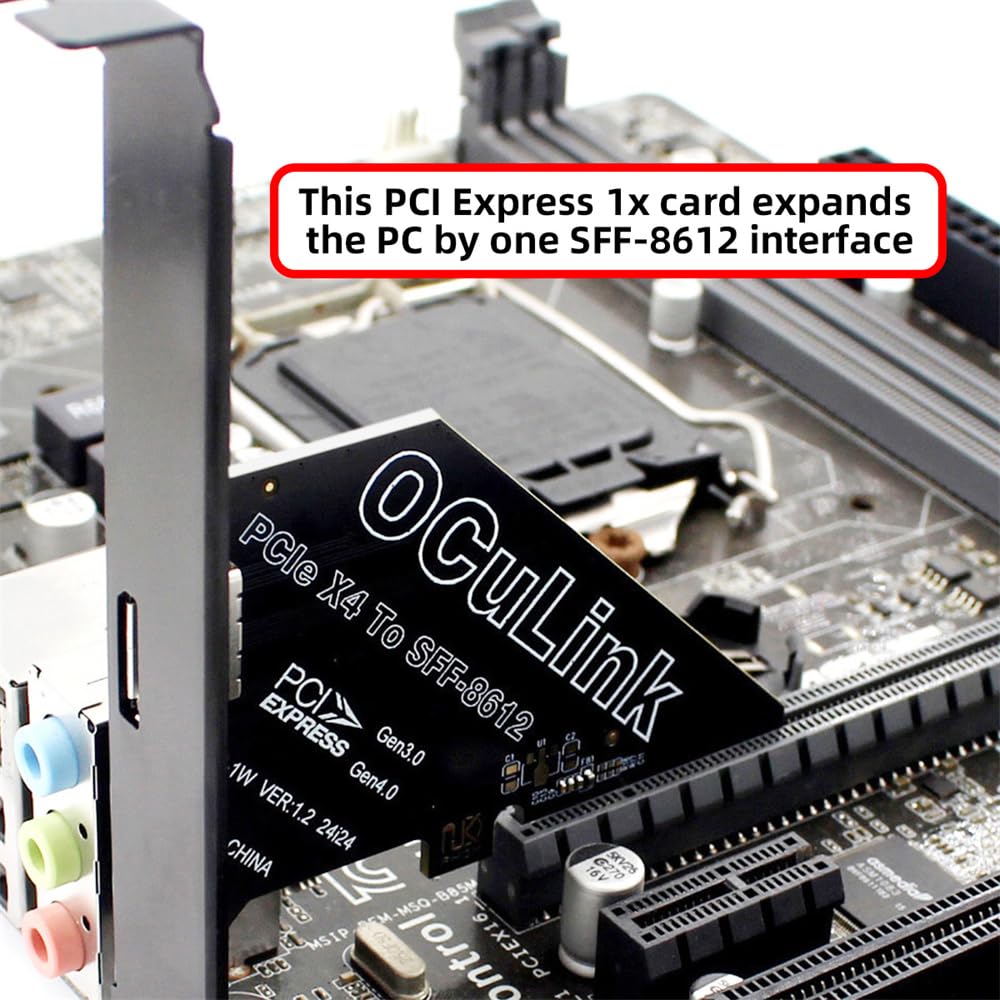
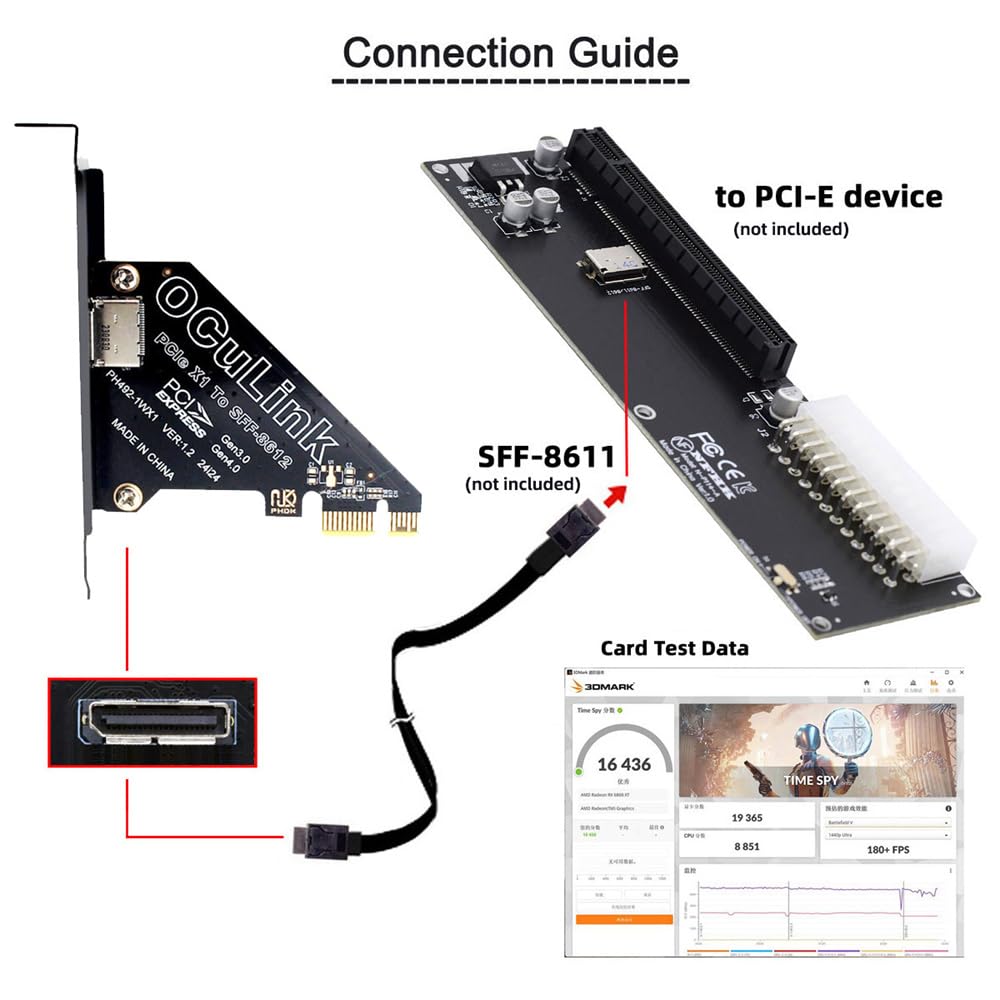

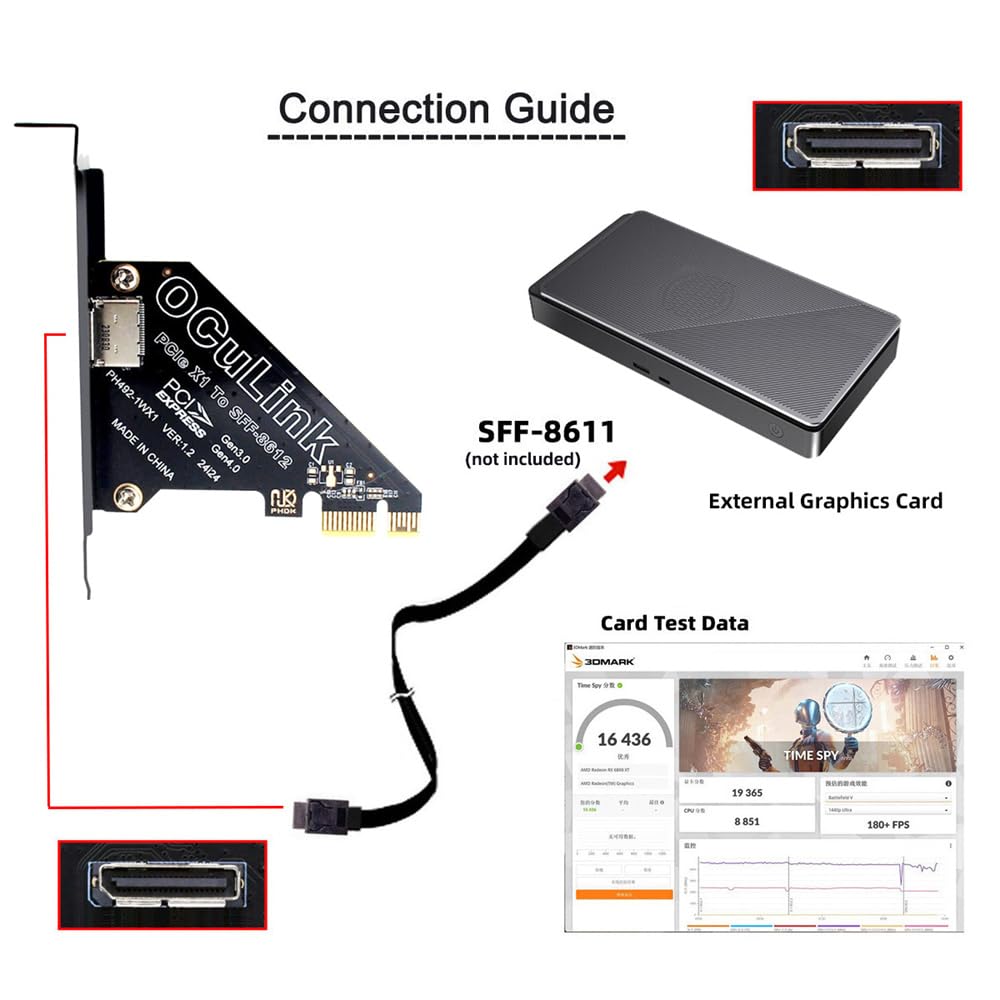
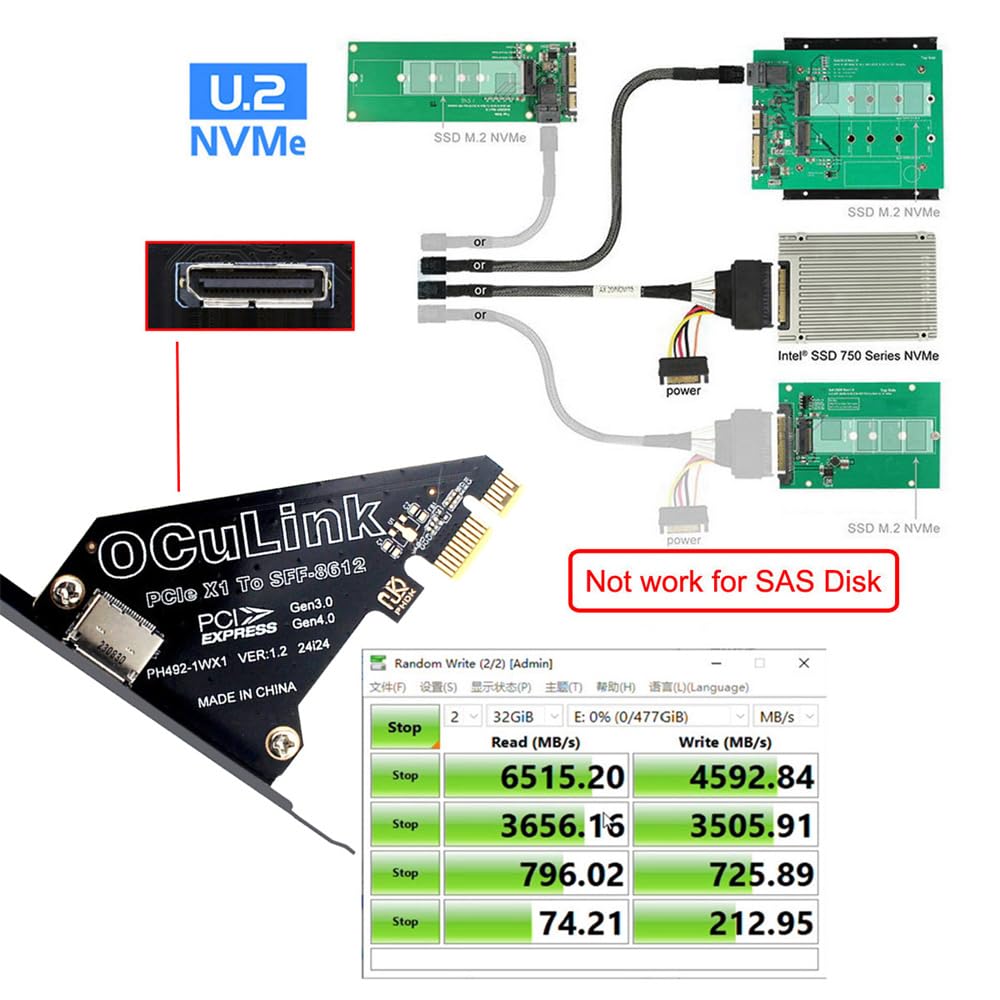
🚀 Upgrade your rig with the future-proof PCIe 4.0 Oculink adapter!
The Xiwai PCI-Express 4.0 1x Oculink SFF-8612 Host Card is a compact, high-speed adapter that converts a PCIe 1x slot into an Oculink port, supporting PCIe Gen 4 data rates up to 64Gbps. Compatible with GPUs, NVMe SSDs, and expansion cards, it offers versatile connectivity for desktops, laptops, and small form-factor PCs. Designed with a low-profile bracket, it ensures stable, robust connections while saving space and maintaining backward compatibility with PCIe 3.0 devices.


| ASIN | B0F5HGF34Y |
| Amazon Bestseller | #38,811 in Computers ( See Top 100 in Computers ) #118 in Network I/O Port Cards |
| Batteries Included | No |
| Batteries Required | No |
| Brand | xiwai |
| Compatible Devices | GPU graphics card, SSD, expansion card, etc |
| Connectivity Technology | PCI-E |
| Customer Reviews | 3.4 3.4 out of 5 stars (28) |
| Date First Available | April 21, 2025 |
| Item Model Number | SF-057-OC01-XY |
| Item Weight | 11 Grams |
| Item model number | SF-057-OC01-XY |
| Manufacturer | xiwai |
| Operating System | Windows, macOS, Linux |
| Package Dimensions | 11 x 11 x 1 cm; 11 g |
| Special Features | PCIE 4.0 data transmission |
食**康
Minisforum DEG1をつないだり、NVMeのSSDをつないだり、色々と楽しんでます。 GPUもSSDも外付けが普通になって欲しいですね。大型GPUはケースを選ぶし、NVMe SSDはGPUの下で交換は面倒。OSやGPUをコロコロ変える人間からすると、面倒でしかありません。
S**P
Cannot mount on PC cases
When mounting the board into a PC case, the PCIe slot and the card are misaligned by around 1mm, making it impossible to insert properly. It seems the thickness of the aluminum panel (about 1mm) wasn’t considered in the design. I hope you’ll consider correcting this issue in future revisions.
選**い
ATX24ピンが水平についてるパターンのボードです。 加工や調節が必要ですが、某製作所のGPUスタンドと併用することで簡単に外付けGPUができます。
A**ー
HP Z2 SFF G9に入れてみました。x16に刺しても何も反応なし。x4に刺したらバッチリ動きました eGPUは GMKtecのAD-GP1。この商品には関係ないが、つけたり外したりするたびにBitlocker解除キーを求められたりPINコードの再設定や指紋認証のやり直しなどが発生したのが大変だった。心当たりの環境の方はどうぞご準備を ともあれ、安定して動いています。
A**A
この手のボードではOCuLink接続での相性問題でグラボが認識しないとか 結構あって この製品は3枚目のカードですが ミニPCでは珍しい拡張カードが増設できるMINISFORUM MS-01に接続してMinisforum DEG1(500w電源)経由でRTX5070tiのグラボの動作確認しました 5070tiは動作確認の為、メインPCから外して来たもので、普段は3080接続です どちらも安定して動作してます とはいえ・・・Thunderbolt 5のロープロファイルの拡張カードが発売したら お役御免になりそうだけど
S**N
外付けGPUにしようと購入しました。 今回初めて認識したんですが、一般的なeGPU用途のoculinkのケーブルはx4だった様で、しかし、こちらのカードの端子はx8(が2個)だったのですが、商品写真では区別がつかず、素直には使えない物を買ってしまいました。 しかも、ケーブルと言うのがx8からx4を2本に分岐するケーブしか見当たらず、それだけで7〜8,000円する代物でした(このボードはそのケーブルが2本付けられるという事らしいです)。 このx8端子で早い転送ができる訳でもなく、x4を2本に分岐するケーブルを別途用意しなければならないのも釈然としないので、今回このカードの使用は見送り、結局x16のライザーケーブルで繋ぎました。 Amazonには素直にPCI-EからOculinkでGPUカードを接続出来るカードは無いんでしょうか?
ま**ん
SATA M2 SSDについては、普通に一般ドライブタイプのSATAに変換して使うことができます。 NVMe SSDもSATAに変換できるかのように見えますが、できません。 NVMe SSDを利用するには、電源は通常のSATA電源ケーブルを当カードに接続しますが、 データは当カードに設置されているOCuLink 4i 42p コネクタから出力されます。 SATA M2とNVMeはそれぞれデータ出力先が違いますので、同時に使用することができるかもしれません。 (当方はOCuLink 4i 42pが接続できる環境が無いため検証していません。) NVMeをSATAに変換する目的で購入しましたが、よく確認していませんでした。 他の類似品も同様の仕様になっているようですので、購入の際はご注意ください。 製品としては問題ないと思われますので☆5にとします。
A**ー
残念ながら古いPCへの対応は,できないようでした.
U**Y
للأسف لم تعمل لا أدري أين المشكلة ولكنها لم تعمل.
D**W
For an x8 lane connection this is an unbeatable deal. There is even a blank pad to add a second 8i port for a full 16 lane connection. It works amazingly well. The design is a little shabby with the power switch and the way the port is facing but it's a bare PCB. The quality of the connectors and PCIe port is good but the power switch is fragile. It fits any regular PCIe card just fine. The speeds are as if the card is actually installed in the computer. It serves me very well with my GPU testing bench. Also works well with an 8i to (2) 4i break out cable!
K**L
Tut was es soll! Und bekomme fast volle Leistung von PCIe Gen 4 mit 4 LANs
C**N
Ne marche pas avec une rtx 3090
M**.
Lo probe con una motherboard Supermicro X11SRM-VF con 4 concectores Oculink, le puse un WD SN750 y usé este adaptador y un cable y no lo detecta. Luego puse el SSD en el slot M2 y sin problema. Este adaptador no funciona para expandir pcie 3.0 x4. ¿Le faltará alimentacion? No lo sé.
Trustpilot
3 weeks ago
1 week ago