

Desert Online General Trading LLC
Warehouse # 7, 4th Street, Umm Ramool, Dubai, 30183, Dubai
Desert Online General Trading LLC
Warehouse # 7, 4th Street, Umm Ramool, Dubai, 30183, Dubai





🎨 Elevate your digital art game with precision and speed!
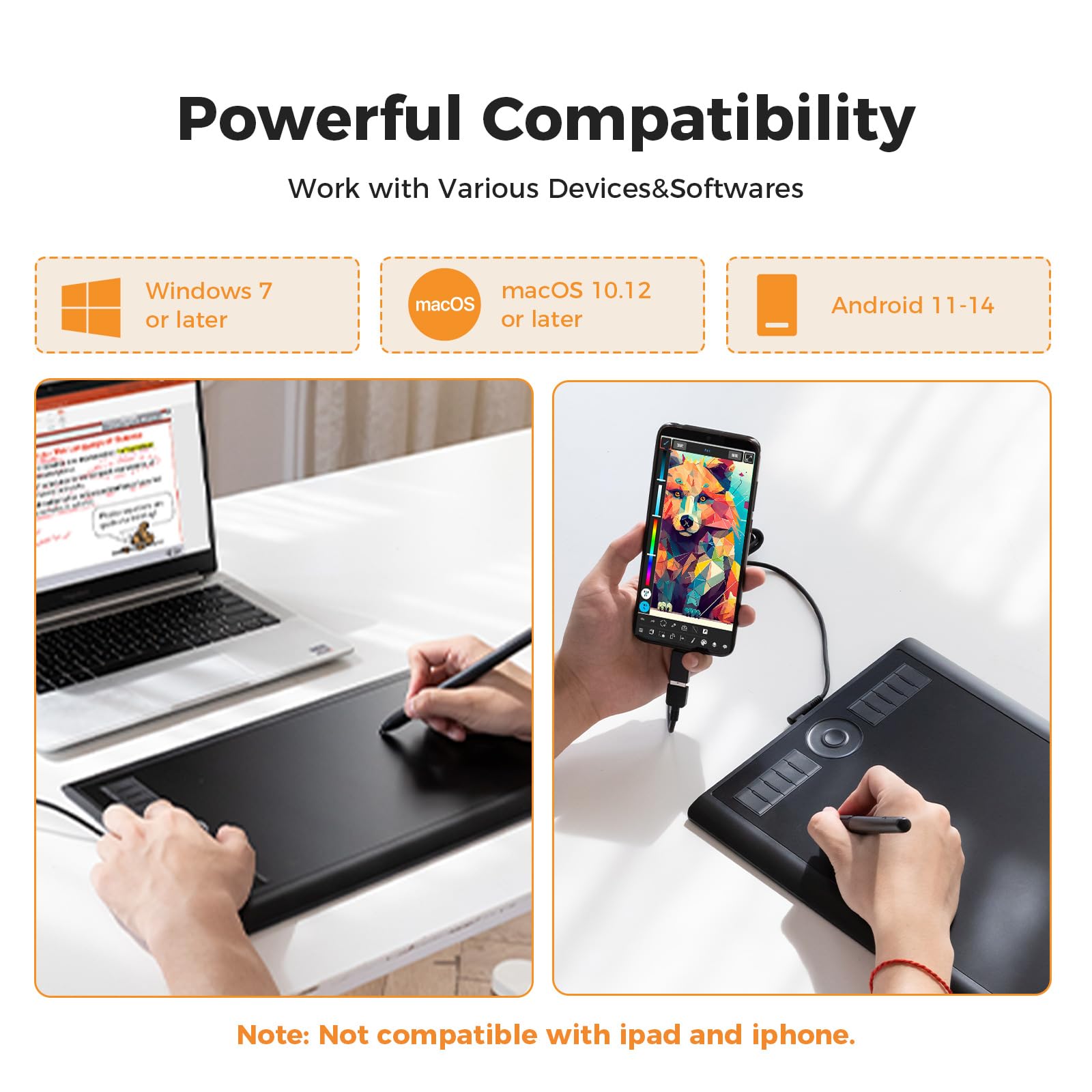
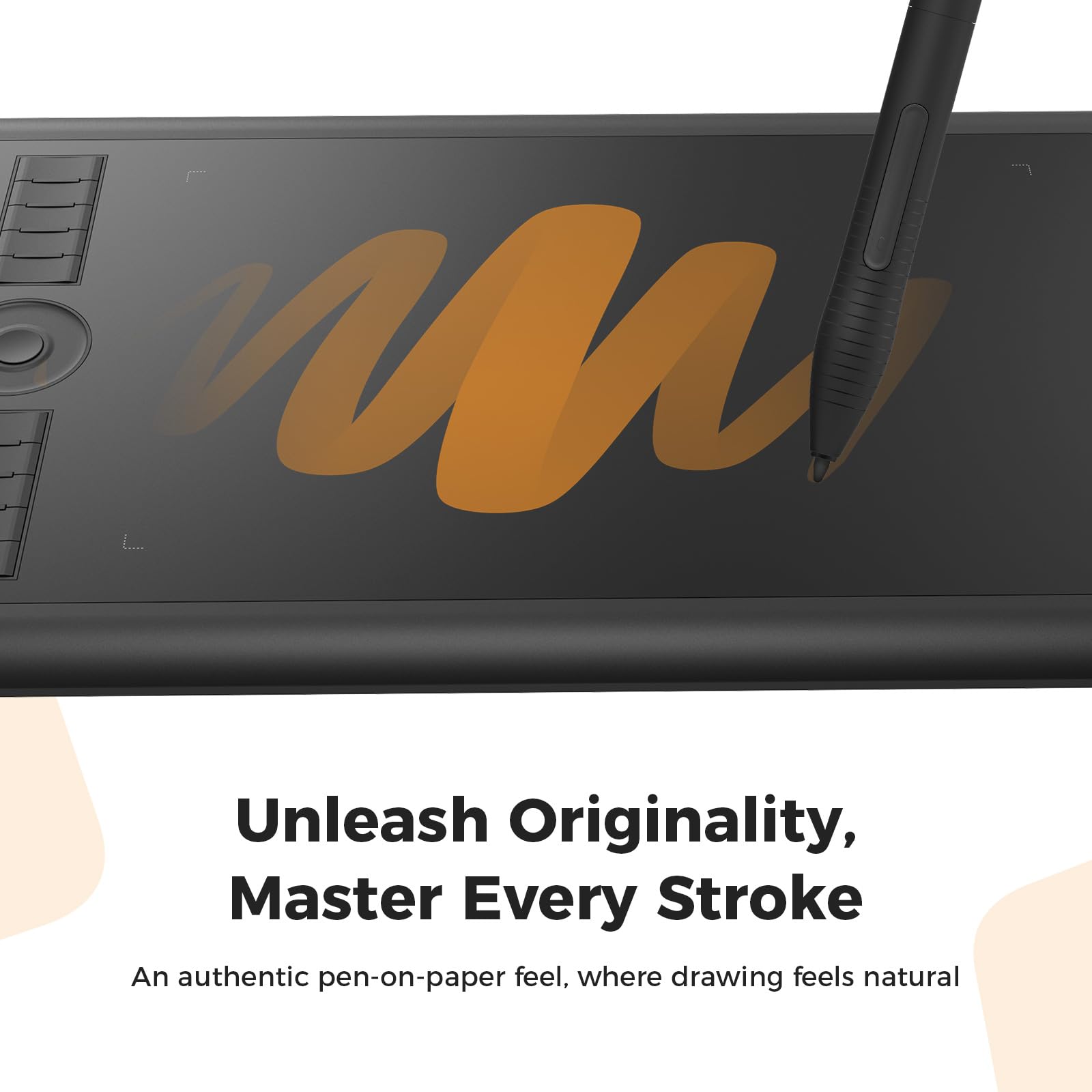
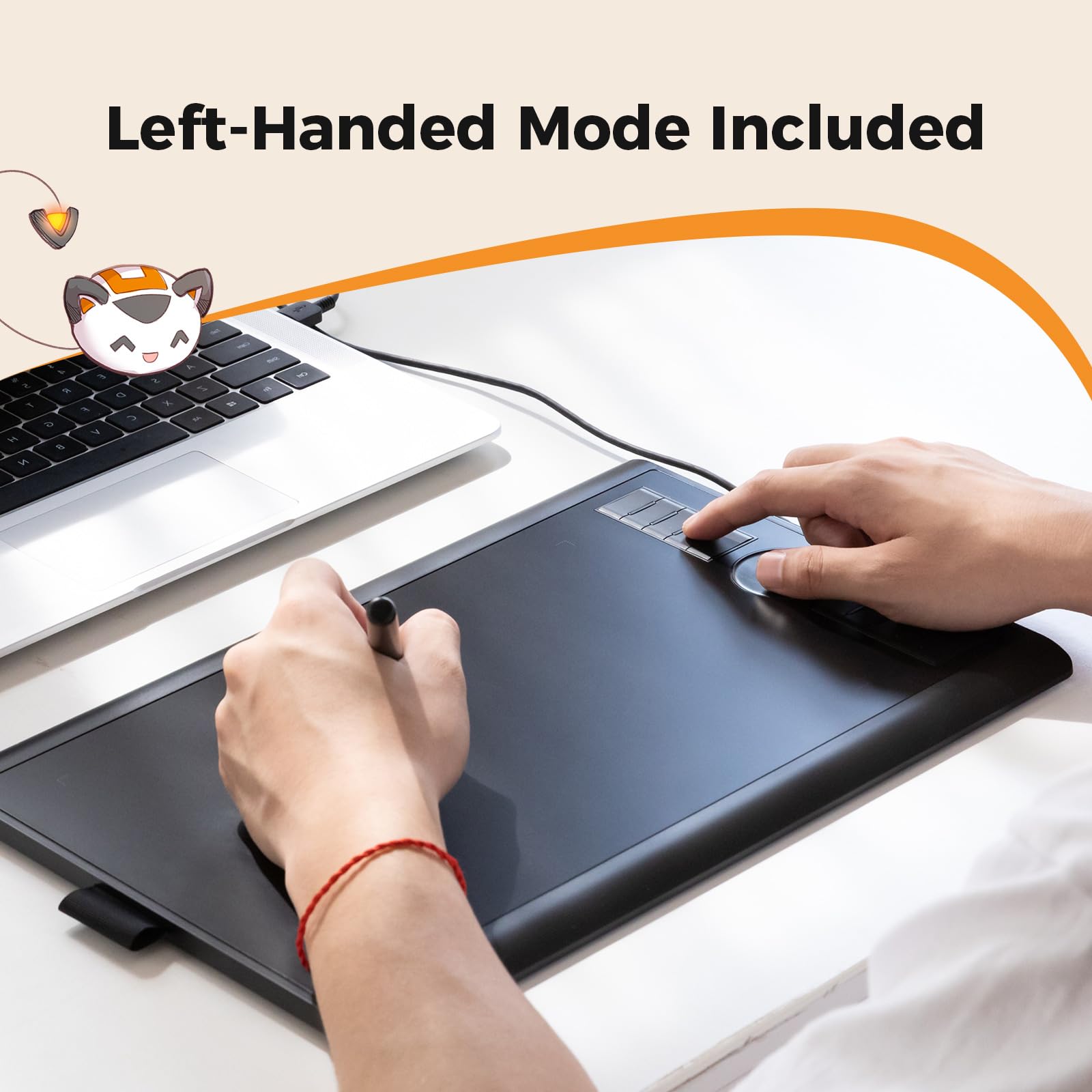
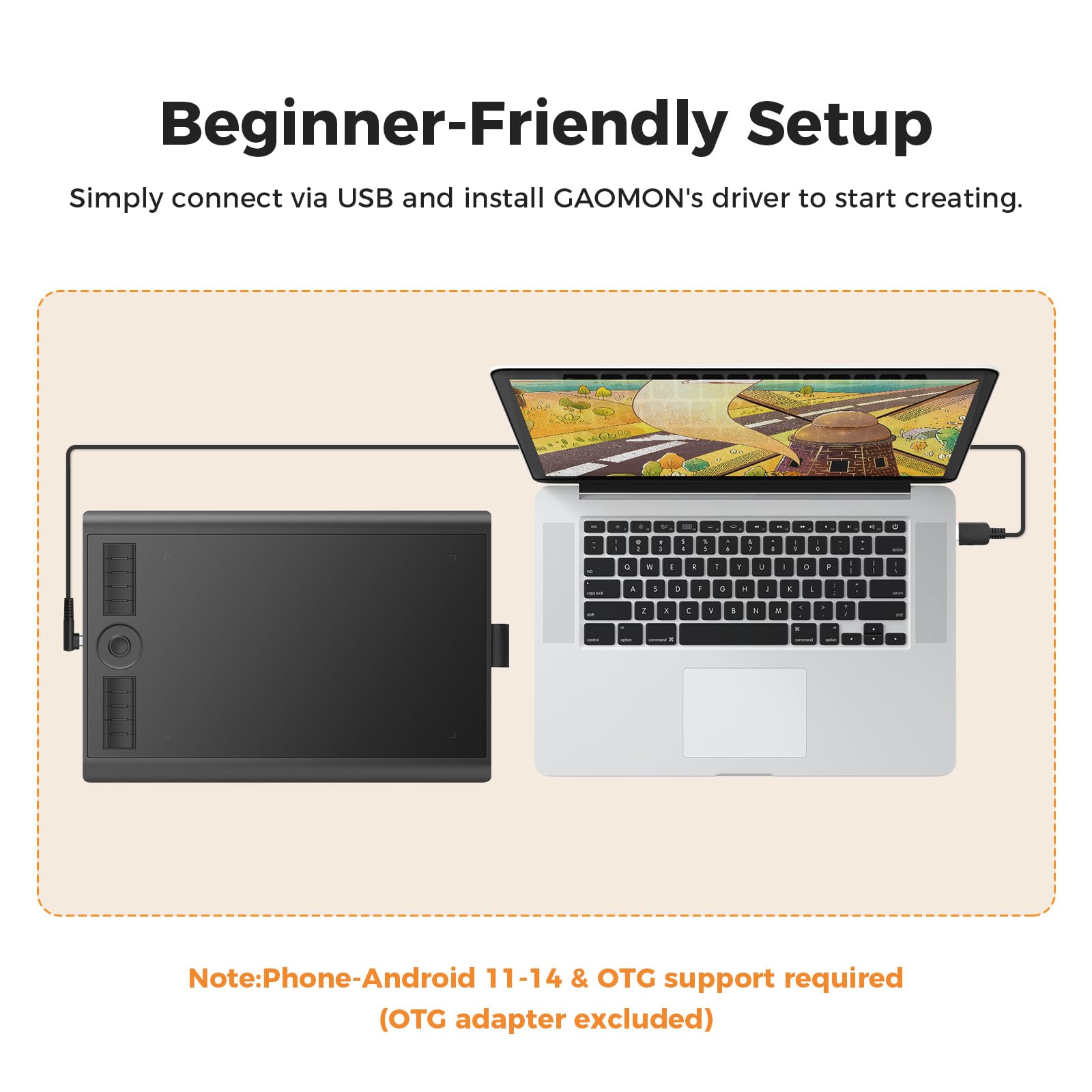
The GAOMON M10K2018 is a professional-grade graphic drawing tablet featuring a large 10 x 6.25 inch active area, an ultra-responsive battery-free stylus with 8192 pressure sensitivity levels, and 10 customizable shortcut keys plus a touch ring for enhanced productivity. Compatible with Windows and Mac OS, it supports all major creative software, making it the perfect tool for designers, illustrators, and digital artists seeking precision and efficiency.


| Specific Uses For Product | Drawing, Designing, Painting |
| Display Type | No Screen |
| Compatible Devices | Laptop, Desktop, Certain Android Tablet & Smartphone, Mac |
| Native Resolution | 1920x1080 |
| Operating System | Windows 7 or later, macOS 10.12 or later, Android 6.0 or later |
| Additional Features | Built-in Pen Loop, Battery-free Stylus, Touch Ring, Extra Replcement Nibs, Programmable Press Key |
| Connectivity Technology | USB |
| Pressure Sensitivity | 8192 Levels |
| Active Surface Area | 10 x 6.25 inches |
| Item Dimensions L x W | 14.17"L x 9.44"W |
| Item Weight | 695 Grams |
| Screen Size | 10 Inches |
| Color | Black |
C**E
Great tool for my kids online learning!!
I bought this Signature Graphics Tablet mainly for my kid's online tuitions, and it has been a game changer. Writing and drawing on this tablet feels smooth and natural, making it so much easier for them to follow lessons and submit their work neatly. The express buttons are very handy for quick functions, and the setup was super simple – just plug and play.It’s lightweight, compact, and easy for kids to handle, yet it feels sturdy and reliable. The tablet also works great for drawing and creative projects, so they use it beyond classes as well. For the price, this is an excellent tool for learning, practicing, and even some fun doodling. Highly recommended for students and parents looking for a reliable tablet for online learning!
W**H
Gift for teenager
Gift for teenager, very good quality and easy to use , works very good, good value for money and reasonable price paid . Very happy with gift 🙂
N**A
GAOMON is now my favourite tablet manufacturer
The media could not be loaded. Why did you choose this product over others?:A cheap alternative for artists. This one lasted me years now and I only ever had a one issue which was just pen connection but it's fixable. Loses one star because of that but if you need a decent tablet for cheap, buy it. I've switched to the PD1611 from GAOMON now so I do back up that this company is good :)Comfort:Recommend a glove for better movement, but the surface is smooth and comfortable to rest on.Screen size:Has no screen but it is small, I'd say the size of a square mousepad if you want to imagine it. It's still comfortable and you can adjust what screen proportions the tablet can interact with through the pc program.Buttons:Buttons never failed me, they are good and customisable and easy to reach.Design:Good for art as well as OSU or anything else you'd need it for. ( OSU EXAMPLE below )
S**R
A great tablet.
My wife needed a tablet to complete a design course that she is doing. She has a Mac and a PC, so I needed a tablet that was low cost that works easily with Mac OS and Windows. I also didn't want a pen with a battery.I looked at all the others in this price range and watched many videos. Some of the review videos can be very fussy when reviewing these things so I also had to add a bit of my own judgement. I seem to have made the right choice with this model. As my wife is incredibly pleased with it. Believe me, if this were no good, she would be getting me to buy a different one. So already, we are onto a winner.The pen is of an excellent quality and has no battery to keep having to change. It is accurate and the only problem my wife has is getting used to using it as a pen and not a mouse. When you first use these things, you want to try to use it like a mouse. But with a tablet, if you move the pen to the top right of the pad, then the mouse pointer will be at the top right no matter what you do.The buttons on the tablet are a nice to have. They are easy to setup and customise with the provided app.She has been using it with Adobe Creative Cloud with no issues at all. We just plugged it in, and it worked. Nothing else to do really.At the cost, I thought it was going to be a nightmare. But this tablet has really surprised me with how effective it is at this price. I have been buying the famous brand all these years thinking there is no other make of tablet that I would want to use. This model has changed all that for me and I would be happy to look at other products made by this brand.This tablet also comes with a nice storage bag and a USB to USB C and USB Mini adapter. It also works with Windows 7 if you don't have Windows 10 yet. You can also use the USB C adapter to connect other items to your Mac such as a USB memory stick.The tablet is 10mm thick, so not too high for drawing.Overall, a high-quality, extremely easy to use tablet and comes in a quality box with everything needed.
R**S
Affordable tablet that just works
Affordable tablet that just worksMy experience with the tablet has been great, it’s a nice and affordable bit of kit, may not be an artist or an OSU player, but for my use of teaching online, it’s been great.Using itThe pen glided well, nice bit of resistance, not as much as paper but enough to make it comfortable to write with. The button mapping was useful and easily reprogrammable in the app, my main use being switching brushes and tacking screenshots. The pressure sensitivity, yeh nice and responsive with smooth size changing. It made my writing look much more natural. So enjoyed it.Use in MS white boardOnce you get the screen ratio right it is great and improves your ability to teach as you can show live examples and easily annotate. The reprogrammable buttons have been more useful than I thought, switching between brushes and screenshots made easy.PenThe pen, honestly was the best. Much better than the pen you get with other budget tablets like the Wacom One. The pen being battery free was a good convenience as you have it ready when ever you need it, but bear in mind that there is a limit to how far up you can hold the pen being roughly 0.7 cm when you just lifted it off the pad. So you will want to hold the pen a bit higher up but that’s not really an issue. Holding it was realy comfortable esspecialy with the grip.ConnectivityThis is where it starts of strong, this is one of them rare occasions where there is support for Linux. This off the bat was surprising. This ment I could use it with my workstation. However, my main use was on windows, so regarding that it was great. Basic plug and play.AppThe app responsive, and simple. Plug in the tablet, it does the rest. With the UI, it was very clean, making it easy to remap buttons and screen ratio which was nice and intuitive. Didn’t like that it was on start-up, but the tablet works best with the app so that’s fine. But personally, I leave start-up disabled and open as needed.Overall I have loved using it and in my opinion for its price it is the best and possibly only thing you need as 10 replacement nibs will last you a while and given your not doing anything extreme it ticks most boxes and is better than similar priced alternatives like Wacom one.WarningThe app drivers conflict with Asus armoury crate to the point I had weird issues. Please ensure if you have an asus computer or motherboard to disable this dumb app.
N**I
Liked it
Really good, my daughter really like to draw & write
Trustpilot
2 weeks ago
3 weeks ago